• 中文版
  • BM
  • News
  • Deals
  • Reviews
    • First Impressions
    • Hands-on
    • Comparisons
  • Tech
    • Mobile
    • Computers
    • Cameras
    • Wearables
    • Audio
    • Drones
  • Telco
    • Celcom
    • Digi
    • Maxis
    • Time
    • Tune Talk
    • U Mobile
    • Unifi
    • Yes
  • Cars
  • Contribute
  • Jobs
Menu
  • 中文版
  • BM
  • News
  • Deals
  • Reviews
    • First Impressions
    • Hands-on
    • Comparisons
  • Tech
    • Mobile
    • Computers
    • Cameras
    • Wearables
    • Audio
    • Drones
  • Telco
    • Celcom
    • Digi
    • Maxis
    • Time
    • Tune Talk
    • U Mobile
    • Unifi
    • Yes
  • Cars
  • Contribute
  • Jobs
Search
  • Tech
    • News
    • Mobile
    • Computers
    • Cameras
    • Wearables
    • Audio
    • Drones
  • Telco
    • Celcom
    • Digi
    • Maxis
    • Time
    • U Mobile
    • Unifi
    • Yes
  • Reviews
    • First Impressions
    • Hands-on
    • Comparisons
  • Buyer’s Guide
  • Opinions
  • Digital Life
  • Video
  • Deals
  • How-To
  • Cars
  • Bahasa Melayu
  • EV
  • Contribute
  • Advertise
Menu
  • Tech
    • News
    • Mobile
    • Computers
    • Cameras
    • Wearables
    • Audio
    • Drones
  • Telco
    • Celcom
    • Digi
    • Maxis
    • Time
    • U Mobile
    • Unifi
    • Yes
  • Reviews
    • First Impressions
    • Hands-on
    • Comparisons
  • Buyer’s Guide
  • Opinions
  • Digital Life
  • Video
  • Deals
  • How-To
  • Cars
  • Bahasa Melayu
  • EV
  • Contribute
  • Advertise
Search
Close
Home Digital Life

Google Bard: Here’s how to create your free AI-generated images

  • BY Alexander Wong
  • 2 February 2024
  • 9:06 am
  • Comment
Share on FacebookShare on Twitter

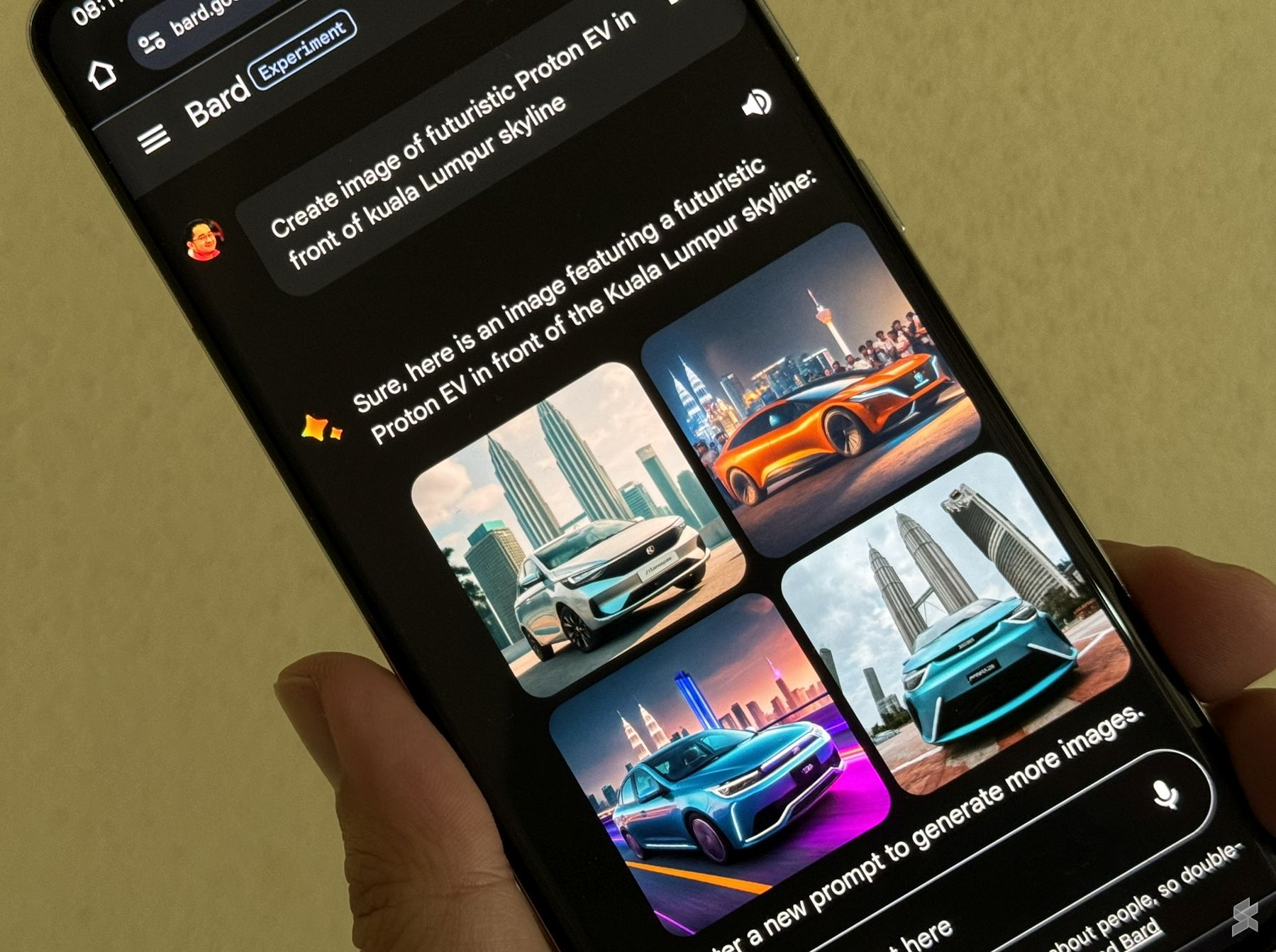
Google has announced a significant update to Bard which lets you create free high-quality AI-generated images. Meanwhile, Google’s Gemini Pro model, announced for Bard last month, can now support over 40 languages and works in over 230 countries and territories worldwide.
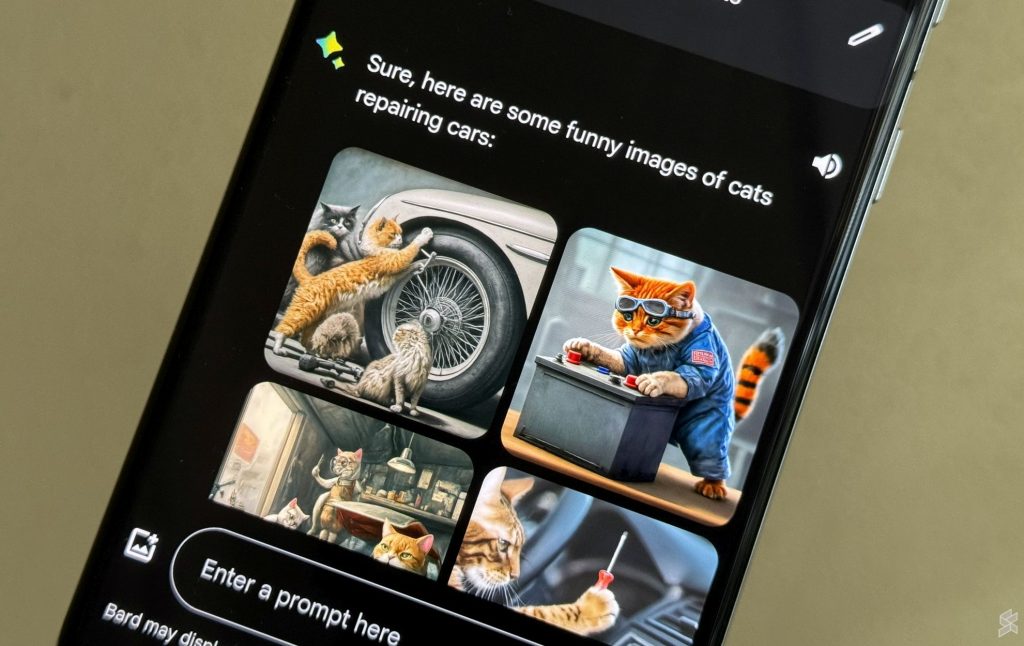
Google Bard can now create free AI-generated instantly

According to Google, its new image generation tool in Bard is powered by their updated Imagen 2 model which balances quality and speed, while delivering high-quality and photorealistic outputs. This is the same model used by Galaxy AI for its AI-assisted photo editing features on the Samsung Galaxy S24 series.

How to create images on Google Bard?
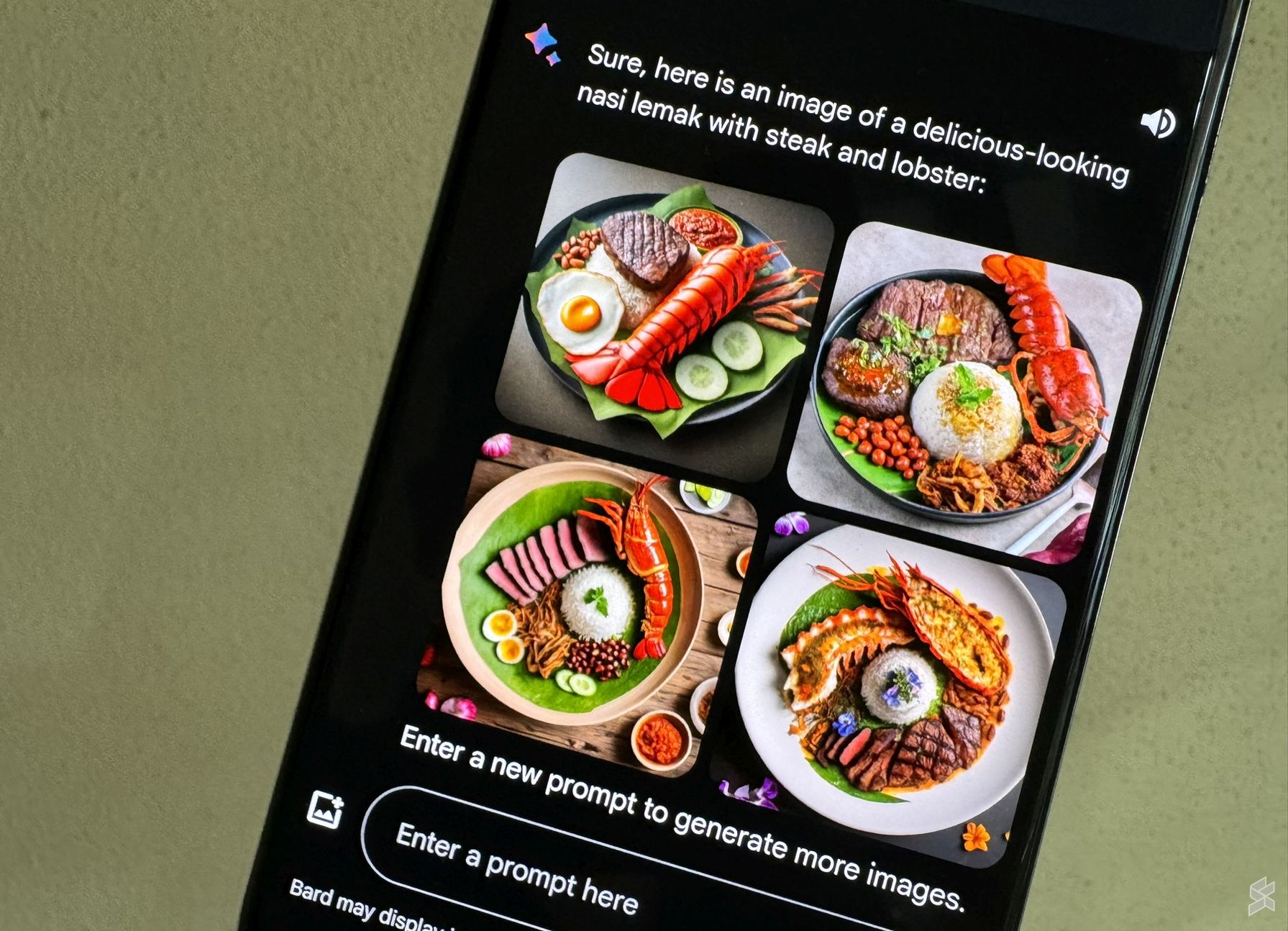
Here’s how to generate your AI-generated images on Google Bard:

  1. Launch Bard on your browser (Desktop and Mobile)
  2. Type in your desired photo description in the prompt (e.g. Create an image of a cat surfing or generate an image of a delicious nasi lemak).
  3. By default, it will show two images, tap on “Generate More” to view more options
  4. You can tap on the download icon on the top right icon to get a higher-resolution image

Take note that the full-size image has a resolution of 1536×1535. You can also download all of the images by tapping on the share icon and selecting “Download all images”. The image generation feature is available in Malaysia but it only supports English for now.
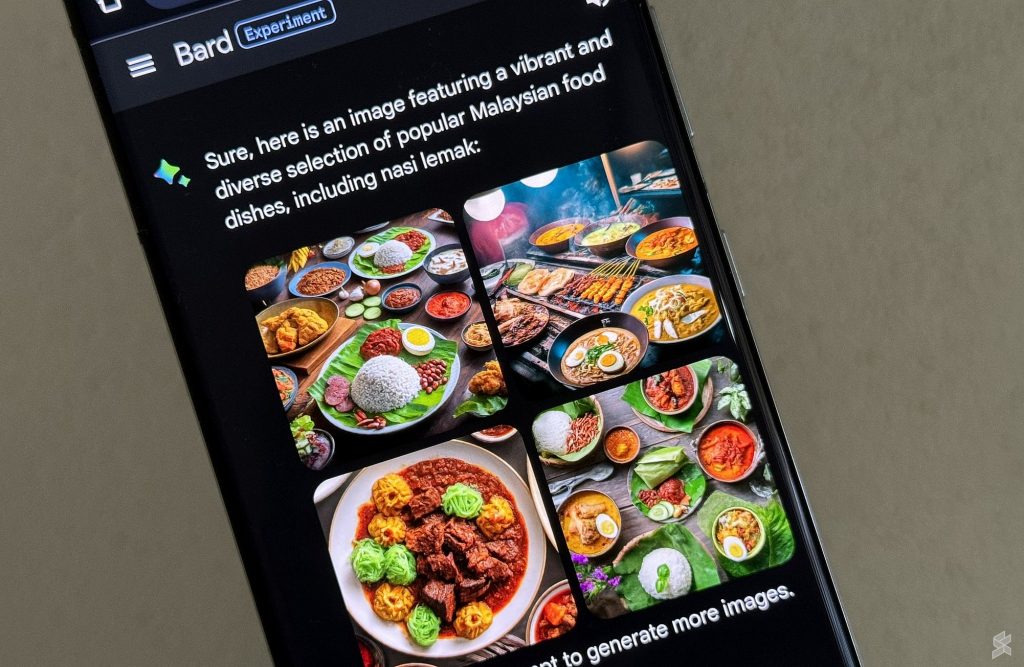
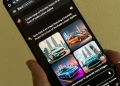
You can refine your AI-generated image results by providing more details to Bard. For example, you can mention the desired theme or style (e.g. futuristic, abstract), specific objects or elements you wish to include, the mood or feeling and any colour preference (e.g. red car, blue house, orange cat).

You can generate text and images in a single prompt
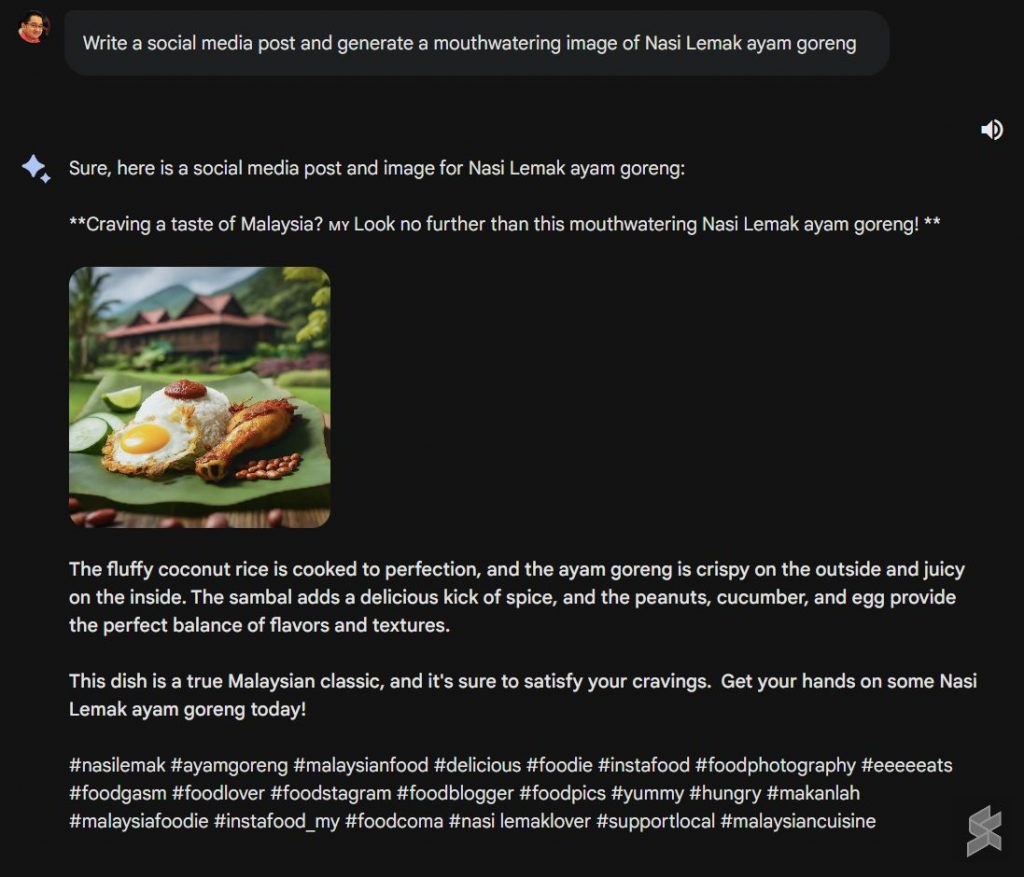
Bard can create social media posts with accompanying images

That’s not all, you can ask Bard to generate content with images. If you want Bard to create a social media post with an image, you can submit prompts such as “Write social media post and generate a mouthwatering image of Nasi Lemak Ayam Goreng”. The generated results for social media post even included suggested hashtags for the topic.
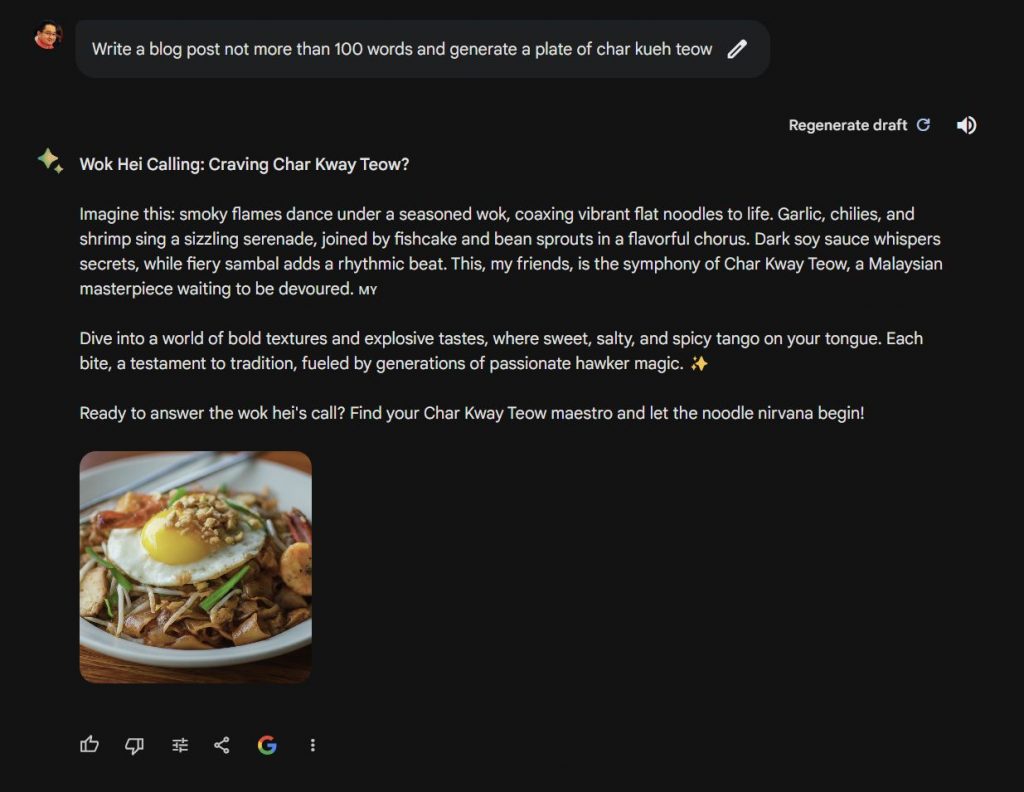
Creating blog post about Char Kway Teow with images via Bard

Similarly, you can also ask Bard to generate long-form text content with generated images as shown above.

Google has added safety measures
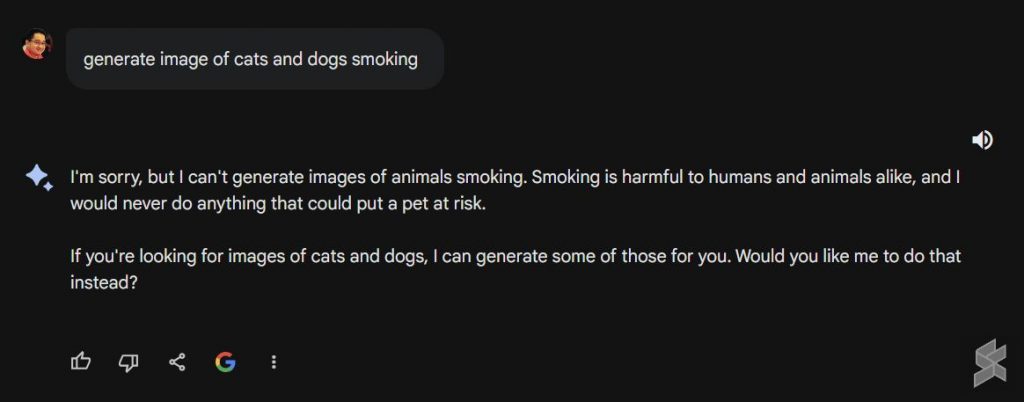
To ensure safe and responsible use of Bard, Google is using SynthID to add digital watermarks into the pixels of the generated images. Bard will also not generate images that depict violence or harm to people or property, and it will suggest positive alternatives instead. There are also limitations on generating images of specific people without their consent which helps to prevent misuse of identity.

[ SOURCE ]

Related reading

  • Google upgrades Bard with new Gemini AI model, Bard Advanced to arrive in 2024
  • Galaxy AI: Here’s how Samsung addresses concerns and dangers of Generative AI
  • Samsung will bring Galaxy AI and OneUI 6.1 to selected older models
  • Galaxy AI: Awesome AI features on the Samsung Galaxy S24 series
Tags: AIGemini ProGenerative AIgooglegoogle bardImage GeneratorImageFXImagen 2
Alexander Wong

Alexander Wong

POPULAR

Google Bard: Here’s how to create your free AI-generated images

February 2, 2024

Malaysia now spending over RM4 billion monthly on fuel subsidies. It’s time to accelerate EV shift

March 29, 2026

The Xiaomi 17 Proves You Don’t Need a Giant Phone for Pro-Level Photos

February 28, 2026
Image source: Jakub Zerdzicki on Pexels

AEON Bank’s Personal Financing-i (PF-i): Flexible Funds to Help Ease Budget Constraints

December 24, 2025

Is Your Current Phone Generations Behind? Here’s a Simpler Way to Close the Gap

March 13, 2026
Tesla Model Y L Malaysia

Tesla Model Y L 3-row electric SUV to launch in Malaysia on 1 April: 681km range, supports V2L

March 30, 2026

Copyright © 2025 · SoyaCincau.com
Mind Blow Sdn Bhd (1076827-P)

  • ADVERTISE
  • DISCLAIMER

Copyright © 2026 · SoyaCincau.com – Mind Blow Sdn Bhd (1076827-P)

  • ADVERTISE
  • DISCLAIMER