• 中文版
  • BM
  • News
  • Deals
  • Reviews
    • First Impressions
    • Hands-on
    • Comparisons
  • Tech
    • Mobile
    • Computers
    • Cameras
    • Wearables
    • Audio
    • Drones
  • Telco
    • Celcom
    • Digi
    • Maxis
    • Time
    • Tune Talk
    • U Mobile
    • Unifi
    • Yes
  • Cars
  • Contribute
  • Jobs
Menu
  • 中文版
  • BM
  • News
  • Deals
  • Reviews
    • First Impressions
    • Hands-on
    • Comparisons
  • Tech
    • Mobile
    • Computers
    • Cameras
    • Wearables
    • Audio
    • Drones
  • Telco
    • Celcom
    • Digi
    • Maxis
    • Time
    • Tune Talk
    • U Mobile
    • Unifi
    • Yes
  • Cars
  • Contribute
  • Jobs
Search
  • Tech
    • News
    • Mobile
    • Computers
    • Cameras
    • Wearables
    • Audio
    • Drones
  • Telco
    • Celcom
    • Digi
    • Maxis
    • Time
    • U Mobile
    • Unifi
    • Yes
  • Reviews
    • First Impressions
    • Hands-on
    • Comparisons
  • Buyer’s Guide
  • Opinions
  • Digital Life
  • Video
  • Deals
  • How-To
  • Cars
  • Bahasa Melayu
  • EV
  • Contribute
  • Advertise
Menu
  • Tech
    • News
    • Mobile
    • Computers
    • Cameras
    • Wearables
    • Audio
    • Drones
  • Telco
    • Celcom
    • Digi
    • Maxis
    • Time
    • U Mobile
    • Unifi
    • Yes
  • Reviews
    • First Impressions
    • Hands-on
    • Comparisons
  • Buyer’s Guide
  • Opinions
  • Digital Life
  • Video
  • Deals
  • How-To
  • Cars
  • Bahasa Melayu
  • EV
  • Contribute
  • Advertise
Search
Close
Home News

Buying new AirPods? Here’s how to engrave your face on it for free

  • BY Dzamira Dzafri
  • 15 November 2022
  • 4:10 pm
  • Comment
Share on FacebookShare on Twitter

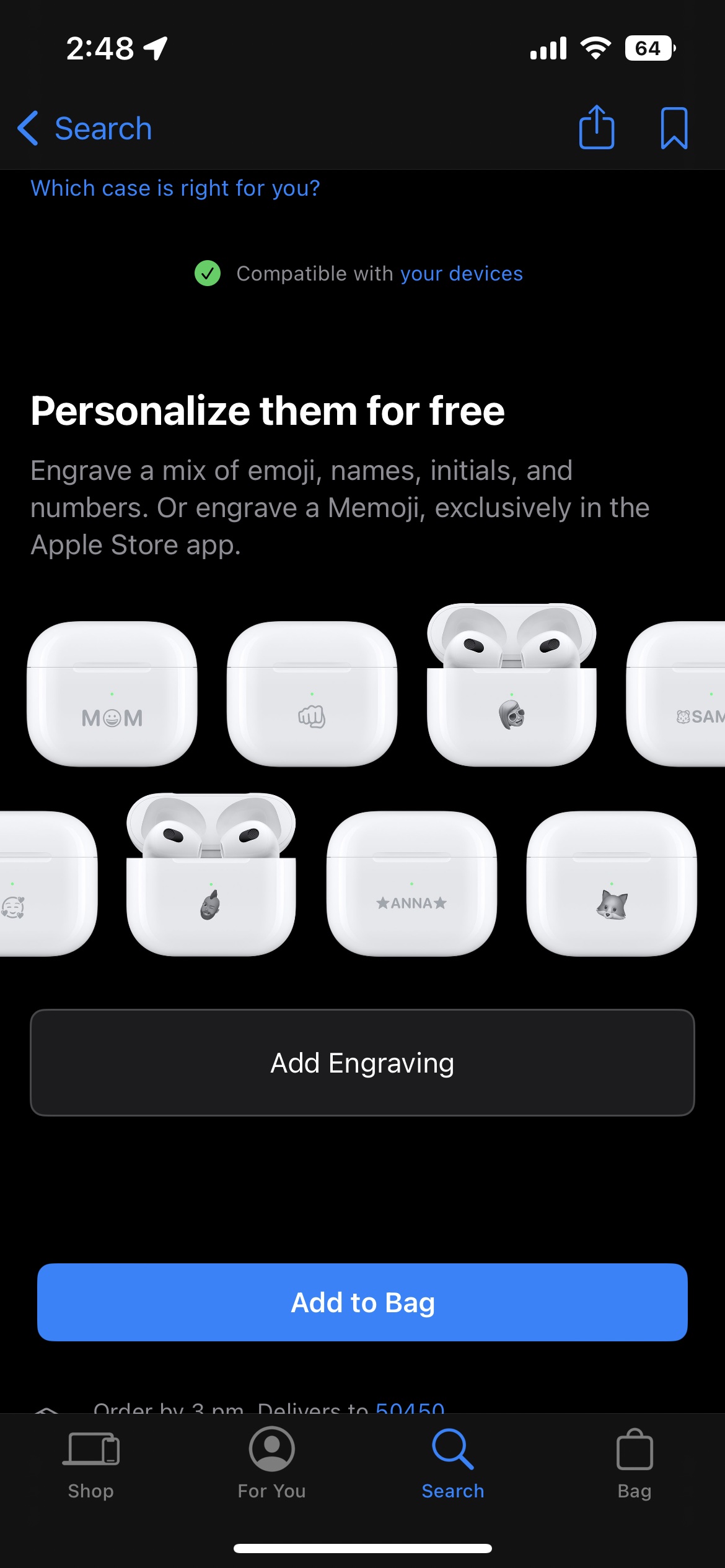
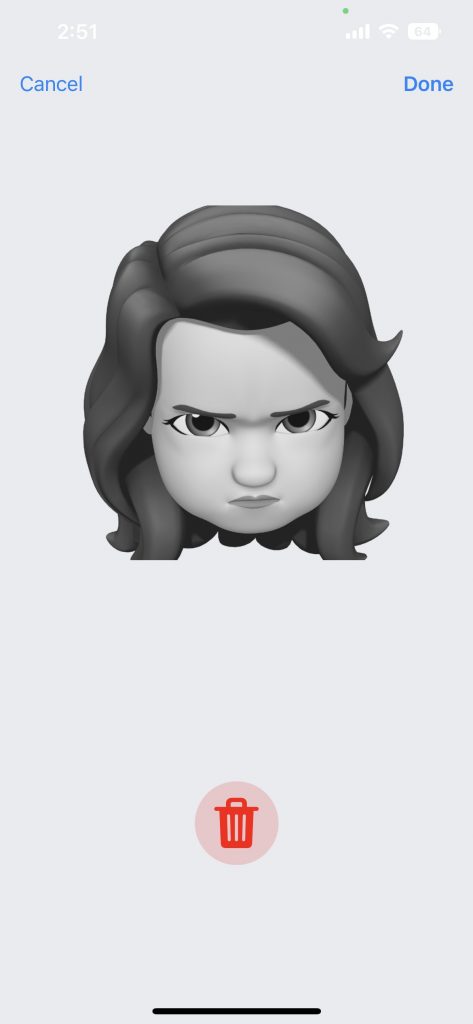
You might already know that you could engrave your AirPods for free when you purchase them, but did you know that you can also engrave them with your face—or at least, your own Memoji. But you aren’t able to do so through Apple’s website, you’d need to download a separate app, and here’s how.

Apparently, this news was quietly mentioned during the launch of the AirPods Pro 2 back in September. Apple said that customers can the charging case “with their individual Memoji, including custom-posed Memoji, Animoji, and a curated list of stickers”. However, Apple also just highlighted the feature in the recent release notes of version 5.18.

How to engrave AirPods with Memoji
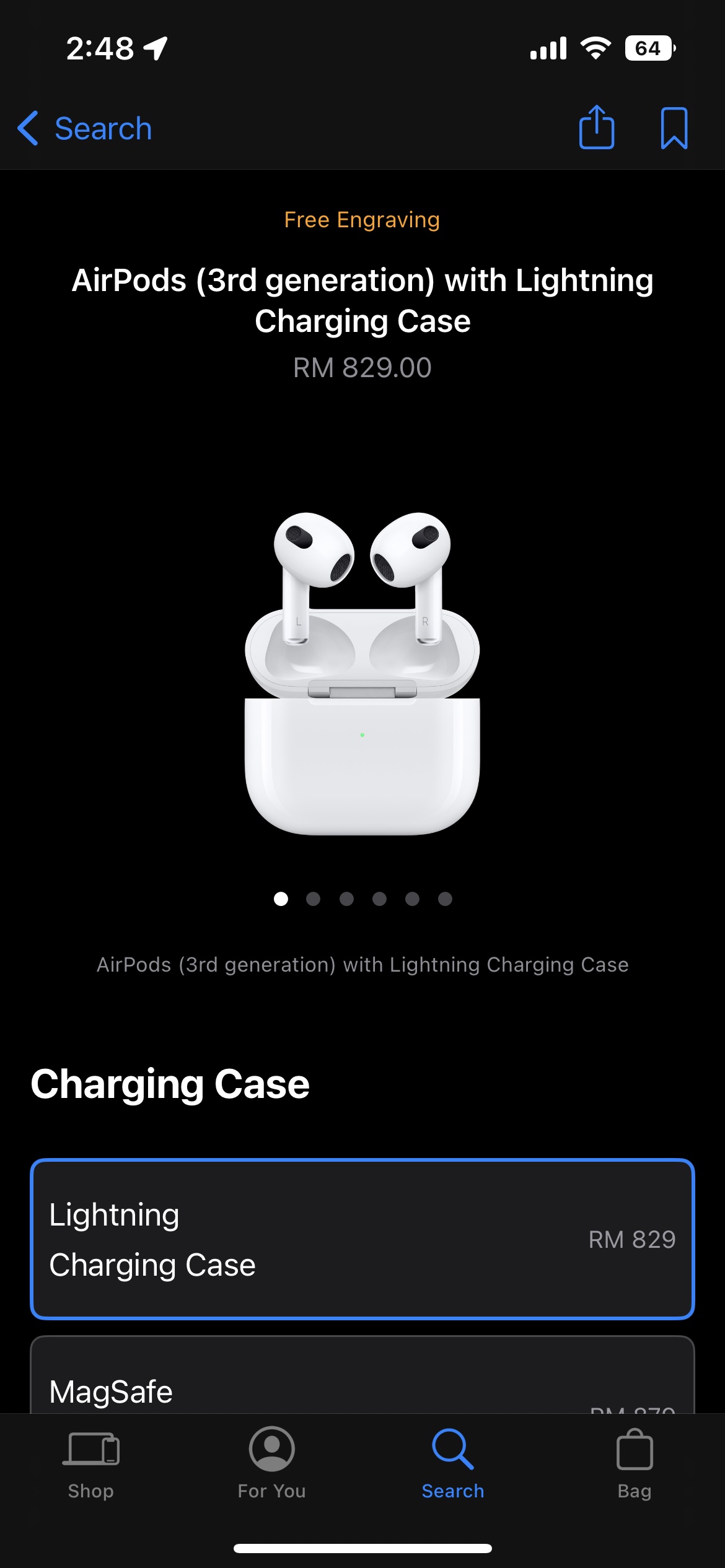
  • Open the Apple Store app
  • Search for AirPods or AirPods Pro
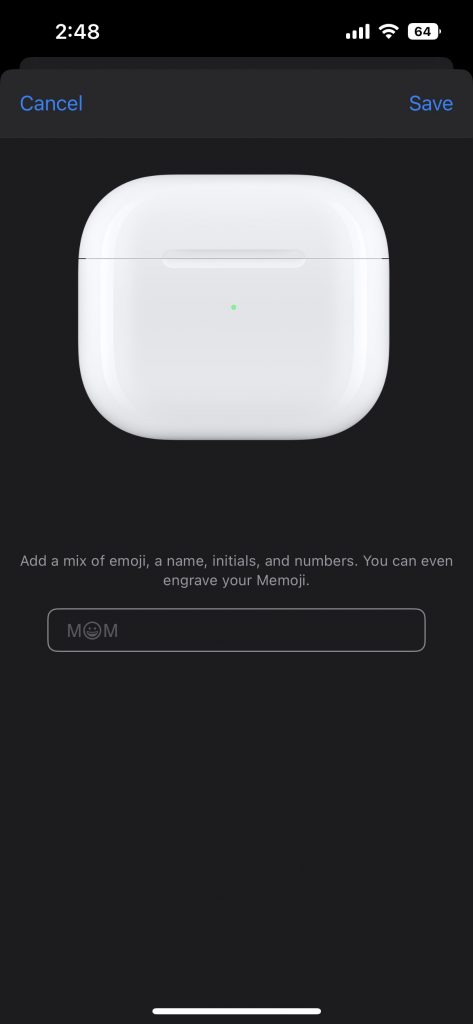
  • Near the top under Personalize them for free, tap Add Engraving
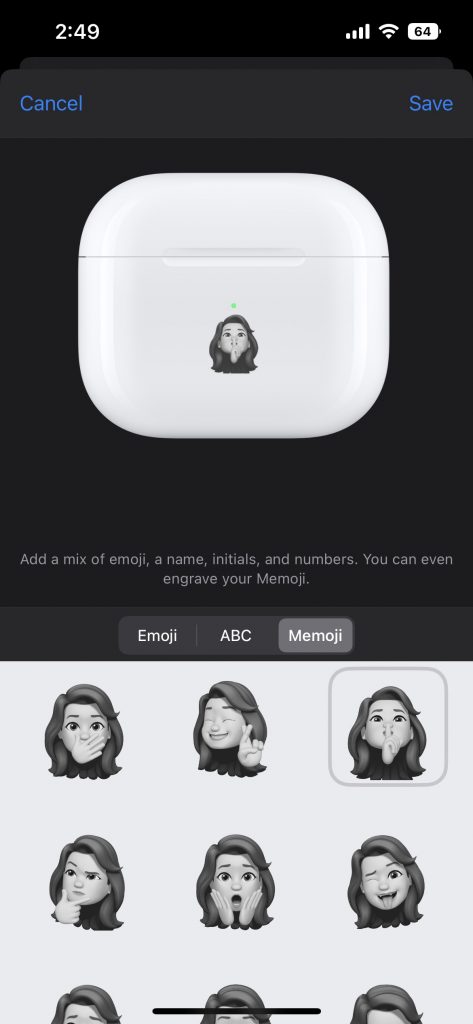
  • Tap the text box, then the Memoji tab just above the emoji
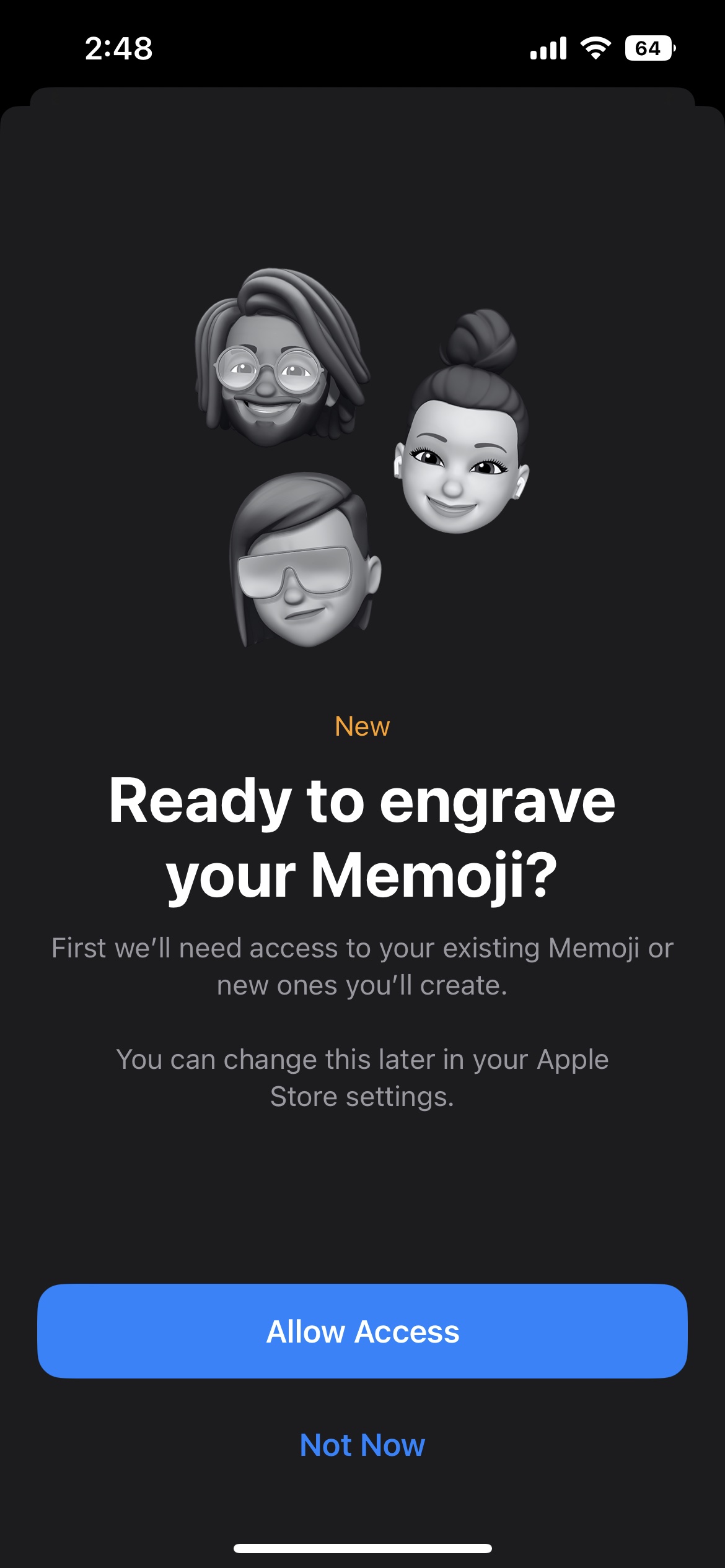
  • Choose Allow Access
  • Pick from your existing Memojis
  • You can also create a new one by pressing the camera button
  • Tap Save in the top right corner when you’ve decided
  • Swipe down and buy your custom AirPods

In September, we reported that engravings on your AirPods Pro 2 show up in iOS during pairing. So, if you have your Memoji engraved on your AirPods, technically your face would pop up on iOS as well.

[ SOURCE ]

Related reading

  • This AirPods Pro 2 new engraving feature might not be useful, but at least it’s cool
Tags: AirPodsAirPods 3AirPods MalaysiaAirPods ProAirPods Pro 2AppleApple AirPodsApple Malaysia
Dzamira Dzafri

Dzamira Dzafri

POPULAR

Upgraded To a New Phone? Cool. But When Was the Last Time you Upgraded your Shaver?

November 10, 2025

5 Reasons Every Home Should Have a Smart Security System

November 11, 2025

Solar ATAP: The new solar programme for consumers will only start in 2026

December 2, 2025

Buying new AirPods? Here’s how to engrave your face on it for free

November 15, 2022
Perodua QV-E EV

Perodua QV-E is now official: Electric sportback with 201hp, 445km NEDC range, priced at RM80k not inclusive of battery subscription

December 1, 2025

GrabRewards is now GrabCoins: Now with even more ways to earn and save

November 17, 2025

Copyright © 2025 · SoyaCincau.com
Mind Blow Sdn Bhd (1076827-P)

  • ADVERTISE
  • DISCLAIMER

Copyright © 2025 · SoyaCincau.com – Mind Blow Sdn Bhd (1076827-P)

  • ADVERTISE
  • DISCLAIMER