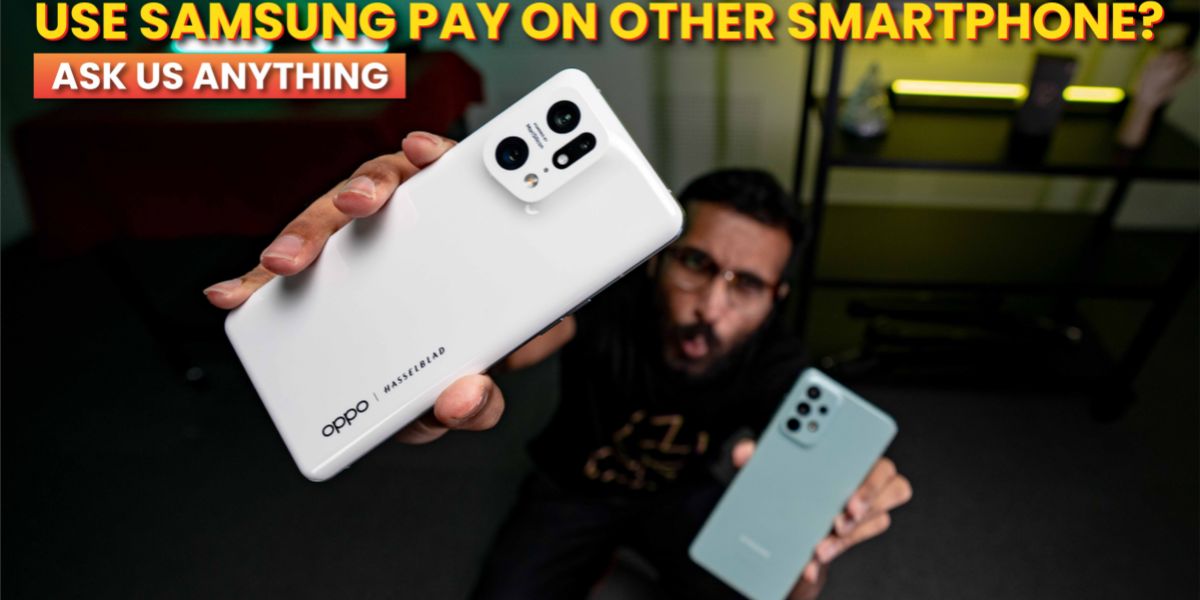
Welcome back to another episode of Ask Us Anything, where we gather your questions from the internet and answer them.
In today’s episode, we answer whether you can use Samsung Pay on other smartphones, where you can use Samsung Pay in Malaysia and the key differences between Apple Pay and Samsung Pay.
Can you use Samsung pay on a non-Samsung phone?
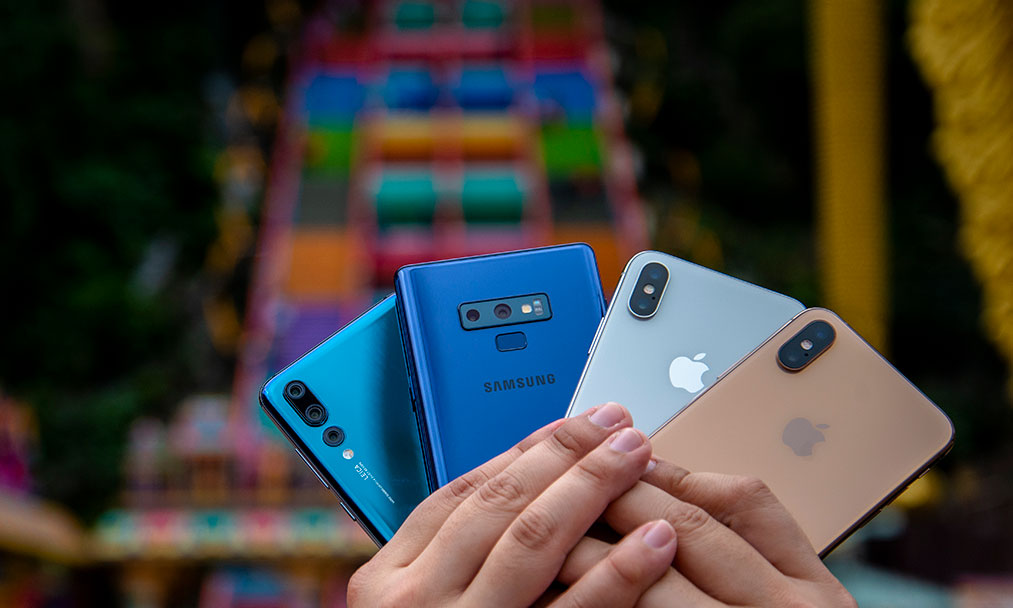
The simple answer is, no, you cannot use Samsung Pay on other smartphones as the app will only show up on the Google Play Store when using a Galaxy smartphone.
You might find articles online with guides on installing the apk file on a non-Samsung smartphone, however, this is not recommended as it could be glitchy, or worse, compromise your phone’s security.
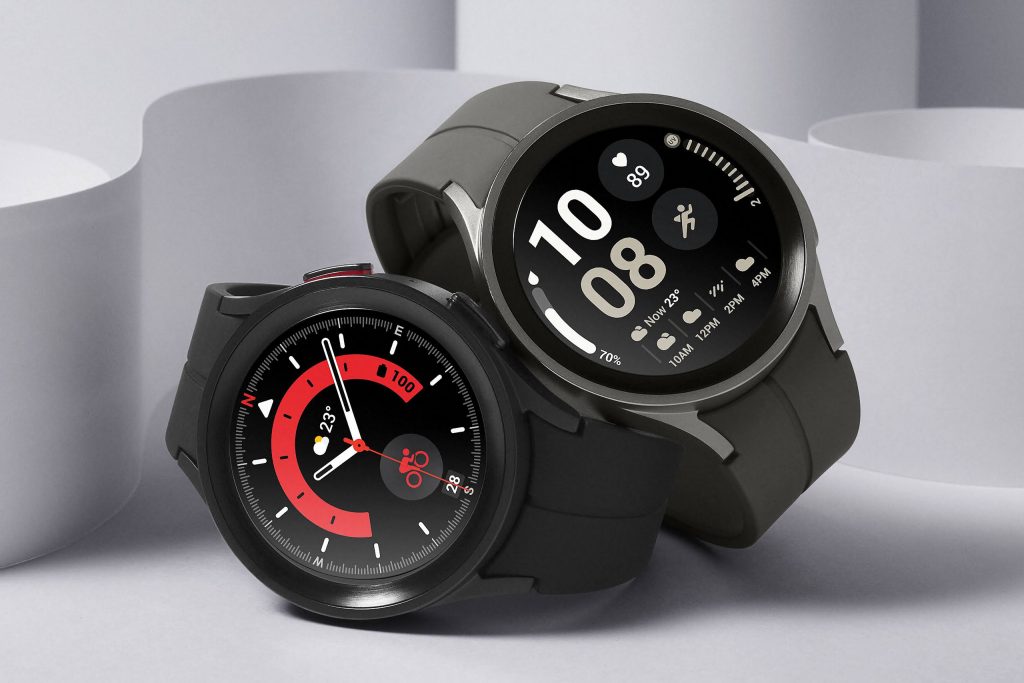
But you can have Samsung Pay if you get a Galaxy Watch and download the Galaxy Wearable companion app on any supported smartphone. Since the watch runs Samsung pay independently and doesn’t rely on the smartphone, you can use Samsung Pay even when paired to a non-Samsung device.
On a side note, not all of Samsung’s smartphones support Samsung Pay as well as it requires Near Field Communication (NFC). You can find out what models are supported by visiting the Samsung Pay page on Samsung’s official website.
Is Samsung Pay similar to payWave?

Yes, Samsung Pay uses a similar working mechanism to Visa and Mastercard’s contactless payment feature. So, it will work wherever payWave is accepted and that also includes self-service kiosks and payWave terminals at car parks.
Therefore, using NFC, you can tap the top half of the back of the phone at any payment terminal that accepts contactless payment. On older Galaxy models, Samsung Pay can work with the legacy magnetic stripe card terminals as it has Magnetic Secure Transmission (MST). However, MST is no longer supported on newer Galaxy models including the S21 and S22 series.
What’s the difference between Samsung Pay and Apple Pay?
Well, at the surface it might seem like it, but look closer and there are some significant differences between Samsung Pay and Apple Pay.
Firstly, Apple Pay is considered secure enough to not require your pin for contactless transactions exceeding RM250 as compared to Samsung Pay or physically tapping the Visa and Mastercard at the terminal.
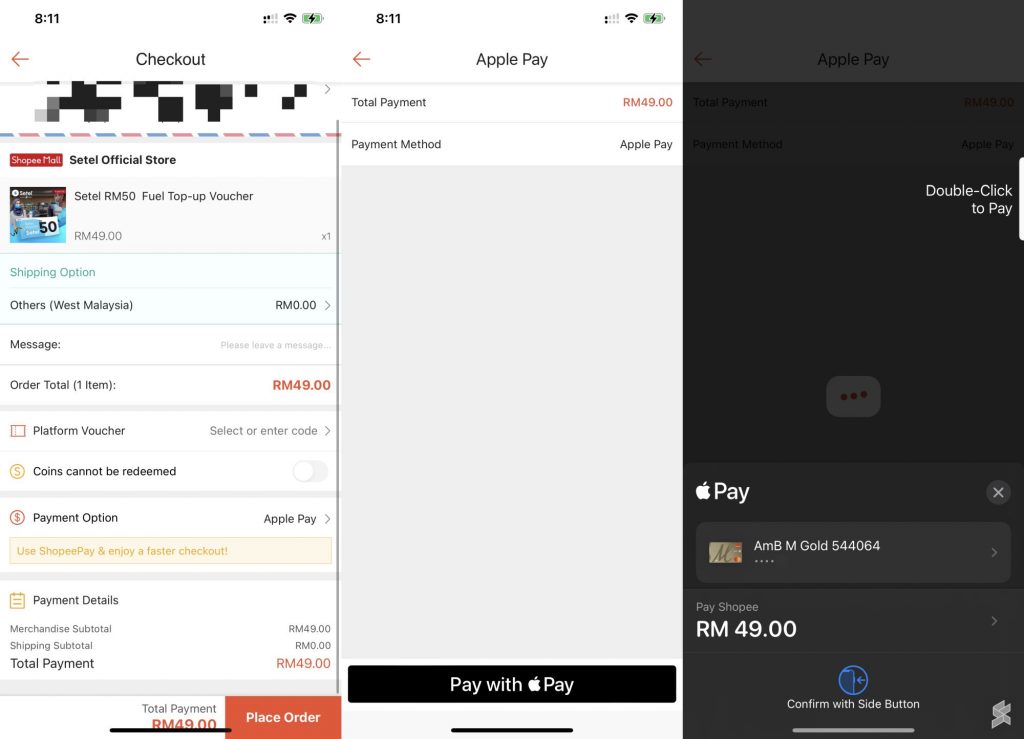
Secondly, you can use Apple Pay to checkout for online shopping which you can’t do with Samsung Pay. eCommerce apps like Shopee already support checkout with Apple Pay.
Now, you can use Apple Pay on a web browser, but it must be Safari and it must be running on an Apple Mac computer. The reason is that Apple Wallet is only available on these computers for Safari to access. That said, 3rd party web browsers on Mac computers don’t support Apple Pay, at least not yet.
We’re looking for people to join the team!

I would like to announce that we are looking for people to join the SoyaCincau family. There’s an opening for Videographer, editor and graphic designer, and BM Tech writer. If any of these positions caught your attention, you can find more information here.