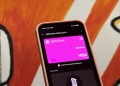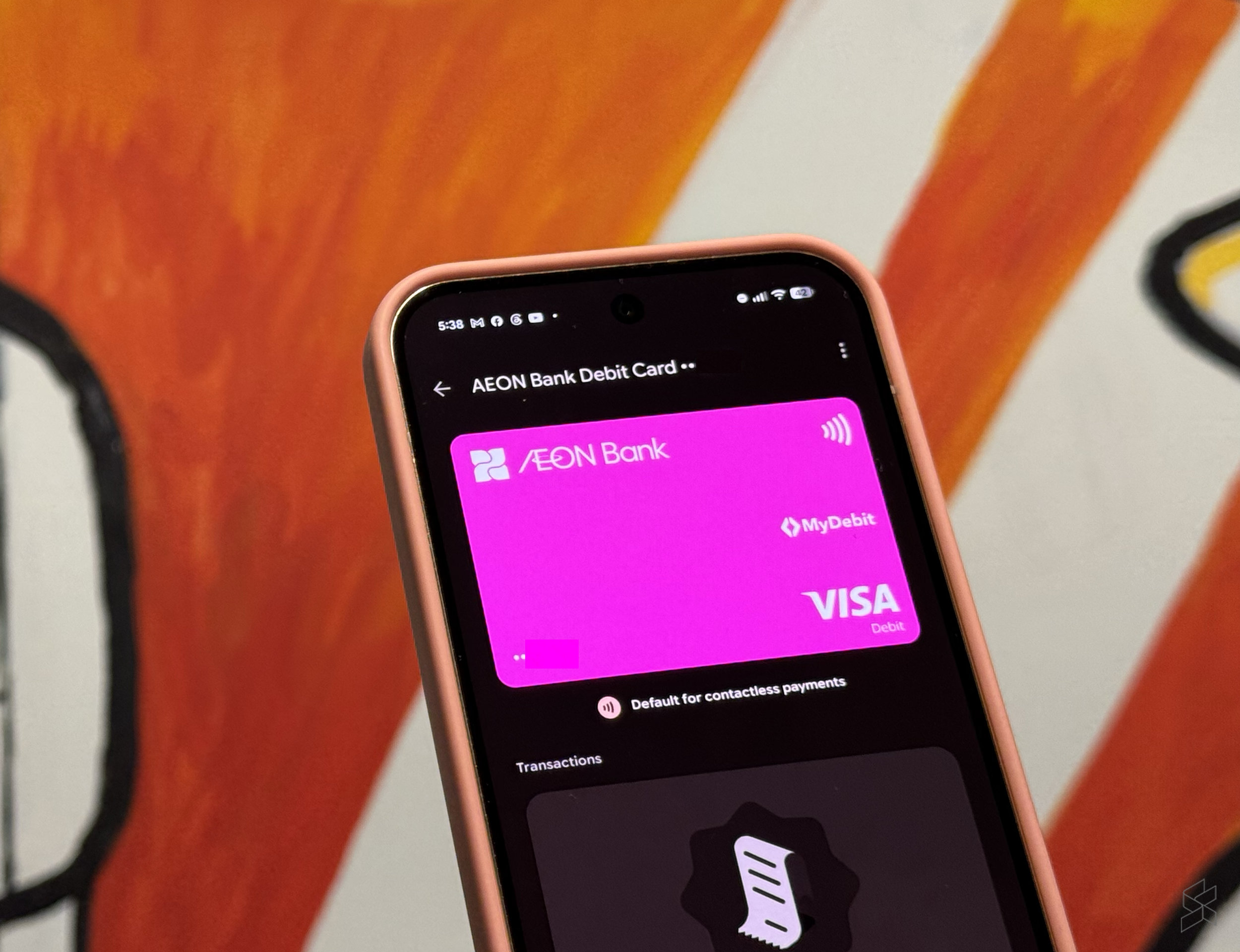
Aeon Bank has enabled Google Pay support for its Visa Debit Card-i, allowing customers to make contactless payments using compatible Android devices.
If you’re an Aeon Bank Visa Debit Card-i user, you can now add your card to Google Wallet and use Google Pay to make contactless payments where Visa card is supported.
To mark the rollout, Aeon Bank is also offering 3% cashback on eligible Google Pay transactions until the end of September.
AEON Bank Google Pay: 3% cashback until 30 September
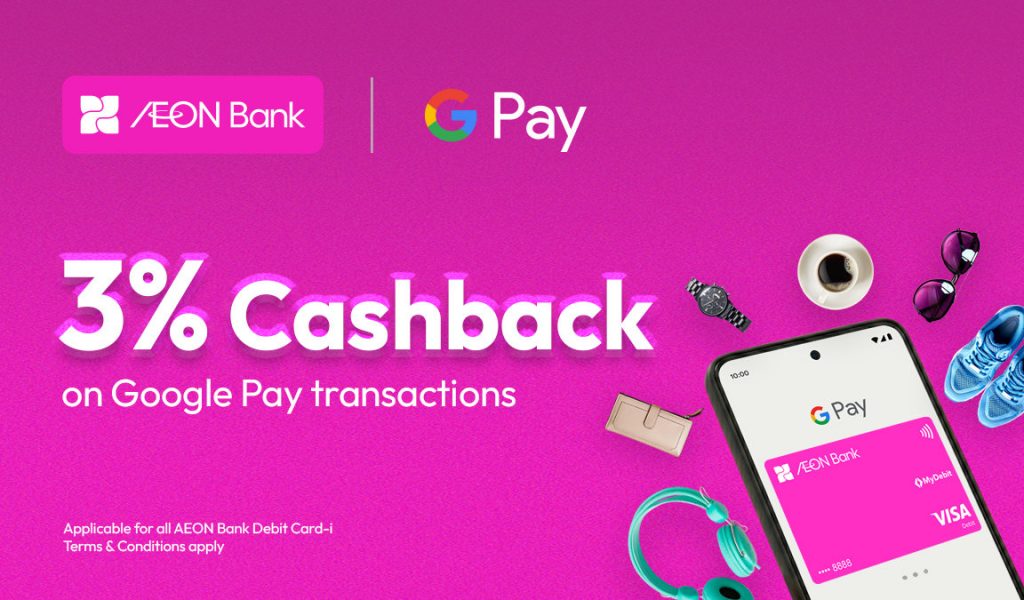
The Aeon Bank Visa Debit Card-i Google Pay cashback campaign runs from 28 August until 30 September 2026.
During the campaign period, customers can earn 3% cashback on eligible purchases made using Google Pay, capped at RM30 per customer for the entire campaign.
To participate, customers will need to connect their Aeon Bank Visa Debit Card-i to Google Wallet on their Android device and use Google Pay when making eligible purchases in-store or online.
According to the Islamic Digital Bank, the cashback will be credited after the transaction has been settled.
How to add Aeon Bank Visa Debit Card-i to Google Wallet?
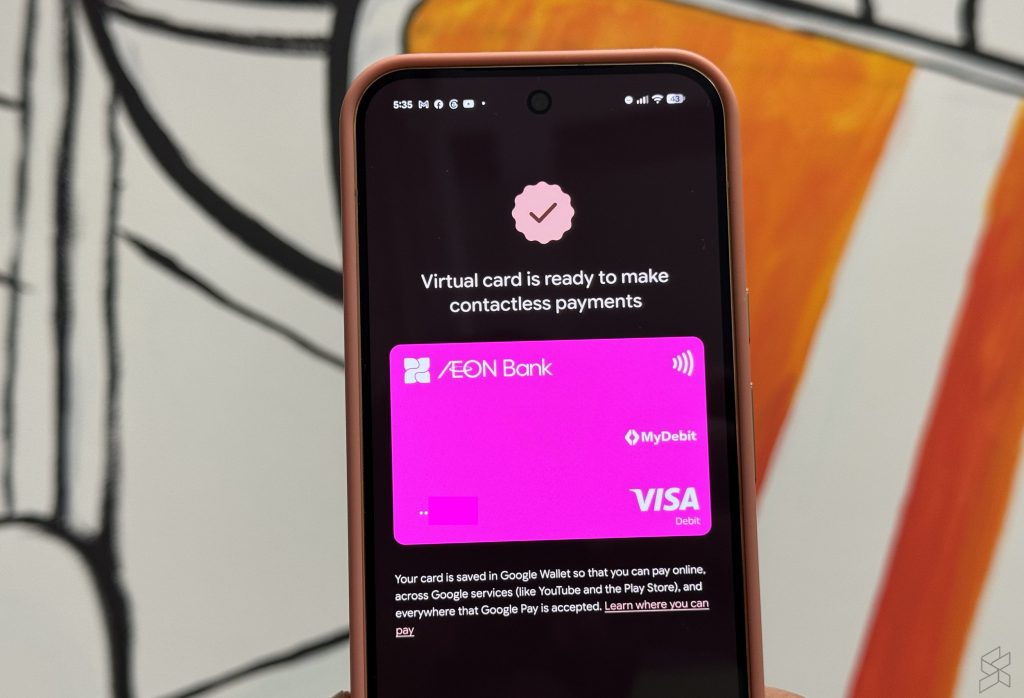
Here’s how to add your Aeon Bank card to Google Wallet for Google Pay transactions:
- Launch “Wallet” app on your Android smartphone
- Tap on + or add, and then add a “Payment card”
- Since Aeon Bank Debit Card-i uses a numberless card, you can’t scan your card. Tap on “Or enter details manually” at the bottom.
- Launch your Aeon Bank app, tap on Card and then View Details to obtain your card number, CVV and Expiry Date.
- Go back to the Wallet screen and enter your card number manually
- You can choose to verify via email OTP or via Aeon Bank app.
- Once completed, you can tap using your phone to make a payment.