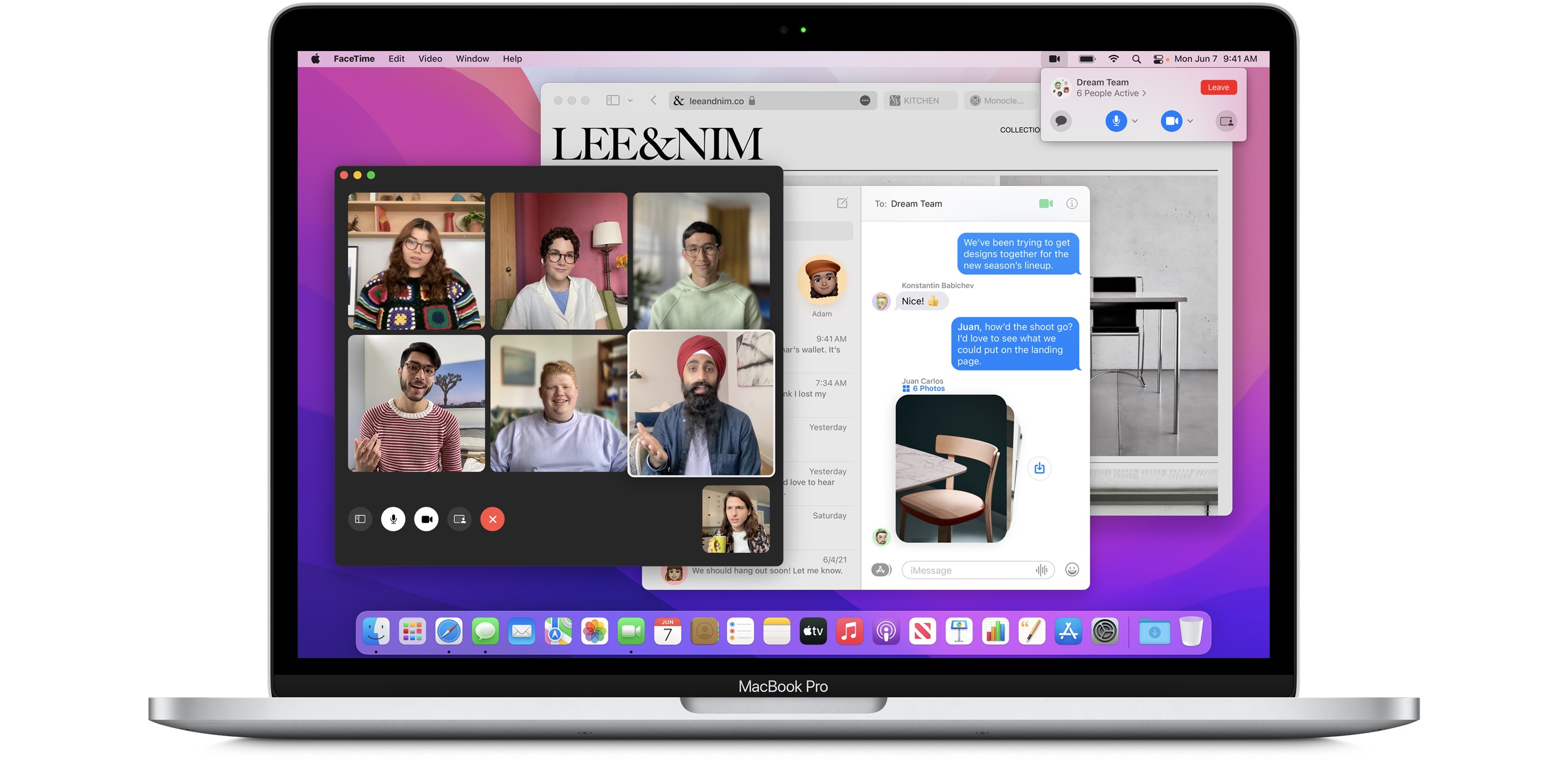
After announcing macOS Monterey during WWDC 2021, you’re now able to download the beta version of the update—if you wish. The most notable feature of the update is something called ‘Universal Control’—which lets you work with several Apple products seamlessly using a single keyboard, mouse or trackpad.
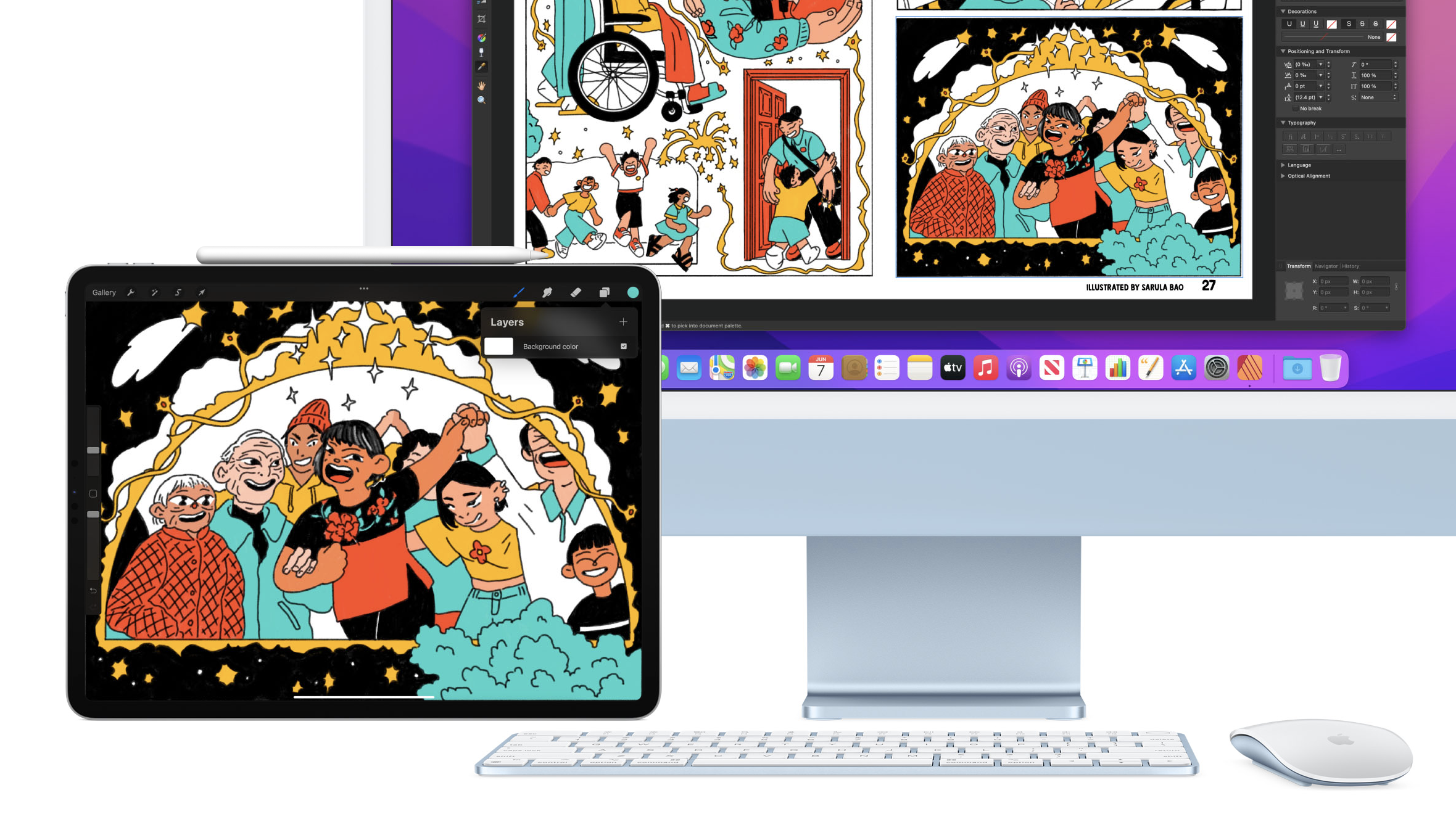
In their preview page, Apple explained that ‘Universal Control’ wouldn’t need setup in order for it to work once you’ve updated your Mac to Monterey. With the feature, you’ll be able to move your cursor from your Mac to your iPad, type on your Mac and watch the words show up on your iPad, or drag and drop content from one device to another.
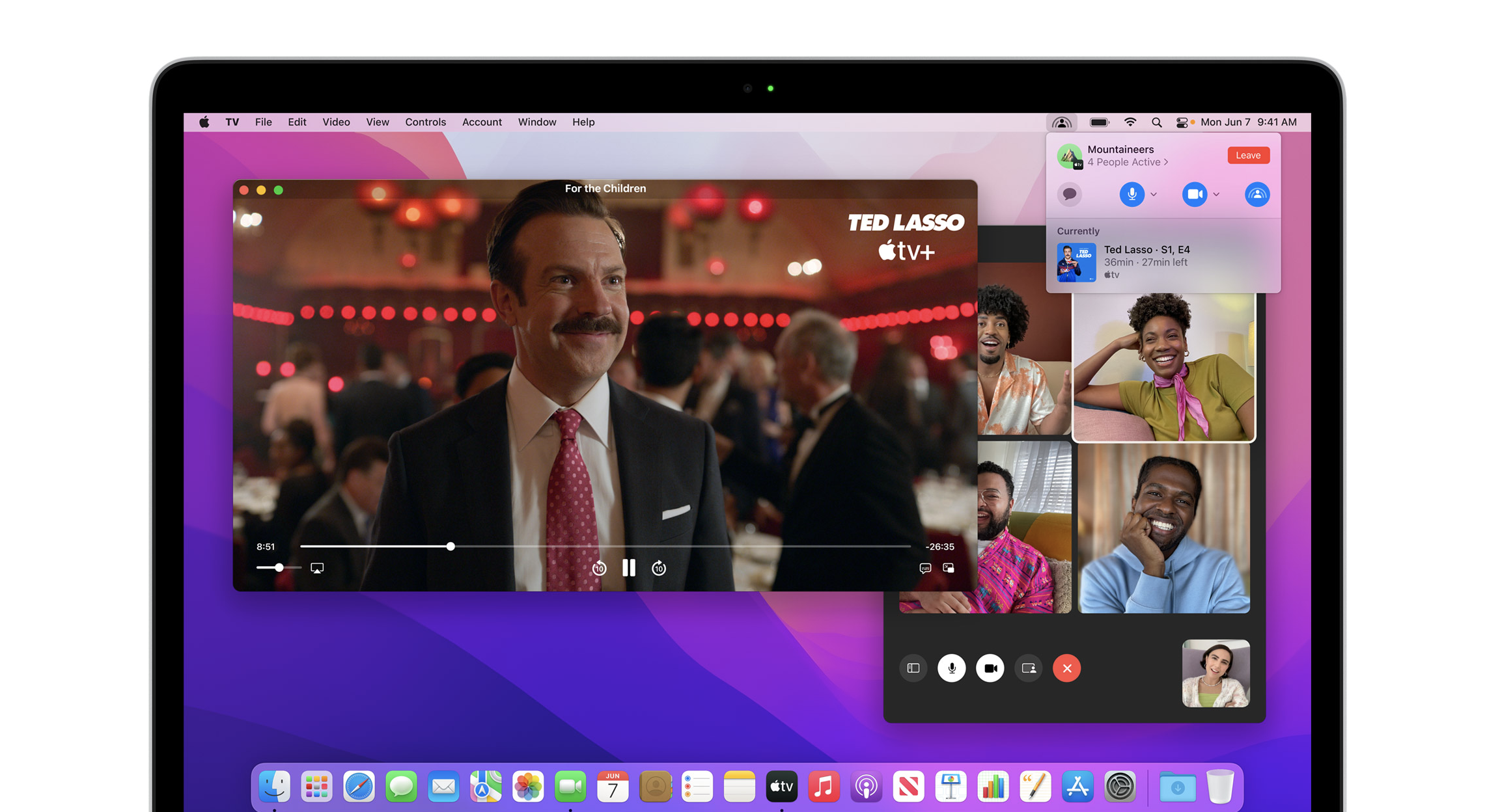
macOS Monterey also introduces several new features. You’d get a few new FaceTime features like SharePlay—which lets you FaceTime while you watch TV shows and movies, listen to music, or share your screen.
Besides that, the other notable features are new additions for Messages, Safari, new AirPlay features, a new Focus mode to help you concentrate on work, Quick Note—which lets you “jot down ideas no matter where you are or what you’re doing on your Mac”, iCloud+, and a whole load more.
Monterey isn’t available for the immediate public just yet, but here’s how to download the public beta version. However, take note that it’s best to use a secondary Mac to install the beta since performance and reliability issues are common. You may also back-up your Mac before starting, in case you’d rather downgrade afterwards.
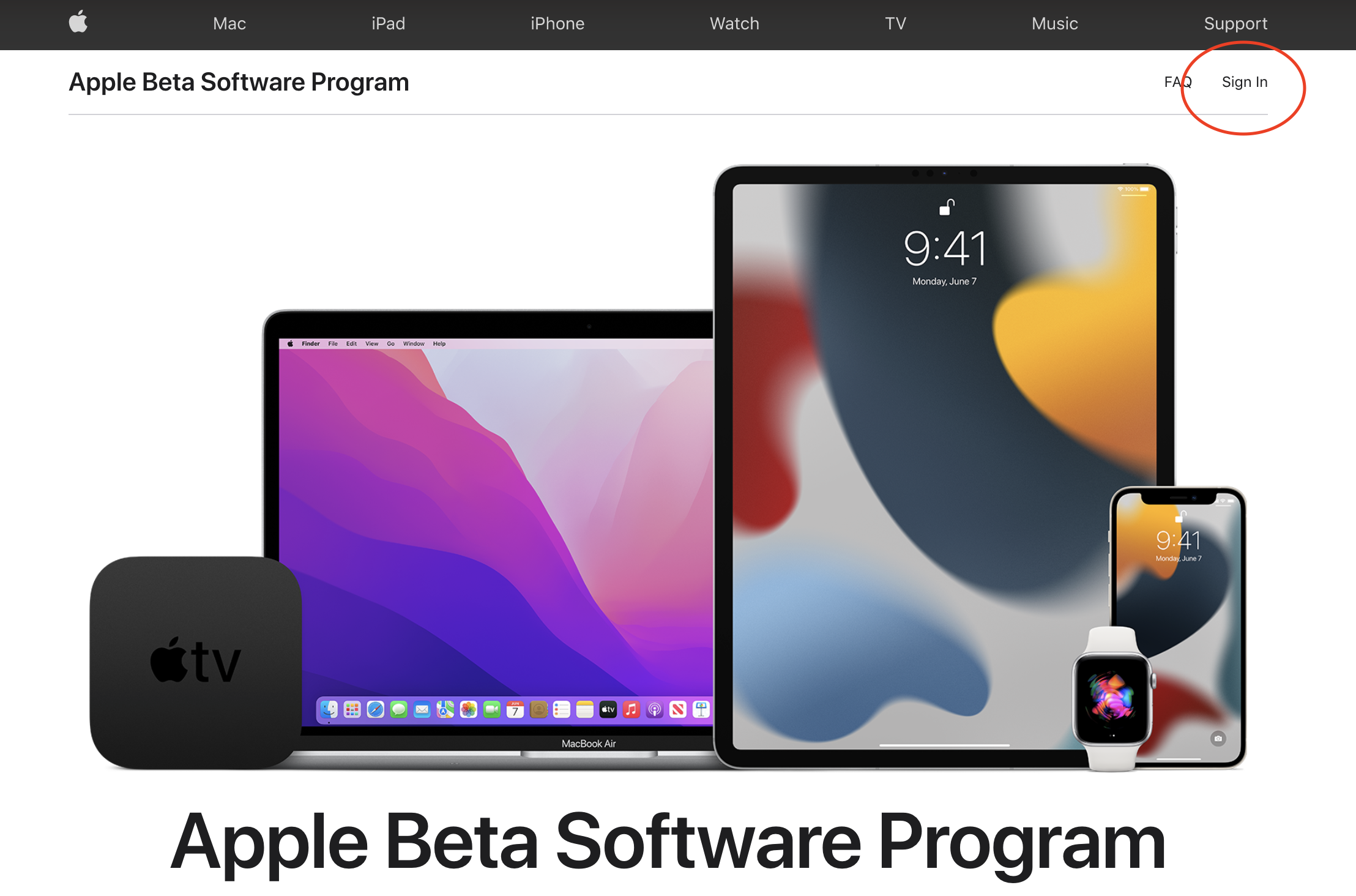
- On your Mac, head to Apple’s public beta website
- Click Sign In in the top right corner to sign in
- Accept the Apple Beta Software Program Agreement (it’s best if you read it thoroughly first, of course)
- On the Guide for Public Betas page, choose macOS
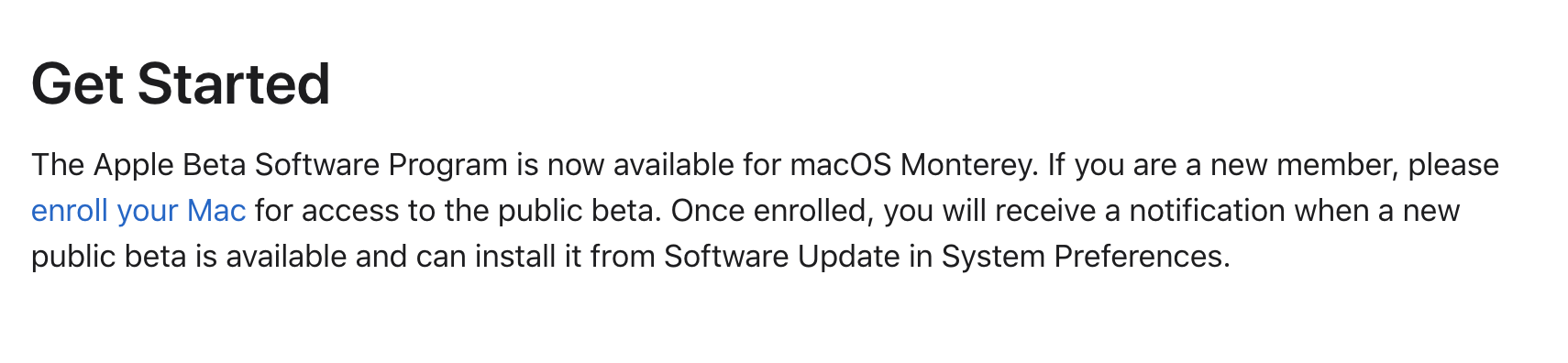
- Scroll down until you see the Get Started header. Click the link where is says “enroll your Mac”
- On the Enroll page, scroll down to “Enroll your Mac” and press Download the macOS Public Beta Access Utility

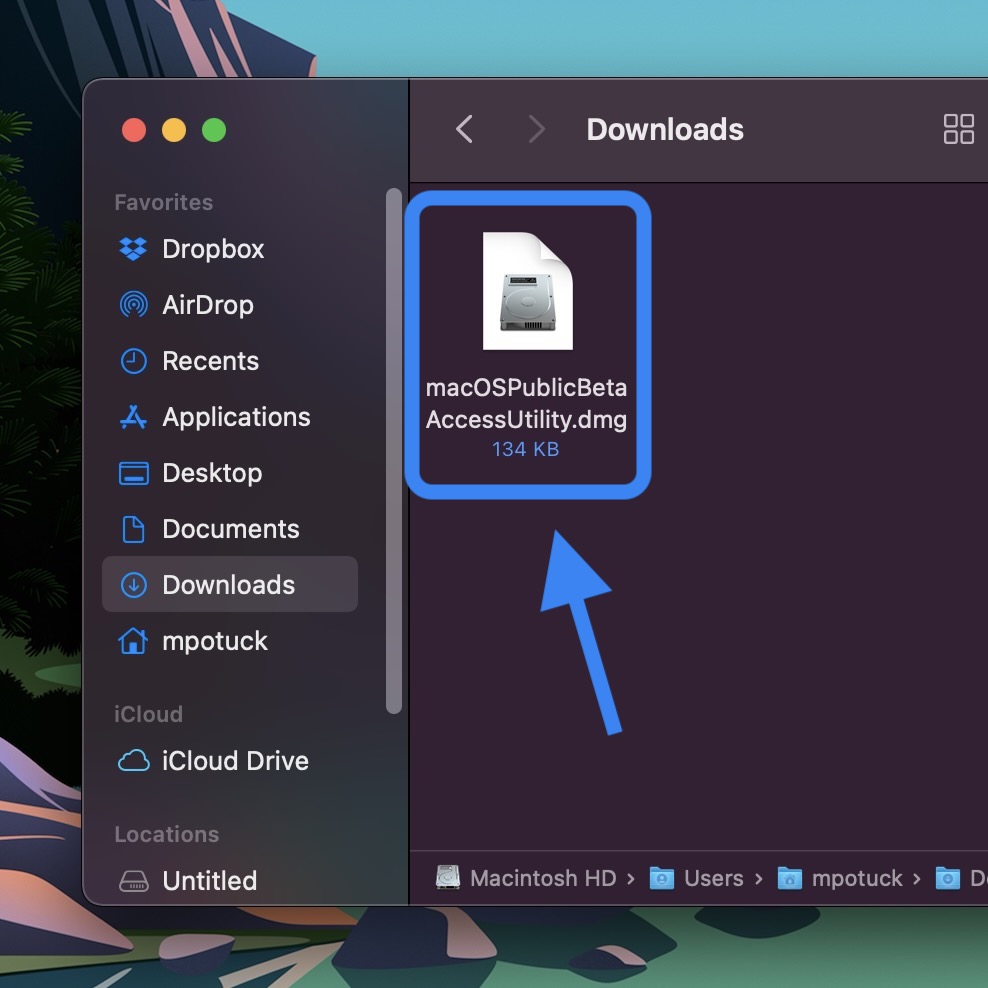
- Find macOS Beta Access Utility in your Downloads folder
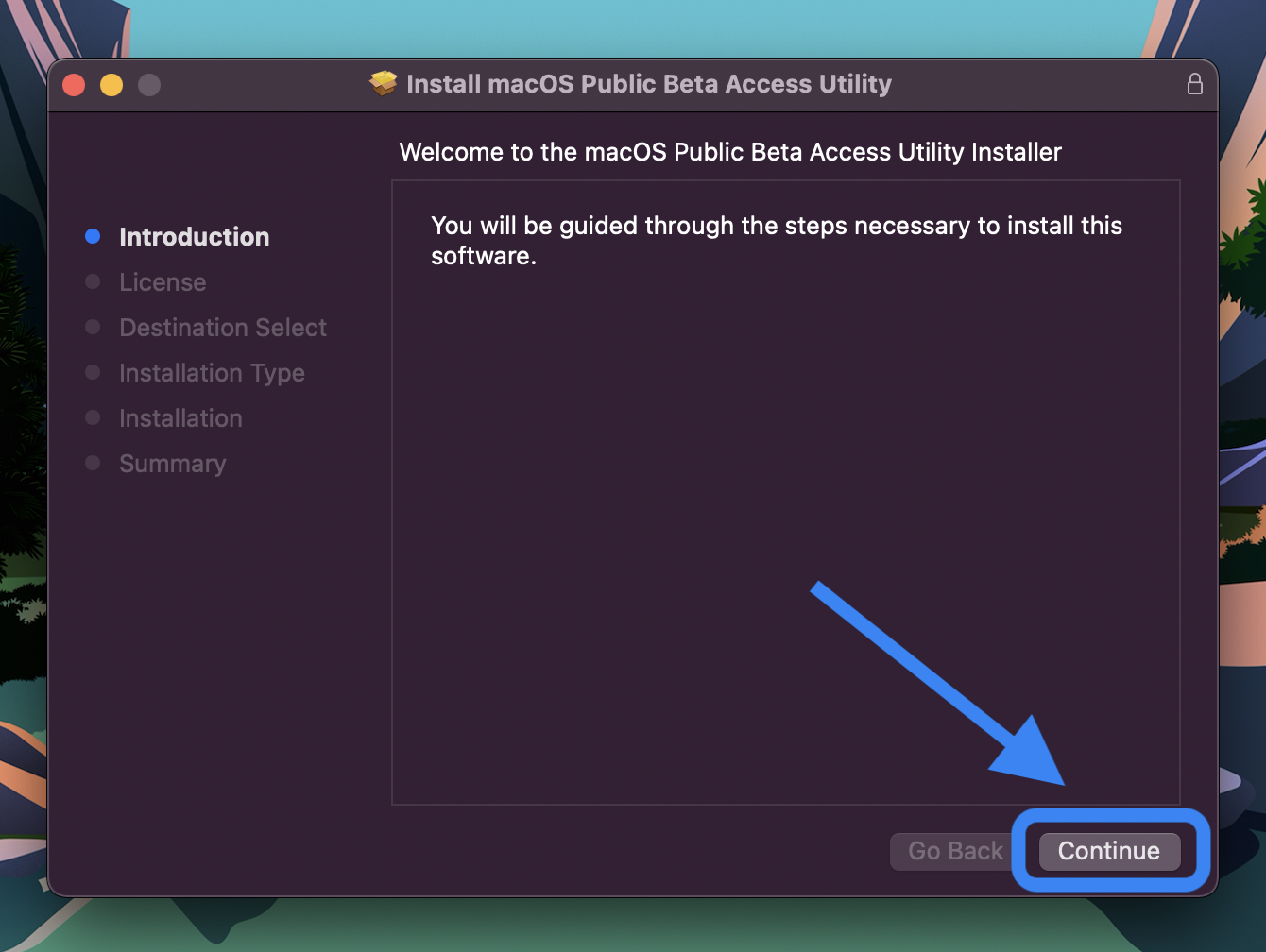
- Double-click it to mount the utility disk image, then double-click the Access Utility.pkg to install the macOS beta profile on your Mac
- The Software Update window should launch automatically with the macOS 12 Monterey beta appearing, click Download (almost 12GB in size)
- When the download is complete, you’ll see a new window to install macOS Monterey,
- Click Continue and follow the prompts to finish the beta installation
There’s also a beta version of Monterey for developers. If you’re a developer, you can download the beta over at the Developer’s site. If not, you can enrol as an Apple Developer for the price of USD 99 (RM412) per year.
The ‘Universal Control’ feature is not yet available in the current Monterey public or developer beta, but hopefully it will show up soon. macOS Monterey is expected to arrive this fall.
[ SOURCE, IMAGE SOURCE ]