• 中文版
  • BM
  • News
  • Deals
  • Reviews
    • First Impressions
    • Hands-on
    • Comparisons
  • Tech
    • Mobile
    • Computers
    • Cameras
    • Wearables
    • Audio
    • Drones
  • Telco
    • Celcom
    • Digi
    • Maxis
    • Time
    • Tune Talk
    • U Mobile
    • Unifi
    • Yes
  • Cars
  • Contribute
  • Jobs
Menu
  • 中文版
  • BM
  • News
  • Deals
  • Reviews
    • First Impressions
    • Hands-on
    • Comparisons
  • Tech
    • Mobile
    • Computers
    • Cameras
    • Wearables
    • Audio
    • Drones
  • Telco
    • Celcom
    • Digi
    • Maxis
    • Time
    • Tune Talk
    • U Mobile
    • Unifi
    • Yes
  • Cars
  • Contribute
  • Jobs
Search
  • Tech
    • News
    • Mobile
    • Computers
    • Cameras
    • Wearables
    • Audio
    • Drones
  • Telco
    • Celcom
    • Digi
    • Maxis
    • Time
    • U Mobile
    • Unifi
    • Yes
  • Reviews
    • First Impressions
    • Hands-on
    • Comparisons
  • Buyer’s Guide
  • Opinions
  • Digital Life
  • Video
  • Deals
  • How-To
  • Cars
  • Bahasa Melayu
  • EV
  • Contribute
  • Advertise
Menu
  • Tech
    • News
    • Mobile
    • Computers
    • Cameras
    • Wearables
    • Audio
    • Drones
  • Telco
    • Celcom
    • Digi
    • Maxis
    • Time
    • U Mobile
    • Unifi
    • Yes
  • Reviews
    • First Impressions
    • Hands-on
    • Comparisons
  • Buyer’s Guide
  • Opinions
  • Digital Life
  • Video
  • Deals
  • How-To
  • Cars
  • Bahasa Melayu
  • EV
  • Contribute
  • Advertise
Search
Close
Home Digital Life

How to use Facebook Messenger video calls to share your screen

  • BY Dzamira Dzafri
  • 18 July 2020
  • 11:00 am
  • Comment
Share on FacebookShare on Twitter

Facebook has launched a feature on Facebook Messenger which allows you to share your screen with the other person in the same Messenger call. You can also use it in Facebook Messenger Rooms, which allows up to 50 people to chat on video with no time limit. While screen sharing doesn’t work with the full 50-person max of Messenger Rooms, it is still functional with up to 16 people for now.

“Screen sharing allows people to instantly share their screen with friends and family one-on-one or in a group video call with up to eight people and up to 16 people in Rooms while using Messenger on their mobile devices. We know people are trying to stay connected more than ever and screen sharing is the latest feature we’re rolling out to bring people closer together,” says Facebook in their blog post.

Here’s how to share your phone screen with Messenger video calls
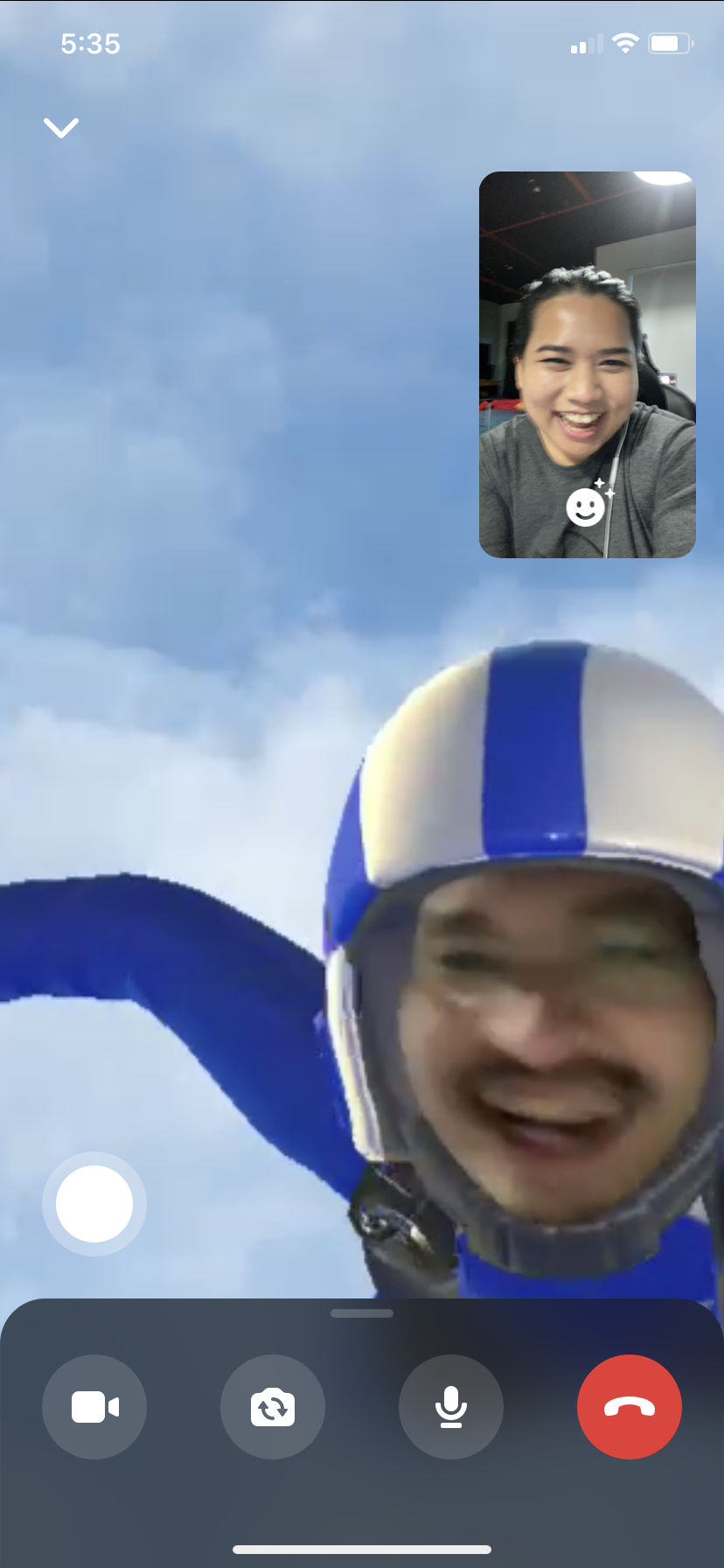
  • Call a friend (Or use Messenger Rooms to call up to 16 people)
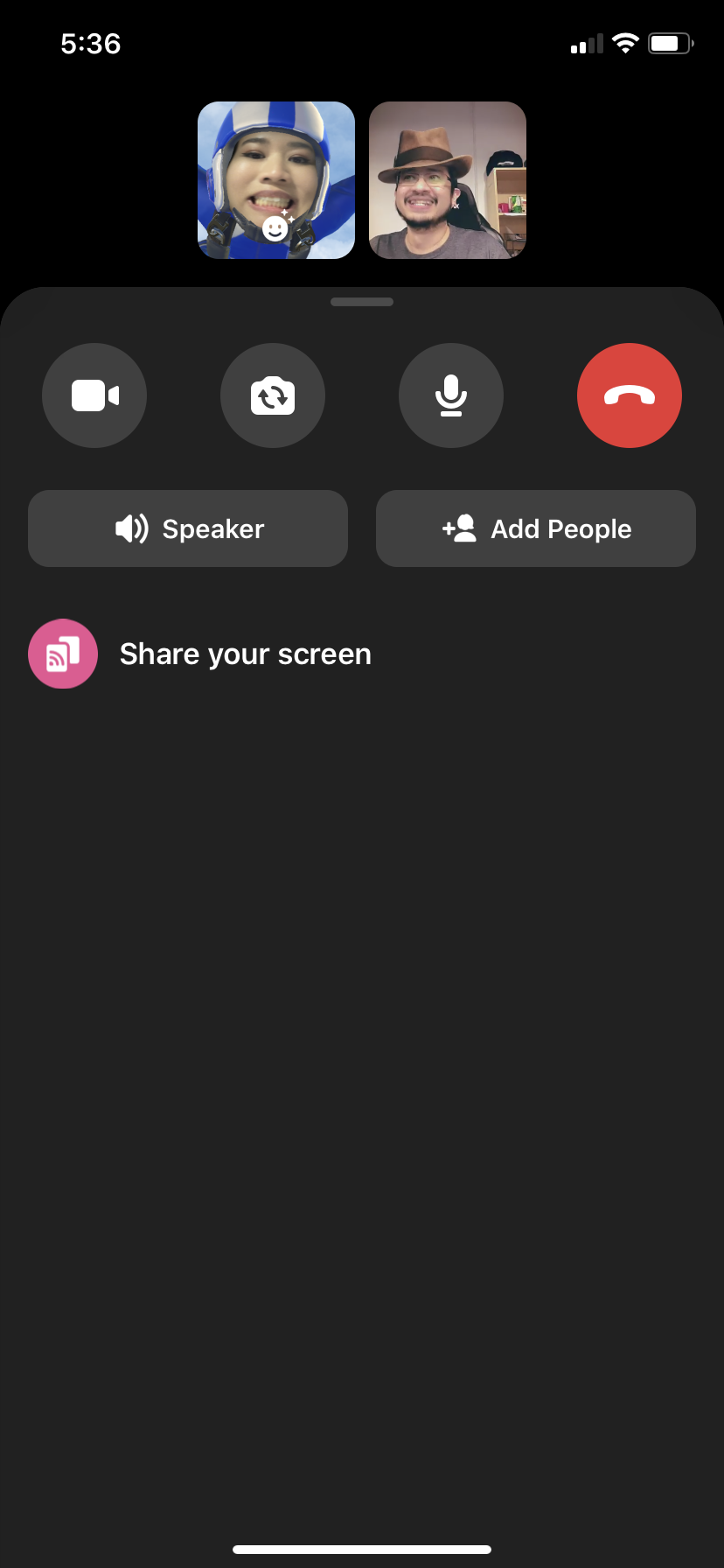
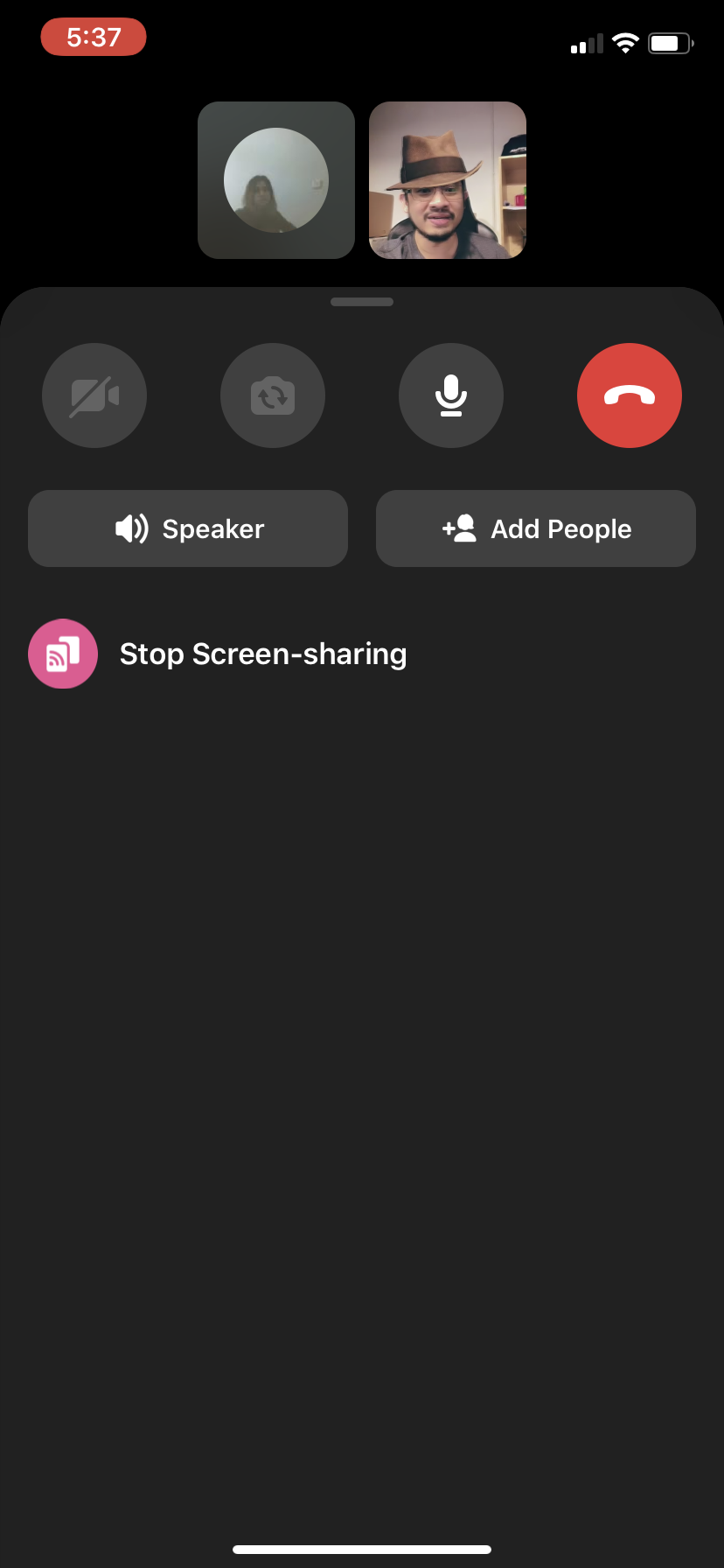
  • Swipe up at the bottom to reveal a “Share Your Screen” option beneath “Speaker” and “Add People”
  • Press “Share Your Screen”
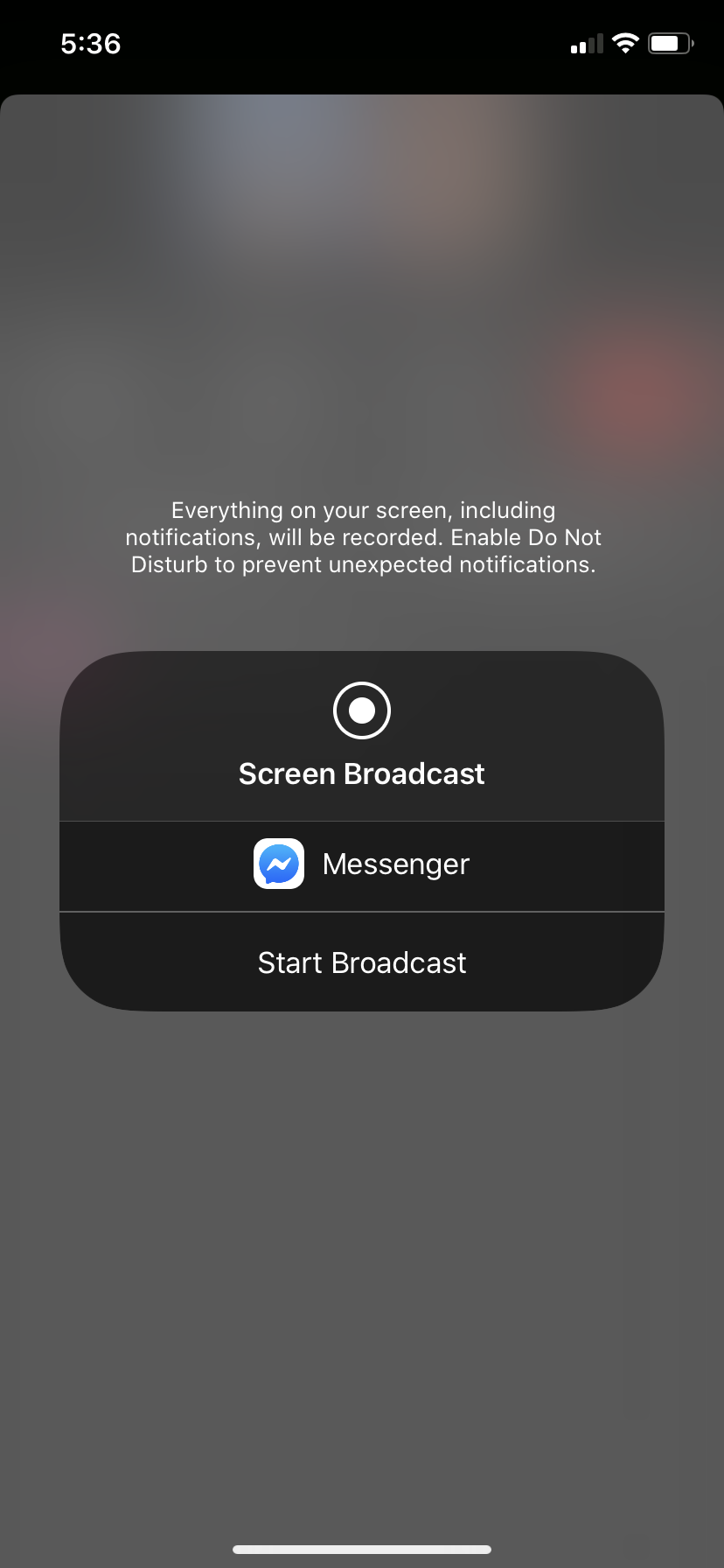
  • You’ll get the above option of starting the broadcast of your screen. It also advises you to enable “Do Not Disturb” to prevent unexpected notifications, as everything on your screen will be recorded
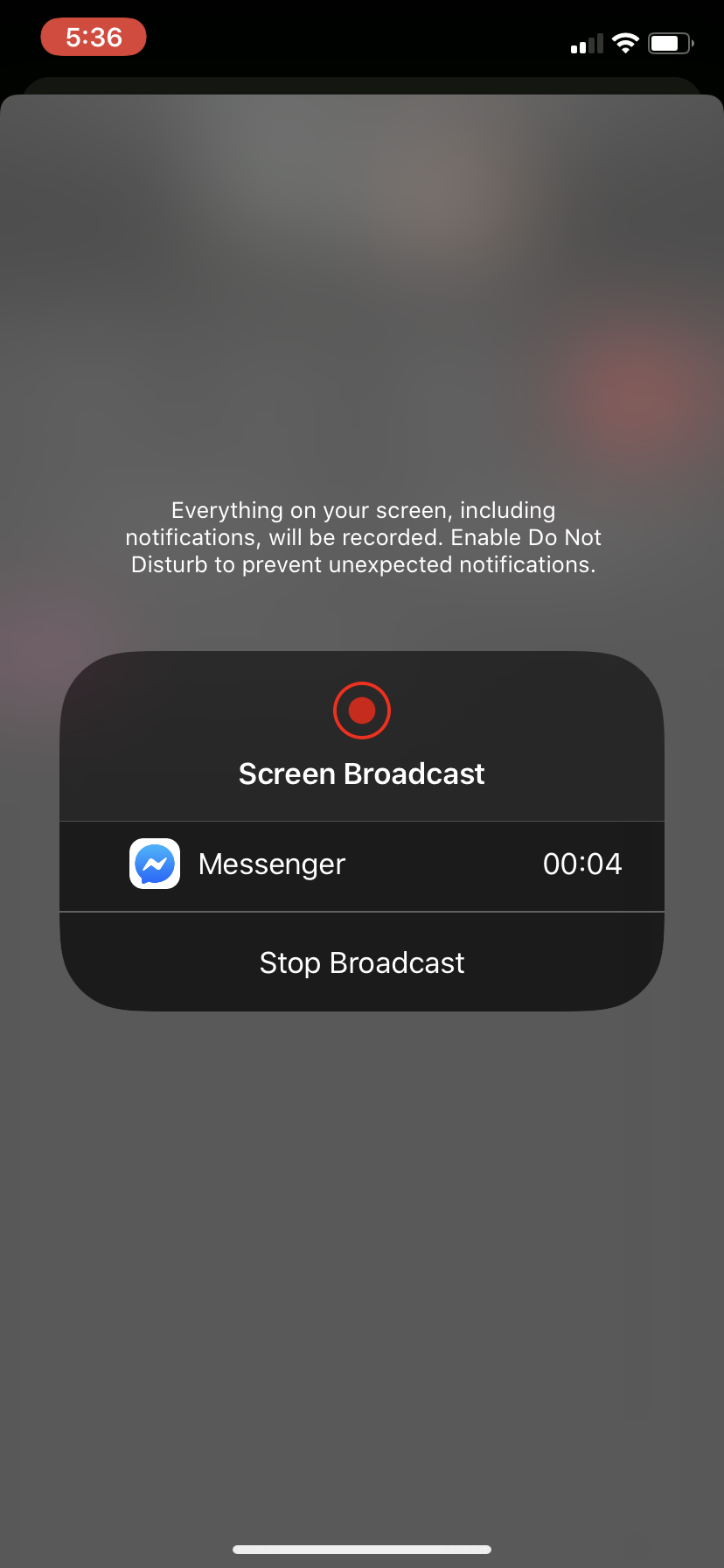
  • Once you’ve pressed “Start Broadcast”, you’ll have the option to “Stop Broadcast”
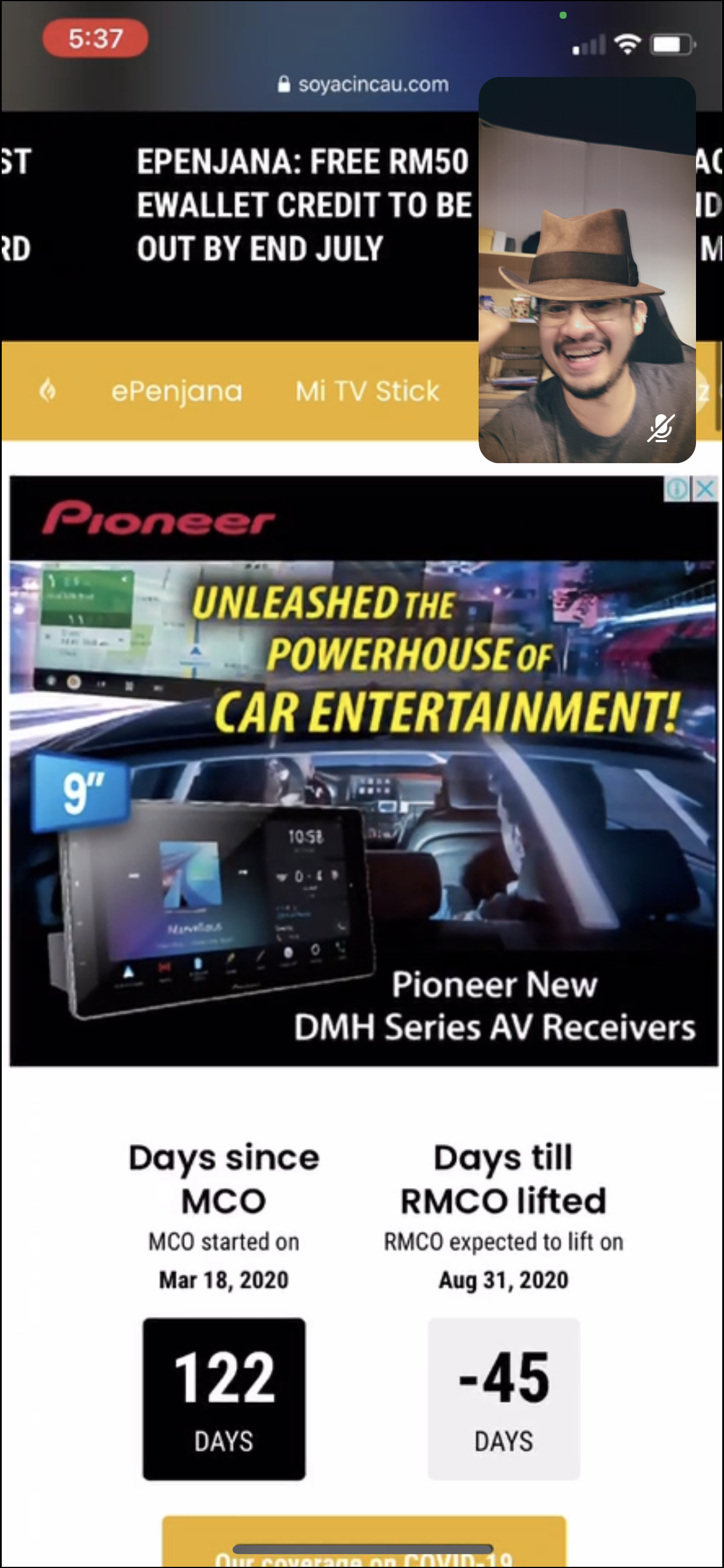
  • Your screen is now shared
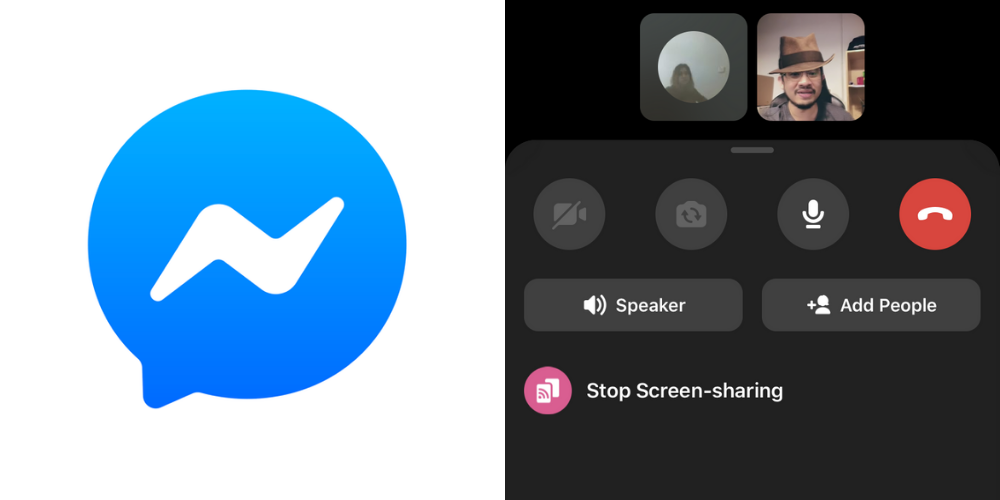
  • Once you’re done, you can go back to the Facebook Messenger app and press “Stop Screen-sharing”

This feature can be particularly great for work meetings of 16 people or less. And since almost everybody has a Facebook account, it’s an accessible platform to quickly get people together for a presentation you can do on your phone.

Facebook also noted that they will soon add a feature where hosts will be able to control who can share their screen. They will also eventually expand the number of people you can share your screen with, from 16 to 50.

“With these new controls, Room creators will be able to determine whether to limit the ability to screen share to just themselves or make the feature available to all participants when creating a room and during the call,” they wrote.

Their screen sharing feature is now available globally on the latest versions of Messenger’s Android and iOS apps, desktop app and Web. 

[ SOURCE ]

Related reading

Messenger Rooms, Facebook’s answer to Zoom, is now available in Malaysia
Tags: FacebookFacebook Messenger
Dzamira Dzafri

Dzamira Dzafri

POPULAR

Upgraded To a New Phone? Cool. But When Was the Last Time you Upgraded your Shaver?

November 10, 2025

5 Reasons Every Home Should Have a Smart Security System

November 11, 2025

Solar ATAP: The new solar programme for consumers will only start in 2026

December 2, 2025

How to use Facebook Messenger video calls to share your screen

July 18, 2020
Perodua QV-E EV

Perodua QV-E is now official: Electric sportback with 201hp, 445km NEDC range, priced at RM80k not inclusive of battery subscription

December 1, 2025

GrabRewards is now GrabCoins: Now with even more ways to earn and save

November 17, 2025

Copyright © 2025 · SoyaCincau.com
Mind Blow Sdn Bhd (1076827-P)

  • ADVERTISE
  • DISCLAIMER

Copyright © 2025 · SoyaCincau.com – Mind Blow Sdn Bhd (1076827-P)

  • ADVERTISE
  • DISCLAIMER