• 中文版
  • BM
  • News
  • Deals
  • Reviews
    • First Impressions
    • Hands-on
    • Comparisons
  • Tech
    • Mobile
    • Computers
    • Cameras
    • Wearables
    • Audio
    • Drones
  • Telco
    • Celcom
    • Digi
    • Maxis
    • Time
    • Tune Talk
    • U Mobile
    • Unifi
    • Yes
  • Cars
  • Contribute
  • Jobs
Menu
  • 中文版
  • BM
  • News
  • Deals
  • Reviews
    • First Impressions
    • Hands-on
    • Comparisons
  • Tech
    • Mobile
    • Computers
    • Cameras
    • Wearables
    • Audio
    • Drones
  • Telco
    • Celcom
    • Digi
    • Maxis
    • Time
    • Tune Talk
    • U Mobile
    • Unifi
    • Yes
  • Cars
  • Contribute
  • Jobs
Search
  • Tech
    • News
    • Mobile
    • Computers
    • Cameras
    • Wearables
    • Audio
    • Drones
  • Telco
    • Celcom
    • Digi
    • Maxis
    • Time
    • U Mobile
    • Unifi
    • Yes
  • Reviews
    • First Impressions
    • Hands-on
    • Comparisons
  • Buyer’s Guide
  • Opinions
  • Digital Life
  • Video
  • Deals
  • How-To
  • Cars
  • Bahasa Melayu
  • EV
  • Contribute
  • Advertise
Menu
  • Tech
    • News
    • Mobile
    • Computers
    • Cameras
    • Wearables
    • Audio
    • Drones
  • Telco
    • Celcom
    • Digi
    • Maxis
    • Time
    • U Mobile
    • Unifi
    • Yes
  • Reviews
    • First Impressions
    • Hands-on
    • Comparisons
  • Buyer’s Guide
  • Opinions
  • Digital Life
  • Video
  • Deals
  • How-To
  • Cars
  • Bahasa Melayu
  • EV
  • Contribute
  • Advertise
Search
Close
Home News

Tip: Here’s how to get Dark Mode on WhatsApp Web

  • BY Nic Ker
  • 4 September 2019
  • 1:07 pm
  • Comment
Share on FacebookShare on Twitter

Everyone (well, almost everyone) has been calling for a dark mode for WhatsApp for ages now. Android, iOS version, WhatsApp Web desktop clients—anything really. It’d be really nice to have the option to view your messages in a more forgiving tone, with many apps starting to implement dark themes into their apps. In fact, Android 10 has just been officially launched with Dark Mode integrated into the new operating system.

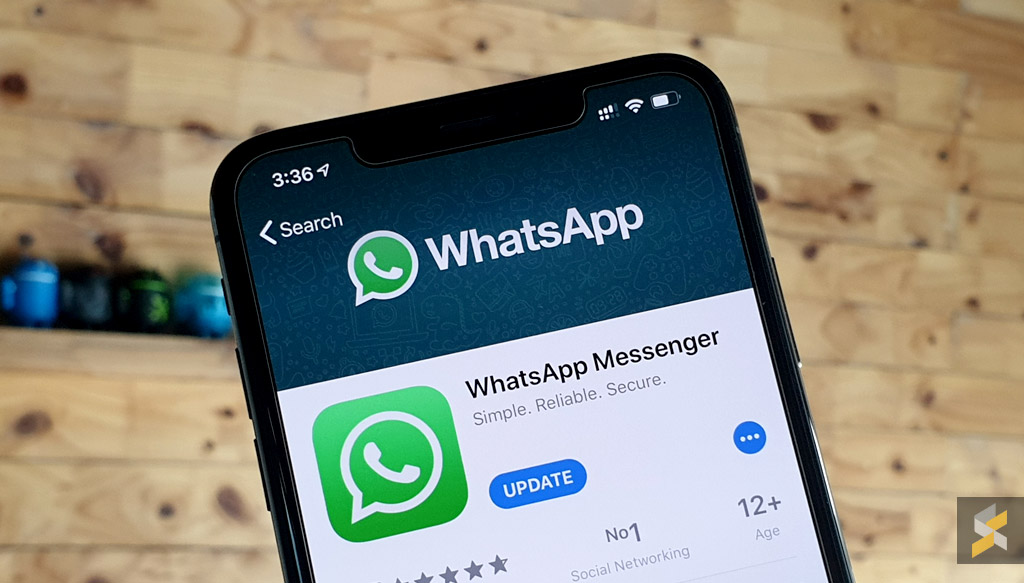
WhatsApp has been experimenting with a dark mode for their mobile apps, with the Android version reportedly testing a dark theme as recently as March. However, nothing is official regarding a dark theme for WhatsApp at the moment—but a member of the XDA Developers forum has come up with a mod that will give the official WhatsApp desktop client a dark theme.
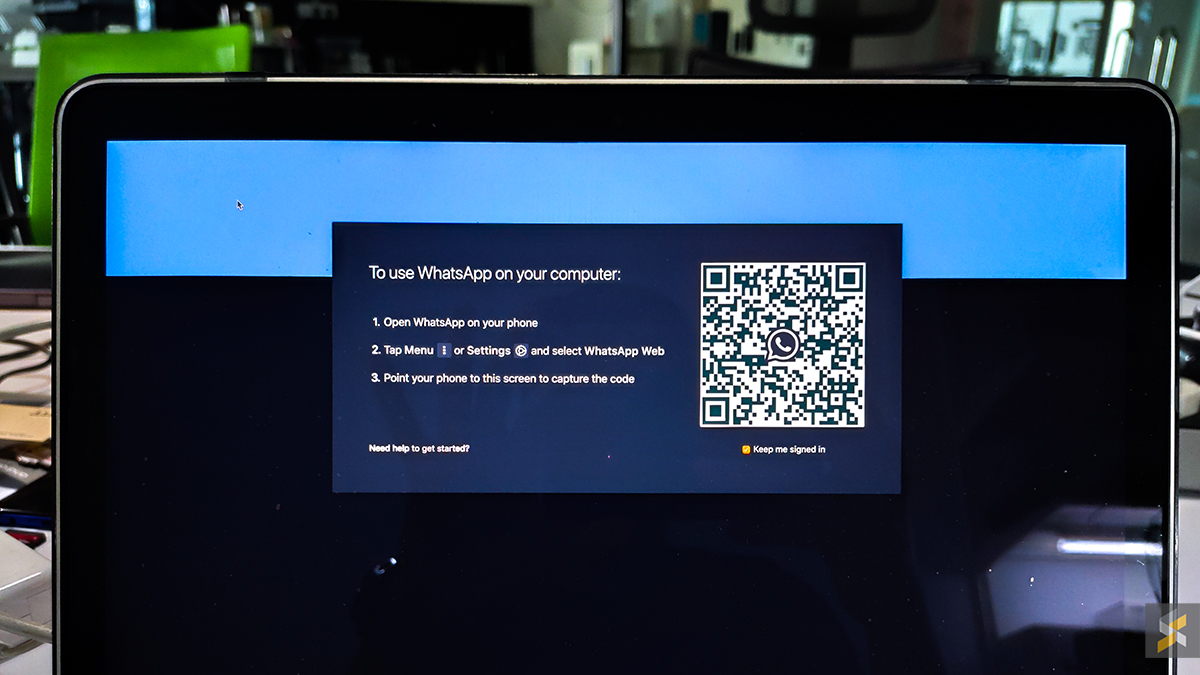
XDA Developers says that as the script only modifies the UI, as opposed to any of the core code of the WhatsApp client, it should be safe to use.

“This mod with its NodeJS installation script targets elements responsible for the UI and does not touch any of the underlying code responsible for the working of the client. This mod is not a third-party client by itself (so your messages or any other data are not shared with the developer), because of which you do need to have the desktop client installed. This mod is also open-source, so you can check out the code underneath the mod/theme and even build it yourself.”

If you’d like to give it a go, here’s how you can install it on your WhatsApp web client:

  • Download WhatsApp web from the official website (the mod doesn’t work on clients downloaded from the App Store or Microsoft Store).
  • For Windows, download this zip file. For Mac users, download this zip file.
  • Run the WhatsApp web client on your PC/Mac.
  • Extract the zip file, and run WADark.exe (PC) or WADark (Mac).
  • Wait for the process to finish, and you’re done.

For more detailed instructions, click here.

[ SOURCE , 2 , 3 ]

Tags: WhatsappWhatsApp Web
Nic Ker

Nic Ker

POPULAR

Tip: Here’s how to get Dark Mode on WhatsApp Web

September 4, 2019
Apple Store - The Exchange TRX

Malaysia’s second Apple Store is opening in Putrajaya?

August 8, 2026

U Mobile leads in 5G quality, coverage and experience before leaving DNB, according to Opensignal

August 10, 2026

Honor Pad 20 series coming to Malaysia: 12.1-inch display, Snapdragon 7 Gen 3 and 10,100mAh battery

August 11, 2026

Ask Maps is rolling out in Malaysia: A new Google Maps experience powered by Gemini

August 7, 2026

Sony Xperia 1 VIII arrives in Malaysia for RM6,499, comes with free WF-1000XM6 earbuds

August 5, 2026

Copyright © 2026 · SoyaCincau.com
Mind Blow Sdn Bhd (1076827-P)

  • ADVERTISE
  • DISCLAIMER

Copyright © 2026 · SoyaCincau.com – Mind Blow Sdn Bhd (1076827-P)

  • ADVERTISE
  • DISCLAIMER