• 中文版
  • BM
  • News
  • Deals
  • Reviews
    • First Impressions
    • Hands-on
    • Comparisons
  • Tech
    • Mobile
    • Computers
    • Cameras
    • Wearables
    • Audio
    • Drones
  • Telco
    • Celcom
    • Digi
    • Maxis
    • Time
    • Tune Talk
    • U Mobile
    • Unifi
    • Yes
  • Cars
  • Contribute
  • Jobs
Menu
  • 中文版
  • BM
  • News
  • Deals
  • Reviews
    • First Impressions
    • Hands-on
    • Comparisons
  • Tech
    • Mobile
    • Computers
    • Cameras
    • Wearables
    • Audio
    • Drones
  • Telco
    • Celcom
    • Digi
    • Maxis
    • Time
    • Tune Talk
    • U Mobile
    • Unifi
    • Yes
  • Cars
  • Contribute
  • Jobs
Search
  • Tech
    • News
    • Mobile
    • Computers
    • Cameras
    • Wearables
    • Audio
    • Drones
  • Telco
    • Celcom
    • Digi
    • Maxis
    • Time
    • U Mobile
    • Unifi
    • Yes
  • Reviews
    • First Impressions
    • Hands-on
    • Comparisons
  • Buyer’s Guide
  • Opinions
  • Digital Life
  • Video
  • Deals
  • How-To
  • Cars
  • Bahasa Melayu
  • EV
  • Contribute
  • Advertise
Menu
  • Tech
    • News
    • Mobile
    • Computers
    • Cameras
    • Wearables
    • Audio
    • Drones
  • Telco
    • Celcom
    • Digi
    • Maxis
    • Time
    • U Mobile
    • Unifi
    • Yes
  • Reviews
    • First Impressions
    • Hands-on
    • Comparisons
  • Buyer’s Guide
  • Opinions
  • Digital Life
  • Video
  • Deals
  • How-To
  • Cars
  • Bahasa Melayu
  • EV
  • Contribute
  • Advertise
Search
Close
Home News

Tip: Here’s how to get Dark Mode on WhatsApp Web

  • BY Nic Ker
  • 4 September 2019
  • 1:07 pm
  • Comment
Share on FacebookShare on Twitter

Everyone (well, almost everyone) has been calling for a dark mode for WhatsApp for ages now. Android, iOS version, WhatsApp Web desktop clients—anything really. It’d be really nice to have the option to view your messages in a more forgiving tone, with many apps starting to implement dark themes into their apps. In fact, Android 10 has just been officially launched with Dark Mode integrated into the new operating system.

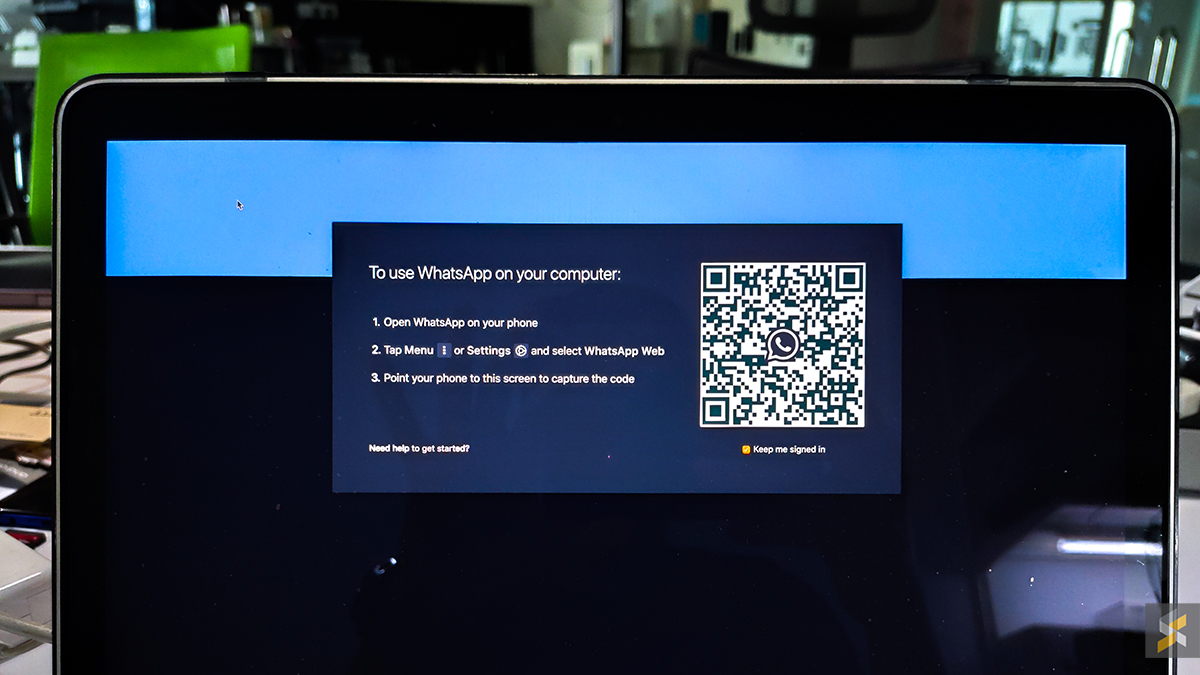
WhatsApp has been experimenting with a dark mode for their mobile apps, with the Android version reportedly testing a dark theme as recently as March. However, nothing is official regarding a dark theme for WhatsApp at the moment—but a member of the XDA Developers forum has come up with a mod that will give the official WhatsApp desktop client a dark theme.
XDA Developers says that as the script only modifies the UI, as opposed to any of the core code of the WhatsApp client, it should be safe to use.

“This mod with its NodeJS installation script targets elements responsible for the UI and does not touch any of the underlying code responsible for the working of the client. This mod is not a third-party client by itself (so your messages or any other data are not shared with the developer), because of which you do need to have the desktop client installed. This mod is also open-source, so you can check out the code underneath the mod/theme and even build it yourself.”

If you’d like to give it a go, here’s how you can install it on your WhatsApp web client:

  • Download WhatsApp web from the official website (the mod doesn’t work on clients downloaded from the App Store or Microsoft Store).
  • For Windows, download this zip file. For Mac users, download this zip file.
  • Run the WhatsApp web client on your PC/Mac.
  • Extract the zip file, and run WADark.exe (PC) or WADark (Mac).
  • Wait for the process to finish, and you’re done.

For more detailed instructions, click here.

[ SOURCE , 2 , 3 ]

Tags: WhatsappWhatsApp Web
Nic Ker

Nic Ker

POPULAR

Tip: Here’s how to get Dark Mode on WhatsApp Web

September 4, 2019
Rear view of the OPPO Find X9 Ultra in Tundra Umber standing vertically on a stone surface with a lush green bokeh background. The device features an eco-friendly vegan leather back with a classic stitching design , vertically oriented Hasselblad and OPPO logos , and a large circular Master Lens camera module with a bronze-toned knurled ring.

Clearing Every Expectation: How the OPPO Find X9 Ultra Redefines the Modern Flagship Experience

April 16, 2026

SoyaCincau x Dongfeng Pop Up EV Clinic: Track Edition 2026: Chase a podium or cruise with friends; we’re opening the grid to everyone

May 13, 2026

Volvo EX30 owners affected by recall told not to charge above 70% following two fire incidents in Thailand

May 19, 2026
BYD Inokom Visit - May 2026

BYD is here to stay in Malaysia: CKD with Sime Motors set to happen soon?

May 18, 2026

Sarawak’s Batang Lupar 1 Bridge: Malaysia’s longest river-crossing bridge opens today

May 21, 2026

Copyright © 2025 · SoyaCincau.com
Mind Blow Sdn Bhd (1076827-P)

  • ADVERTISE
  • DISCLAIMER

Copyright © 2026 · SoyaCincau.com – Mind Blow Sdn Bhd (1076827-P)

  • ADVERTISE
  • DISCLAIMER