• 中文版
  • BM
  • News
  • Deals
  • Reviews
    • First Impressions
    • Hands-on
    • Comparisons
  • Tech
    • Mobile
    • Computers
    • Cameras
    • Wearables
    • Audio
    • Drones
  • Telco
    • Celcom
    • Digi
    • Maxis
    • Time
    • Tune Talk
    • U Mobile
    • Unifi
    • Yes
  • Cars
  • Contribute
  • Jobs
Menu
  • 中文版
  • BM
  • News
  • Deals
  • Reviews
    • First Impressions
    • Hands-on
    • Comparisons
  • Tech
    • Mobile
    • Computers
    • Cameras
    • Wearables
    • Audio
    • Drones
  • Telco
    • Celcom
    • Digi
    • Maxis
    • Time
    • Tune Talk
    • U Mobile
    • Unifi
    • Yes
  • Cars
  • Contribute
  • Jobs
Search
  • Tech
    • News
    • Mobile
    • Computers
    • Cameras
    • Wearables
    • Audio
    • Drones
  • Telco
    • Celcom
    • Digi
    • Maxis
    • Time
    • U Mobile
    • Unifi
    • Yes
  • Reviews
    • First Impressions
    • Hands-on
    • Comparisons
  • Buyer’s Guide
  • Opinions
  • Digital Life
  • Video
  • Deals
  • How-To
  • Cars
  • Bahasa Melayu
  • EV
  • Contribute
  • Advertise
Menu
  • Tech
    • News
    • Mobile
    • Computers
    • Cameras
    • Wearables
    • Audio
    • Drones
  • Telco
    • Celcom
    • Digi
    • Maxis
    • Time
    • U Mobile
    • Unifi
    • Yes
  • Reviews
    • First Impressions
    • Hands-on
    • Comparisons
  • Buyer’s Guide
  • Opinions
  • Digital Life
  • Video
  • Deals
  • How-To
  • Cars
  • Bahasa Melayu
  • EV
  • Contribute
  • Advertise
Search
Close
Home News

Did your iPhone accidentally trigger Crash Detection? Here’s what you should do

  • BY Raymond Saw
  • 7 April 2023
  • 12:08 pm
  • Comment
Share on FacebookShare on Twitter

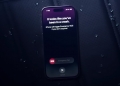
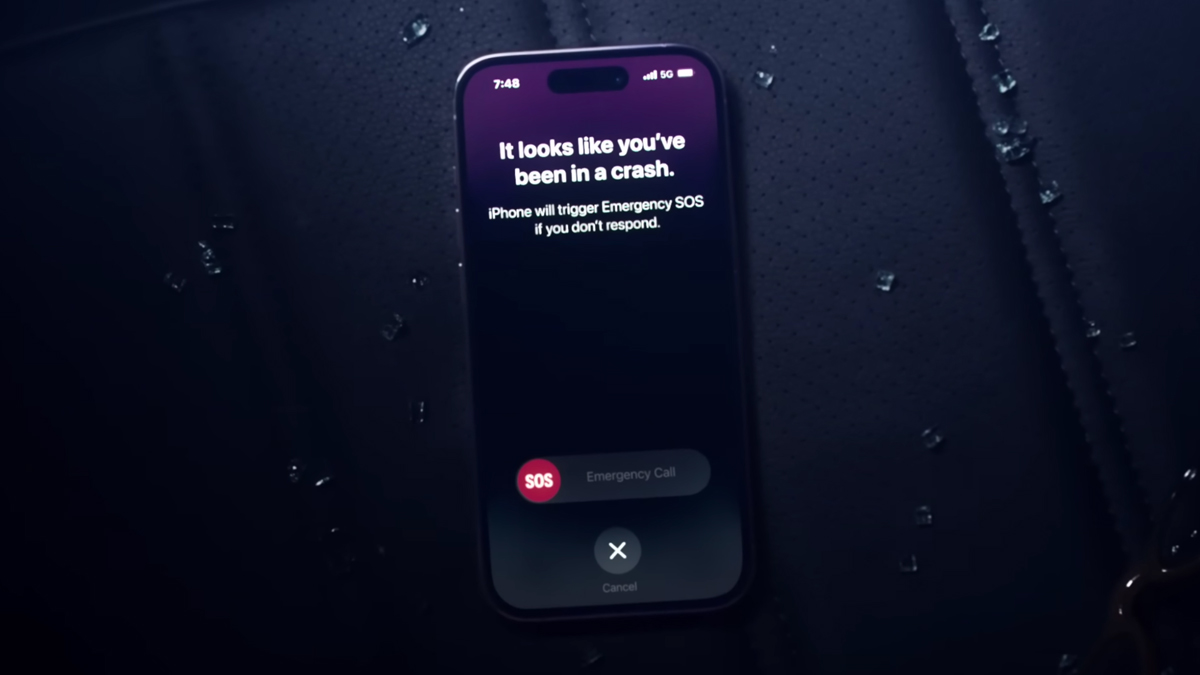
When Apple debuted the iPhone 14 and iPhone 14 Pro lineup last September, one feature that they highlighted quite a bit during their showcase was Crash Detection. Cupertino had given their latest smartphones new accelerometers that allow it to detect sudden changes in G-force, meaning it can tell if you’ve been in a severe car crash. When it does, your iPhone will then automatically contact emergency services.

However, this does have some interesting consequences. Almost immediately after it was made available, reports started surfacing of iPhone 14 users who were accidentally triggering Crash Detection, most notably when they went on a roller coaster ride. The Kings Island amusement park in Ohio, US for instance apparently caused at least six false Crash Detection triggers in just the first month of the iPhone 14 and iPhone 14 Pro’s life.
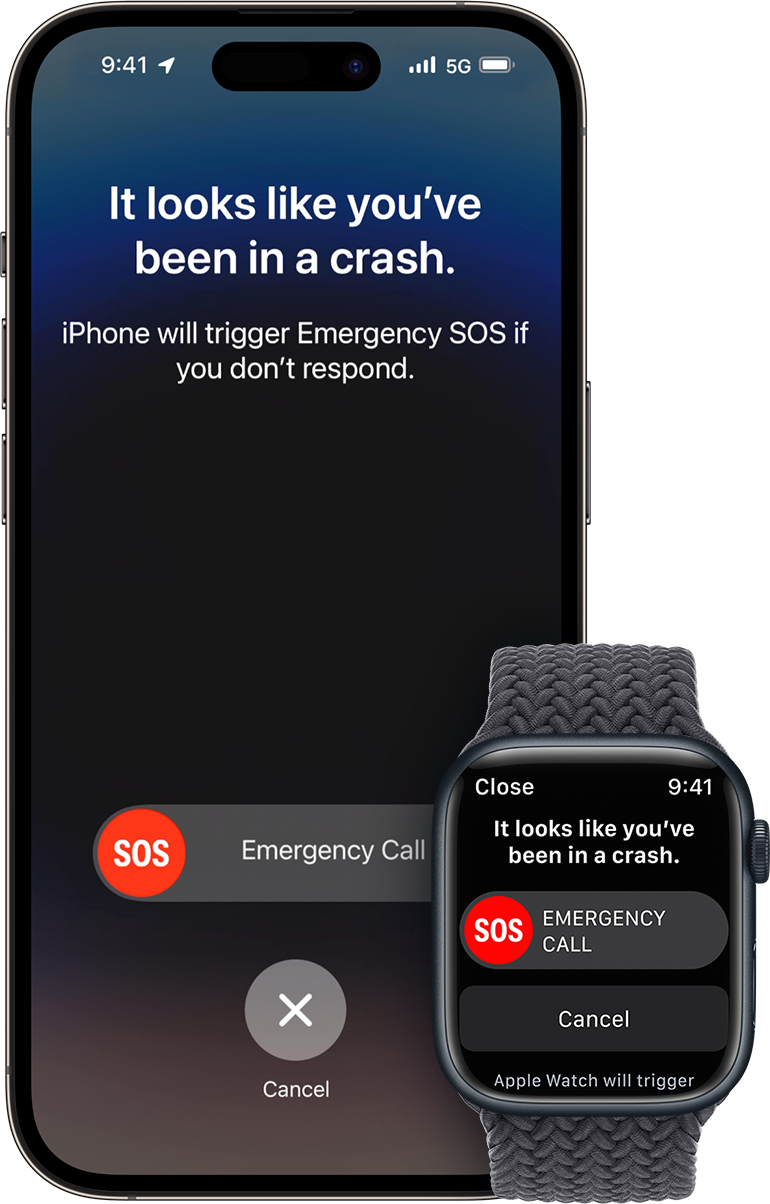
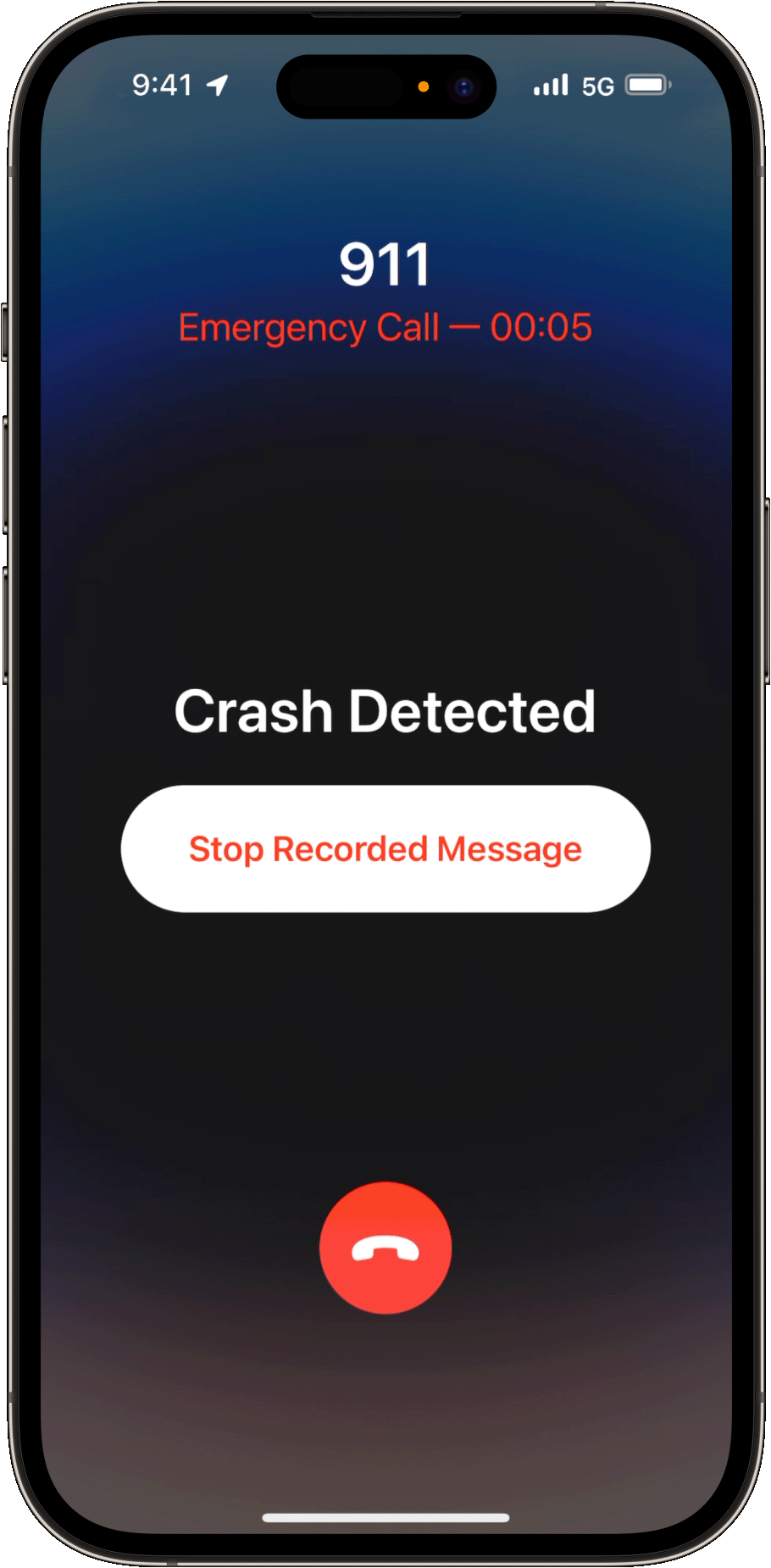
Apple had since tweaked it a little in subsequent software updates to tone down how aggressive Crash Detection was, but a new change in their support documents also reveal Apple’s suggestions to the user if your iPhone still accidentally triggered the feature and called emergency services by mistake.

“If the call has been made, but you don’t need emergency services, don’t hang up. Wait until a responder answers, then explain that you don’t need help,” – Apple support page

On the support page for Crash Detection on the Apple website, there’s a section on what to do after Crash Detection has made the call for emergency services. It states that even if you don’t need the help—perhaps because you were on a roller coaster instead of a car crash—you still shouldn’t hang up the call. Instead, you should wait until someone answers the call, then explain that you don’t actually need any help.

Apple also seemingly removed a line in the page that told users to cancel the call when Crash Detection triggers. Instead, it now suggests users to just dismiss the feature’s timer if they can, but just don’t hang up once the call has been made to prevent emergency services wondering if a situation has occured.

[ SOURCE ]

Tags: AppleiPhoneiPhone 14iPhone 14 Proiphone crash detectionMobile
Raymond Saw

Raymond Saw

POPULAR

Did your iPhone accidentally trigger Crash Detection? Here’s what you should do

April 7, 2023

The Single-Stock Trap: Why True Tech Investing Means Moving Beyond a Few Famous Tickers

June 25, 2026

Astro X3 lets you stream instantly with no box or installation, from RM39.99/month

July 7, 2026
Perodua QV-E EV

Perodua QV-E already received 1,700 bookings? Really?

July 7, 2026
Screenshot

Why some ATMs are still charging RM1 for cash withdrawals despite the fee waiver

July 3, 2026

RM32 Per Line with 1TB Shared Data? Inside U Mobile’s New ULTRA Family Suite

May 7, 2026

Copyright © 2025 · SoyaCincau.com
Mind Blow Sdn Bhd (1076827-P)

  • ADVERTISE
  • DISCLAIMER

Copyright © 2026 · SoyaCincau.com – Mind Blow Sdn Bhd (1076827-P)

  • ADVERTISE
  • DISCLAIMER