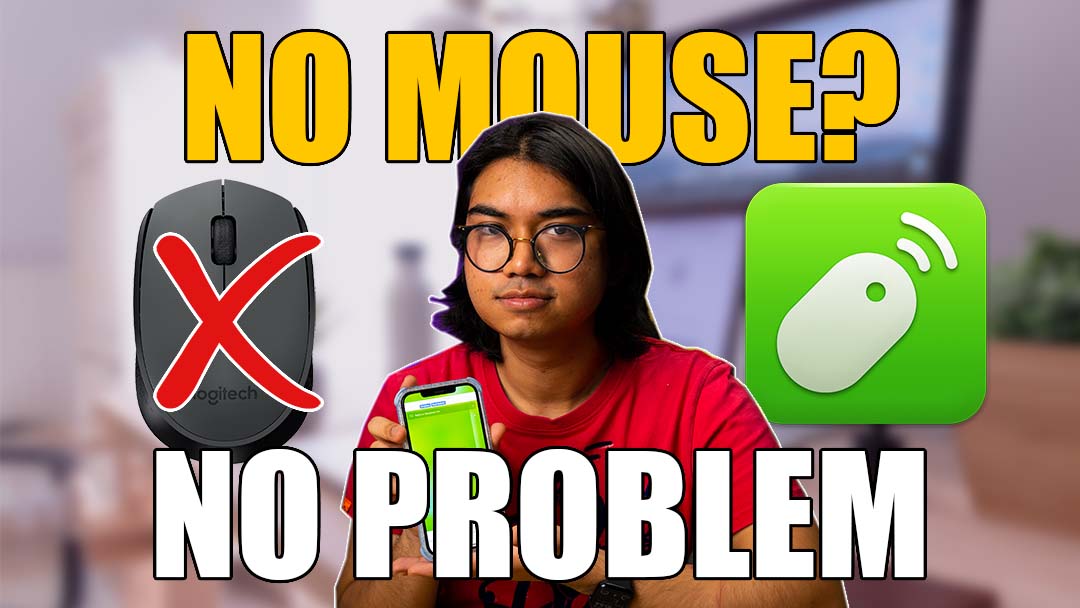
Today I’ll be talking about this app called: Remote Mouse. It allows your mobile device or tablet to control your computer, like a mouse, keyboard, or trackpad. Let me show you how it works.
You need to download the app on your phone and get a server running on your computer. It’s available for iOS, Android, Windows, and Mac.
I like how low-latency it is. It actually depends on whether you’re using Bluetooth or WiFi. The WiFi connection seems super fast, while the Bluetooth one seems to struggle a bit, so I recommend using WiFi. Regardless, the fact that I can even type with my phone keyboard is cool too, in addition to scrolling with two fingers just like a trackpad.
There was a feature shown in the settings tab that allows for using the gyroscope as a mouse input, but I couldn’t get it working.
Since I’m on the free version, it shows ads on the top of the interface, which is quite irritating but doesn’t change the functionality of the app, so it’s not a dealbreaker.
The free version gets you the mouse, keyboard and the application switcher function, but there is a Pro version for RM3.90 a month, 41.90 a year, or RM59.90 for a lifetime fee. The pro version gets you Media remote, Web remote, Shortcuts, Power options, and even Apple Watch support.
Do note that the mouse and keyboard functions work in portrait mode, but they seem to be limited in landscape mode. I can scroll and click, but I can’t seem to move the mouse or type in landscape mode. Since it asks me to pay for Pro when I go into landscape mode, I assume it’s just limited in the free version. It’s a shame, since I’m used to using a landscape trackpad and it would feel quite comfortable like that, but alas, we get what we pay for.
One thing I want to talk about is security. It’s quite easy to connect the app to your computer, but that naturally makes it easy for someone to download the app and control your computer as well. This is potentially a huge security risk. If you’re worried about that, the computer app allows you to set a password for the connection. You can do so in the options tab, and once it’s set, you would be required to enter the password every time you connect to your computer.
Final verdict & Availability
So, all in all, would I be using this app every day? My answer would be no, but I can see how it would be helpful in niche situations like pressing play on Netflix while casting to a TV or using it for presentations. However, even though it’s very low latency, I’m not going to replace my current mouse with this as you don’t get nearly as much precision and control with the app.
If you want to give it a try, you can head to their website here, or download it on the App Store or Google Play Store.