
• 中文版
  • BM
  • News
  • Deals
  • Reviews
    • First Impressions
    • Hands-on
    • Comparisons
  • Tech
    • Mobile
    • Computers
    • Cameras
    • Wearables
    • Audio
    • Drones
  • Telco
    • Celcom
    • Digi
    • Maxis
    • Time
    • Tune Talk
    • U Mobile
    • Unifi
    • Yes
  • Cars
  • Contribute
  • Jobs
Menu
  • 中文版
  • BM
  • News
  • Deals
  • Reviews
    • First Impressions
    • Hands-on
    • Comparisons
  • Tech
    • Mobile
    • Computers
    • Cameras
    • Wearables
    • Audio
    • Drones
  • Telco
    • Celcom
    • Digi
    • Maxis
    • Time
    • Tune Talk
    • U Mobile
    • Unifi
    • Yes
  • Cars
  • Contribute
  • Jobs
Search
  • Tech
    • News
    • Mobile
    • Computers
    • Cameras
    • Wearables
    • Audio
    • Drones
  • Telco
    • Celcom
    • Digi
    • Maxis
    • Time
    • U Mobile
    • Unifi
    • Yes
  • Reviews
    • First Impressions
    • Hands-on
    • Comparisons
  • Buyer’s Guide
  • Opinions
  • Digital Life
  • Video
  • Deals
  • How-To
  • Cars
  • Bahasa Melayu
  • EV
  • Contribute
  • Advertise
Menu
  • Tech
    • News
    • Mobile
    • Computers
    • Cameras
    • Wearables
    • Audio
    • Drones
  • Telco
    • Celcom
    • Digi
    • Maxis
    • Time
    • U Mobile
    • Unifi
    • Yes
  • Reviews
    • First Impressions
    • Hands-on
    • Comparisons
  • Buyer’s Guide
  • Opinions
  • Digital Life
  • Video
  • Deals
  • How-To
  • Cars
  • Bahasa Melayu
  • EV
  • Contribute
  • Advertise
Search
Close
Home Digital Life

It’s not just you: Multiple Windows 11 features like Snipping Tool are currently broken

  • BY Raymond Saw
  • 5 November 2021
  • 3:08 pm
  • Comment
Share on FacebookShare on Twitter

We thought we heard the last of any major issues with Windows 11 when Microsoft issued out an update that fixed the problems plaguing it with AMD processors. However, it appears as though there’s more problems with the operating system, with the latest being reports of users unable to use features like the Snipping Tool, emojis and voice typing.

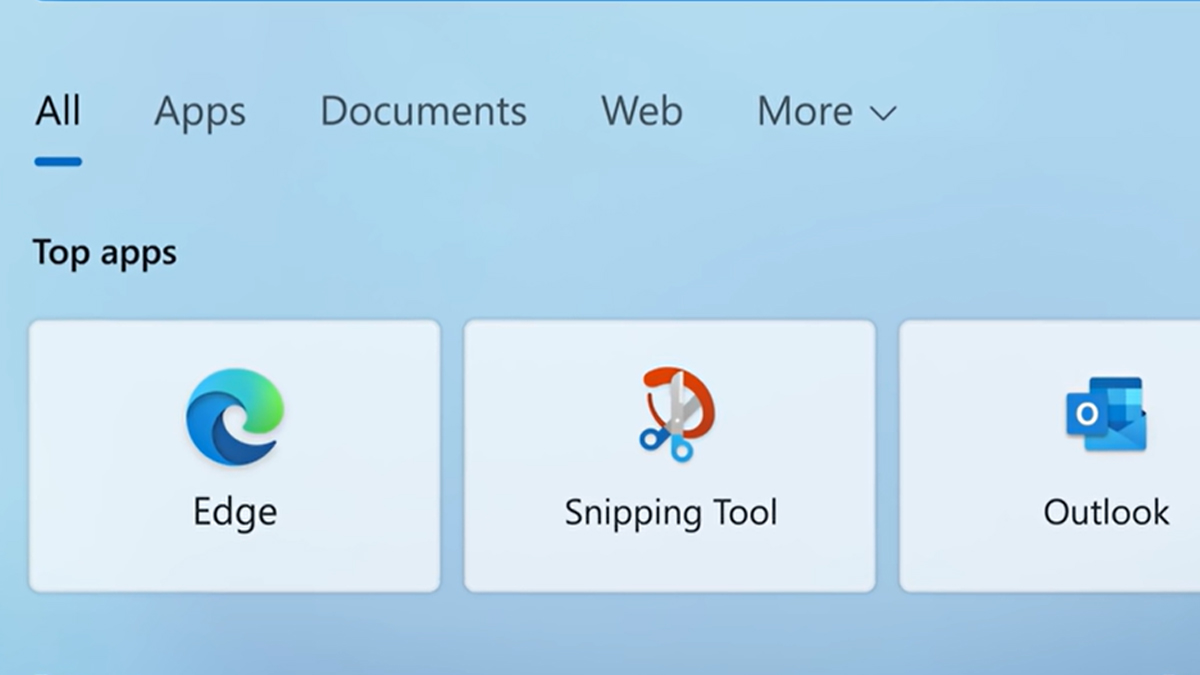
First discovered on the 1st of November, Microsoft has made public issues with certain built-in Windows apps and features caused by a digital certificate that expired at the end of October. The expired digital certificate has so far caused several apps and features to be bugged, including the Snipping Tool, touch keyboard, voice typing, emoji panel, the Input Method Editor UI, the Getting started and Tips wizard as well as the Start menu and Settings app in Windows 11 S mode.

Here is Wendell from the YouTube channel Level1Techs experiencing the issue with the Snipping Tool in particular. Upon trying to launch the Snipping Tool, the app will refuse to launch, and instead a popup appears stating that the app can’t open.

Windows 11 is just amazing. So amazing. pic.twitter.com/3b9X11fr4r

— wendell (@tekwendell) November 3, 2021

So far, Microsoft has mitigated some of the issues with the touch keyboard, voice typing and emoji panel with the KB5006746 patch, though it’s currently in preview at time of writing, so you will need to manually download and install it. Snipping Tool however remains broken, with Microsoft recommending that you instead use the Print Screen key on your keyboard, paste the screenshot into Paint and copy the section you need as a workaround in the meantime.

You can also apparently fix it by changing your system date back to the 30th of October, open Snipping Tool and then change back your system date once Snipping Tool has loaded. Alternatively, if it’s been less than 10 days since you made the switch to Windows 11, you can still roll back to Windows 10 where Snipping Tool still works.

[ SOURCE 2 3 ]

Tags: microsoftMicrosoft Windowsmicrosoft windows 11windows 11
Raymond Saw

Raymond Saw

POPULAR

It’s not just you: Multiple Windows 11 features like Snipping Tool are currently broken

November 5, 2021

Small Steps, Daily Rewards: Exploring the Maybank Tabung Daily Bonus Campaign

May 28, 2026
Photo by Vitaly Gariev

Countdown to Kickoff: Unifi TV Brings All 104 FIFA World Cup 2026 Matches Live in HD

June 11, 2026

Zeekr X 2026 now open for booking in Malaysia, comes with automatic doors and built-in fridge

June 9, 2026

MyGOV app will stream FIFA World Cup 2026 matches for free

June 5, 2026

We’ve been accepting broken laptop designs for 20 years. Here’s what finally changed

June 9, 2026

Copyright © 2025 · SoyaCincau.com
Mind Blow Sdn Bhd (1076827-P)

  • ADVERTISE
  • DISCLAIMER

Copyright © 2026 · SoyaCincau.com – Mind Blow Sdn Bhd (1076827-P)

  • ADVERTISE
  • DISCLAIMER





