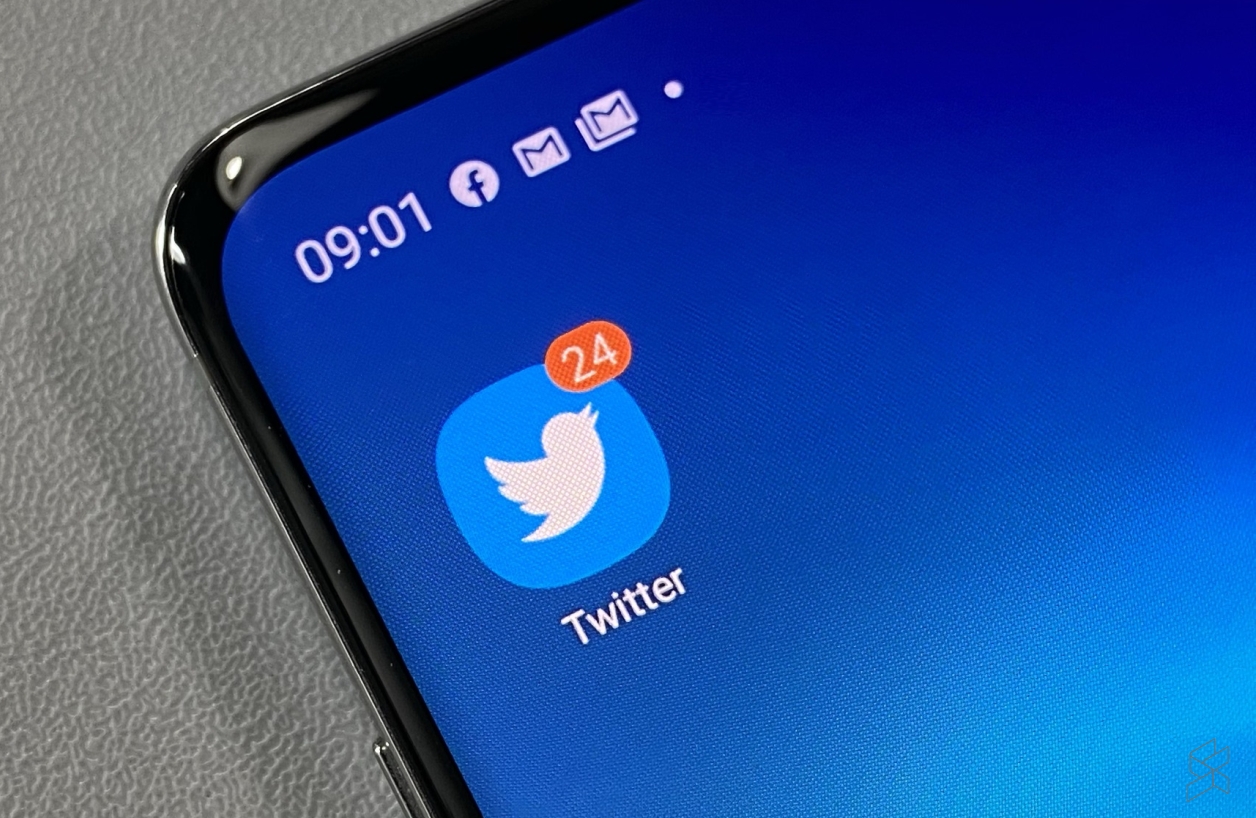
I don’t have a blue tick on my Twitter account… and neither does the official SoyaCincau account. That’s because the social media platform suspended the public verification process back in 2017, after some controversy about the type of users that Twitter was verifying on the platform.
It’s been a couple of years since, but Twitter has finally confirmed that accounts can now apply for official blue ticks (or blue badges). For some context, the blue tick is essentially a badge given to certain accounts that are of “high public interest”. It offers a modicum of authenticity to business or public accounts, although in the years gone by, we’ve also seen notable influencers pick up the coveted check mark.
In any case, Twitter says that they’ve been working over the past few months (what about the years prior?) to “bring clarity” to certain criteria that accounts will need to fulfill to be eligible. Meanwhile, the platform has also been compiling feedback since the end of 2020, removing badges from accounts that don’t meet the fresh requirements.
“The blue verified badge on Twitter lets people know that an account of public interest is authentic. To receive the blue badge, your account must be authentic, notable, and active.“
Is your account eligible?
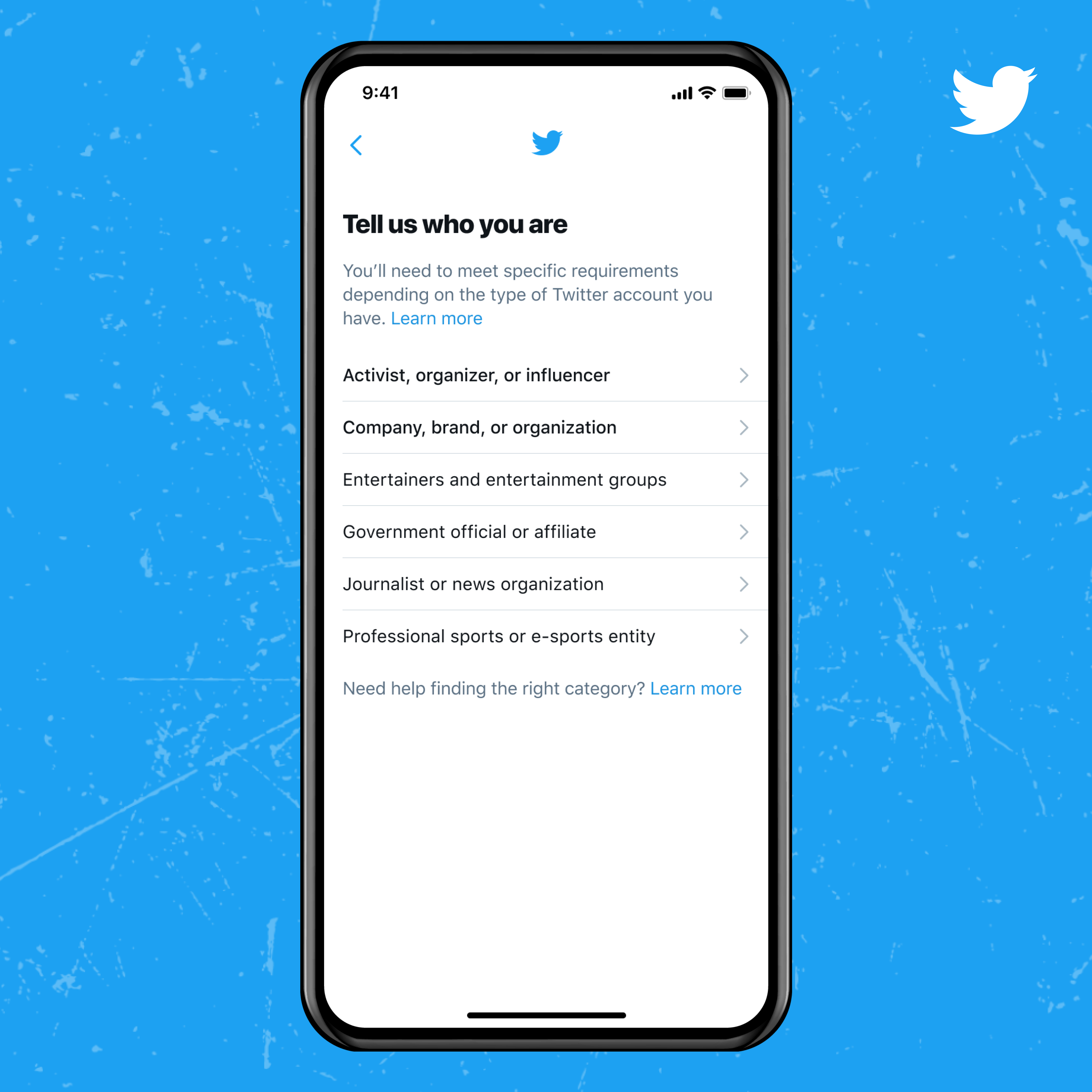
To qualify, you (or your account) have to fulfill one of the following six criteria:
- Government
- Companies, brands and organizations
- News organizations and journalists
- Entertainment
- Sports and gaming
- Activists, organizers, and other influential individuals
Within these categories, of course, are more detailed requirements that your account will need to fulfill. Read more about that here. Your account must also be complete, which basically means that you’ll need to have a profile name, image, and a confirmed email or phone number.
Plus, the account must have been active within the last six months, and of course, you’ll need to have a spick and span record based on Twitter’s rules. Once you’re sure you fit the bill, move on to the next step.
How to apply for the blue tick
Twitter says that all users will begin to see a new verification application option on the Account Settings tab on the app—although this will only happen over the next couple of weeks. The rollout is gradual to help the platform manage applications, so be patient here.
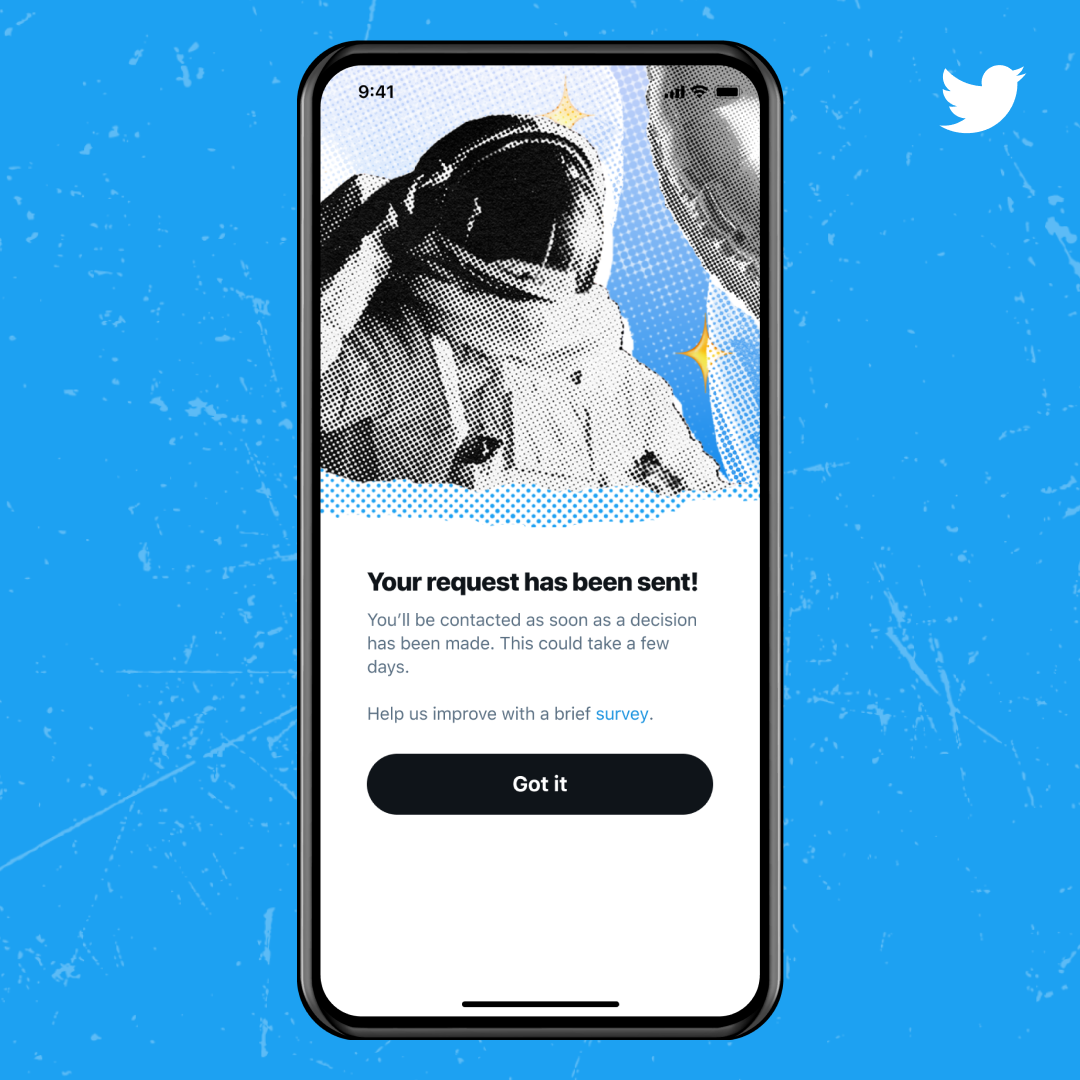
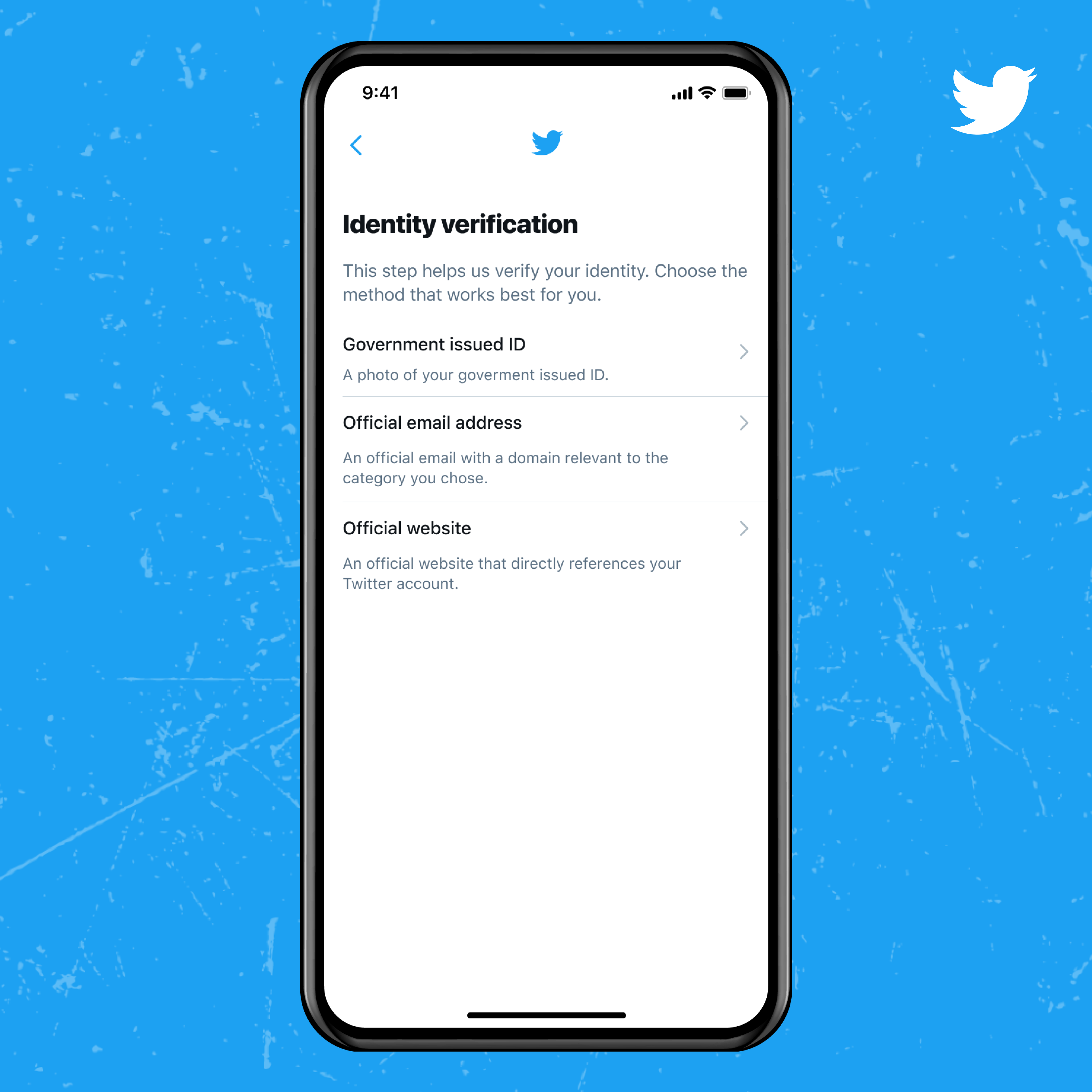
Within a couple of days, you should receive an email response from Twitter, although be warned that this might take up to a few weeks. If approved, you’ll see the blue tick automatically appear on your profile. If not, you can reapply 30 days after the rejection email. Again, be sure to look into Twitter’s specific requirements for the verification process by clicking here. Further, Twitter’s policy on ineligible accounts can be viewed here.
So, what do you think? Let us know if it goes well for you in the comments below.
[ SOURCE ]