• 中文版
  • BM
  • News
  • Deals
  • Reviews
    • First Impressions
    • Hands-on
    • Comparisons
  • Tech
    • Mobile
    • Computers
    • Cameras
    • Wearables
    • Audio
    • Drones
  • Telco
    • Celcom
    • Digi
    • Maxis
    • Time
    • Tune Talk
    • U Mobile
    • Unifi
    • Yes
  • Cars
  • Contribute
  • Jobs
Menu
  • 中文版
  • BM
  • News
  • Deals
  • Reviews
    • First Impressions
    • Hands-on
    • Comparisons
  • Tech
    • Mobile
    • Computers
    • Cameras
    • Wearables
    • Audio
    • Drones
  • Telco
    • Celcom
    • Digi
    • Maxis
    • Time
    • Tune Talk
    • U Mobile
    • Unifi
    • Yes
  • Cars
  • Contribute
  • Jobs
Search
  • Tech
    • News
    • Mobile
    • Computers
    • Cameras
    • Wearables
    • Audio
    • Drones
  • Telco
    • Celcom
    • Digi
    • Maxis
    • Time
    • U Mobile
    • Unifi
    • Yes
  • Reviews
    • First Impressions
    • Hands-on
    • Comparisons
  • Buyer’s Guide
  • Opinions
  • Digital Life
  • Video
  • Deals
  • How-To
  • Cars
  • Bahasa Melayu
  • EV
  • Contribute
  • Advertise
Menu
  • Tech
    • News
    • Mobile
    • Computers
    • Cameras
    • Wearables
    • Audio
    • Drones
  • Telco
    • Celcom
    • Digi
    • Maxis
    • Time
    • U Mobile
    • Unifi
    • Yes
  • Reviews
    • First Impressions
    • Hands-on
    • Comparisons
  • Buyer’s Guide
  • Opinions
  • Digital Life
  • Video
  • Deals
  • How-To
  • Cars
  • Bahasa Melayu
  • EV
  • Contribute
  • Advertise
Search
Close
Home Digital Life

iOS 14.5: This is how to change your Siri’s go-to music app to Spotify

  • BY Dzamira Dzafri
  • 27 April 2021
  • 1:20 pm
  • Comment
Share on FacebookShare on Twitter

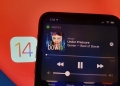
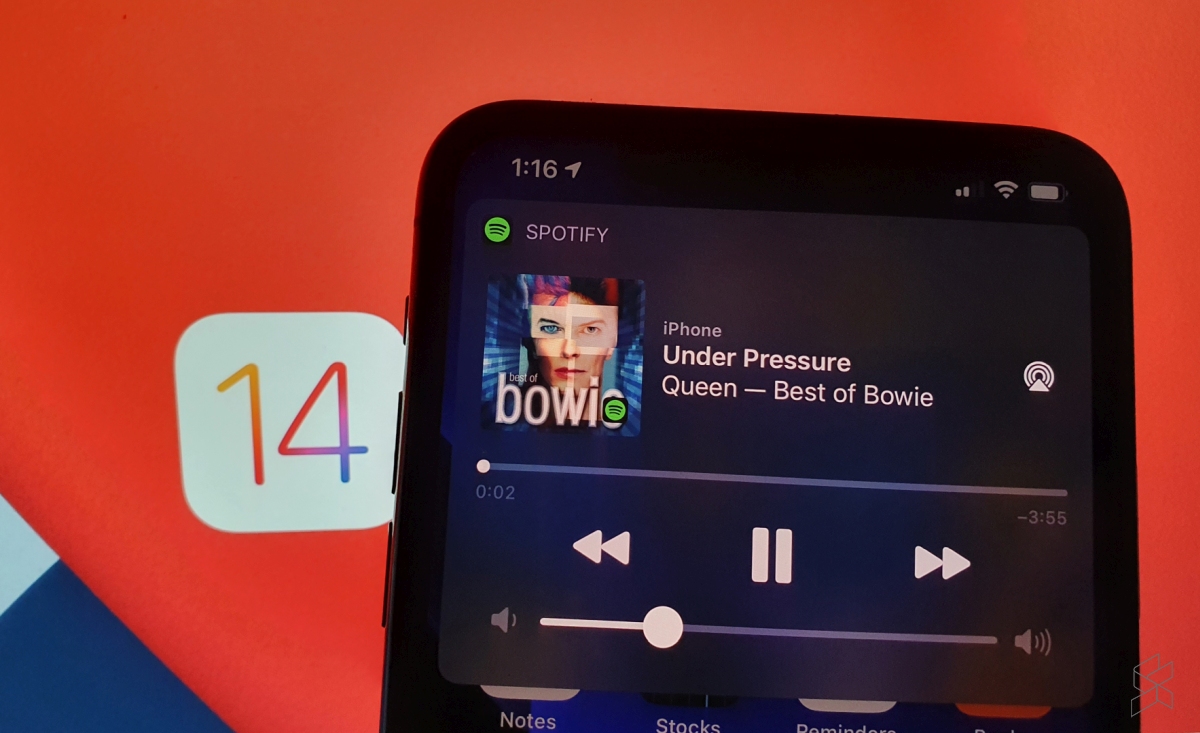
The new iOS 14.5 update comes with a lot of new cool additions, but this specific addition has been long-awaited. Apple finally introduces a feature that lets users select a specific music service to use with Siri—including Spotify…and Apple Music, if you’re into that.

Previously, Siri would either automatically try and find the song you ask for in Apple Music, or ask you for which platform you’d like the music played. You can also go like “Hey Siri, play ____ on Spotify” to skip the foreplay entirely.

However, once I’ve updated my iPhone to iOS 14.5, Siri no longer needed to ask me for the preferred music app—it automatically played me the song I wanted on Spotify. Apparently, ‌Siri‌ learns from your listening habits to improve the music selection process over time.

Here’s how to set your preferred music platform with Siri:

  • Make sure your iPhone is updated to iOS 14.5
  • Ask ‌Siri‌ to play an artist, a song or an album that you want played
  • If Siri hasn’t automatically played the song on your preferred platform, Siri‌ will display a list of all music apps you have installed and will ask “Which app would you like to use?”
  • Choose your preferred music app from the list
  • If asked, confirm that ‌Siri‌ can access data from your music app

This update has already been something we’ve been excited about for some time. But the iOS 14.5 update also comes with the option to unlock your iPhone with your Apple Watch while wearing a face mask, and adds more diverse voice options for Siri—amongst other new things.

[ SOURCE ]

Related reading

You can set Spotify to be the default music player in iOS 14.5 beta
Tags: ios 14.5Spotify
Dzamira Dzafri

Dzamira Dzafri

POPULAR

iOS 14.5: This is how to change your Siri’s go-to music app to Spotify

April 27, 2021

The Single-Stock Trap: Why True Tech Investing Means Moving Beyond a Few Famous Tickers

June 25, 2026

Proton Saga Cross AMA02 spotted undergoing testing at Federal Highway

July 14, 2026

Jaecoo J5 EV: First look at the potential Proton e.MAS and BYD challenger

July 11, 2026

NanoMalaysia: Malaysia’s upcoming homegrown EV battery can help deliver over 600km of range

July 13, 2026

The OPPO Reno16 Pro 5G Lands in Malaysia: A Look at the New 200MP All-in-One Content Studio

July 13, 2026

Copyright © 2025 · SoyaCincau.com
Mind Blow Sdn Bhd (1076827-P)

  • ADVERTISE
  • DISCLAIMER

Copyright © 2026 · SoyaCincau.com – Mind Blow Sdn Bhd (1076827-P)

  • ADVERTISE
  • DISCLAIMER