• 中文版
  • BM
  • News
  • Deals
  • Reviews
    • First Impressions
    • Hands-on
    • Comparisons
  • Tech
    • Mobile
    • Computers
    • Cameras
    • Wearables
    • Audio
    • Drones
  • Telco
    • Celcom
    • Digi
    • Maxis
    • Time
    • Tune Talk
    • U Mobile
    • Unifi
    • Yes
  • Cars
  • Contribute
  • Jobs
Menu
  • 中文版
  • BM
  • News
  • Deals
  • Reviews
    • First Impressions
    • Hands-on
    • Comparisons
  • Tech
    • Mobile
    • Computers
    • Cameras
    • Wearables
    • Audio
    • Drones
  • Telco
    • Celcom
    • Digi
    • Maxis
    • Time
    • Tune Talk
    • U Mobile
    • Unifi
    • Yes
  • Cars
  • Contribute
  • Jobs
Search
  • Tech
    • News
    • Mobile
    • Computers
    • Cameras
    • Wearables
    • Audio
    • Drones
  • Telco
    • Celcom
    • Digi
    • Maxis
    • Time
    • U Mobile
    • Unifi
    • Yes
  • Reviews
    • First Impressions
    • Hands-on
    • Comparisons
  • Buyer’s Guide
  • Opinions
  • Digital Life
  • Video
  • Deals
  • How-To
  • Cars
  • Bahasa Melayu
  • EV
  • Contribute
  • Advertise
Menu
  • Tech
    • News
    • Mobile
    • Computers
    • Cameras
    • Wearables
    • Audio
    • Drones
  • Telco
    • Celcom
    • Digi
    • Maxis
    • Time
    • U Mobile
    • Unifi
    • Yes
  • Reviews
    • First Impressions
    • Hands-on
    • Comparisons
  • Buyer’s Guide
  • Opinions
  • Digital Life
  • Video
  • Deals
  • How-To
  • Cars
  • Bahasa Melayu
  • EV
  • Contribute
  • Advertise
Search
Close
Home News

How-to: Connect 2 pairs of AirPods to a single iPhone

  • BY Nic Ker
  • 30 October 2019
  • 8:00 pm
  • Comment
Share on FacebookShare on Twitter

I remember watching the movie, Begin Again, and watching Mark Ruffalo and Keira Knightley strolling through the City at night, listening to a Frank Sinatra classic together with a headphone splitter on a single phone. And I thought: what a great way to share music.

Of course, things have changed a great deal over the last few years or so, when it comes to tech. Headphone jacks are slowly becoming a thing of the past on many flagship smartphones, and in fact, most people prefer to use wireless headphones to begin with.

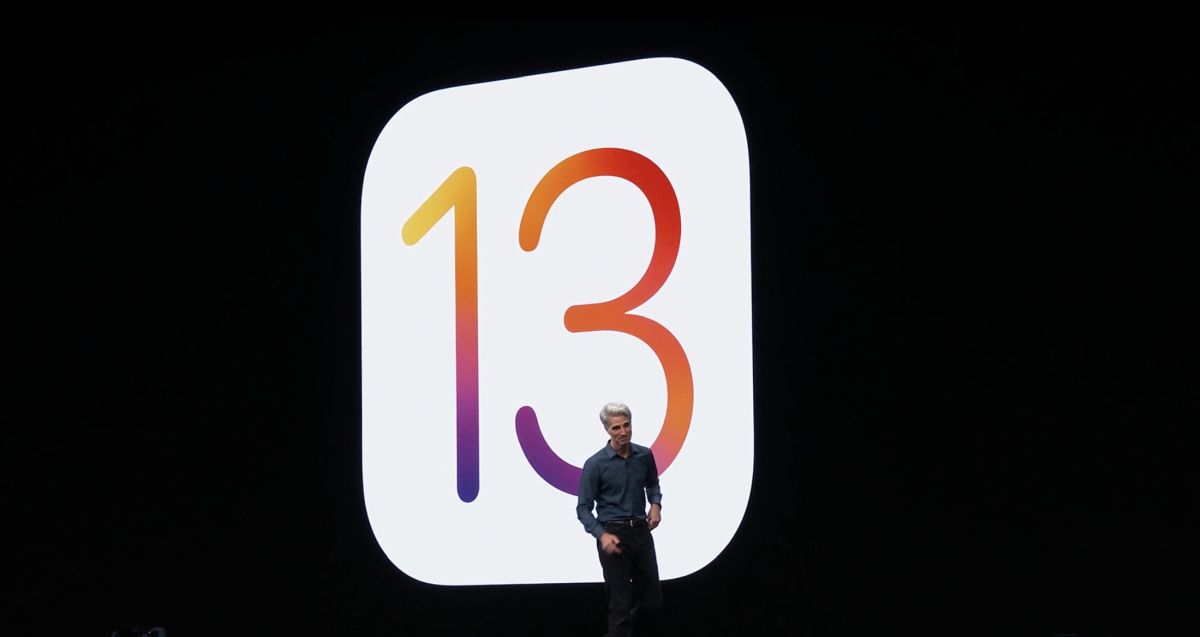
An understated new feature from iOS 13 brings this sense of nostalgia back, however. If you (and a friend) are using a supported iOS 13.1 or iPadOS device, as well as a supported pair of headphones, here’s how to set up audio sharing on your device.
Supported devices

Supported headphones (in addition to AirPods, AirPods Pro):

  • Powerbeats Pro
  • Beats Solo Wireless
  • Beats
  • Beats Studio Wireless
  • Powerbeats Wireless

Supported Apple devices:

  • iPhone 8 and later
  • iPad Pro (12.9-inch) (2nd generation and later)
  • iPad Pro (11-inch)
  • iPad Pro (10.5-inch)
  • iPad (5th generation and later)
  • iPad Air (3rd generation)
  • iPad mini (5th generation)
  • iPod touch (7th generation)

How to set up audio sharing

First, connect your headphones to your iPhone/iPad/iPod. Ensure that your friend’s pair of headphones are kept in the case. Move your iPhone to towards your friend’s open charging case. On your iPhone, tap “Temporarily Share Audio”, and follow the on-screen instructions. If you’re using a pair of Beats headphones, you’ll need to press the power button on the headphones briefly, before moving your iPhone closer.

You can also connect your iPhone to another supported iOS device. Click on the icon with a triangle and three circles in the Now Playing controls near the top right of your iPhone’s screen, and click Share Audio. Then, bring your iPhone closer to your friend’s iPhone/iPad, and ask your friend to tap “Join” on their device.

Do note that you’ll need to have AirPods (or supported headphones) for this to work, even if you’re connecting to another iOS device as opposed directly pairing with a friend’s AirPods.

[ SOURCE , VIA ]

Tags: AirPodsAppleheadphones
Nic Ker

Nic Ker

POPULAR

How-to: Connect 2 pairs of AirPods to a single iPhone

October 30, 2019
Rear view of the OPPO Find X9 Ultra in Tundra Umber standing vertically on a stone surface with a lush green bokeh background. The device features an eco-friendly vegan leather back with a classic stitching design , vertically oriented Hasselblad and OPPO logos , and a large circular Master Lens camera module with a bronze-toned knurled ring.

Clearing Every Expectation: How the OPPO Find X9 Ultra Redefines the Modern Flagship Experience

April 16, 2026

Maxis Home Solar now offers outright purchase option, with up to 80% electricity bill savings

May 11, 2026

Vibe Mobile is U Mobile’s latest MVNO partner for 5G services

May 11, 2026

SoyaCincau x Dongfeng: We’re taking over Sepang for Malaysia’s biggest EV Track Day for 2026

May 8, 2026
BYD Atto 2 Malaysian Launch

MITI’s EV policy flip-flop raises bigger questions than just protecting Proton | Let’s Talk About #143

May 12, 2026

Copyright © 2025 · SoyaCincau.com
Mind Blow Sdn Bhd (1076827-P)

  • ADVERTISE
  • DISCLAIMER

Copyright © 2026 · SoyaCincau.com – Mind Blow Sdn Bhd (1076827-P)

  • ADVERTISE
  • DISCLAIMER