• 中文版
  • BM
  • News
  • Deals
  • Reviews
    • First Impressions
    • Hands-on
    • Comparisons
  • Tech
    • Mobile
    • Computers
    • Cameras
    • Wearables
    • Audio
    • Drones
  • Telco
    • Celcom
    • Digi
    • Maxis
    • Time
    • Tune Talk
    • U Mobile
    • Unifi
    • Yes
  • Cars
  • Contribute
  • Jobs
Menu
  • 中文版
  • BM
  • News
  • Deals
  • Reviews
    • First Impressions
    • Hands-on
    • Comparisons
  • Tech
    • Mobile
    • Computers
    • Cameras
    • Wearables
    • Audio
    • Drones
  • Telco
    • Celcom
    • Digi
    • Maxis
    • Time
    • Tune Talk
    • U Mobile
    • Unifi
    • Yes
  • Cars
  • Contribute
  • Jobs
Search
  • Tech
    • News
    • Mobile
    • Computers
    • Cameras
    • Wearables
    • Audio
    • Drones
  • Telco
    • Celcom
    • Digi
    • Maxis
    • Time
    • U Mobile
    • Unifi
    • Yes
  • Reviews
    • First Impressions
    • Hands-on
    • Comparisons
  • Buyer’s Guide
  • Opinions
  • Digital Life
  • Video
  • Deals
  • How-To
  • Cars
  • Bahasa Melayu
  • EV
  • Contribute
  • Advertise
Menu
  • Tech
    • News
    • Mobile
    • Computers
    • Cameras
    • Wearables
    • Audio
    • Drones
  • Telco
    • Celcom
    • Digi
    • Maxis
    • Time
    • U Mobile
    • Unifi
    • Yes
  • Reviews
    • First Impressions
    • Hands-on
    • Comparisons
  • Buyer’s Guide
  • Opinions
  • Digital Life
  • Video
  • Deals
  • How-To
  • Cars
  • Bahasa Melayu
  • EV
  • Contribute
  • Advertise
Search
Close
Home News

Samsung’s new DeX app allows you to use Android on your PC

  • BY Nic Ker
  • 23 August 2019
  • 6:40 pm
  • Comment
Share on FacebookShare on Twitter

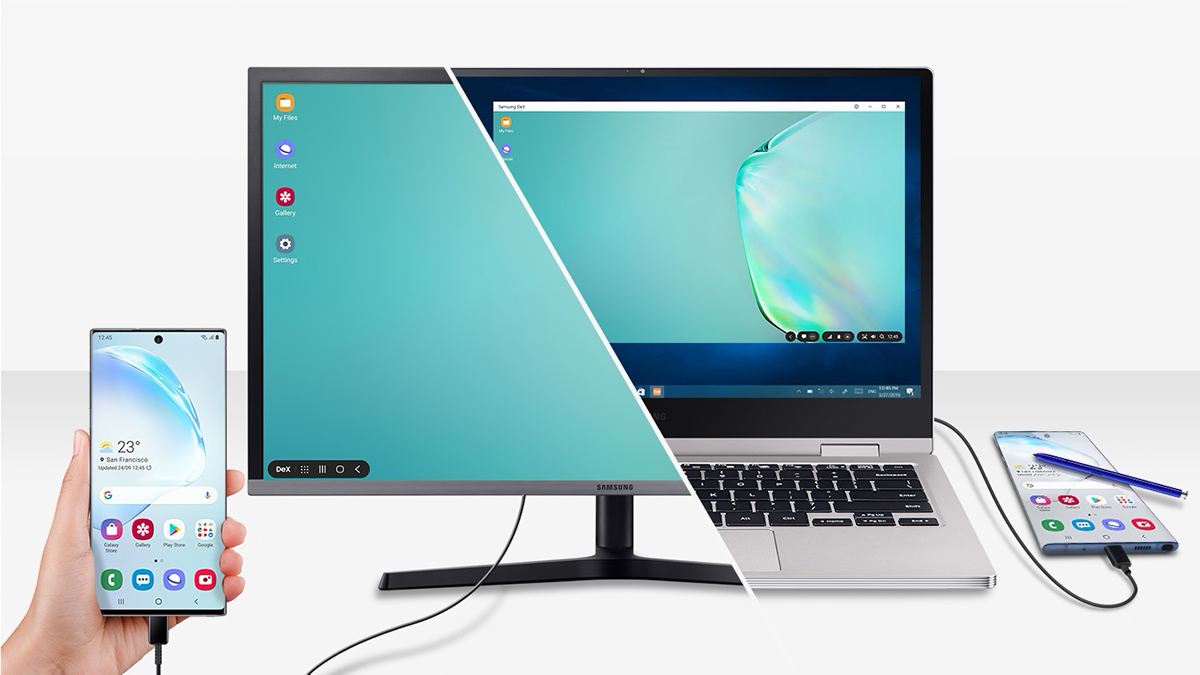
An understated feature that has been around with Samsung’s flagship smartphones is the Samsung DeX feature. Basically, DeX allows you to connect your Samsung smartphone to an external monitor via a HDMI cable (and adapter), and you can connect a mouse and keyboard to your device with Bluetooth to have a de facto PC experience.

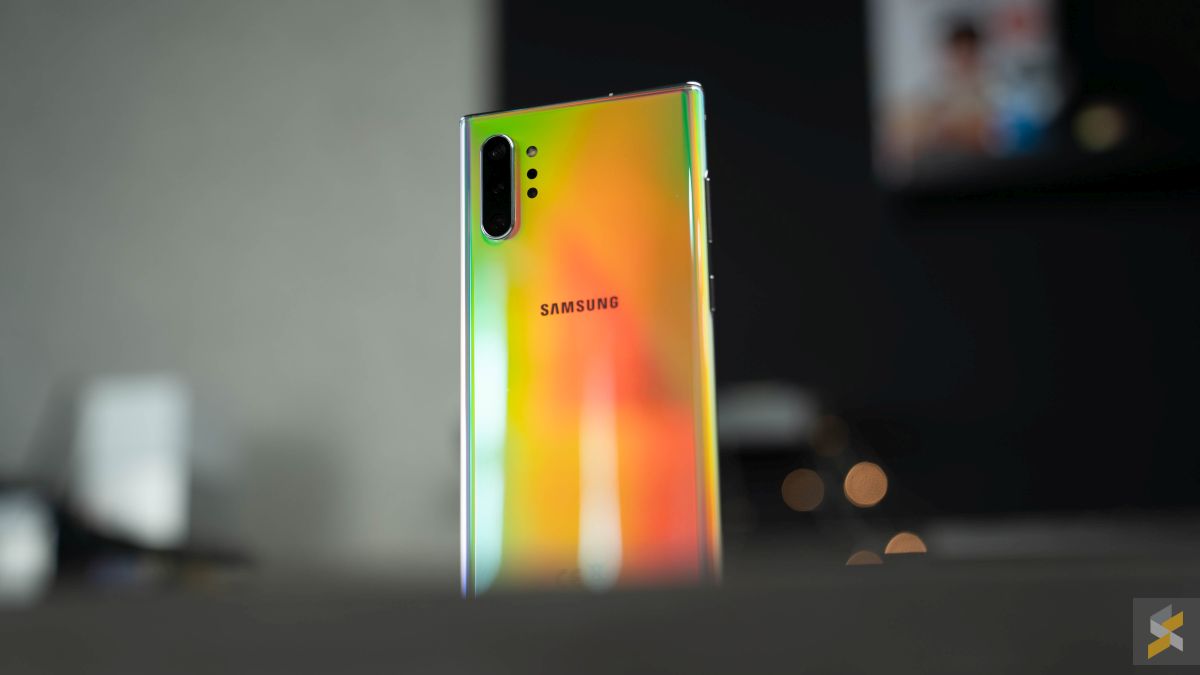
Samsung has just announced a new app for computers, that will allow Samsung users to run scaled up Android on their Windows PCs and Macs—and the app is free of charge to download. However, there’s a pretty significant caveat: only Samsung’s latest Galaxy Note 10 and Note 10+ is supported by the app.
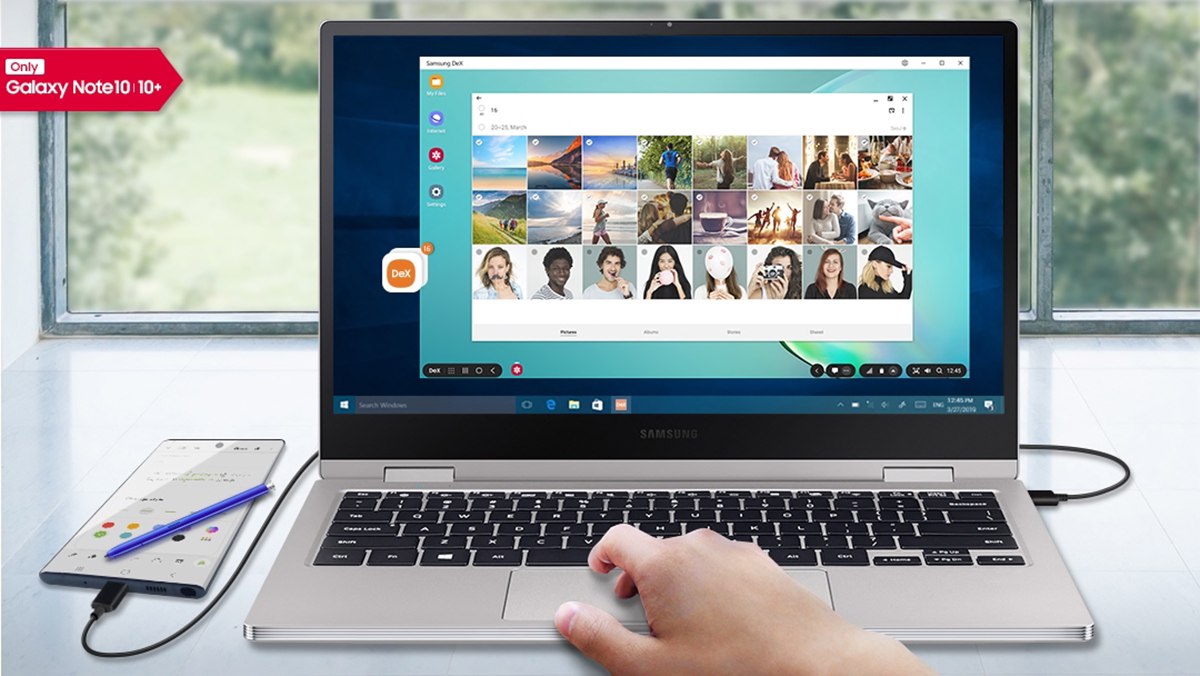
You get productivity-centric advantages, such as the ability to drag and drop files between your PC and smartphone without needing to use more conventional options such as cloud storage. On a lighter note, you can also use the DeX app to play some of your mobile games on a larger screen—with a mouse and keyboard attached to your PC/Mac (that said, not all games have support for a mouse and keyboard).
According to Samsung, there are quite a number of apps that have been optimised to work with the DeX app, including Microsoft Office, Adobe Acrobat Reader, Photoshop, Lightroom, Gmail, and quite a few more. You can view the full list here.

[ SOURCE ]

Tags: AndroidGalaxy Note 10MobileNote 10SamsungSamsung DeXSamsung Galaxy Note 10
Nic Ker

Nic Ker

POPULAR

Samsung’s new DeX app allows you to use Android on your PC

August 23, 2019

A Look Inside the All-New Maxis Centre at 1 Utama: What’s Different?

February 12, 2026

EV charger hogging is getting worse in Malaysia? | Let’s Talk About #137

March 9, 2026

Oppo Find N6 launching on 17 March. Foldable flagship with Zero-Feel Crease, 200MP Hasselblad camera and Oppo AI Pen support

March 9, 2026

Poco X8 Pro series launching on 17 March, powered by MediaTek Dimensity 8500 Ultra and 9500s

March 9, 2026
Proton X90 MC1 Teaser

Proton X90 MC1 i-GT to launch on 11 March: Wireless Apple CarPlay and Android Auto confirmed

March 9, 2026

Copyright © 2025 · SoyaCincau.com
Mind Blow Sdn Bhd (1076827-P)

  • ADVERTISE
  • DISCLAIMER

Copyright © 2026 · SoyaCincau.com – Mind Blow Sdn Bhd (1076827-P)

  • ADVERTISE
  • DISCLAIMER