• 中文版
  • BM
  • News
  • Deals
  • Reviews
    • First Impressions
    • Hands-on
    • Comparisons
  • Tech
    • Mobile
    • Computers
    • Cameras
    • Wearables
    • Audio
    • Drones
  • Telco
    • Celcom
    • Digi
    • Maxis
    • Time
    • Tune Talk
    • U Mobile
    • Unifi
    • Yes
  • Cars
  • Contribute
  • Jobs
Menu
  • 中文版
  • BM
  • News
  • Deals
  • Reviews
    • First Impressions
    • Hands-on
    • Comparisons
  • Tech
    • Mobile
    • Computers
    • Cameras
    • Wearables
    • Audio
    • Drones
  • Telco
    • Celcom
    • Digi
    • Maxis
    • Time
    • Tune Talk
    • U Mobile
    • Unifi
    • Yes
  • Cars
  • Contribute
  • Jobs
Search
  • Tech
    • News
    • Mobile
    • Computers
    • Cameras
    • Wearables
    • Audio
    • Drones
  • Telco
    • Celcom
    • Digi
    • Maxis
    • Time
    • U Mobile
    • Unifi
    • Yes
  • Reviews
    • First Impressions
    • Hands-on
    • Comparisons
  • Buyer’s Guide
  • Opinions
  • Digital Life
  • Video
  • Deals
  • How-To
  • Cars
  • Bahasa Melayu
  • EV
  • Contribute
  • Advertise
Menu
  • Tech
    • News
    • Mobile
    • Computers
    • Cameras
    • Wearables
    • Audio
    • Drones
  • Telco
    • Celcom
    • Digi
    • Maxis
    • Time
    • U Mobile
    • Unifi
    • Yes
  • Reviews
    • First Impressions
    • Hands-on
    • Comparisons
  • Buyer’s Guide
  • Opinions
  • Digital Life
  • Video
  • Deals
  • How-To
  • Cars
  • Bahasa Melayu
  • EV
  • Contribute
  • Advertise
Search
Close
Home Transport Cars

Setel now lets you confirm petrol payment with your face or fingerprint

  • BY Alexander Wong
  • 14 April 2019
  • 10:23 pm
  • Comment
Share on FacebookShare on Twitter

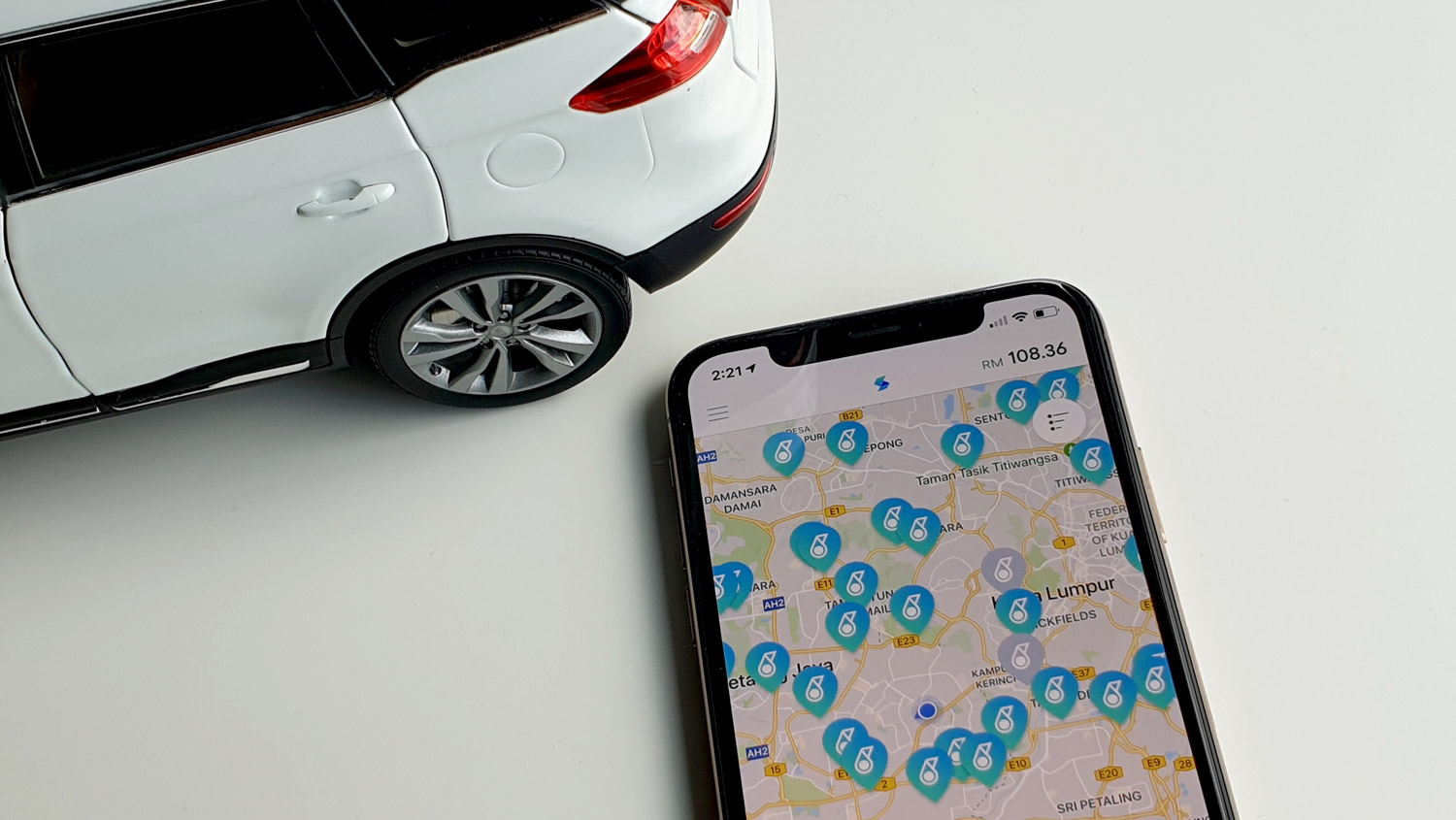
Setel, the mobile app which lets you pay for petrol, is now slightly more convenient than before. With the latest software update, you can finally use your face or fingerprint to authenticate your payment.
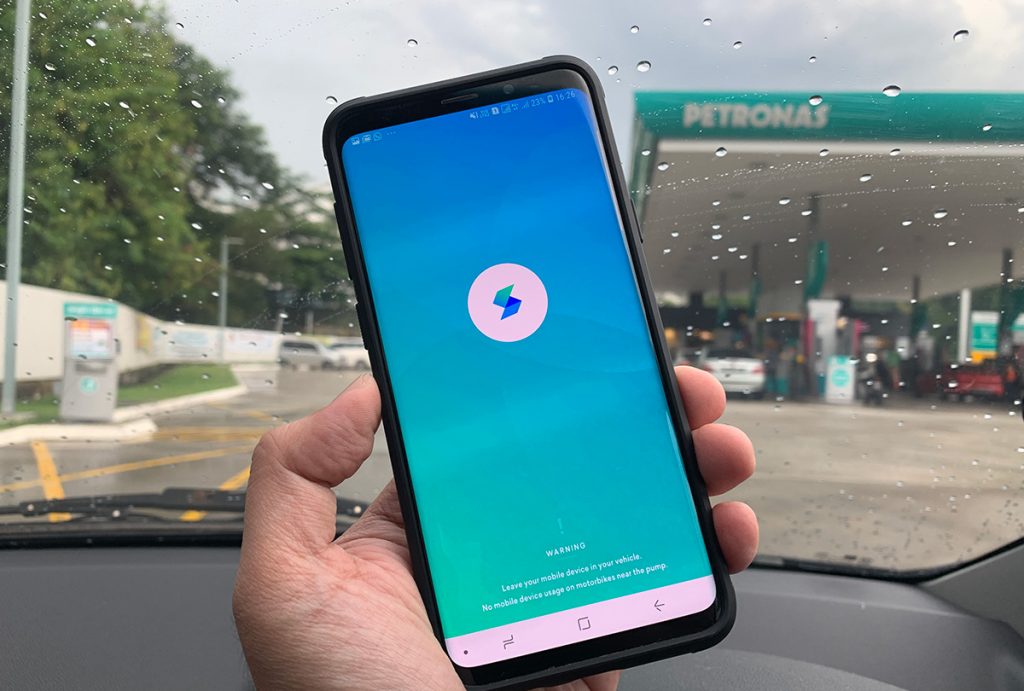
The feature eliminates the need to key in your 6 digit PIN in order to start refuelling. If you’re using an iPhone X, XR, XS or XS Max, you can enable Face ID. For older iPhone and other Android devices, it also supports fingerprint authentication. To enable this feature, just go to Settings and then tap on Security.

To recap, Setel, is an eWallet which allows you to pay for petrol on your smartphone without the need to queue or fiddle around with the card terminal. The app also has seamless integration with Mesra card, allowing you to earn points with every refuel. For those who are using debit cards, you won’t need to worry about the usual RM200 lock-in credit as Setel deducts the exact amount from the eWallet balance. At the moment, Setel is supported at over 150 Petronas stations in the Klang Valley.

You can learn more about the app in our hands-on post. For first time users, they are still running a 10% cashback promo. The Setel app is available for both Android and iOS.

Tags: Digital PaymentPetronasSetel
Alexander Wong

Alexander Wong

POPULAR

Setel now lets you confirm petrol payment with your face or fingerprint

April 14, 2019

How Do You Want to Pay for Your iPhone 18 Pro? 3 Ways to Get More Value

September 18, 2026

The Foldable Paradox: Why the “Best” Phone Depends Entirely on Your Routine

September 14, 2026

BeONE Mobile officially launches as Maxis-powered MVNO, 150GB prepaid plan from RM25

September 28, 2026

Heading to Sepang International Circuit for F1 Bahrain Grand Prix? Here are the Grab drop off and shuttle rules

October 1, 2026

Uniqlo Proton Collection coming soon: Featuring e.MAS 7, S70, X50, Satria Neo R3, and 1985 Saga

September 25, 2026

Copyright © 2026 · SoyaCincau.com
Mind Blow Sdn Bhd (1076827-P)

  • ADVERTISE
  • DISCLAIMER

Copyright © 2026 · SoyaCincau.com – Mind Blow Sdn Bhd (1076827-P)

  • ADVERTISE
  • DISCLAIMER