• 中文版
  • BM
  • News
  • Deals
  • Reviews
    • First Impressions
    • Hands-on
    • Comparisons
  • Tech
    • Mobile
    • Computers
    • Cameras
    • Wearables
    • Audio
    • Drones
  • Telco
    • Celcom
    • Digi
    • Maxis
    • Time
    • Tune Talk
    • U Mobile
    • Unifi
    • Yes
  • Cars
  • Contribute
  • Jobs
Menu
  • 中文版
  • BM
  • News
  • Deals
  • Reviews
    • First Impressions
    • Hands-on
    • Comparisons
  • Tech
    • Mobile
    • Computers
    • Cameras
    • Wearables
    • Audio
    • Drones
  • Telco
    • Celcom
    • Digi
    • Maxis
    • Time
    • Tune Talk
    • U Mobile
    • Unifi
    • Yes
  • Cars
  • Contribute
  • Jobs
Search
  • Tech
    • News
    • Mobile
    • Computers
    • Cameras
    • Wearables
    • Audio
    • Drones
  • Telco
    • Celcom
    • Digi
    • Maxis
    • Time
    • U Mobile
    • Unifi
    • Yes
  • Reviews
    • First Impressions
    • Hands-on
    • Comparisons
  • Buyer’s Guide
  • Opinions
  • Digital Life
  • Video
  • Deals
  • How-To
  • Cars
  • Bahasa Melayu
  • EV
  • Contribute
  • Advertise
Menu
  • Tech
    • News
    • Mobile
    • Computers
    • Cameras
    • Wearables
    • Audio
    • Drones
  • Telco
    • Celcom
    • Digi
    • Maxis
    • Time
    • U Mobile
    • Unifi
    • Yes
  • Reviews
    • First Impressions
    • Hands-on
    • Comparisons
  • Buyer’s Guide
  • Opinions
  • Digital Life
  • Video
  • Deals
  • How-To
  • Cars
  • Bahasa Melayu
  • EV
  • Contribute
  • Advertise
Search
Close
Home News

Samsung Galaxy S10’s Wireless PowerShare gets a new notification light feature

  • BY Alexander Wong
  • 29 March 2019
  • 9:34 pm
  • Comment
Share on FacebookShare on Twitter

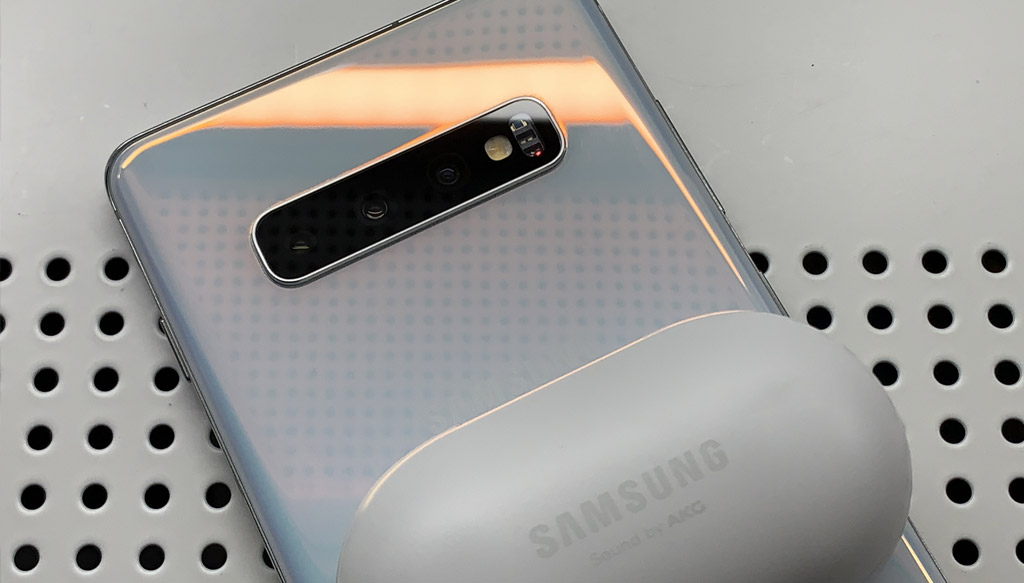
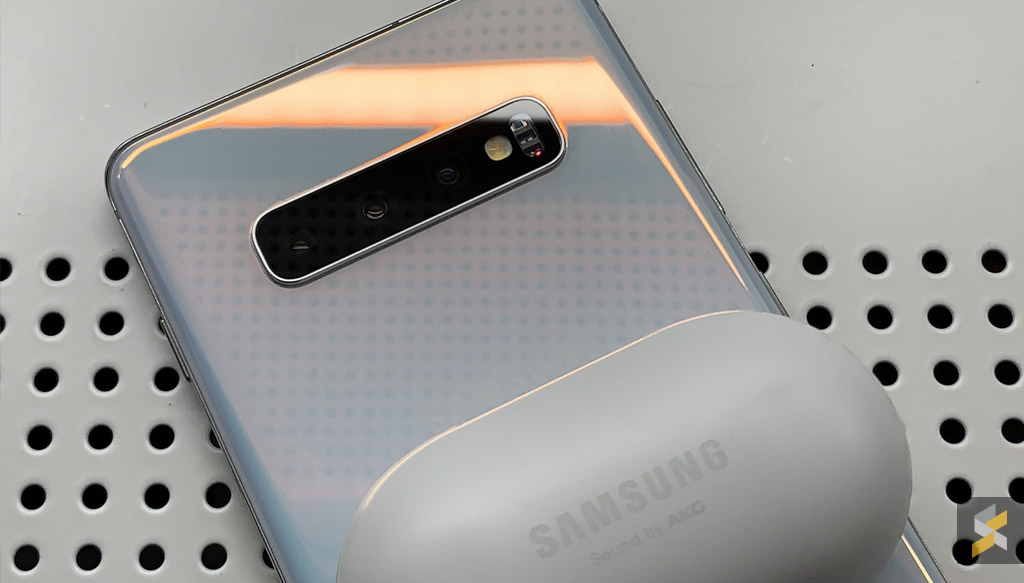
The Samsung Galaxy S10 series comes with a reverse wireless charging feature that’s called PowerShare. This allows you to charge other Qi-wireless charging compatible smartphones and accessories like the Galaxy Buds or Galaxy Watch Active.

With the latest software update, it is now easier to tell if Wireless PowerShare is enabled and charging.
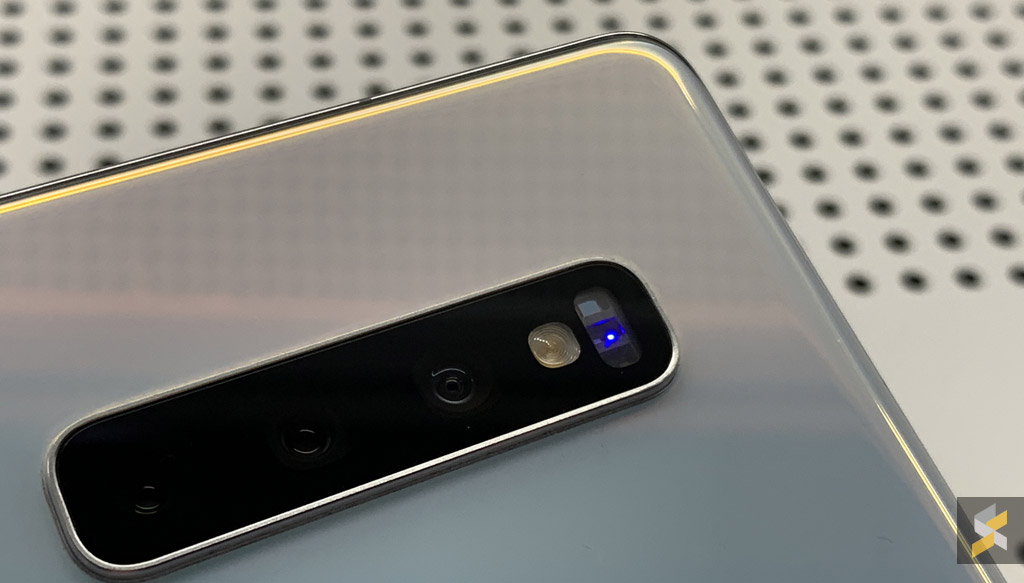
When you switch on Wireless PowerShare, you’ll see a blue blinking light on the rear-mounted heart rate sensor of the Galaxy S10. If you’ve placed a compatible device or accessory at the back, it will change to a steady red light to indicate that charging has started. Once the device is fully charged, the notification lights will turn off.
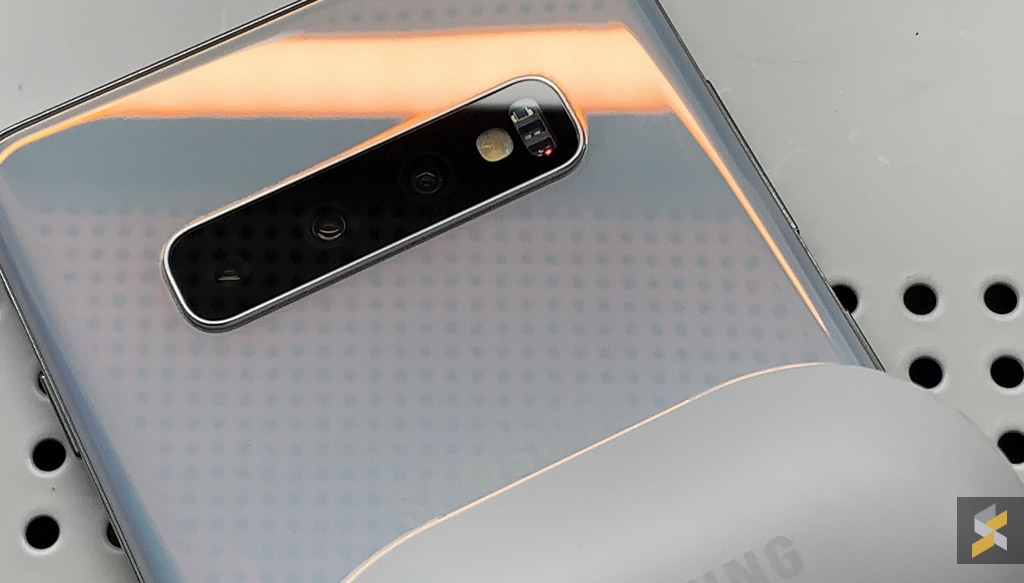
This feature is applicable to the Galaxy S10e, Galaxy S10 and Galaxy S10+. The new update also comes with a March 2019 Android security update and the changelog also mentions improvements for the stability of the camera.

If you haven’t received a software update notification yet, just go to Settings > Software Update, and select download updates manually.

[ VIA ]

Related reading

Samsung Galaxy S10+ with 1TB of storage is now on sale in Malaysia
Here are some creative ways to embrace the punch-hole display on the Samsung Galaxy S10
The Samsung Galaxy S10 is officially launched in Malaysia
Tags: SamsungSamsung Galaxy S10Wireless PowerShare
Alexander Wong

Alexander Wong

POPULAR

Samsung Galaxy S10’s Wireless PowerShare gets a new notification light feature

March 29, 2019
Rear view of the OPPO Find X9 Ultra in Tundra Umber standing vertically on a stone surface with a lush green bokeh background. The device features an eco-friendly vegan leather back with a classic stitching design , vertically oriented Hasselblad and OPPO logos , and a large circular Master Lens camera module with a bronze-toned knurled ring.

Clearing Every Expectation: How the OPPO Find X9 Ultra Redefines the Modern Flagship Experience

April 16, 2026

SoyaCincau x Dongfeng Pop Up EV Clinic: Track Edition 2026: Chase a podium or cruise with friends; we’re opening the grid to everyone

May 13, 2026

Volvo EX30 owners affected by recall told not to charge above 70% following two fire incidents in Thailand

May 19, 2026
BYD Inokom Visit - May 2026

BYD is here to stay in Malaysia: CKD with Sime Motors set to happen soon?

May 18, 2026

Sarawak’s Batang Lupar 1 Bridge: Malaysia’s longest river-crossing bridge opens today

May 21, 2026

Copyright © 2025 · SoyaCincau.com
Mind Blow Sdn Bhd (1076827-P)

  • ADVERTISE
  • DISCLAIMER

Copyright © 2026 · SoyaCincau.com – Mind Blow Sdn Bhd (1076827-P)

  • ADVERTISE
  • DISCLAIMER