• 中文版
  • BM
  • News
  • Deals
  • Reviews
    • First Impressions
    • Hands-on
    • Comparisons
  • Tech
    • Mobile
    • Computers
    • Cameras
    • Wearables
    • Audio
    • Drones
  • Telco
    • Celcom
    • Digi
    • Maxis
    • Time
    • Tune Talk
    • U Mobile
    • Unifi
    • Yes
  • Cars
  • Contribute
  • Jobs
Menu
  • 中文版
  • BM
  • News
  • Deals
  • Reviews
    • First Impressions
    • Hands-on
    • Comparisons
  • Tech
    • Mobile
    • Computers
    • Cameras
    • Wearables
    • Audio
    • Drones
  • Telco
    • Celcom
    • Digi
    • Maxis
    • Time
    • Tune Talk
    • U Mobile
    • Unifi
    • Yes
  • Cars
  • Contribute
  • Jobs
Search
  • Tech
    • News
    • Mobile
    • Computers
    • Cameras
    • Wearables
    • Audio
    • Drones
  • Telco
    • Celcom
    • Digi
    • Maxis
    • Time
    • U Mobile
    • Unifi
    • Yes
  • Reviews
    • First Impressions
    • Hands-on
    • Comparisons
  • Buyer’s Guide
  • Opinions
  • Digital Life
  • Video
  • Deals
  • How-To
  • Cars
  • Bahasa Melayu
  • EV
  • Contribute
  • Advertise
Menu
  • Tech
    • News
    • Mobile
    • Computers
    • Cameras
    • Wearables
    • Audio
    • Drones
  • Telco
    • Celcom
    • Digi
    • Maxis
    • Time
    • U Mobile
    • Unifi
    • Yes
  • Reviews
    • First Impressions
    • Hands-on
    • Comparisons
  • Buyer’s Guide
  • Opinions
  • Digital Life
  • Video
  • Deals
  • How-To
  • Cars
  • Bahasa Melayu
  • EV
  • Contribute
  • Advertise
Search
Close
Home News

iPhone XR gets haptic touch notification preview with iOS 12.1.1 update

  • BY Alexander Wong
  • 6 December 2018
  • 12:10 pm
  • Comment
Share on FacebookShare on Twitter
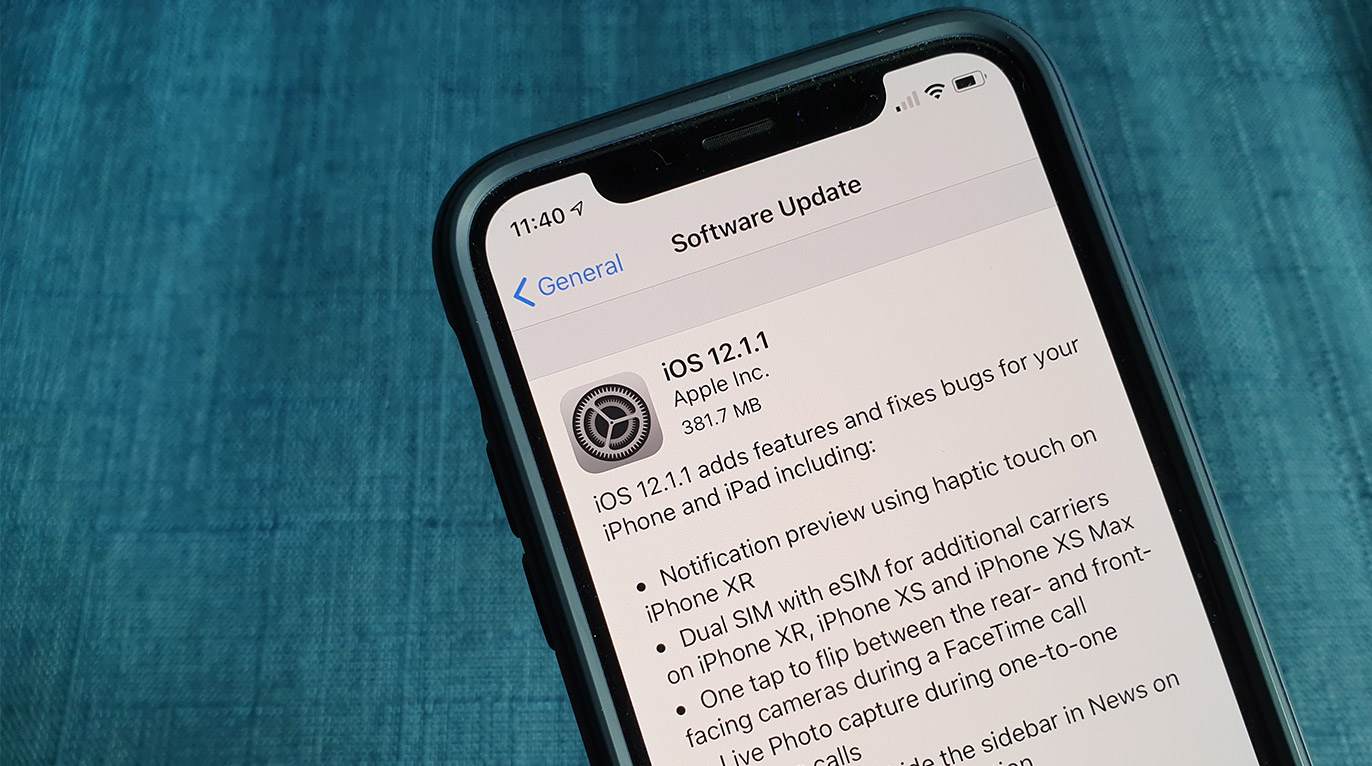
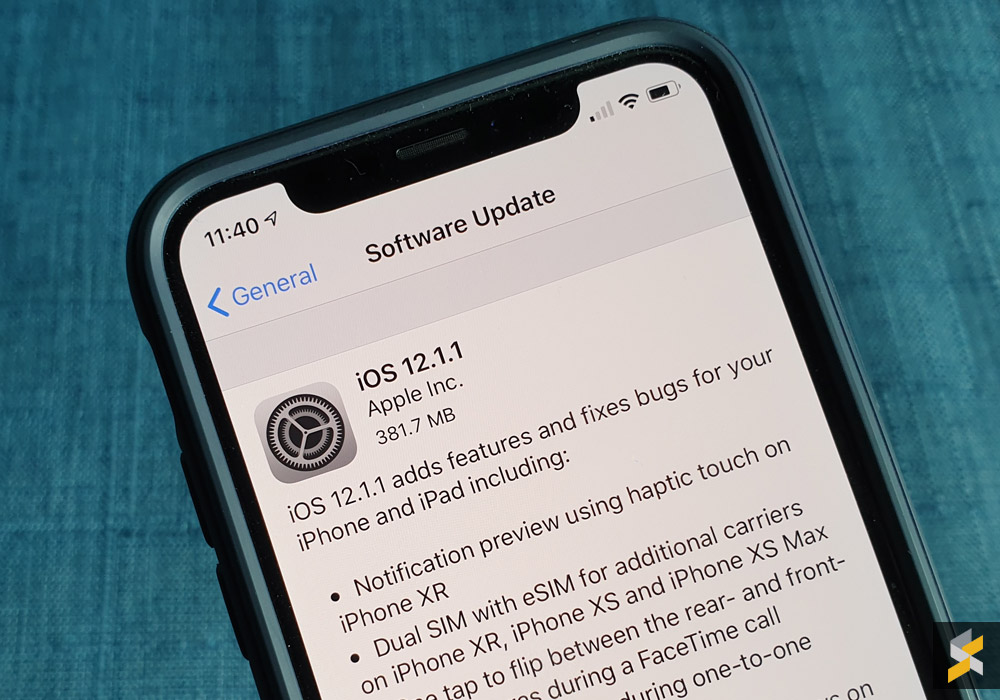
iOS 12.1.1

The iPhone XR is currently the best selling iPhone at the moment but it’s also the only new iPhone that lacks 3D touch. Instead, it comes with Haptic Touch which isn’t pressure-sensitive but it gives a haptic feedback when you perform long-presses. 

To bridge the gap between haptic touch and 3D touch, Apple is enabling notification preview on the iPhone XR with the latest iOS 12.1.1 update which is rolling out now to all supported iOS devices.

With the new update, you can preview your notifications by simply long pressing on the notification alerts on your home screen. This gives you a peek without having to go into the app. 

Apart from that, iOS 12.1.1 also adds a couple of new functionalities for FaceTime. There’s now a single toggle button which allows you to flip between the rear and front-facing camera during a FaceTime call. On top of that, you can also capture a Live Photo while a FaceTime call is in progress.
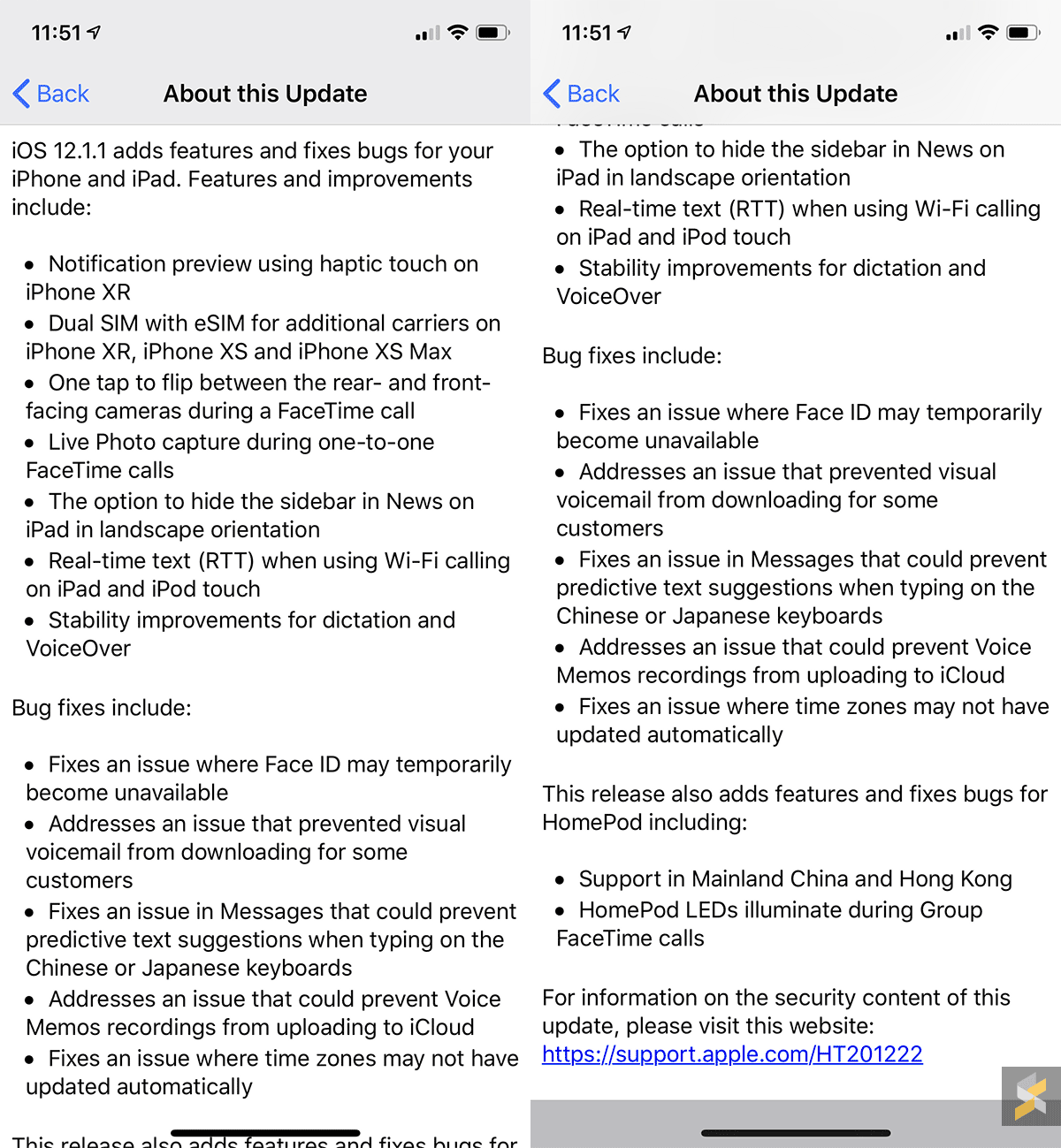
Other iOS 12.1.1 updates include additional telco support for eSIM on the new iPhone XR, iPhone XS and iPhone XS Max. Unfortunately, you can’t enable this locally but we are told that several local telcos will be offering eSIM support for the new iPhone models very soon. 

To update to iOS 12.1.1, just go to Settings > General > Software Update on your device. 

Tags: AppleiOSiPadiPhoneiPhone XRiPhone XSiPhone XS Max
Alexander Wong

Alexander Wong

POPULAR

iPhone XR gets haptic touch notification preview with iOS 12.1.1 update

December 6, 2018

Is This 509g Device the Lightest AI Productivity Tablet for Work and Study?

August 18, 2026

Poco F9 Pro and F9 Ultra launching in Malaysia on 1 September, here’s what to expect

August 25, 2026

Vivo V80 Lite 5G with 10,000mAh battery is launching in Malaysia on 3 Sept

August 23, 2026

We just found out Grab has a Women Only Ride option: Here’s what you girls need to know

August 25, 2026

Looking for Massive 5G Data and Built-In Overseas Roaming? Here Is What U Mobile’s ULTRA Lineup Offers

August 20, 2026

Copyright © 2026 · SoyaCincau.com
Mind Blow Sdn Bhd (1076827-P)

  • ADVERTISE
  • DISCLAIMER

Copyright © 2026 · SoyaCincau.com – Mind Blow Sdn Bhd (1076827-P)

  • ADVERTISE
  • DISCLAIMER