
• 中文版
  • BM
  • News
  • Deals
  • Reviews
    • First Impressions
    • Hands-on
    • Comparisons
  • Tech
    • Mobile
    • Computers
    • Cameras
    • Wearables
    • Audio
    • Drones
  • Telco
    • Celcom
    • Digi
    • Maxis
    • Time
    • Tune Talk
    • U Mobile
    • Unifi
    • Yes
  • Cars
  • Contribute
  • Jobs
Menu
  • 中文版
  • BM
  • News
  • Deals
  • Reviews
    • First Impressions
    • Hands-on
    • Comparisons
  • Tech
    • Mobile
    • Computers
    • Cameras
    • Wearables
    • Audio
    • Drones
  • Telco
    • Celcom
    • Digi
    • Maxis
    • Time
    • Tune Talk
    • U Mobile
    • Unifi
    • Yes
  • Cars
  • Contribute
  • Jobs
Search
  • Tech
    • News
    • Mobile
    • Computers
    • Cameras
    • Wearables
    • Audio
    • Drones
  • Telco
    • Celcom
    • Digi
    • Maxis
    • Time
    • U Mobile
    • Unifi
    • Yes
  • Reviews
    • First Impressions
    • Hands-on
    • Comparisons
  • Buyer’s Guide
  • Opinions
  • Digital Life
  • Video
  • Deals
  • How-To
  • Cars
  • Bahasa Melayu
  • EV
  • Contribute
  • Advertise
Menu
  • Tech
    • News
    • Mobile
    • Computers
    • Cameras
    • Wearables
    • Audio
    • Drones
  • Telco
    • Celcom
    • Digi
    • Maxis
    • Time
    • U Mobile
    • Unifi
    • Yes
  • Reviews
    • First Impressions
    • Hands-on
    • Comparisons
  • Buyer’s Guide
  • Opinions
  • Digital Life
  • Video
  • Deals
  • How-To
  • Cars
  • Bahasa Melayu
  • EV
  • Contribute
  • Advertise
Search
Close
Home Digital Life

Now, there are 35 million new ways to wake up with an Android smartphone

  • BY Raywen Ong
  • 2 August 2018
  • 6:17 pm
  • Comment
Share on FacebookShare on Twitter

Ever wonder how it feels waking up to the songs you adore? 

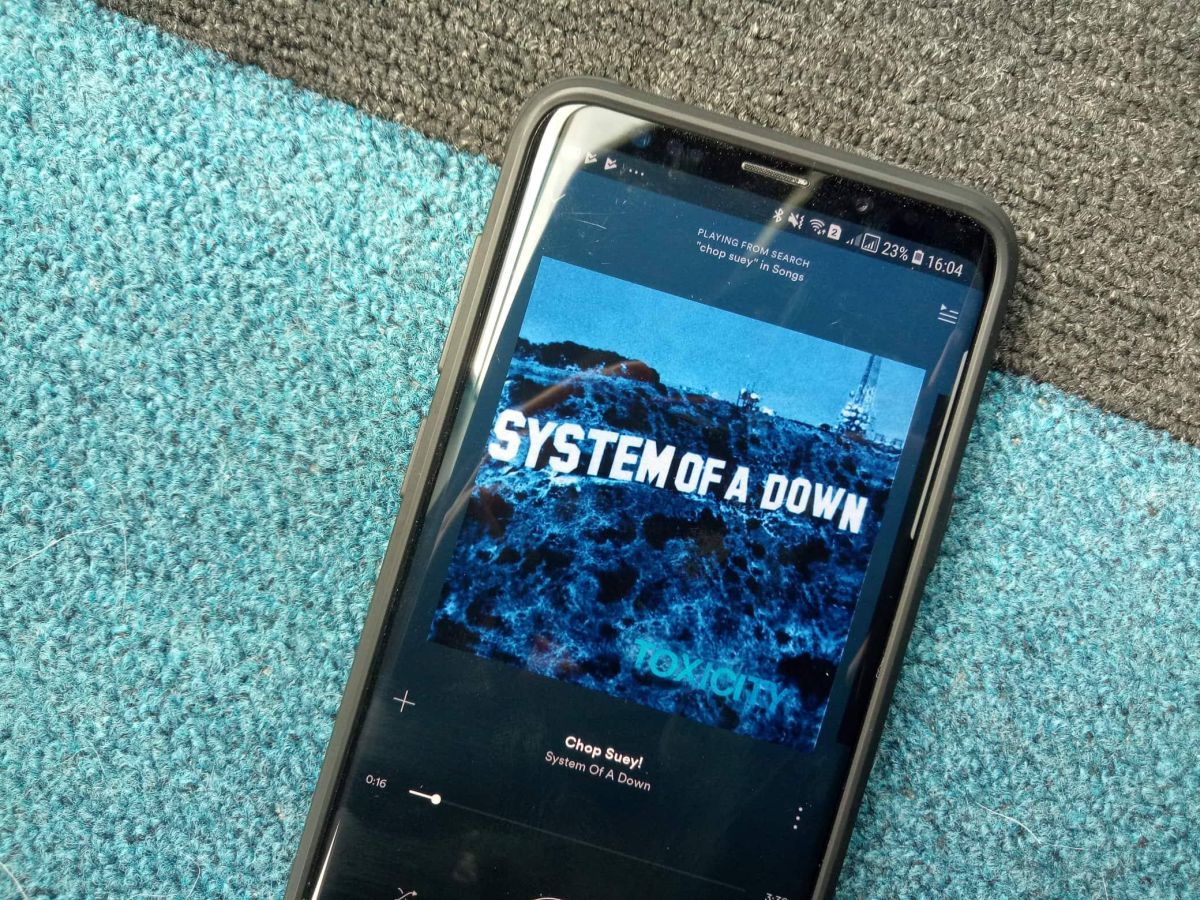
Well there is good news for Android users out there. Google has launched an update to the “Clock” app yesterday, which allows you to choose from any of the 35 million songs on Spotify as your alarm tone. This works for both free and premium Spotify users.

That said, some songs are relatively soft in the beginning. So if you are one of those heavy sleepers, you might want to pick some loud music instead. You do not want to be late for your appointments do you?
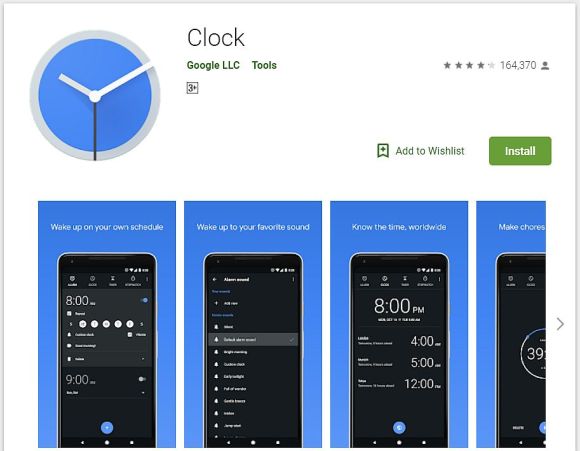
To get started, you must have the latest Google “Clock” app and Spotify installed.  

Then you have to launch your “Clock” app and click on the “Alarm” tab. To change your alarm tone, you will have to select your alarm and click on your existing alarm tone. Next, select the Spotify tab and choose the songs or playlist that you want to set as you new tone. Spotify’s free users will be able to enjoy the same experience by selecting a playlist by using the shuffle mode available.

Once the alarm is disabled, you will be given the option to “Continue playing”. This allows users to resume their chosen songs or playlist. 

If you are having a hard time finding the right song, Spotify has several preset playlist that you can choose from, such as I’m Wide Awake, It’s Morning, Have a Great Day! and Songs to Sing in the Shower.

This feature will be rolling out globally, and will be available on devices with Android 5.0 (Lollipop) and above. Just remember to update your “Clock” app.

With Spotify playlist as your alarm tone, you will not have to listen to the obnoxious buzz ever again, which should make your mornings a lot less gloomy.

[SOURCE]

Tags: AndroidClockgoogleMalaysiaPlay StoresmartphoneSpotifySpotify alarmSpotify Malaysia
Raywen Ong

Raywen Ong

POPULAR

Now, there are 35 million new ways to wake up with an Android smartphone

August 2, 2018

BYD Atto 3 RWD confirmed for Malaysia: 0-100 in 5.5s, 308hp, 510km of range

June 2, 2026

The Best Camera is the One You Have with You; The OPPO Find X9 Ultra Wants to be Your Only One

May 6, 2026

DEAL: MacBook Neo now going for as low as RM2,174

June 3, 2026

Malaysia Passport with 10-year validity will cost you RM350

June 4, 2026

TNG eWallet: Over 50% revenue now comes from non-payments, introduces refreshed app

June 4, 2026

Copyright © 2025 · SoyaCincau.com
Mind Blow Sdn Bhd (1076827-P)

  • ADVERTISE
  • DISCLAIMER

Copyright © 2026 · SoyaCincau.com – Mind Blow Sdn Bhd (1076827-P)

  • ADVERTISE
  • DISCLAIMER





