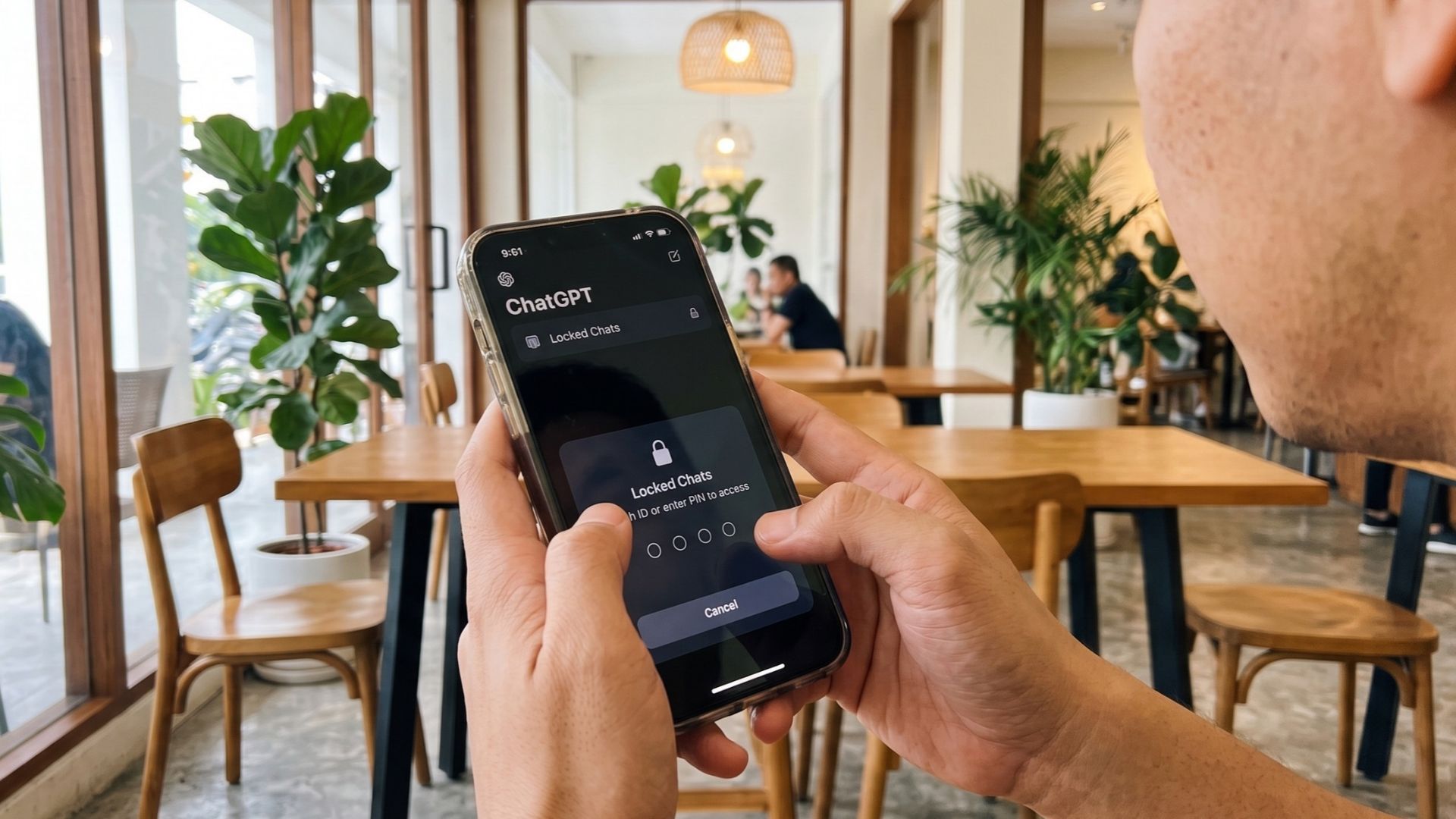
If you have ever felt a jolt of anxiety when handing your phone to a friend or sharing your laptop screen during a meeting, OpenAI has introduced a welcome solution. A new privacy feature called Locked Chats is rolling out for ChatGPT, allowing you to conceal sensitive discussions behind biometrics or a PIN.
The update tackles an everyday dilemma for regular users like you. Whether you are drafting a resignation letter, researching personal health questions or planning a surprise gift on a shared family tablet, our chatbot histories often hold details we would rather not display to casual onlookers.
How Locked Chats work
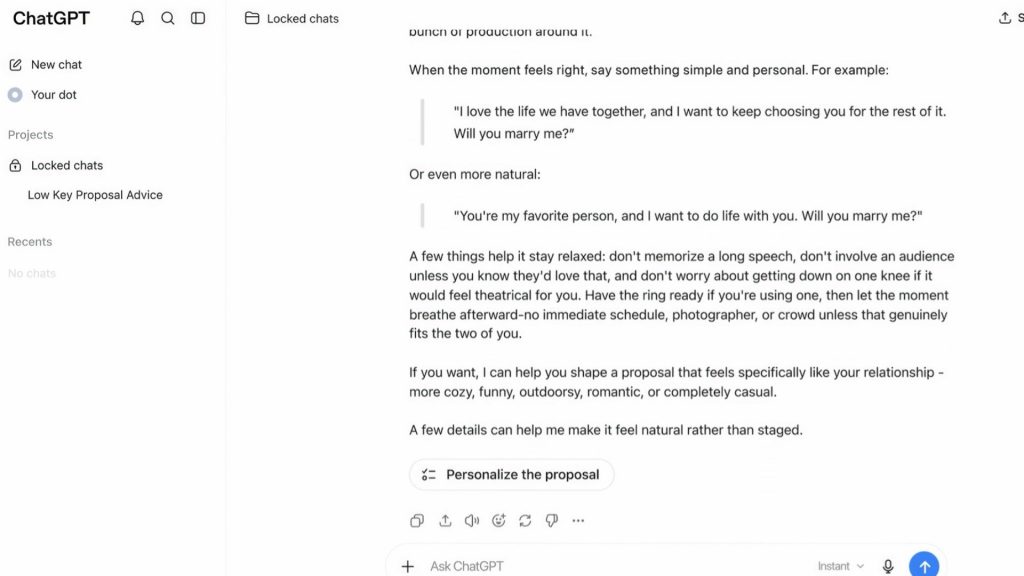
Locked Chats lets you tuck individual conversations away from your main sidebar history and in-app search results. Instead of staying visible on your home screen, selected discussions are moved into a protected folder where conversation titles remain completely obscured until you authenticate yourself.
Unlocking the folder depends on the device you are using. On the web interface and desktop apps for macOS and Windows, you must punch in a four-digit account PIN. On supported iOS and Android mobile devices, you can unlock your chats using Face ID, Touch ID or your standard device passcode.
To keep prying eyes away, OpenAI has built in automatic relocking mechanisms. On desktop browsers and standalone apps, the protected section locks itself the moment you refresh the page, close the browser tab or switch away from the active window.
On mobile devices, the vault snaps shut automatically after running in the background for sixty seconds.
Beyond hiding threads from sight, the feature introduces isolated memory handling. While a locked conversation can draw upon your account’s existing general memories to give contextual answers, any new details or habits picked up during that private session remain confined strictly to the vault and will never bleed over into your regular conversations.
Files and images uploaded or generated within the session are also kept separate from your general document list.
However, you should bear in mind that this is device-level screen protection rather than end-to-end encryption. OpenAI notes that your standard account data retention rules still apply and model training preferences remain unchanged.
Furthermore, you need to remember your security credentials carefully. If you forget your four-digit PIN and choose to reset it, OpenAI will permanently wipe every locked conversation, attached file and isolated memory, with no option for customer support recovery.
To lock any discussion, open ChatGPT, tap or click the three-dot menu next to the chat title and select the lock option.
How this differs from GPT-6 and Temporary Chats
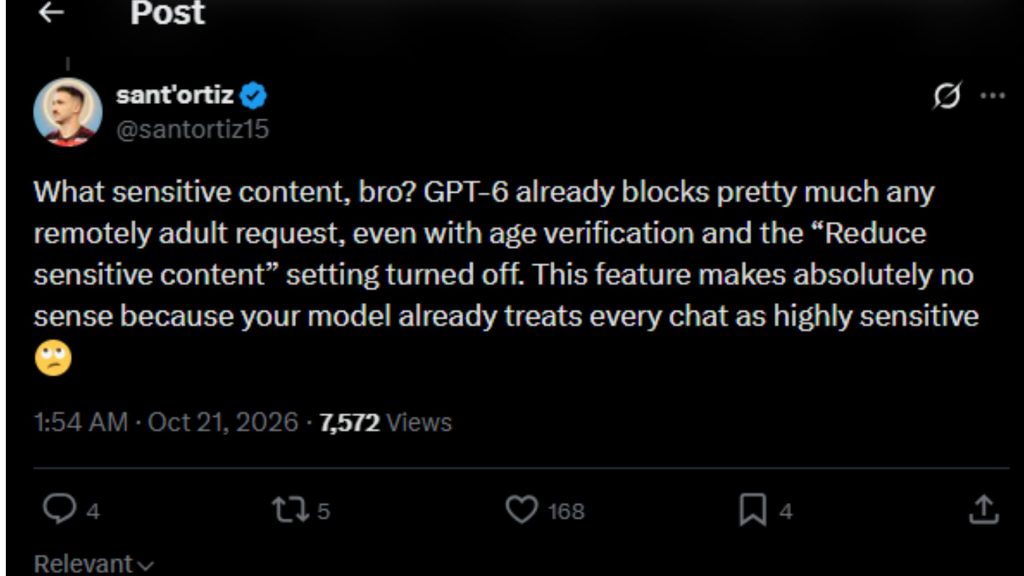
You might wonder whether this feature overlaps with OpenAI’s recent GPT-6 rollout or older privacy toggles as highlighted by the X user above.
The key difference lies in the tech stack. GPT-6 represents an upgrade to the underlying artificial intelligence engine, introducing deeper reasoning capabilities, multi-agent workflows and interactive canvas tools.
It changes how the chatbot thinks and formats responses, whereas Locked Chats is an interface-level security barrier designed solely to keep your screen private from people around you.
Locked Chats is also fundamentally different from the existing Temporary Chats feature. Temporary Chats operates essentially like an incognito browser tab. Once you close a temporary session, the entire transcript is purged, leaving no record and building no ongoing memory.
In contrast, Locked Chats does not discard your data. It preserves your full discussion history, lets you search through past exchanges once unlocked and maintains a persistent, isolated memory so the bot remembers context across future private sessions.
For everyday users who need continuous advice on confidential topics without broadcasting them on their screen, Locked Chats provides the middle ground that ChatGPT was previously missing.
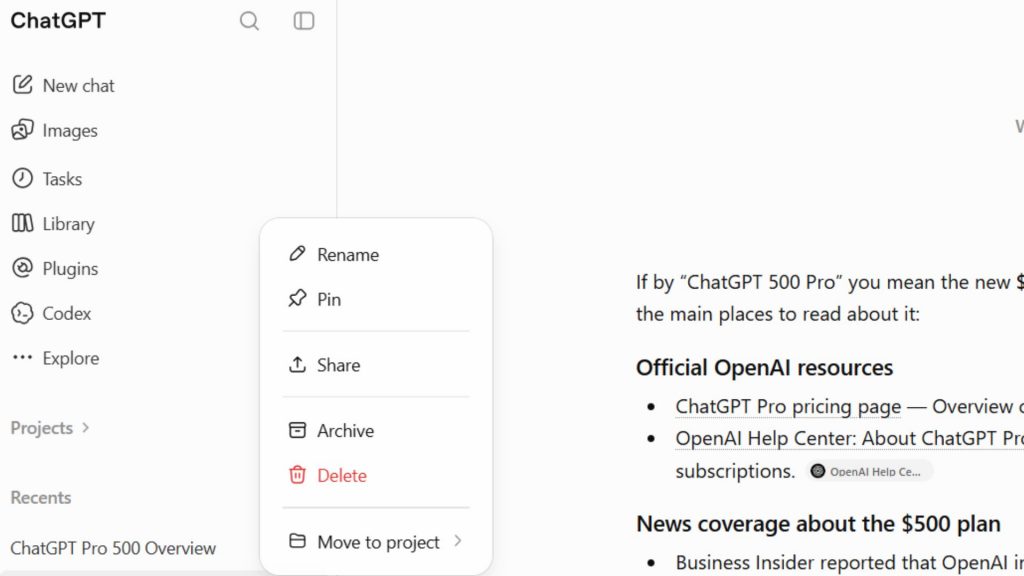
As per our recent test, the feature has not arrived in Malaysia yet. But, we could expect it to be available soon.
[ SOURCE ]