This post is brought to you by Samsung.
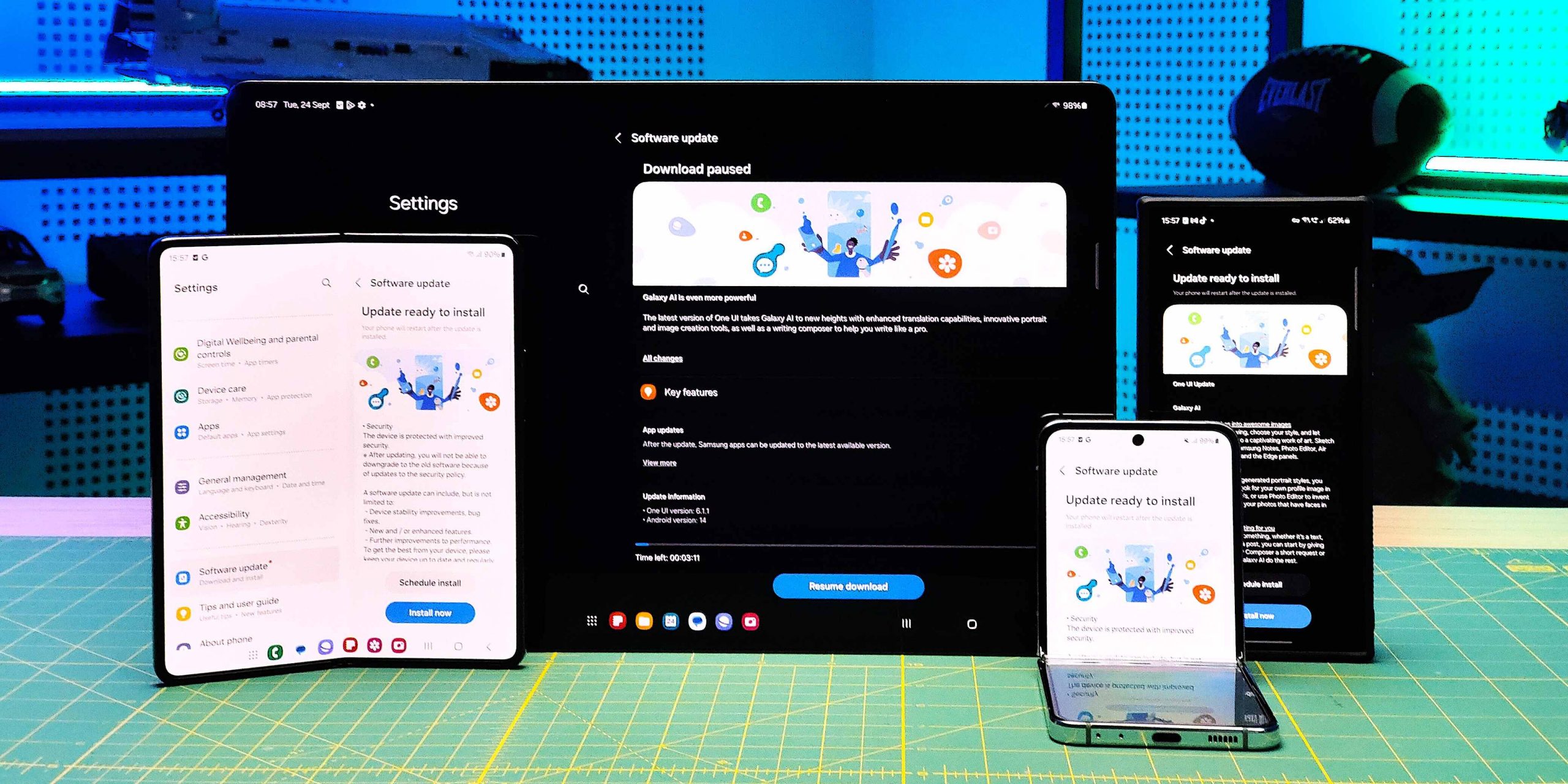
Samsung’s One UI 6.1.1 is delivering an array of advanced AI-powered features to the Galaxy S24 Series, S23 Series, S23 FE, Z Fold5, Z Flip5, and Tab S9 series. This update allows older devices to benefit from the same cutting-edge AI technology found in Samsung’s latest foldables, the Galaxy Z Fold6 and Z Flip6.
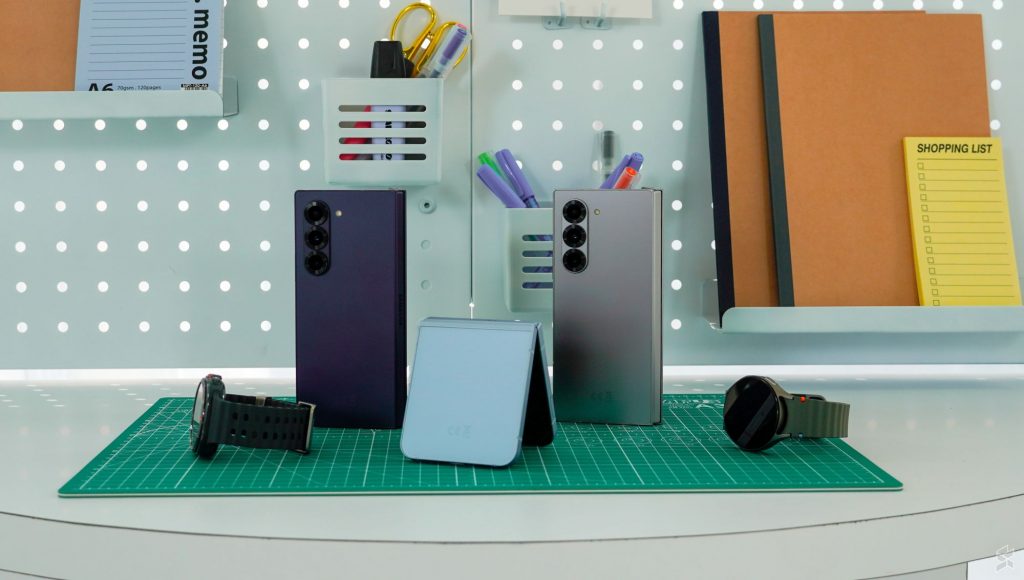
Here are 5 new Galaxy AI features you can experience when you update your Galaxy device to One UI 6.1.1 today.
Interpreter – Listening Mode
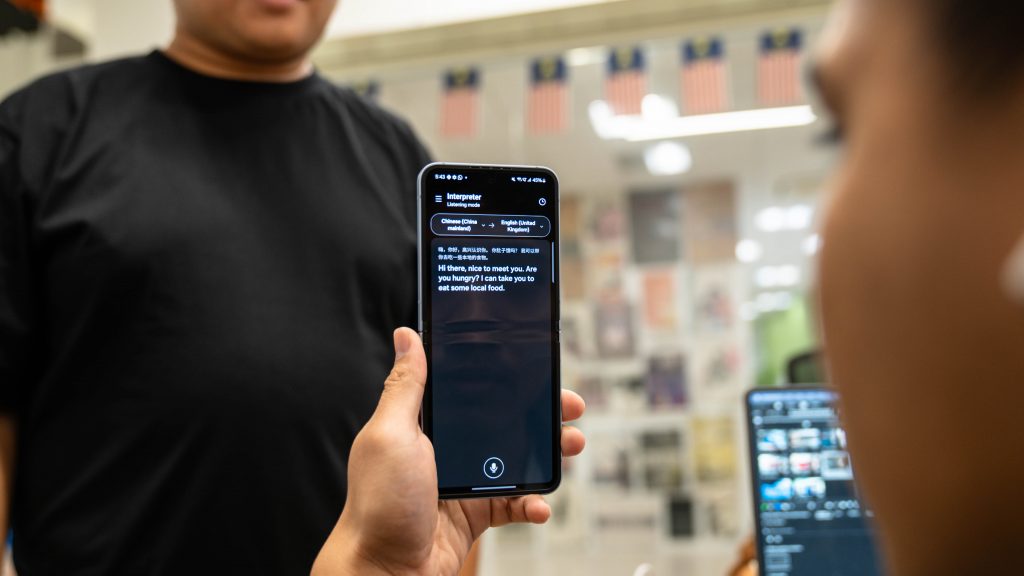
You’re attending a lecture conducted in a foreign language. Instead of missing key points, Interpreter’s Listening Mode provides real-time translations, helping you stay engaged without requiring the lecturer to pause or repeat in your language.
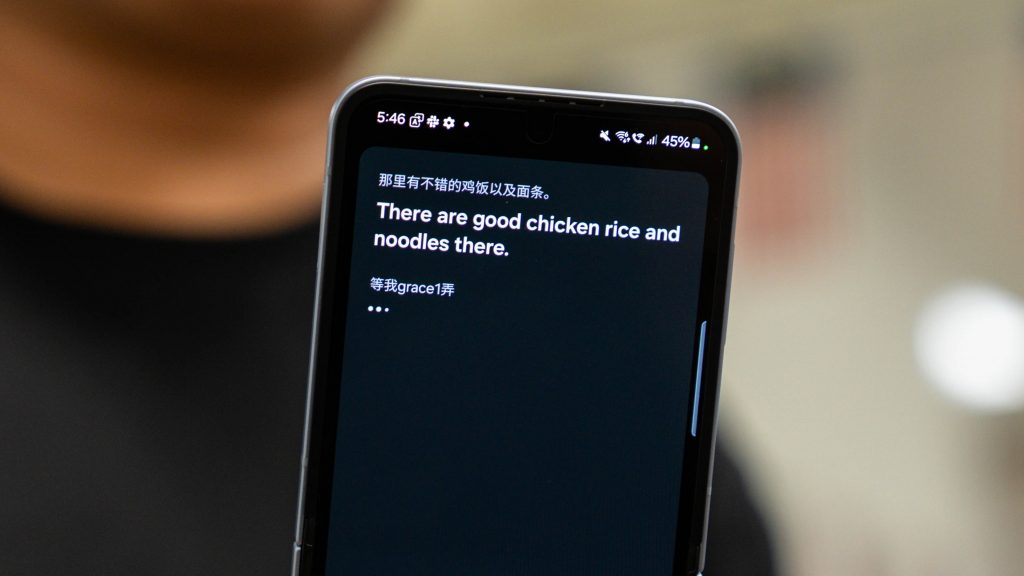
It supports offline translations once language packs are downloaded, making it an essential tool for travel, lectures, or meetings. Whether you’re watching a foreign film or attending a multilingual event, Interpreter breaks down language barriers.
Note Assist – PDF Overlay Translate
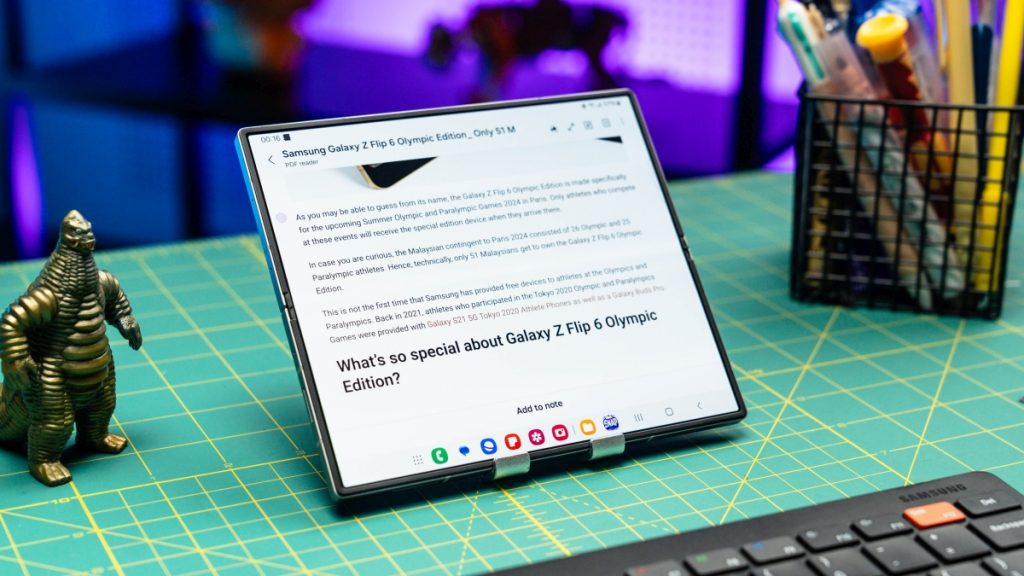
Imagine you’re on a business trip abroad and receive a PDF menu in a foreign language. Using PDF Overlay Translate, you quickly overlay translations on the menu without needing to type out or copy any text, making ordering a breeze. Since the translation happens on the document, there’s no need to deal with pop-up windows or be redirected to a different app.
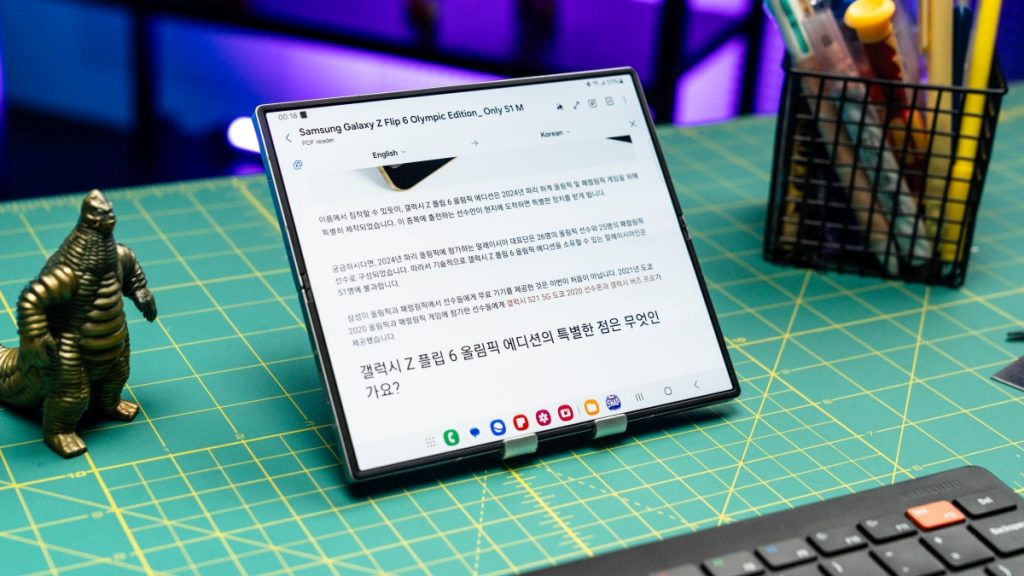
This tool is perfect for professionals and students who work with foreign-language documents, such as briefing notes or academic papers. It can also work offline when you have downloaded language packs.
Chat Assist – Composer
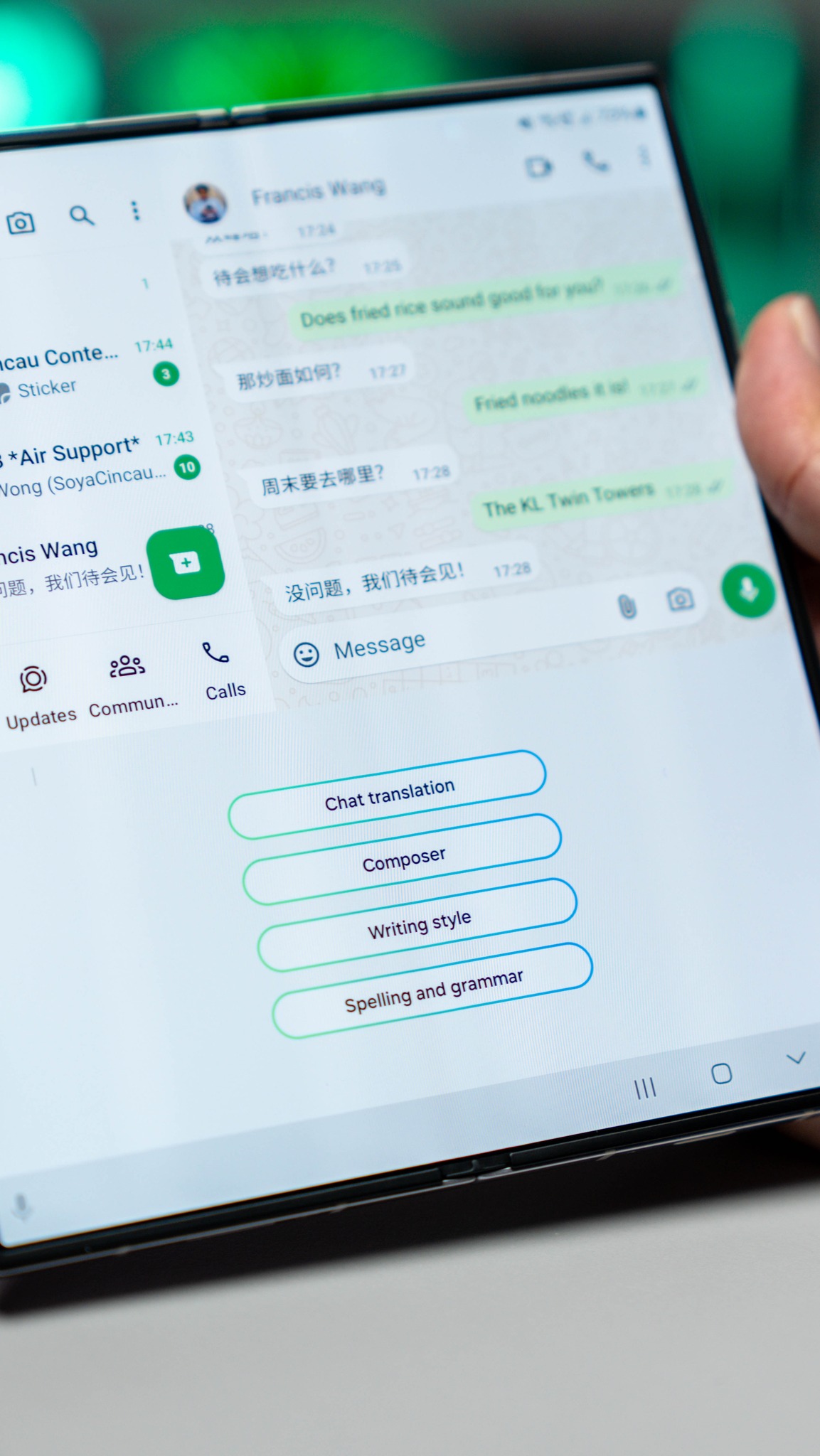
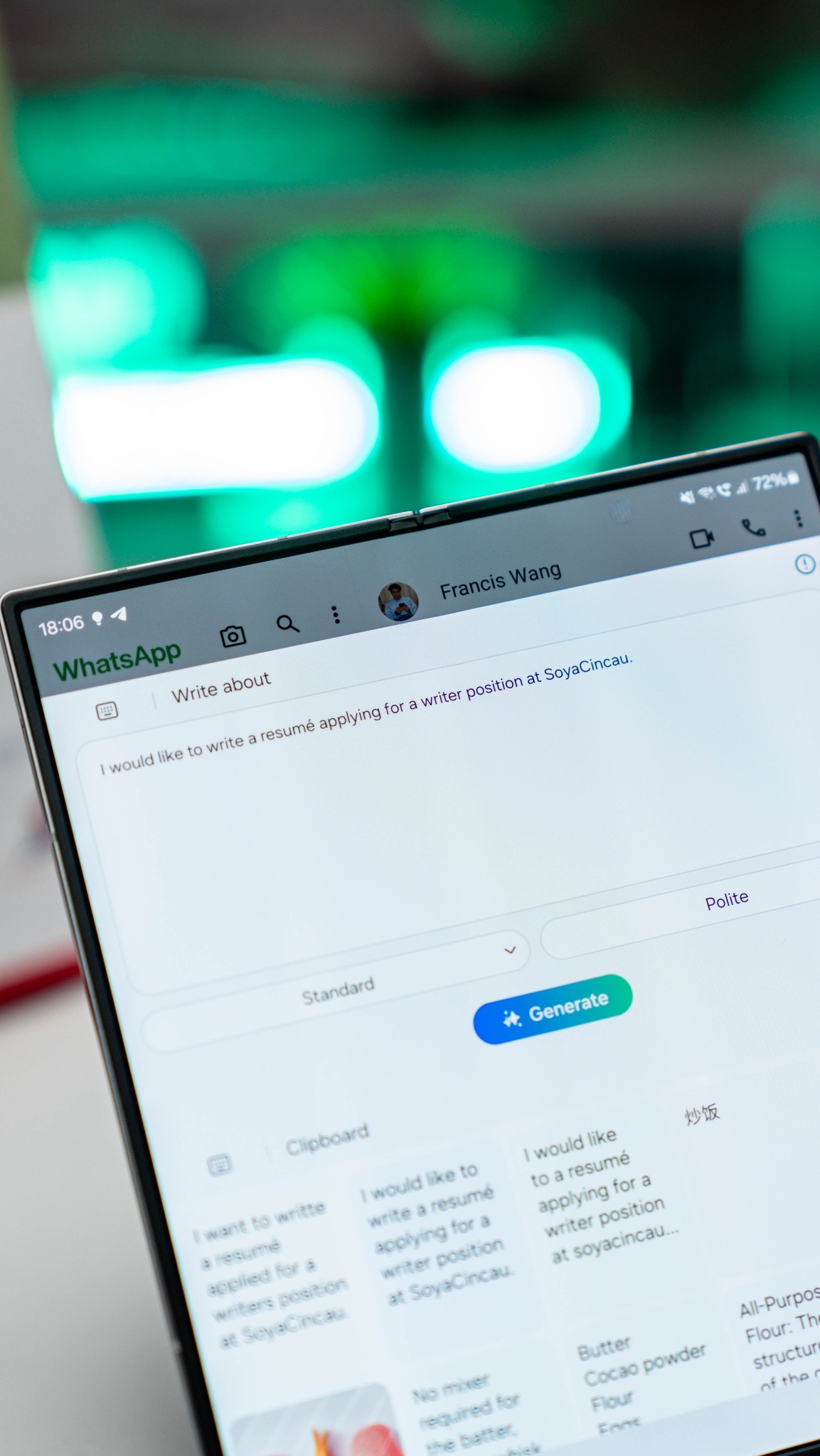
You need to draft a quick response to a work email but are pressed for time. With Composer, you can input keywords, and the AI will craft sentences and paragraphs based on the keywords you provide.
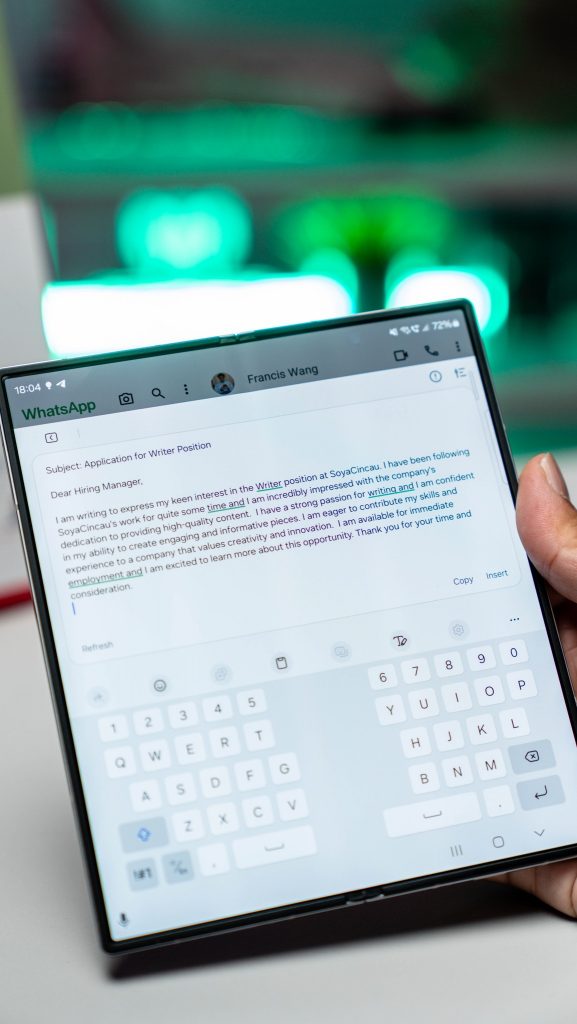
This feature eliminates the need for third-party apps, offering an effortless way to compose professional texts, emails, or social media posts. Since Composer is built into the Samsung Keyboard, you can use it in most text fields across apps.
Photo Assist – Portrait Studio
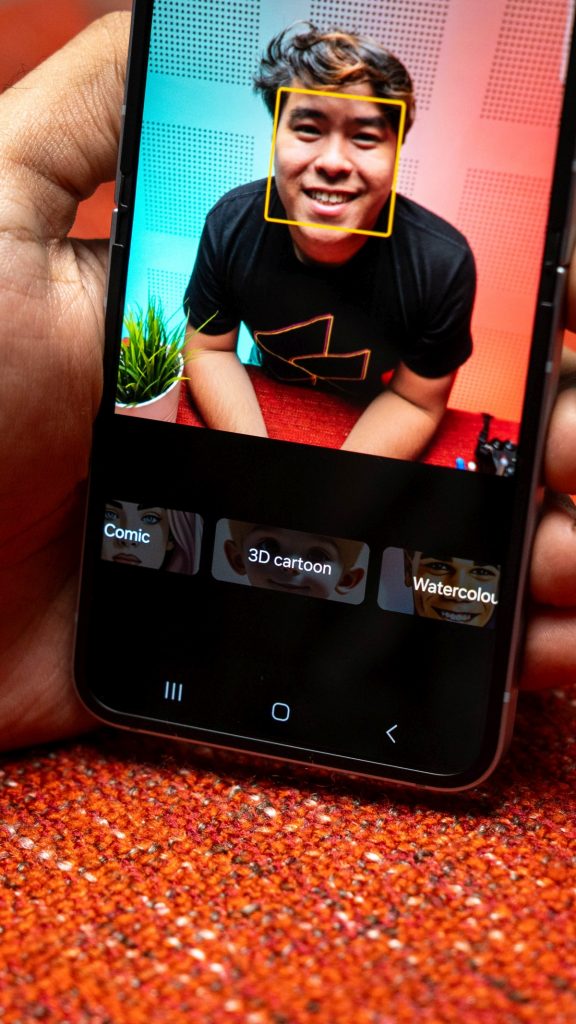
You want to create a unique profile picture for social media. After taking a simple portrait, Portrait Studio allows you to choose from styles like watercolour or 3D animation, instantly transforming your photo into a one-of-a-kind piece of art.
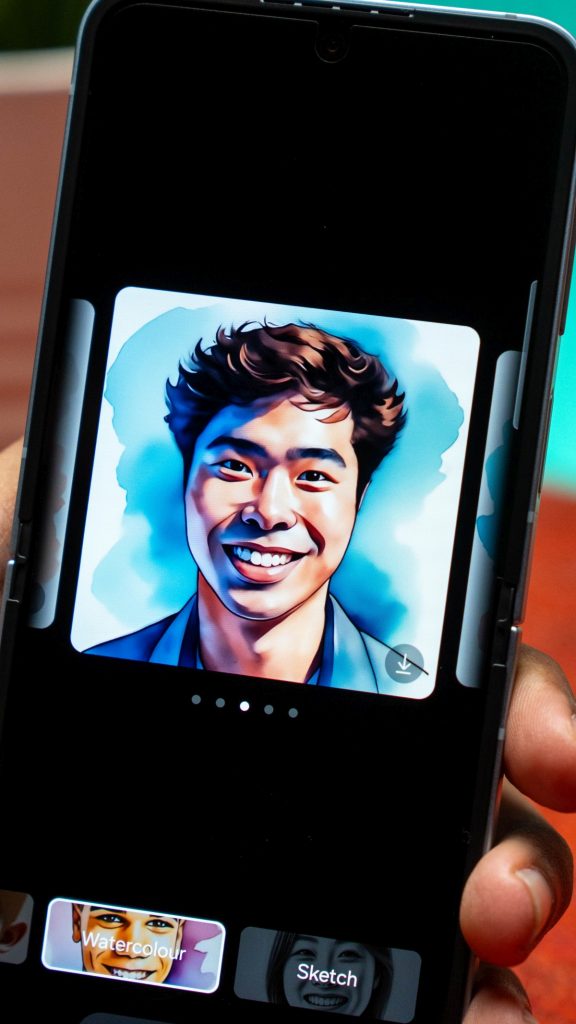
Whether snapping selfies or professional headshots, Portrait Studio personalises your images, giving you multiple styles to select.
Drawing Assist – Sketch to Image
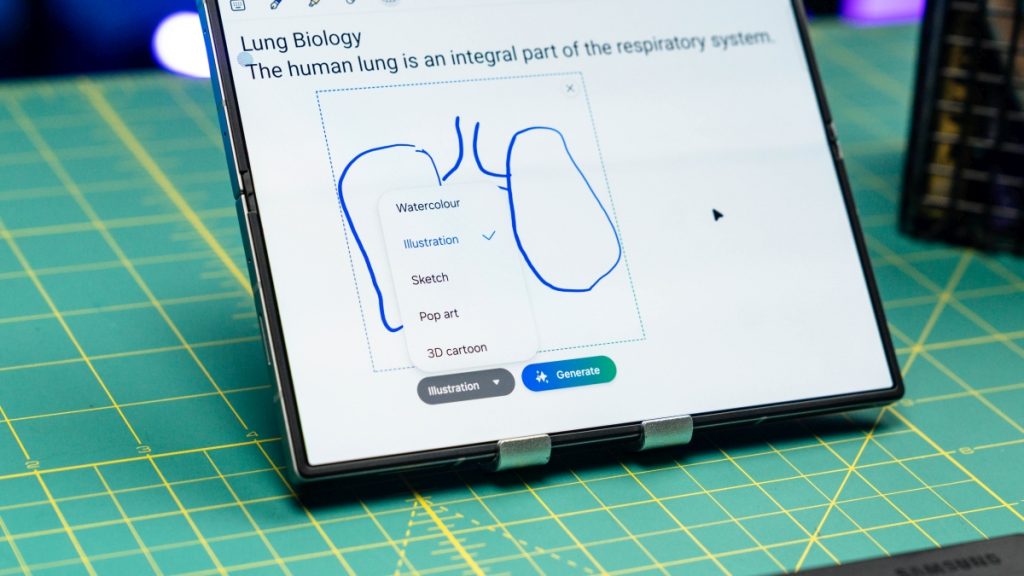
You’re in a meeting with a client and need to quickly visualize a concept. With Sketch to Image, you draw a rough idea on your tablet, and the AI polishes it into a professional, high-quality visual that helps communicate your idea.
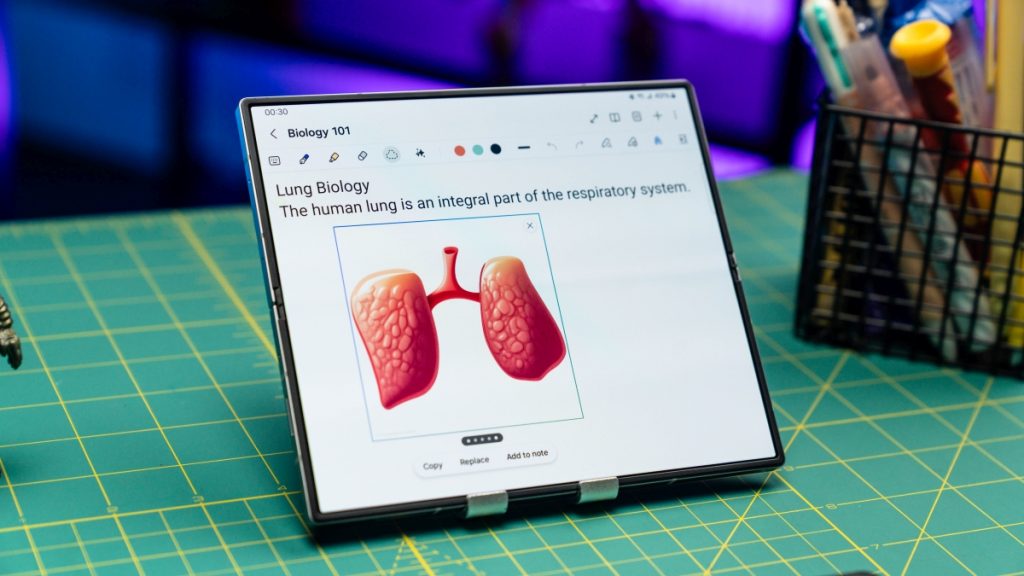
Even if you lack professional drawing skills, the AI can convert your rough sketch into clean, professional images. This feature is invaluable for both personal creativity and professional presentations.
Upgrade your Galaxy device today
The latest One UI 6.1.1 is a great way to unlock powerful AI-driven features and enhance your overall mobile experience on your Samsung Galaxy device. From real-time translation and advanced photo editing tools to creating polished visuals from simple sketches, this update brings incredible new capabilities to your device.
Update your device today and enjoy the best that Samsung has to offer!
Curious about Samsung’s One UI but don’t own a Galaxy device? You can now experience it firsthand through Samsung’s Try Galaxy website! This platform allows non-Galaxy users to explore the interface, AI features, and design of One UI without switching phones.