• 中文版
  • BM
  • News
  • Deals
  • Reviews
    • First Impressions
    • Hands-on
    • Comparisons
  • Tech
    • Mobile
    • Computers
    • Cameras
    • Wearables
    • Audio
    • Drones
  • Telco
    • Celcom
    • Digi
    • Maxis
    • Time
    • Tune Talk
    • U Mobile
    • Unifi
    • Yes
  • Cars
  • Contribute
  • Jobs
Menu
  • 中文版
  • BM
  • News
  • Deals
  • Reviews
    • First Impressions
    • Hands-on
    • Comparisons
  • Tech
    • Mobile
    • Computers
    • Cameras
    • Wearables
    • Audio
    • Drones
  • Telco
    • Celcom
    • Digi
    • Maxis
    • Time
    • Tune Talk
    • U Mobile
    • Unifi
    • Yes
  • Cars
  • Contribute
  • Jobs
Search
  • Tech
    • News
    • Mobile
    • Computers
    • Cameras
    • Wearables
    • Audio
    • Drones
  • Telco
    • Celcom
    • Digi
    • Maxis
    • Time
    • U Mobile
    • Unifi
    • Yes
  • Reviews
    • First Impressions
    • Hands-on
    • Comparisons
  • Buyer’s Guide
  • Opinions
  • Digital Life
  • Video
  • Deals
  • How-To
  • Cars
  • Bahasa Melayu
  • EV
  • Contribute
  • Advertise
Menu
  • Tech
    • News
    • Mobile
    • Computers
    • Cameras
    • Wearables
    • Audio
    • Drones
  • Telco
    • Celcom
    • Digi
    • Maxis
    • Time
    • U Mobile
    • Unifi
    • Yes
  • Reviews
    • First Impressions
    • Hands-on
    • Comparisons
  • Buyer’s Guide
  • Opinions
  • Digital Life
  • Video
  • Deals
  • How-To
  • Cars
  • Bahasa Melayu
  • EV
  • Contribute
  • Advertise
Search
Close
Home News

Turn your iPhone into a Galaxy smartphone with this app from Samsung

  • BY Raymond Saw
  • 30 September 2022
  • 5:38 pm
  • Comment
Share on FacebookShare on Twitter

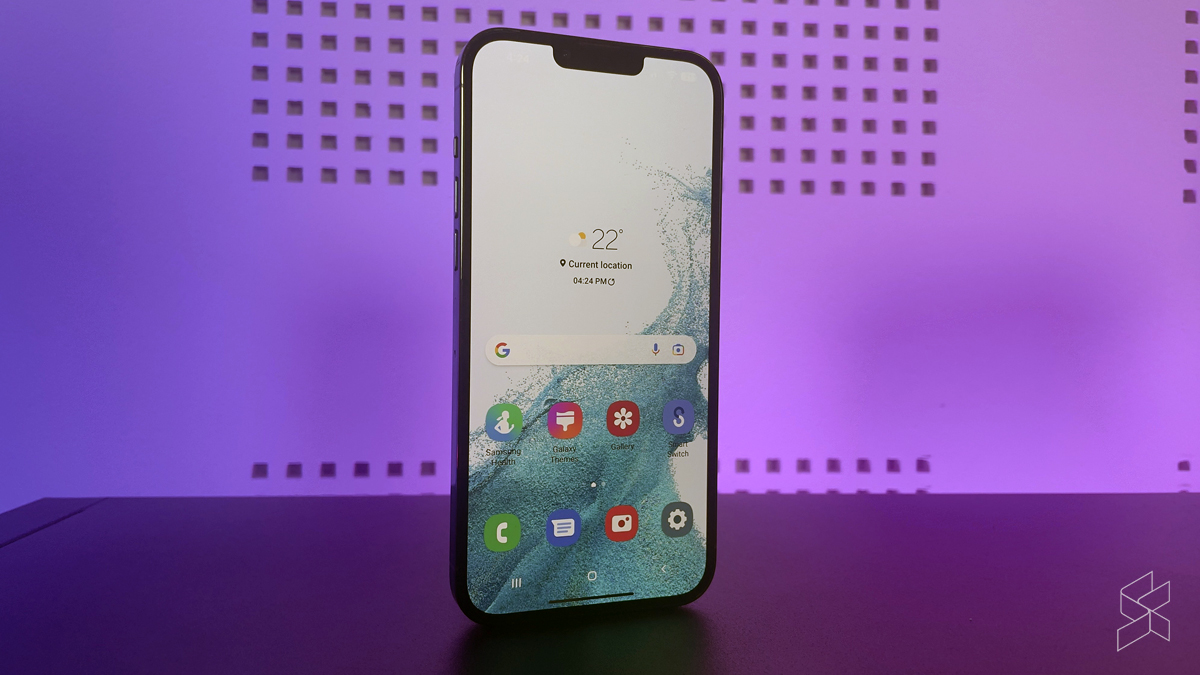
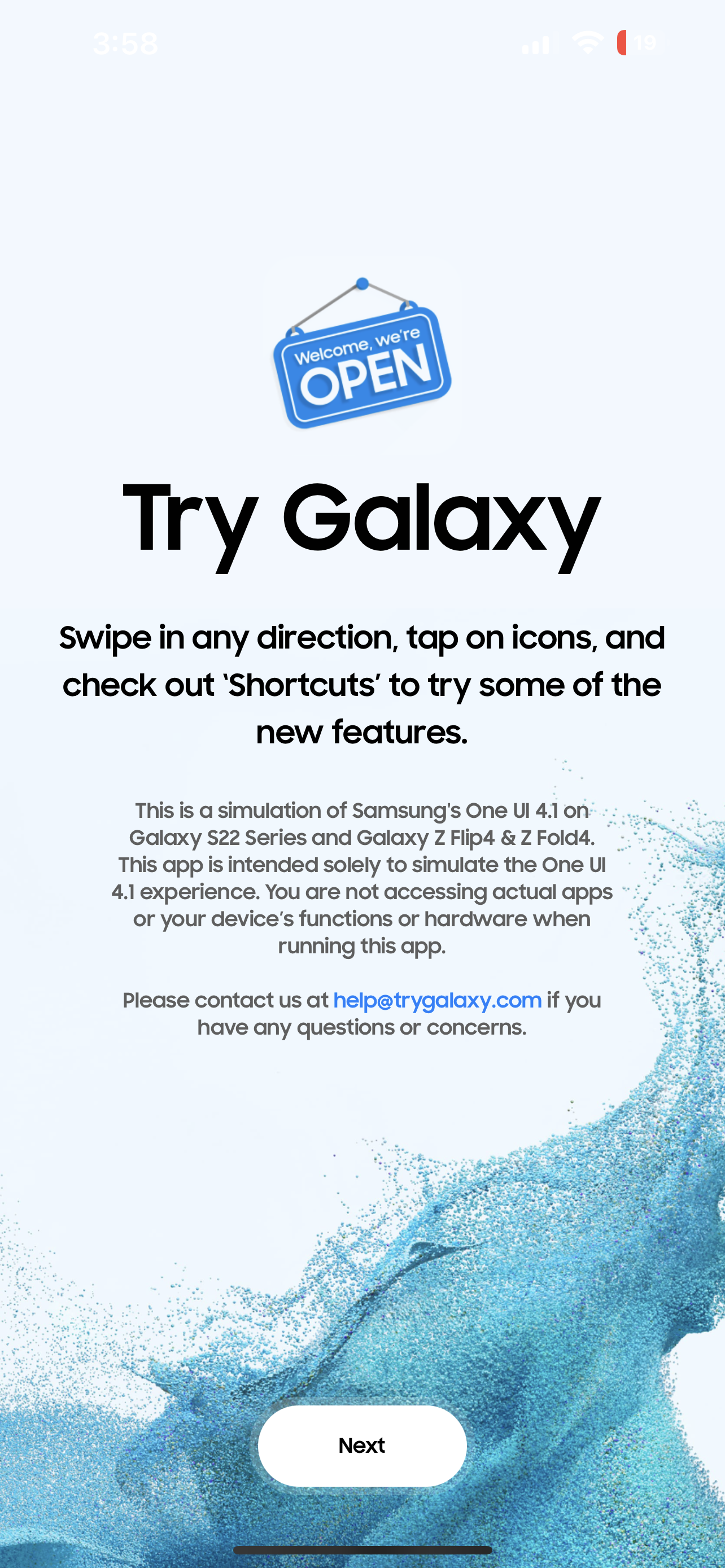
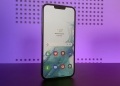
If you’re one of the dozens of iPhone users who wishes they had a Samsung smartphone instead, you’re in luck. Samsung’s got a new tool that lets iPhone users try out Samsung’s One UI 4.1 as it would be on the Galaxy S22 series, the Galaxy Z Flip 4 and the Galaxy Z Fold 4.

Dubbed as ‘Try Galaxy’, it’s essentially a simulation of the user experience on one of Samsung’s flagship devices. To try it out yourself on your iPhone, you can simply head over to www.trygalaxy.com on the Safari browser, then tap on the share icon and select ‘Add to home screen’. Once you’ve done that, you can then go back to your home screen, click on the Try Galaxy app and voila, your very own Galaxy smartphone, on your iPhone!
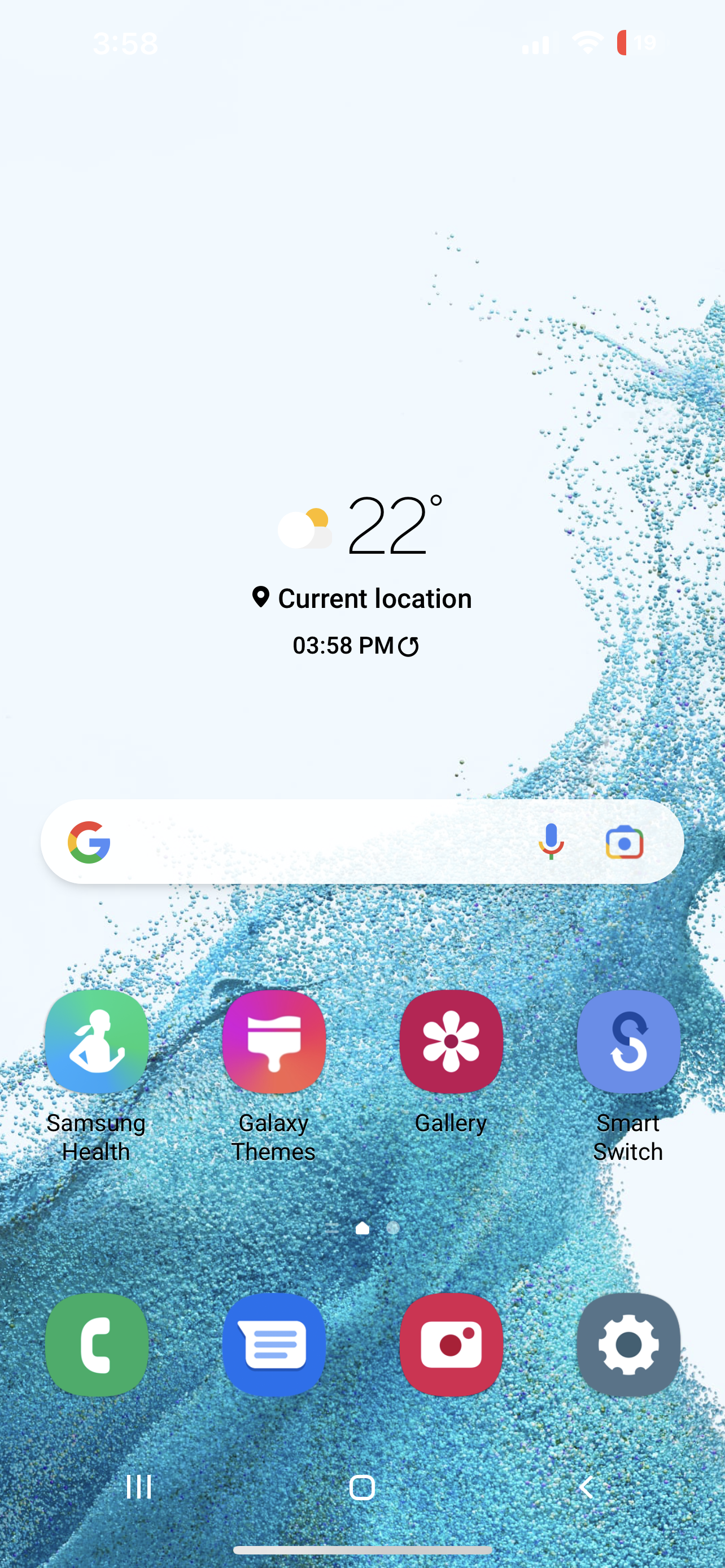
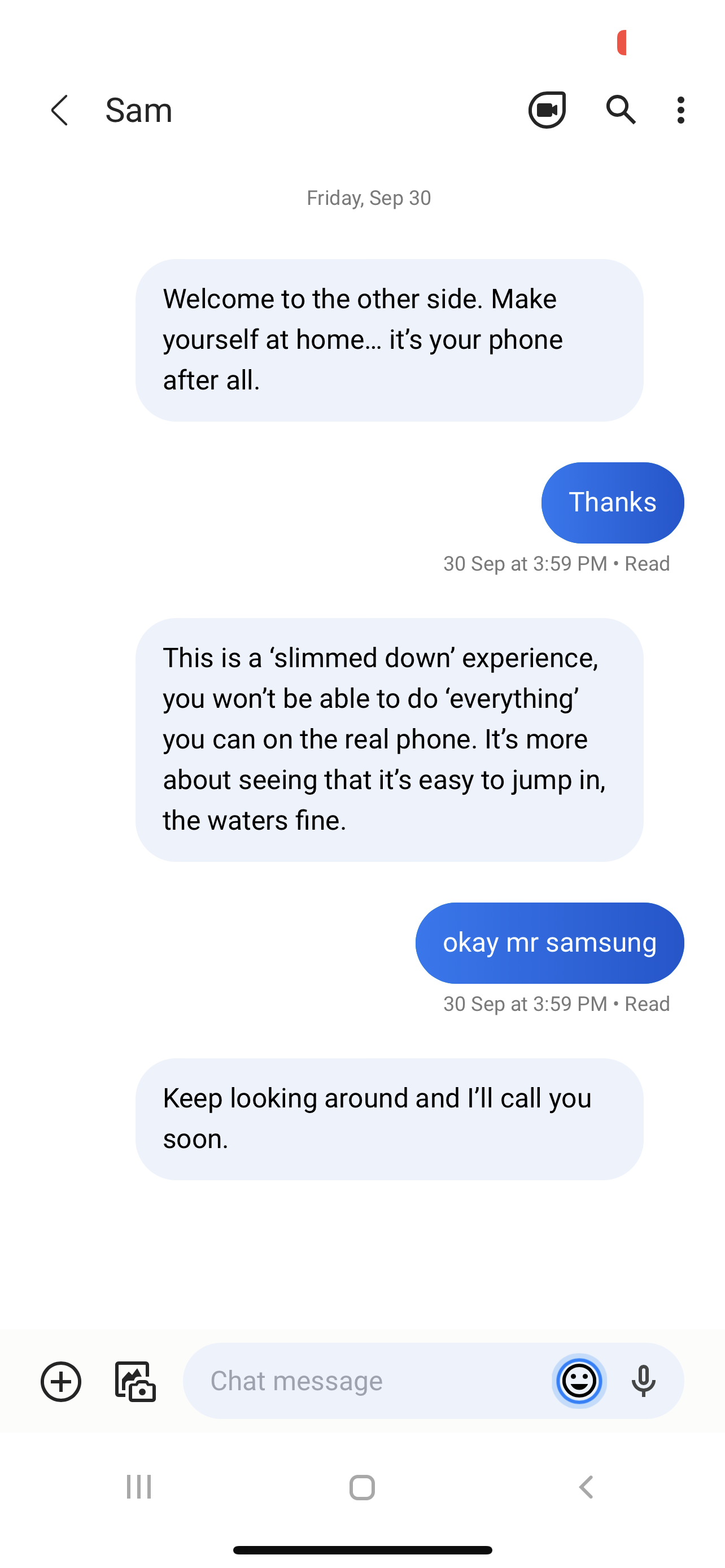
You’ll first be greeted to a number of incoming messages from ‘Sam’, who will welcome you to One UI 4.1 while also explaining to you that the Try Galaxy app is mostly a slimmed down experience just to give you an idea of what it’s like. Having tried it ourselves, it is a somewhat interesting trial of sorts for iPhone users who’ve never used a Samsung smartphone before. There’s an easy guide teaching you how to navigate around, and you’ll get a bunch of incoming texts telling you about all the cool features on One UI, such as custom themes, emojis and the Galaxy Store.
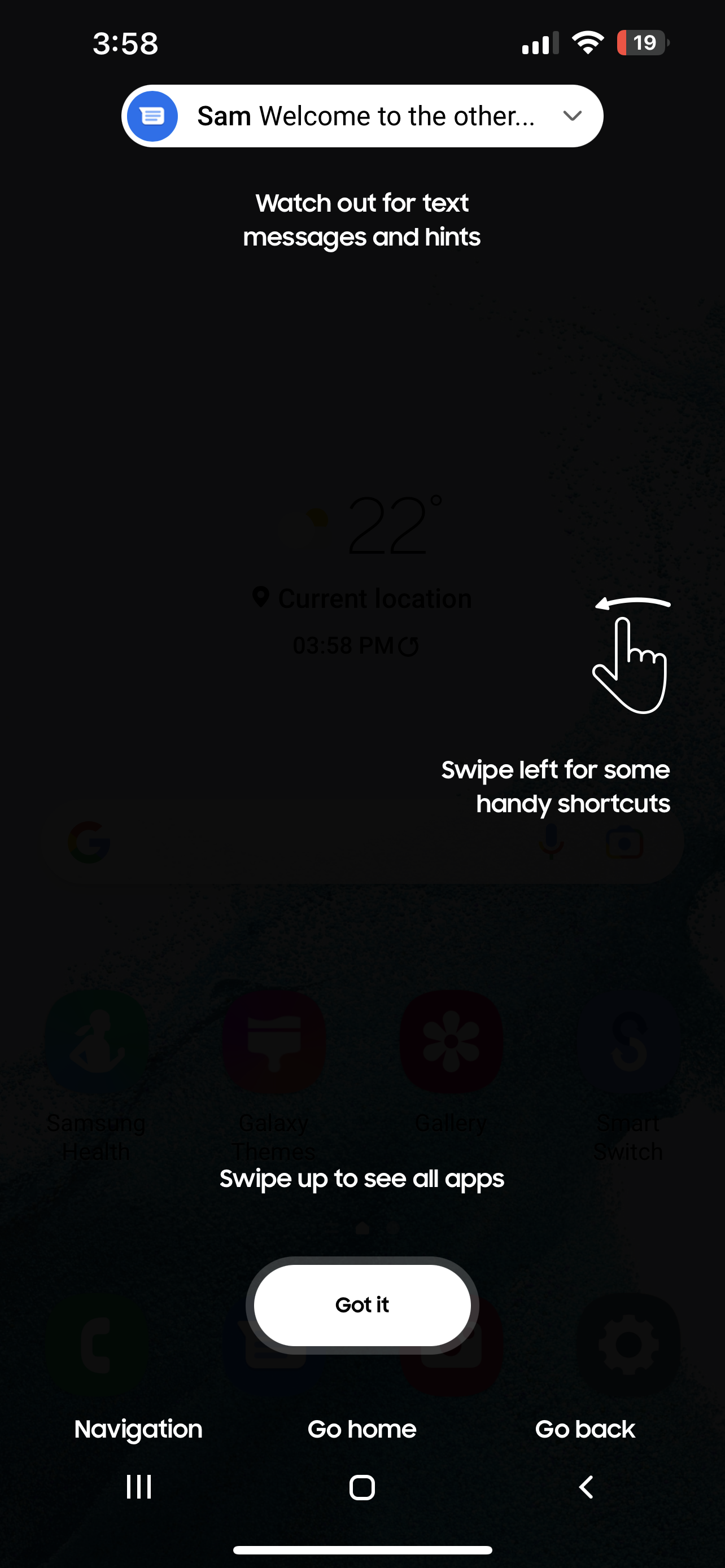
Not all the features will be available of course. Entering the Galaxy Store and trying to download apps will simply let you know more about Samsung’s Game Launcher tool, while hitting on the ‘recents’ button won’t show you all the recent apps. Perhaps the most curious one though is the camera app.
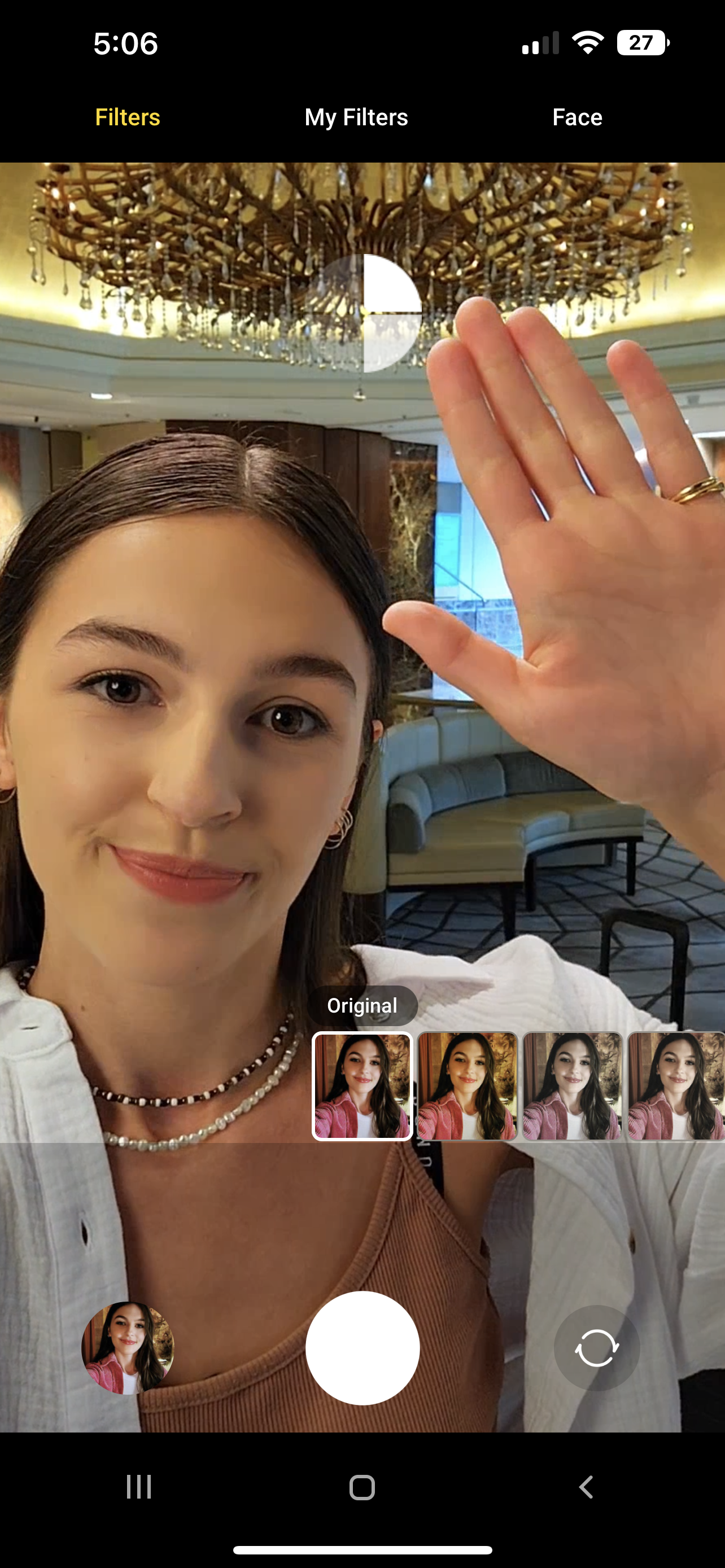
When you do tap on the camera app, it basically starts showing you an advertisement for the Galaxy Z Flip 4. There’s a video with someone telling you all the great things you can do with the camera on the Galaxy Z Flip 4, such as taking shots from any angle. After that, you’re greeted to the camera app itself, which you can navigate around to watch more videos telling you how to use Samsung’s camera. In the gallery app meanwhile you can also try other cool features such as the object eraser and the photo remaster tool.

After messing around with Try Galaxy for a while, you’ll even get an incoming phone call from Sam! Okay so maybe it’s more of a scripted event rather than an actual phone call, but basically it’s ‘Sam’ calling you to say thanks for trying it out and that maybe we’ll even see Sam one day on the other side. If you’ve got an iPhone yourself, it could be worth checking out. You never know, maybe it’ll be enough to convince you to switch to Galaxy.

Tags: AndroidAppleApple iPhoneiOSiPhoneOne UISamsungSamsung Galaxy S22Try Galaxy
Raymond Saw

Raymond Saw

POPULAR

Upgraded To a New Phone? Cool. But When Was the Last Time you Upgraded your Shaver?

November 10, 2025

5 Reasons Every Home Should Have a Smart Security System

November 11, 2025

Solar ATAP: The new solar programme for consumers will only start in 2026

December 2, 2025

Turn your iPhone into a Galaxy smartphone with this app from Samsung

September 30, 2022
Perodua QV-E EV

Perodua QV-E is now official: Electric sportback with 201hp, 445km NEDC range, priced at RM80k not inclusive of battery subscription

December 1, 2025

GrabRewards is now GrabCoins: Now with even more ways to earn and save

November 17, 2025

Copyright © 2025 · SoyaCincau.com
Mind Blow Sdn Bhd (1076827-P)

  • ADVERTISE
  • DISCLAIMER

Copyright © 2025 · SoyaCincau.com – Mind Blow Sdn Bhd (1076827-P)

  • ADVERTISE
  • DISCLAIMER