
• 中文版
  • BM
  • News
  • Deals
  • Reviews
    • First Impressions
    • Hands-on
    • Comparisons
  • Tech
    • Mobile
    • Computers
    • Cameras
    • Wearables
    • Audio
    • Drones
  • Telco
    • Celcom
    • Digi
    • Maxis
    • Time
    • Tune Talk
    • U Mobile
    • Unifi
    • Yes
  • Cars
  • Contribute
  • Jobs
Menu
  • 中文版
  • BM
  • News
  • Deals
  • Reviews
    • First Impressions
    • Hands-on
    • Comparisons
  • Tech
    • Mobile
    • Computers
    • Cameras
    • Wearables
    • Audio
    • Drones
  • Telco
    • Celcom
    • Digi
    • Maxis
    • Time
    • Tune Talk
    • U Mobile
    • Unifi
    • Yes
  • Cars
  • Contribute
  • Jobs
Search
  • Tech
    • News
    • Mobile
    • Computers
    • Cameras
    • Wearables
    • Audio
    • Drones
  • Telco
    • Celcom
    • Digi
    • Maxis
    • Time
    • U Mobile
    • Unifi
    • Yes
  • Reviews
    • First Impressions
    • Hands-on
    • Comparisons
  • Buyer’s Guide
  • Opinions
  • Digital Life
  • Video
  • Deals
  • How-To
  • Cars
  • Bahasa Melayu
  • EV
  • Contribute
  • Advertise
Menu
  • Tech
    • News
    • Mobile
    • Computers
    • Cameras
    • Wearables
    • Audio
    • Drones
  • Telco
    • Celcom
    • Digi
    • Maxis
    • Time
    • U Mobile
    • Unifi
    • Yes
  • Reviews
    • First Impressions
    • Hands-on
    • Comparisons
  • Buyer’s Guide
  • Opinions
  • Digital Life
  • Video
  • Deals
  • How-To
  • Cars
  • Bahasa Melayu
  • EV
  • Contribute
  • Advertise
Search
Close
Home Telco

Celcom finally enables Voice over WiFi but only 9 smartphones are supported

  • BY Alexander Wong
  • 3 June 2022
  • 8:02 pm
  • Comment
Share on FacebookShare on Twitter

After enabling Voice over LTE (VoLTE) two years ago, Celcom has finally enabled Voice over WiFi (VoWiFi) which is also known as WiFi Calling. With this feature, you can still make and receive high-quality voice calls over WiFi even if your smartphone has zero or poor mobile reception.
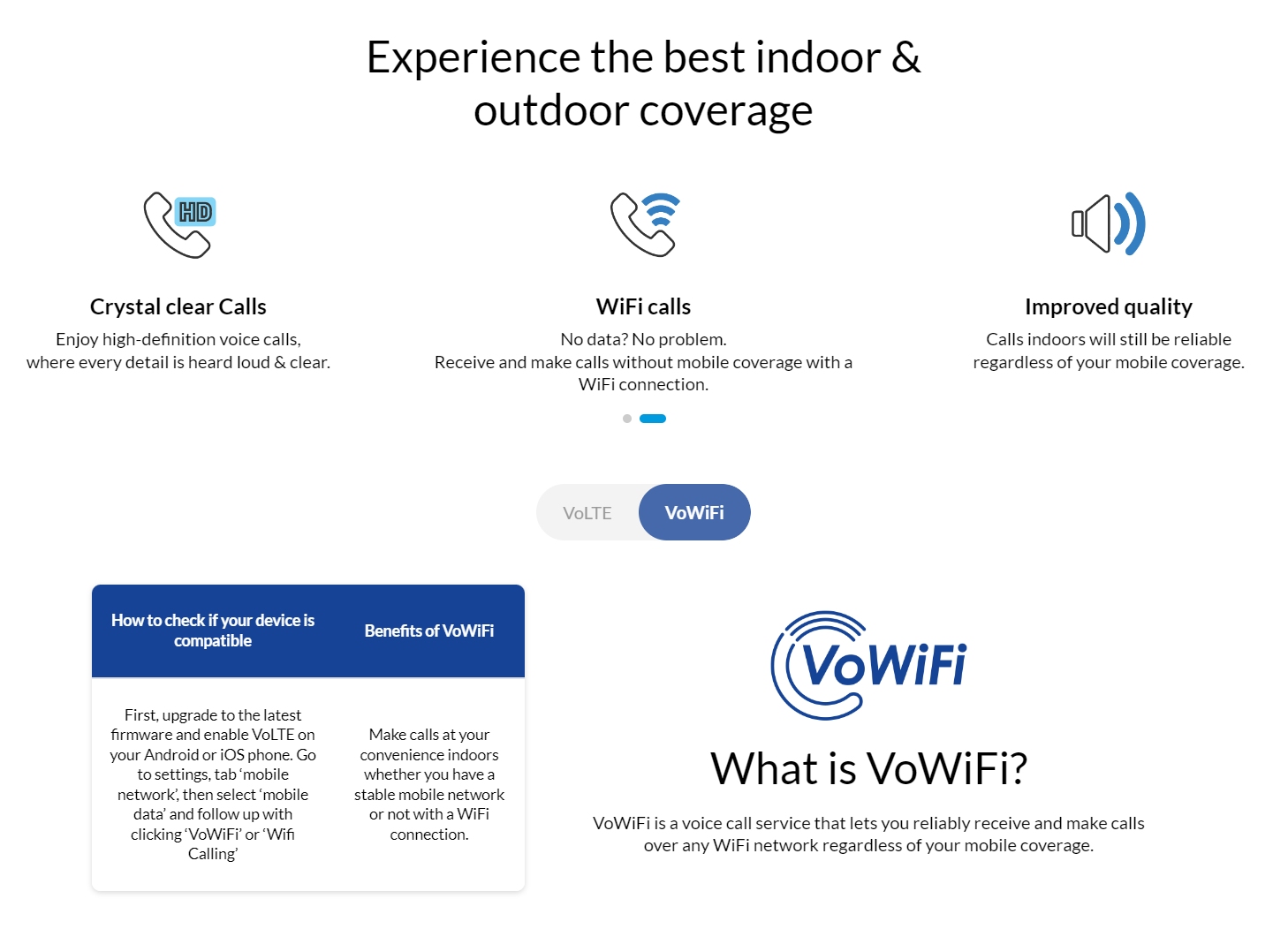
Similar to VoLTE, VoWiFi offers crystal clear HD calls and you can enjoy improved quality regardless of your mobile coverage. Just make sure you have VoWiFi enabled and you’re connected to a stable WiFi connection of at least 25kbps.

According to Celcom’s compatible device list, there are only 9 supported devices for VoWiFi. This includes the Vivo X80 and X80 Pro, Huawei Mate 20 series, Huawei P30 series, Huawei Nova 5T and the Nokia X20. Unfortunately, none of the Samsung and Apple models can support VoWiFi on Celcom at the time of writing.

To use VoWiFi, you need to activate VoLTE first and make sure that you’re using a USIM (64K). If you’re using one of the 9 supported phones, you can enable WiFi calling in the settings. Just go to settings and search for “WiFi Calling”. Once WiFi Calling is enabled, you should see an icon that indicates VoWiFi. There are no extra charges for using VoWiFi and you will be charged based on the same voice call rates as your Celcom mobile plan.

Besides voice calls, you can also send and receive SMS via WiFi with the VoWiFi feature. Interestingly, the FAQ states that VoWiFi does not work while roaming as the service is not available. For more info, you can check out Celcom’s VoLTE and VoWiFi page.

Thanks Yuing Kee for the tip!

Tags: CelcomCelcom WiFi CallingVoLTEVoWiFiWiFi Calling
Alexander Wong

Alexander Wong

POPULAR

BOMBA investigating fire involving two EVs parked at home

December 19, 2025

Celcom finally enables Voice over WiFi but only 9 smartphones are supported

June 3, 2022

U Mobile Unbeatable Phone Sale: Travel with FREE Global Roaming Across 60+ Destinations

December 10, 2025

Perodua Traz: B-segment SUV with 1.5L engine and 471L boot, priced from RM76,100

December 17, 2025

sooka’s Gilerrr Streaming Challenge Draws 273 Participants, Clinches Malaysia Book of Records Title

December 5, 2025

Why have Malaysia’s 5G download speeds declined?

December 16, 2025

Copyright © 2025 · SoyaCincau.com
Mind Blow Sdn Bhd (1076827-P)

  • ADVERTISE
  • DISCLAIMER

Copyright © 2025 · SoyaCincau.com – Mind Blow Sdn Bhd (1076827-P)

  • ADVERTISE
  • DISCLAIMER