• 中文版
  • BM
  • News
  • Deals
  • Reviews
    • First Impressions
    • Hands-on
    • Comparisons
  • Tech
    • Mobile
    • Computers
    • Cameras
    • Wearables
    • Audio
    • Drones
  • Telco
    • Celcom
    • Digi
    • Maxis
    • Time
    • Tune Talk
    • U Mobile
    • Unifi
    • Yes
  • Cars
  • Contribute
  • Jobs
Menu
  • 中文版
  • BM
  • News
  • Deals
  • Reviews
    • First Impressions
    • Hands-on
    • Comparisons
  • Tech
    • Mobile
    • Computers
    • Cameras
    • Wearables
    • Audio
    • Drones
  • Telco
    • Celcom
    • Digi
    • Maxis
    • Time
    • Tune Talk
    • U Mobile
    • Unifi
    • Yes
  • Cars
  • Contribute
  • Jobs
Search
  • Tech
    • News
    • Mobile
    • Computers
    • Cameras
    • Wearables
    • Audio
    • Drones
  • Telco
    • Celcom
    • Digi
    • Maxis
    • Time
    • U Mobile
    • Unifi
    • Yes
  • Reviews
    • First Impressions
    • Hands-on
    • Comparisons
  • Buyer’s Guide
  • Opinions
  • Digital Life
  • Video
  • Deals
  • How-To
  • Cars
  • Bahasa Melayu
  • EV
  • Contribute
  • Advertise
Menu
  • Tech
    • News
    • Mobile
    • Computers
    • Cameras
    • Wearables
    • Audio
    • Drones
  • Telco
    • Celcom
    • Digi
    • Maxis
    • Time
    • U Mobile
    • Unifi
    • Yes
  • Reviews
    • First Impressions
    • Hands-on
    • Comparisons
  • Buyer’s Guide
  • Opinions
  • Digital Life
  • Video
  • Deals
  • How-To
  • Cars
  • Bahasa Melayu
  • EV
  • Contribute
  • Advertise
Search
Close
Home Digital Life Apps

Mac users can download their own version ‘Paint’ for free and it only works with the trackpad

  • BY Dzamira Dzafri
  • 23 August 2021
  • 11:40 am
  • Comment
Share on FacebookShare on Twitter

Paint for Microsoft was always my go-to procrastination app when I was growing up that didn’t involve downloading any games. After my switch to a MacBook, there hasn’t been anything that has given me that simple satisfaction of a 3 minute doodle that Paint provided me with (I guess you can download something like it before, but it’s not the same). But I think there’s a free new app that can scratch the same itch—Magic—which lets you doodle with just your trackpad.
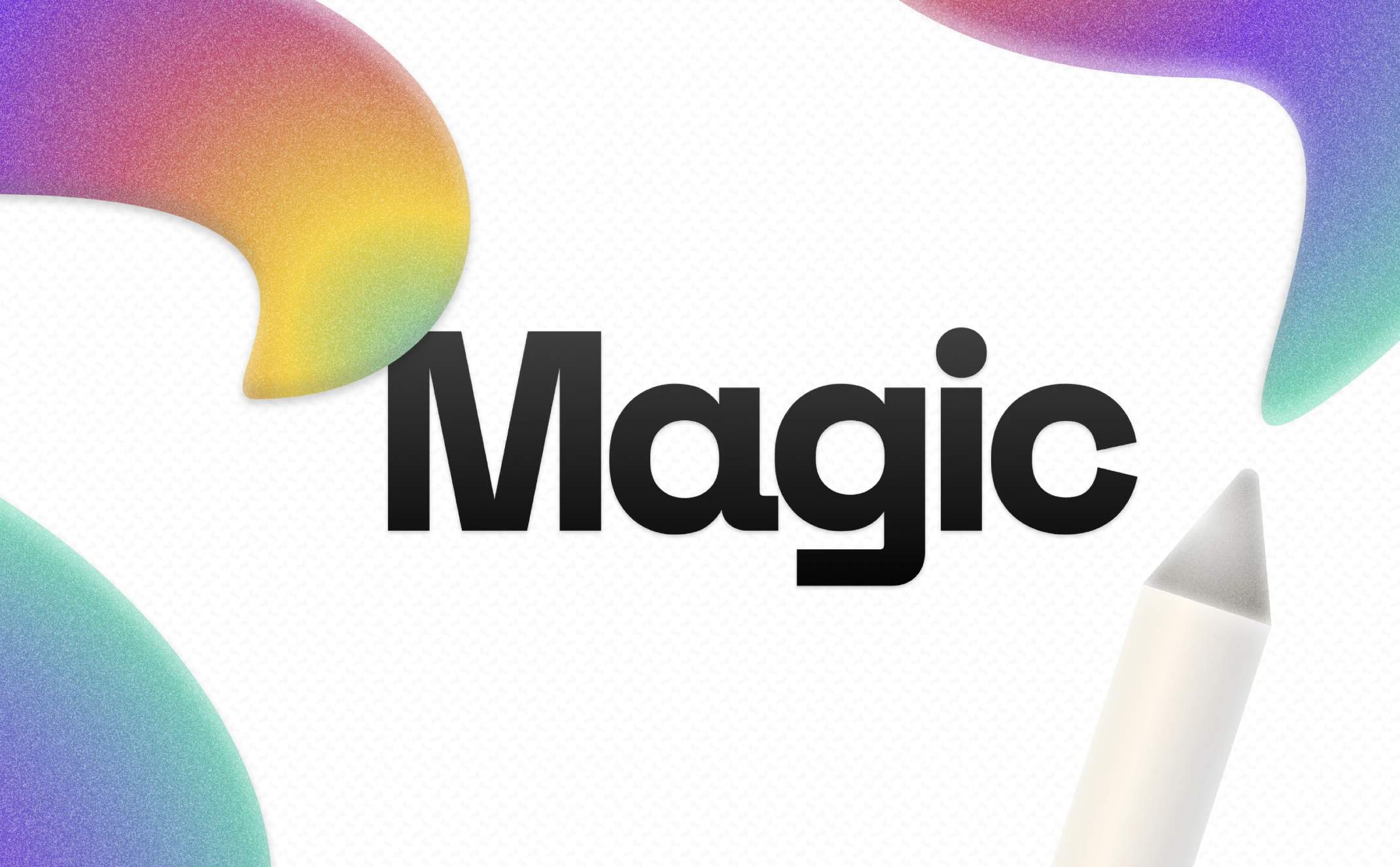
It’s quite well known that the trackpad for Macs are so good, some people don’t feel the need to get a separate mouse. Heck, I tend to prefer using the trackpad for a majority of my MacBook use.

Magic, a macOS app created by young developer João Gabriel (one of the winners of Apple’s WWDC Swift Student Challenge), focuses on letting users draw on just their trackpads. It’s a simple app which has a handful of options—drawing, colours, brush size, opacity, background styles, scale, and “clear” drawing.
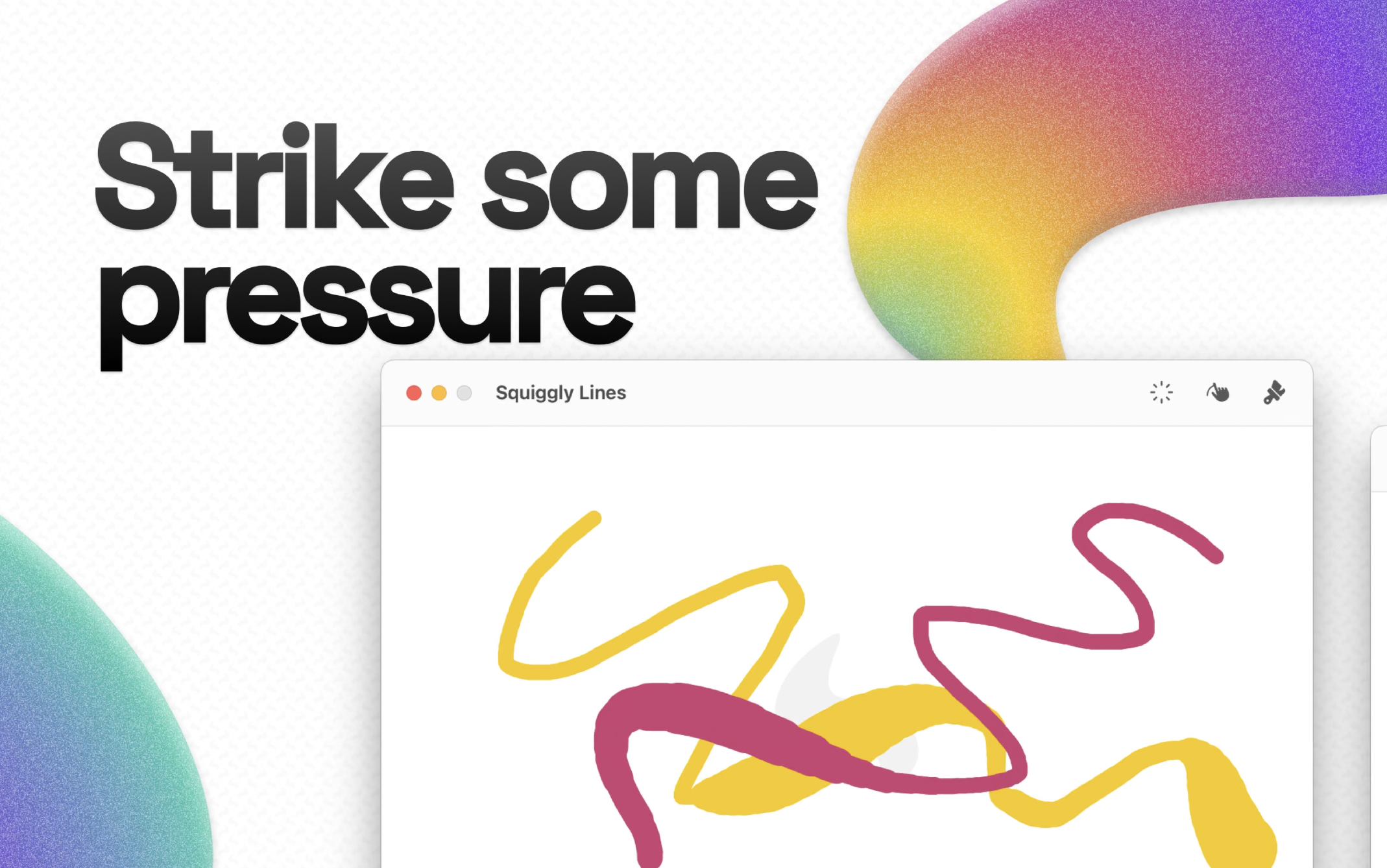
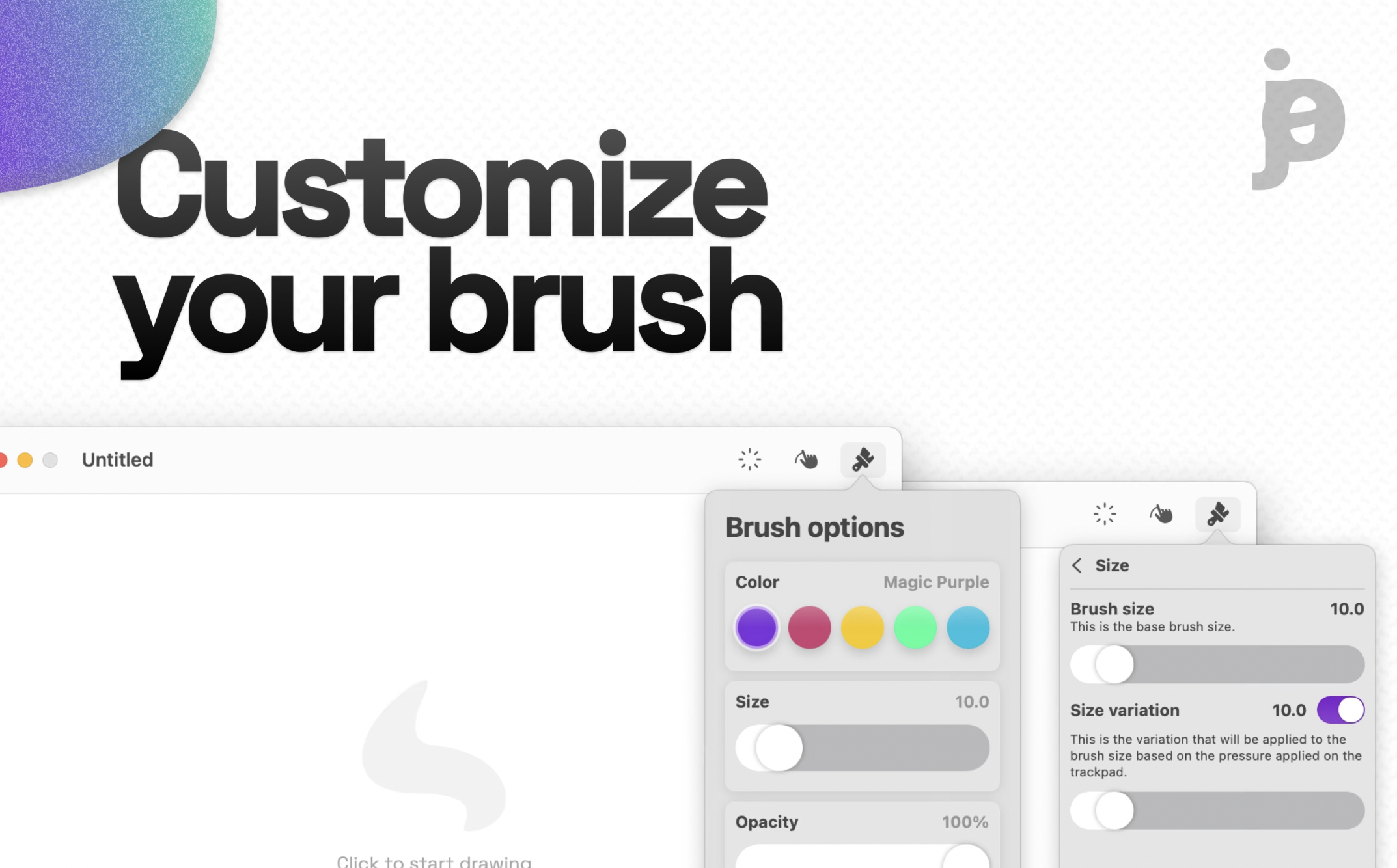
Once you “start drawing”, you need to start treating your entire trackpad as your canvas. The location of the trackpad that you touch will equal to the location of your doodle—kind of like how you would treat doodling using a Pen. You’re also able to change the thickness of the “brush” by pressing harder/lighter on the trackpad.

To stop drawing, press Command + D, or else you won’t be able to get out of drawing mode. The minimal features and something that just lets you doodle and nothing else gives it that nostalgic feeling that is familiar to Microsoft’s Paint—but it’s made to be used with your Mac’s trackpad, which really shows off the trackpad’s ability to make more precise lines… you just have to get used to it first.

“Magic allows you to make extraordinary drawings using only your Mac’s trackpad—it’s one of a kind. By making use of Mac technology, Magic is the nicest and coolest way to express yourself using only touch and creativity,” wrote Magic.

According to 9to5Mac, the developer said he’s already working on new features for the app—including the ability to add and rearrange multiple layers in a single project. This means that users can work on more complex drawings in the near future.

You can download Magic on the App Store for free. It requires a computer running macOS Big Sur, as well as a trackpad.

[ SOURCE, IMAGE SOURCE ]

Tags: MacPaint
Dzamira Dzafri

Dzamira Dzafri

POPULAR

Upgraded To a New Phone? Cool. But When Was the Last Time you Upgraded your Shaver?

November 10, 2025

5 Reasons Every Home Should Have a Smart Security System

November 11, 2025

Solar ATAP: The new solar programme for consumers will only start in 2026

December 2, 2025

Mac users can download their own version ‘Paint’ for free and it only works with the trackpad

August 23, 2021
Perodua QV-E EV

Perodua QV-E is now official: Electric sportback with 201hp, 445km NEDC range, priced at RM80k not inclusive of battery subscription

December 1, 2025

GrabRewards is now GrabCoins: Now with even more ways to earn and save

November 17, 2025

Copyright © 2025 · SoyaCincau.com
Mind Blow Sdn Bhd (1076827-P)

  • ADVERTISE
  • DISCLAIMER

Copyright © 2025 · SoyaCincau.com – Mind Blow Sdn Bhd (1076827-P)

  • ADVERTISE
  • DISCLAIMER