• 中文版
  • BM
  • News
  • Deals
  • Reviews
    • First Impressions
    • Hands-on
    • Comparisons
  • Tech
    • Mobile
    • Computers
    • Cameras
    • Wearables
    • Audio
    • Drones
  • Telco
    • Celcom
    • Digi
    • Maxis
    • Time
    • Tune Talk
    • U Mobile
    • Unifi
    • Yes
  • Cars
  • Contribute
  • Jobs
Menu
  • 中文版
  • BM
  • News
  • Deals
  • Reviews
    • First Impressions
    • Hands-on
    • Comparisons
  • Tech
    • Mobile
    • Computers
    • Cameras
    • Wearables
    • Audio
    • Drones
  • Telco
    • Celcom
    • Digi
    • Maxis
    • Time
    • Tune Talk
    • U Mobile
    • Unifi
    • Yes
  • Cars
  • Contribute
  • Jobs
Search
  • Tech
    • News
    • Mobile
    • Computers
    • Cameras
    • Wearables
    • Audio
    • Drones
  • Telco
    • Celcom
    • Digi
    • Maxis
    • Time
    • U Mobile
    • Unifi
    • Yes
  • Reviews
    • First Impressions
    • Hands-on
    • Comparisons
  • Buyer’s Guide
  • Opinions
  • Digital Life
  • Video
  • Deals
  • How-To
  • Cars
  • Bahasa Melayu
  • EV
  • Contribute
  • Advertise
Menu
  • Tech
    • News
    • Mobile
    • Computers
    • Cameras
    • Wearables
    • Audio
    • Drones
  • Telco
    • Celcom
    • Digi
    • Maxis
    • Time
    • U Mobile
    • Unifi
    • Yes
  • Reviews
    • First Impressions
    • Hands-on
    • Comparisons
  • Buyer’s Guide
  • Opinions
  • Digital Life
  • Video
  • Deals
  • How-To
  • Cars
  • Bahasa Melayu
  • EV
  • Contribute
  • Advertise
Search
Close
Home Digital Life

Microsoft launches cross-platform password autofill feature on iOS, macOS and Google Chrome

  • BY Jinn Xiung
  • 8 February 2021
  • 1:10 pm
  • Comment
Share on FacebookShare on Twitter

Don’t you hate having to memorise multiple passwords for all the different websites, apps, accounts and services that you use? Fortunately, Microsoft has launched its Autofill solution. The Redmond tech giant has made it available to all users through the Microsoft Authenticator app. It is also available via an extension for Google Chrome.

Previously, the Redmond-based company announced back in December that it was developing a new multi-platform password manager that was built into the Microsoft Authenticator mobile app. 

The concept behind Autofill is very similar to Apple’s Keychain feature and many other password managers on the market. With it, you can store and automatically insert account credentials for various websites, apps and services.

Once it is set up, passwords saved to a Microsoft account will automatically synchronise across the different platforms. So, instead of having to remember each one of those passwords, Autofill handles that for you. This means users only need to memorise their Microsoft Account username and password.

Simplify and secure your life with Microsoft’s autofill solution for passwords https://t.co/mOyPwWhsjX pic.twitter.com/FMcQ7Z9nTm

— Windows Blogs (@windowsblog) February 5, 2021

Users would be able to view, edit or delete details of their logins via the app or the browser extension. In addition, Chrome users can manage their credentials within Chrome itself and are not forced to use the Edge browser.  

For Mac users, Autofill can be used via the Microsoft Edge web browser or with a Google Chrome extension. If you are using another password manager such as LastPass or 1Password you can import all your credentials into Microsoft Autofill using a CSV file. 

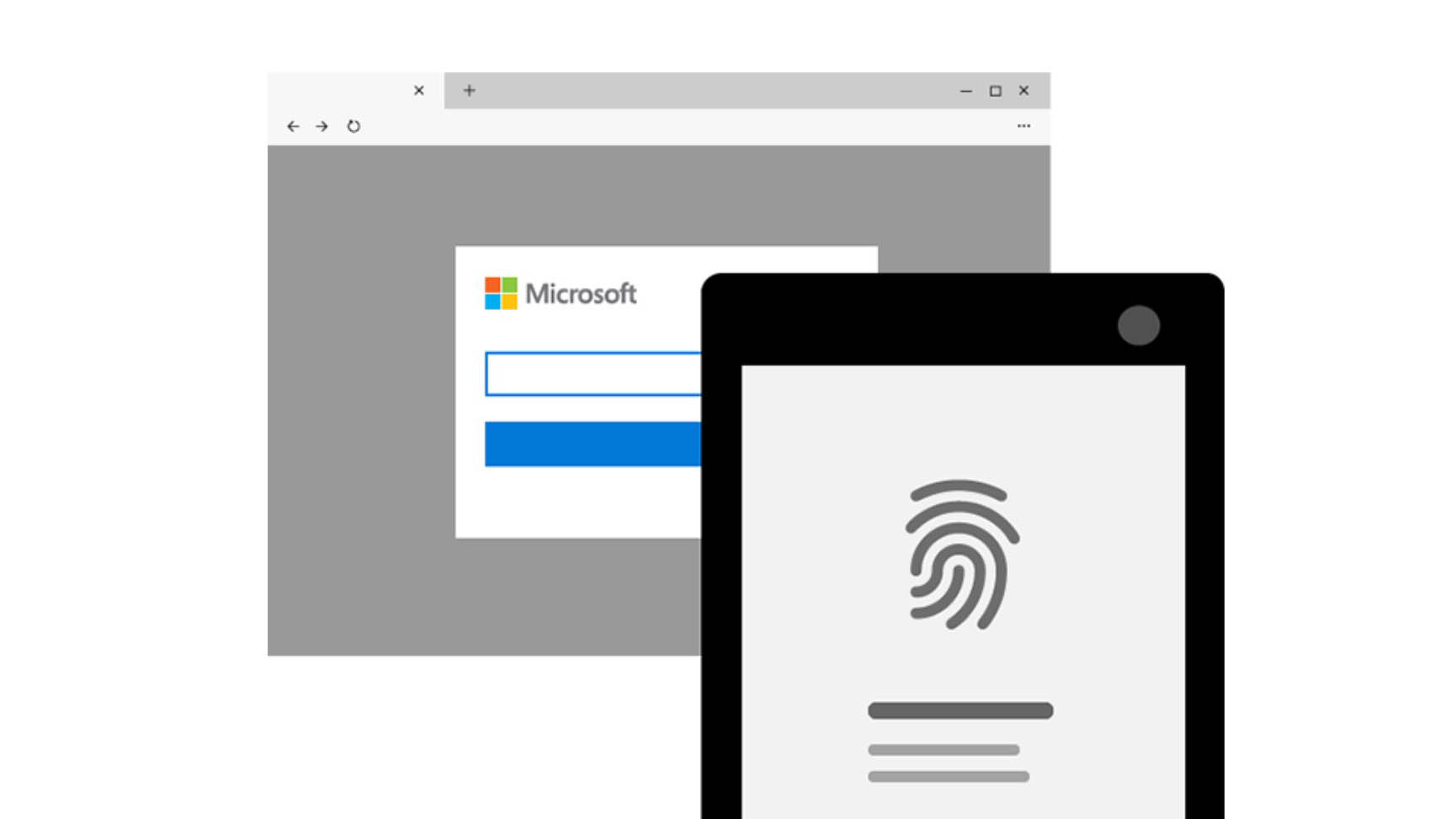
Microsoft added that it’s safe to use the app as a password manager as Authenticator requires multi-factor authentication. This means you can set it to launch only after you enter your Pin code of use biometric methods like Face ID or fingerprint scanning to sign in. In addition, all your credentials will be encrypted. 

The Microsoft Authenticator app is available to download for free on the App Store and Google Play. To use it you will need an iPhone or iPad running on iOS 11 or later while on Android you will need a device running on Android 6.0 or later.

[SOURCE]

Related reading

Microsoft Authenticator to double as a free password manager that works across multiple devices
Tags: microsoftMicrosoft Authenticatorpassword manager
Jinn Xiung

Jinn Xiung

POPULAR

Nissan Finally Gives the Serena a Real Hybrid Powertrain in Malaysia. Estimated from RM160k to RM180k

January 16, 2026

Microsoft launches cross-platform password autofill feature on iOS, macOS and Google Chrome

February 8, 2021

Tired of cracked screens or short battery life? The REDMI Note 15 Series take a durability-first approach

January 15, 2026

Is your TNG eWallet suspended? Here’s what you should do

January 27, 2026
BYD Atto 3 Ultra

BYD Atto 3 Ultra now available for as low as RM106k

January 27, 2026

Tesla introduces Model 3 Standard RWD in Malaysia, priced from RM147,600

January 23, 2026

Copyright © 2025 · SoyaCincau.com
Mind Blow Sdn Bhd (1076827-P)

  • ADVERTISE
  • DISCLAIMER

Copyright © 2026 · SoyaCincau.com – Mind Blow Sdn Bhd (1076827-P)

  • ADVERTISE
  • DISCLAIMER