• 中文版
  • BM
  • News
  • Deals
  • Reviews
    • First Impressions
    • Hands-on
    • Comparisons
  • Tech
    • Mobile
    • Computers
    • Cameras
    • Wearables
    • Audio
    • Drones
  • Telco
    • Celcom
    • Digi
    • Maxis
    • Time
    • Tune Talk
    • U Mobile
    • Unifi
    • Yes
  • Cars
  • Contribute
  • Jobs
Menu
  • 中文版
  • BM
  • News
  • Deals
  • Reviews
    • First Impressions
    • Hands-on
    • Comparisons
  • Tech
    • Mobile
    • Computers
    • Cameras
    • Wearables
    • Audio
    • Drones
  • Telco
    • Celcom
    • Digi
    • Maxis
    • Time
    • Tune Talk
    • U Mobile
    • Unifi
    • Yes
  • Cars
  • Contribute
  • Jobs
Search
  • Tech
    • News
    • Mobile
    • Computers
    • Cameras
    • Wearables
    • Audio
    • Drones
  • Telco
    • Celcom
    • Digi
    • Maxis
    • Time
    • U Mobile
    • Unifi
    • Yes
  • Reviews
    • First Impressions
    • Hands-on
    • Comparisons
  • Buyer’s Guide
  • Opinions
  • Digital Life
  • Video
  • Deals
  • How-To
  • Cars
  • Bahasa Melayu
  • EV
  • Contribute
  • Advertise
Menu
  • Tech
    • News
    • Mobile
    • Computers
    • Cameras
    • Wearables
    • Audio
    • Drones
  • Telco
    • Celcom
    • Digi
    • Maxis
    • Time
    • U Mobile
    • Unifi
    • Yes
  • Reviews
    • First Impressions
    • Hands-on
    • Comparisons
  • Buyer’s Guide
  • Opinions
  • Digital Life
  • Video
  • Deals
  • How-To
  • Cars
  • Bahasa Melayu
  • EV
  • Contribute
  • Advertise
Search
Close
Home Digital Life

Google: You can ‘hum to search’ for a song you don’t know the name of

  • BY Dzamira Dzafri
  • 16 October 2020
  • 11:22 am
  • Comment
Share on FacebookShare on Twitter

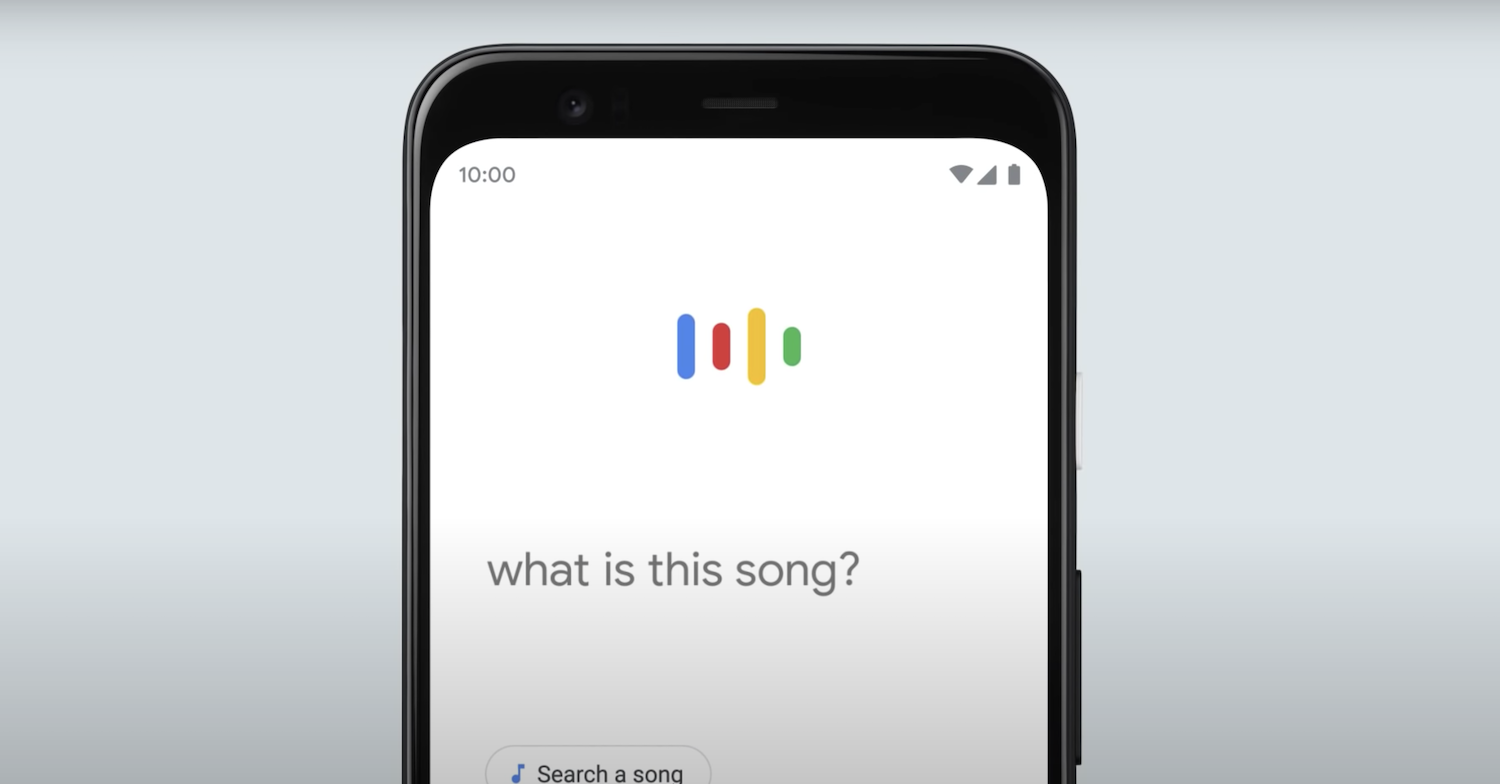
Google has announced that they have a new “hum to search” feature. It’s a tool that will let you hum, sing, or whistle a tune for you to find out what song has been in your head all day.

“Do you know that song that goes, “da daaaa da da daaaa na naa naa ooohh yeah”? Or the one that starts with the guitar chords going, “da na na naa”? We all know how frustrating it is when you can’t remember the name of a song or any of the words but the tune is stuck in your head,” wrote Krishna Kumar, Senior Product Manager of Google Search.

How to access ‘Hum To Search’

  • Download the Google app (iOS, Android)
  • If you have previously, make sure you’ve downloaded the latest version
  • Click on the microphone icon or press the ‘Search a Song’ button and say “What’s this song?”
  • Alternatively, if you have an Android, just ask your Google Assistant “What’s this song?”
  • Google will then start listening and that’s your cue to hum your tune for 10-15 seconds

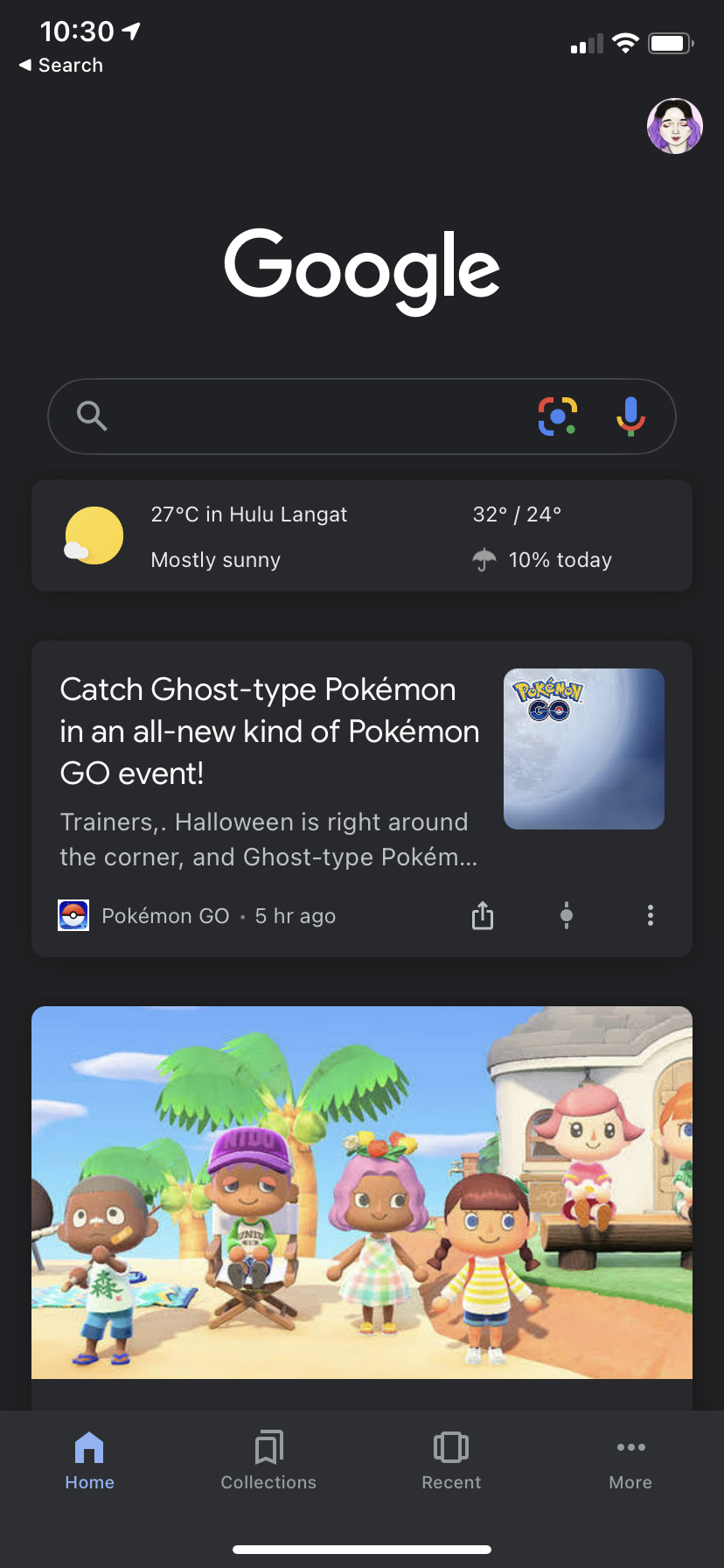
I tried doing this with my own iPhone and the latest version of the Google app, but there was no ‘Search a Song’ button. I wasn’t even able to ask Google “What’s this song” without the app just bringing me to regular search results.
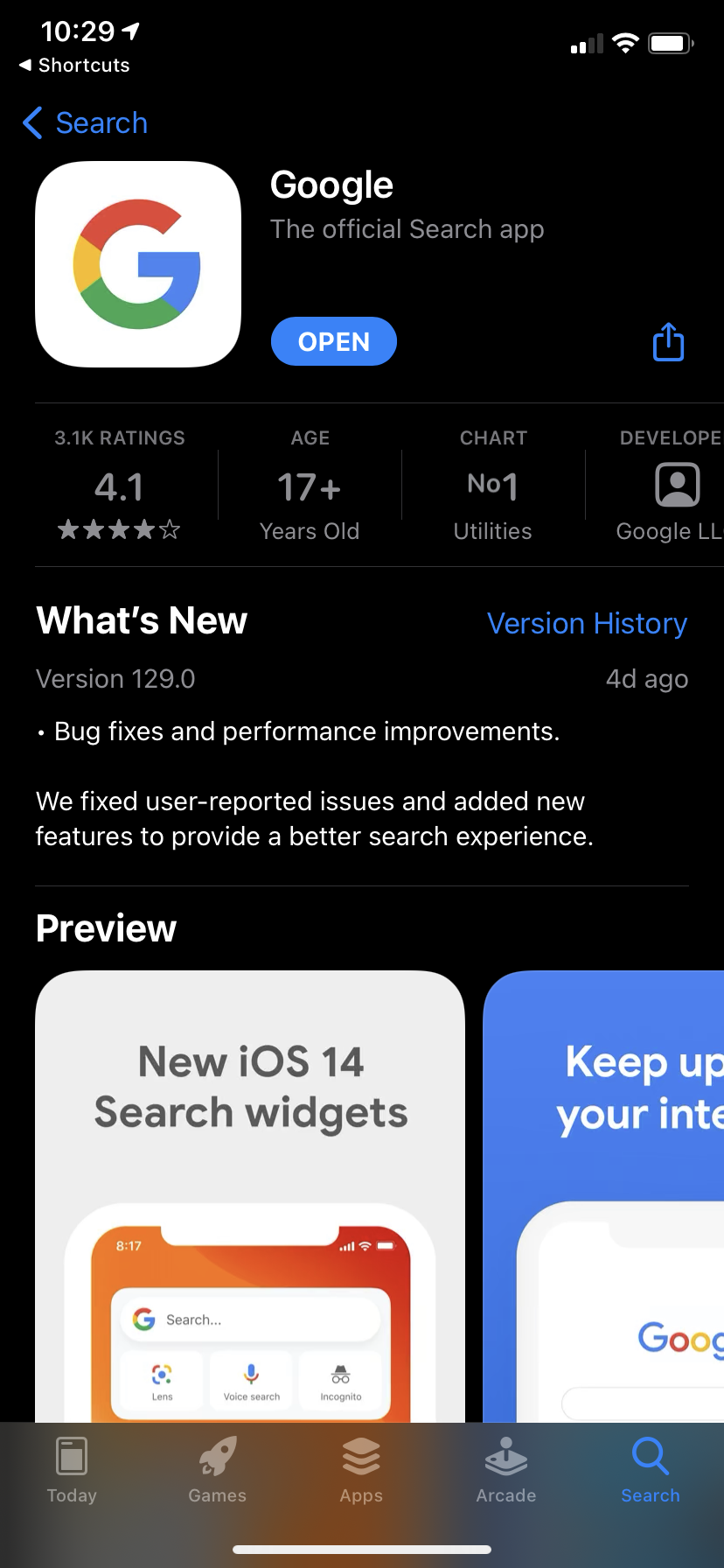
Checking my own latest version of the app, the iOS app store said that it was version 129.0—a version released 4 days ago. Google’s announcement for the ‘hum to search’ feature was only 1 day ago, which meant that this version on the iOS store hasn’t yet been updated.

On the other hand, the ‘hum to search’ feature is available for Android users. However, it’s just a matter of time before Apple users get the same cool feature.

Currently, iOS users might not be able to hum a melody to find the song just yet. But they can still ask Siri to “Shazam” a song that’s playing without needing to download the Shazam app.

[ SOURCE, IMAGE SOURCE ]

Related reading

This is how Android phones can help be ‘ears’ for the deaf and the hard of hearing
Spotify lets you search for songs based on lyrics, but it doesn’t work 100% of the time
Tags: AndroidgoogleGoogle appHum To SearchiOS
Dzamira Dzafri

Dzamira Dzafri

POPULAR

Nissan Finally Gives the Serena a Real Hybrid Powertrain in Malaysia. Estimated from RM160k to RM180k

January 16, 2026

Google: You can ‘hum to search’ for a song you don’t know the name of

October 16, 2020

Tired of cracked screens or short battery life? The REDMI Note 15 Series take a durability-first approach

January 15, 2026

Is your TNG eWallet suspended? Here’s what you should do

January 27, 2026
BYD Atto 3 Ultra

BYD Atto 3 Ultra now available for as low as RM106k

January 27, 2026

CelcomDigi updates 5G prepaid plan for 2026, no more 28 day validity for “unlimited” options

January 28, 2026

Copyright © 2025 · SoyaCincau.com
Mind Blow Sdn Bhd (1076827-P)

  • ADVERTISE
  • DISCLAIMER

Copyright © 2026 · SoyaCincau.com – Mind Blow Sdn Bhd (1076827-P)

  • ADVERTISE
  • DISCLAIMER