• 中文版
  • BM
  • News
  • Deals
  • Reviews
    • First Impressions
    • Hands-on
    • Comparisons
  • Tech
    • Mobile
    • Computers
    • Cameras
    • Wearables
    • Audio
    • Drones
  • Telco
    • Celcom
    • Digi
    • Maxis
    • Time
    • Tune Talk
    • U Mobile
    • Unifi
    • Yes
  • Cars
  • Contribute
  • Jobs
Menu
  • 中文版
  • BM
  • News
  • Deals
  • Reviews
    • First Impressions
    • Hands-on
    • Comparisons
  • Tech
    • Mobile
    • Computers
    • Cameras
    • Wearables
    • Audio
    • Drones
  • Telco
    • Celcom
    • Digi
    • Maxis
    • Time
    • Tune Talk
    • U Mobile
    • Unifi
    • Yes
  • Cars
  • Contribute
  • Jobs
Search
  • Tech
    • News
    • Mobile
    • Computers
    • Cameras
    • Wearables
    • Audio
    • Drones
  • Telco
    • Celcom
    • Digi
    • Maxis
    • Time
    • U Mobile
    • Unifi
    • Yes
  • Reviews
    • First Impressions
    • Hands-on
    • Comparisons
  • Buyer’s Guide
  • Opinions
  • Digital Life
  • Video
  • Deals
  • How-To
  • Cars
  • Bahasa Melayu
  • EV
  • Contribute
  • Advertise
Menu
  • Tech
    • News
    • Mobile
    • Computers
    • Cameras
    • Wearables
    • Audio
    • Drones
  • Telco
    • Celcom
    • Digi
    • Maxis
    • Time
    • U Mobile
    • Unifi
    • Yes
  • Reviews
    • First Impressions
    • Hands-on
    • Comparisons
  • Buyer’s Guide
  • Opinions
  • Digital Life
  • Video
  • Deals
  • How-To
  • Cars
  • Bahasa Melayu
  • EV
  • Contribute
  • Advertise
Search
Close
Home Digital Life

Hacked Nintendo Switch accounts were used to buy items in Fortnite

  • BY Dzamira Dzafri
  • 22 April 2020
  • 5:02 pm
  • Comment
Share on FacebookShare on Twitter

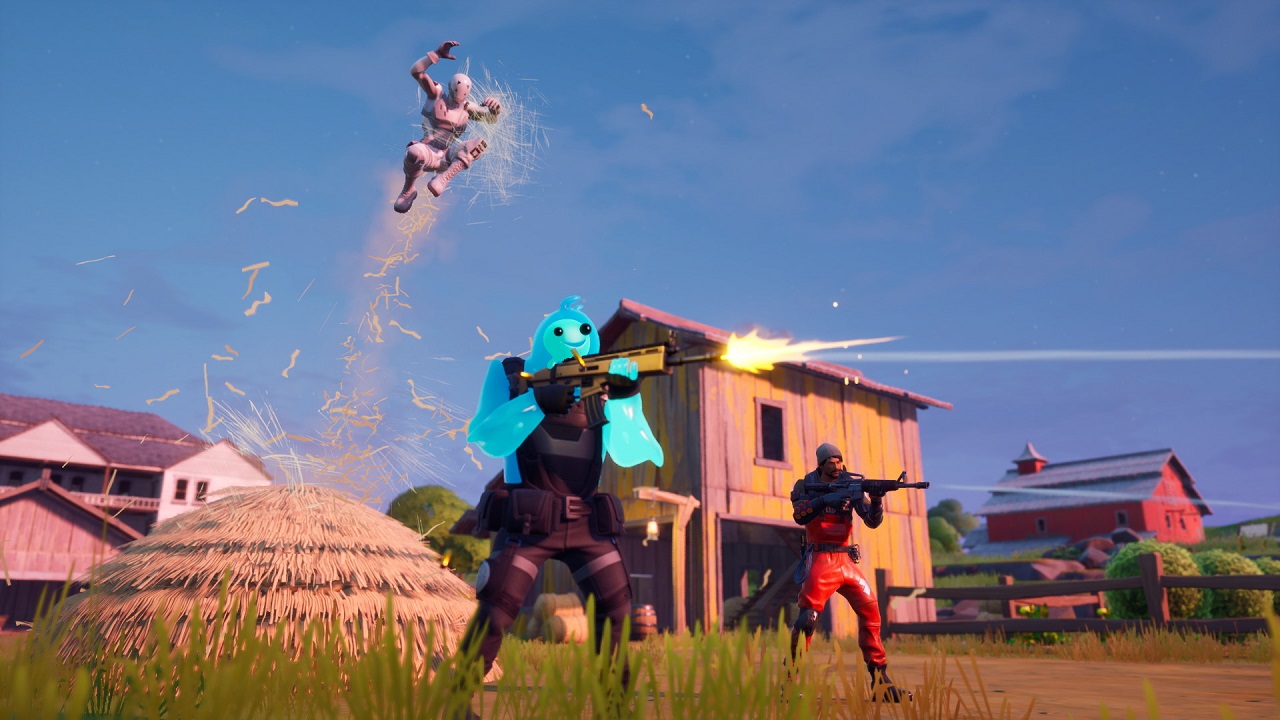
Several Nintendo Switch users have tweeted reported unauthorised third-party logins on their Nintendo accounts, and that their payment details have been used to purchase digital items from Nintendo’s eShop. A lot of the tweets also mentioned that the hackers used the stolen money for the game ‘Fortnite’.

I suspect Nintendo may have had a major security breach. My account was accessed numerous times overnight.

My password is a unique string and my PC is definitely clean (not that I ever login via it).

Lots of similar reports on Reddit/twitter.

Unlink PayPal & enable 2FA folks!

— Pixelpar (@pixelpar) April 19, 2020
https://twitter.com/jenina_s/status/1252737479112876033

These reports can be found all across Twitter, with several stating that their accounts had been accessed from Russia and the United States. Twitter user @Pixelpar says that their account “was accessed numerous times overnight”, despite having a unique password. 

Nintendo has recently been running a social media campaign to promote a 2-Step Verification process, designed to fight against unauthorised account logins. For your own safety and account security, here’s how to set up a 2-Step Verification for yourself.

2-Step Verification

  1. Go to the Nintendo Account website and sign in to your Nintendo Account.
  2. Select ‘Sign-in and security settings’, then scroll down to ‘2-Step Verification’ and click ‘Edit’.
  3. Click ‘2-Step Verification set up’.
  4. Click ‘Send email’ to have a verification code sent to the email address on file. If the email address is incorrect, click the email address menu setting under ‘User Info’ to change it.
  5. You’ll get an email containing a verification code. Enter the verification code on your Nintendo account screen, then click ‘Submit’.
  6. Install the ‘Google Authenticator’ app on your smart device (Android, iOS)
  7. Use the app to scan the QR code displayed on your Nintendo Account screen.
  8. A 6-digit verification code will appear on your smart device. Enter the verification code into the field under step 3 on the Nintendo Account screen, then ‘Submit’.
  9. A list of backup codes will appear. Click ‘Copy’ to copy all the codes, then paste them somewhere safe.
  10. Click ‘I have saved the backup codes’, then ‘OK’.
  11. Once set, you can return to the ‘2-step verification settings’ section to review the backup codes and remove the restriction if you change your mind.
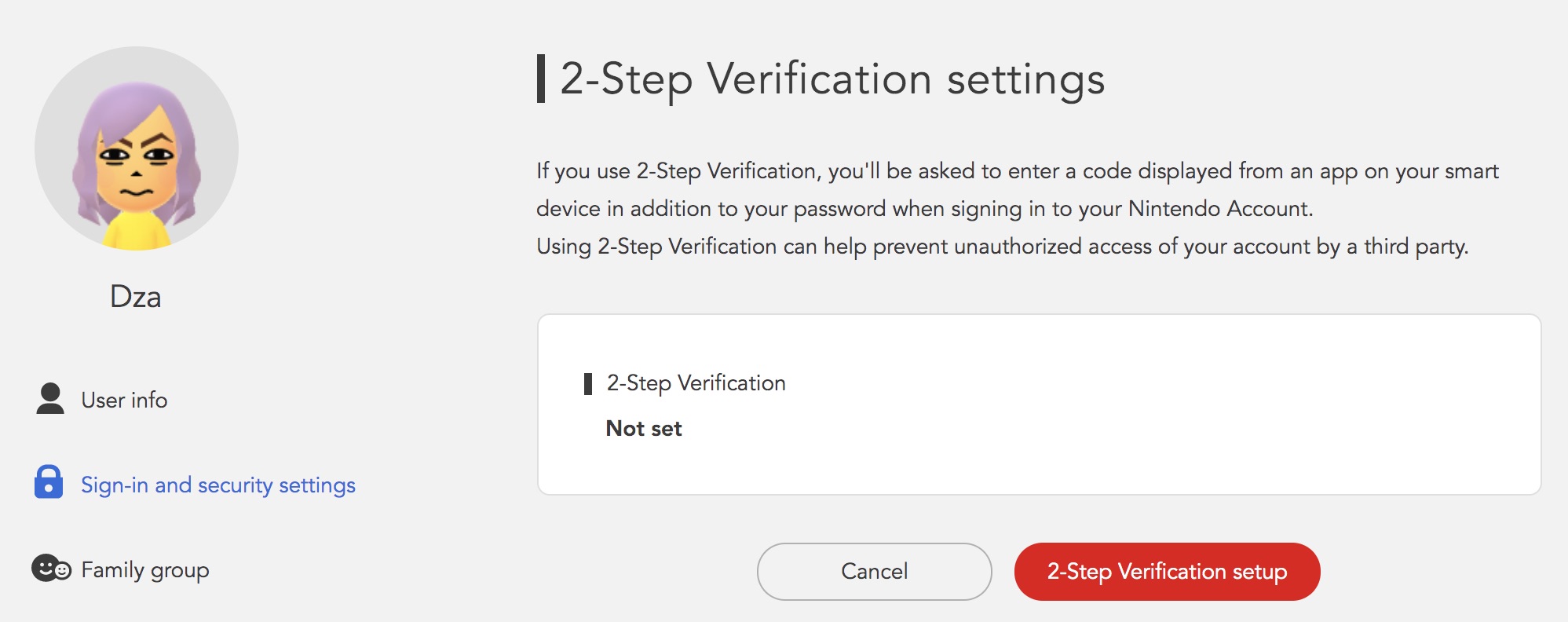
  • 2-Step Verification set up page in your Nintendo Account online
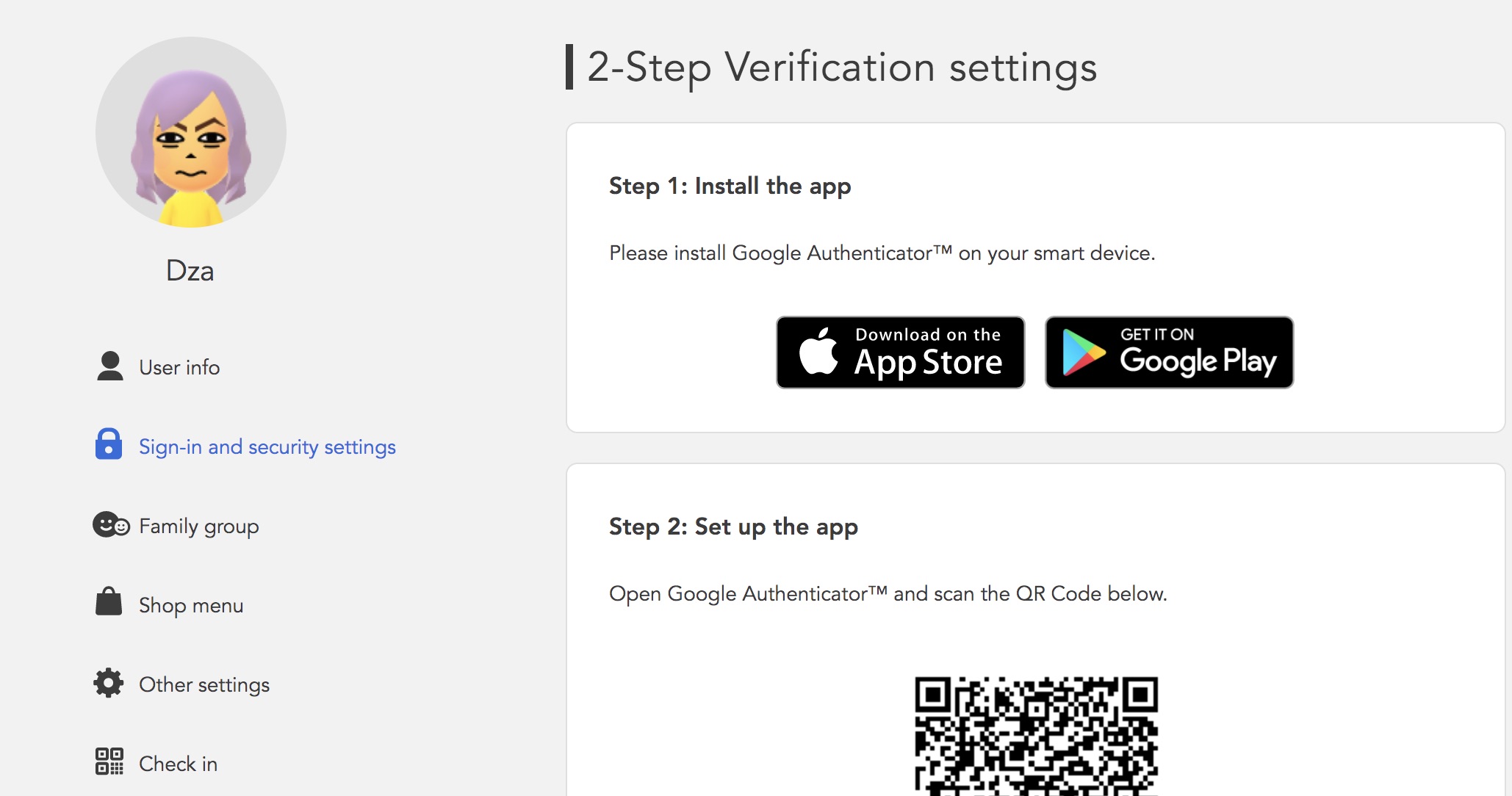
  • The steps include having the need to download the Google Authenticator app
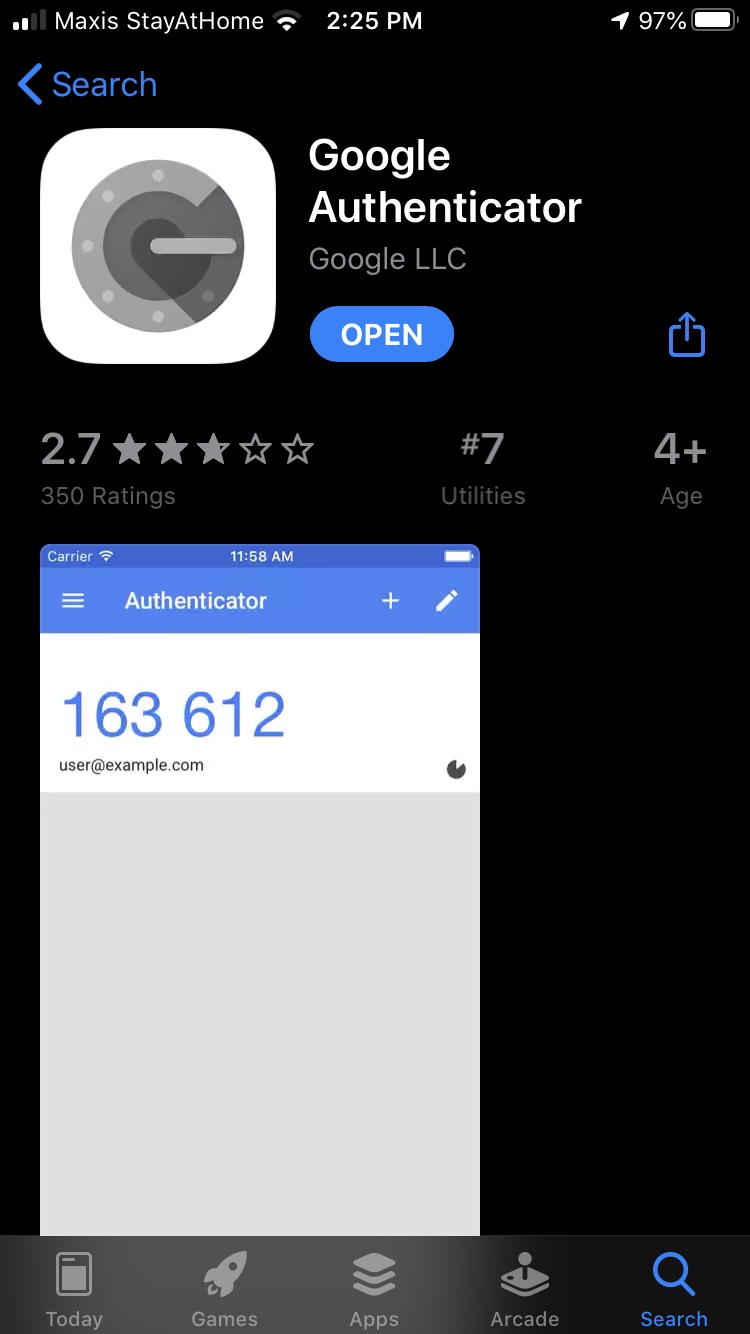
  • The Google Authenticator app’s page in the iOS App Store

It’s important to note that a backup code will be required to log in if you don’t have access to the Google Authenticator app. So, make sure you keep them safe! You can use each of the numbers only once if you do not have access to the app.

Make sure you check on your Nintendo Switch accounts to make sure they’re safe and aren’t used by unknown parties to purchase ‘Fortnite’ skins.

[ SOURCE, IMAGE SOURCE ]

Tags: NintendoNintendo Switch
Dzamira Dzafri

Dzamira Dzafri

POPULAR

Upgraded To a New Phone? Cool. But When Was the Last Time you Upgraded your Shaver?

November 10, 2025

5 Reasons Every Home Should Have a Smart Security System

November 11, 2025

Solar ATAP: The new solar programme for consumers will only start in 2026

December 2, 2025

Hacked Nintendo Switch accounts were used to buy items in Fortnite

April 22, 2020
Perodua QV-E EV

Perodua QV-E is now official: Electric sportback with 201hp, 445km NEDC range, priced at RM80k not inclusive of battery subscription

December 1, 2025

GrabRewards is now GrabCoins: Now with even more ways to earn and save

November 17, 2025

Copyright © 2025 · SoyaCincau.com
Mind Blow Sdn Bhd (1076827-P)

  • ADVERTISE
  • DISCLAIMER

Copyright © 2025 · SoyaCincau.com – Mind Blow Sdn Bhd (1076827-P)

  • ADVERTISE
  • DISCLAIMER