This post is brought to you by ASUS.
When most capable laptops for everyday work, study, or gaming sit comfortably in the RM3,000 to RM8,000 range, a 14-inch notebook carrying a RM29,999 price tag is bound to make anyone do a double-take. That is essentially Perodua Axia money for a machine that slips right into a standard backpack.
Naturally, this is not a device built for drafting documents, streaming movies, or casual weekend gaming. The new ASUS ProArt P14 is an ultra-specialised mobile workstation engineered for AI developers, researchers, and high-end visual creators who need serious computing power on the move.
For professionals operating at this level, hardware is rarely viewed through the lens of retail pricing alone. It is weighed against workflow speed, hardware reliability, and the recurring operational costs of relying on remote cloud compute.
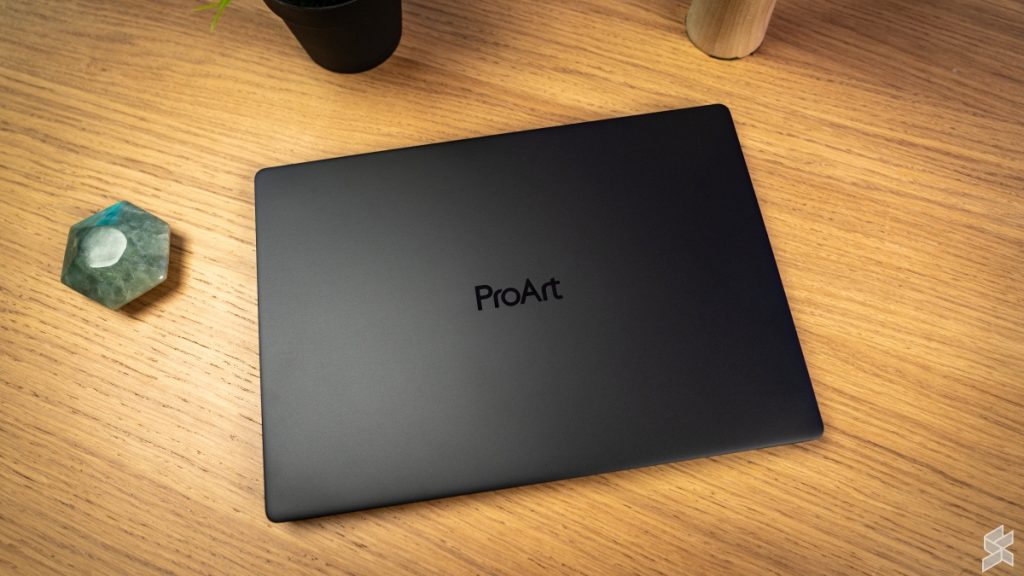
Behind that price tag is an engineering milestone previously unseen in a portable form factor: it is among the first wave of laptops in Malaysia powered by NVIDIA’s new RTX Spark Superchip, cramming 1 Petaflop (1,000 TOPS) of FP4 AI performance and 128GB of unified memory into a chassis weighing just 1.48kg.
Compute figures like that were previously reserved for multi-GPU desktop rigs or server clusters, not ultraportables you can take to a café or client meeting. If you are curious about what nearly RM30,000 worth of portable hardware engineering looks like, here is a closer look at what ASUS has brought to the table with the ProArt P14.
NVIDIA RTX Spark Superchip: 128GB of Unified Memory for Local AI
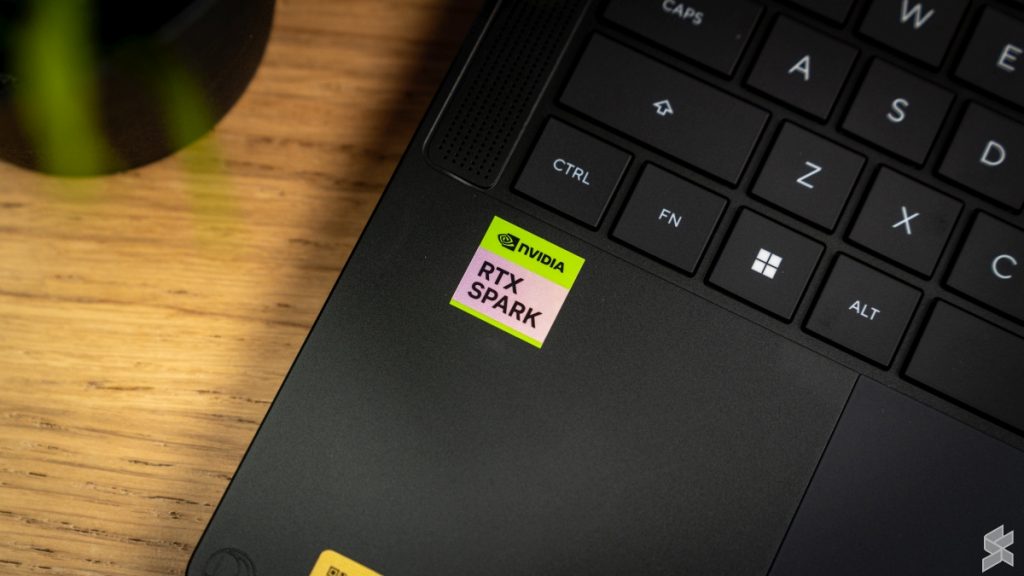
The primary driver behind the ProArt P14’s price tag starts with its silicon: the NVIDIA RTX Spark Superchip (N1X).
Co-developed with MediaTek, the platform departs from standard x86 laptop designs by integrating a 20-core NVIDIA Grace CPU (10 performance Cortex-X925 cores and 10 efficiency Cortex-A725 cores) alongside a 6,144-core Blackwell RTX GPU.
To put that into perspective, this GPU packs the same core count as a desktop RTX 5070 and delivers up to 1 Petaflop (1,000 TOPS) of FP4 AI performance, a level of local compute previously unavailable in a portable laptop.
The real enabler for developers and creators, however, lies in how the platform handles memory. Most high-end creator laptops physically separate system RAM from dedicated GPU VRAM, with the latter typically topping out at 16GB on mobile graphics cards.
The moment an advanced generative pipeline, diffusion pass, or complex 3D scene exceeds that dedicated VRAM threshold, the software inevitably crashes. The ProArt P14 overcomes this limitation by implementing a unified memory architecture backed by 128GB of LPDDR5X-9400 memory.
On the silicon level, the Grace CPU and Blackwell GPU communicate directly over NVIDIA’s high-speed NVLink-C2C (Chip-to-Chip) interconnect at 600 GB/s, roughly five times the bandwidth of PCIe Gen 5.
Because the 128GB memory pool is unified rather than locked into fixed, separate partitions, resources can be allocated dynamically between the CPU and GPU depending on the workload. Through software controls like the NVIDIA App’s Dynamic VRAM slider, users can manually adjust the GPU’s memory allocation.
When running demanding AI workflows, complex ComfyUI graphs, or heavy 3D scenes, the system can assign nearly the entire 128GB capacity directly to the GPU, effectively bypassing the hard VRAM ceilings that typically restrict mobile workstations.
To put that into practical perspective, this unified memory pool allows the laptop to:
- Run up to 120-billion-parameter LLMs locally with a 1-million-token context window without paying recurring cloud token or API fees.
- Render massive 90GB 3D scenes using NVIDIA OptiX and DLSS.
- Deliver up to 2.0x faster video generation throughput compared to M5 Pro in complex ComfyUI multi-model pipelines.
This dynamic memory pool and raw compute density are where the return on investment enters the conversation. Teams building AI-powered tools or creative pipelines often face substantial ongoing operational costs: cloud GPU server instances, team API seats, and per-token charges from platforms like OpenAI, Anthropic, RunPod, or Midjourney.
Every prompt variation, parameter tweak, LoRA training run, and failed test in the development stage burns metered cloud tokens. The ProArt P14 enables a practical hybrid AI workload:
- Local Sandboxing at Zero Cost: Developers can run rapid prototyping, model fine-tuning, debugging, and experimentation directly on-device with zero token fees and zero cloud latency.
- Cloud Scaling When Needed: Because on-device AI has its operational limits, developers can split the workload, relying on local hardware for the continuous, iterative trial-and-error loop, and only bursting to cloud providers when final deployment, broad distribution, or massive cloud-scale compute is strictly necessary.
Over a machine’s working lifecycle, handling the repetitive testing and prototyping phases locally at zero marginal cost can significantly reduce monthly cloud compute bills. Furthermore, because workflows run offline, sensitive client data, proprietary code, and unreleased creative assets stay off third-party servers entirely.
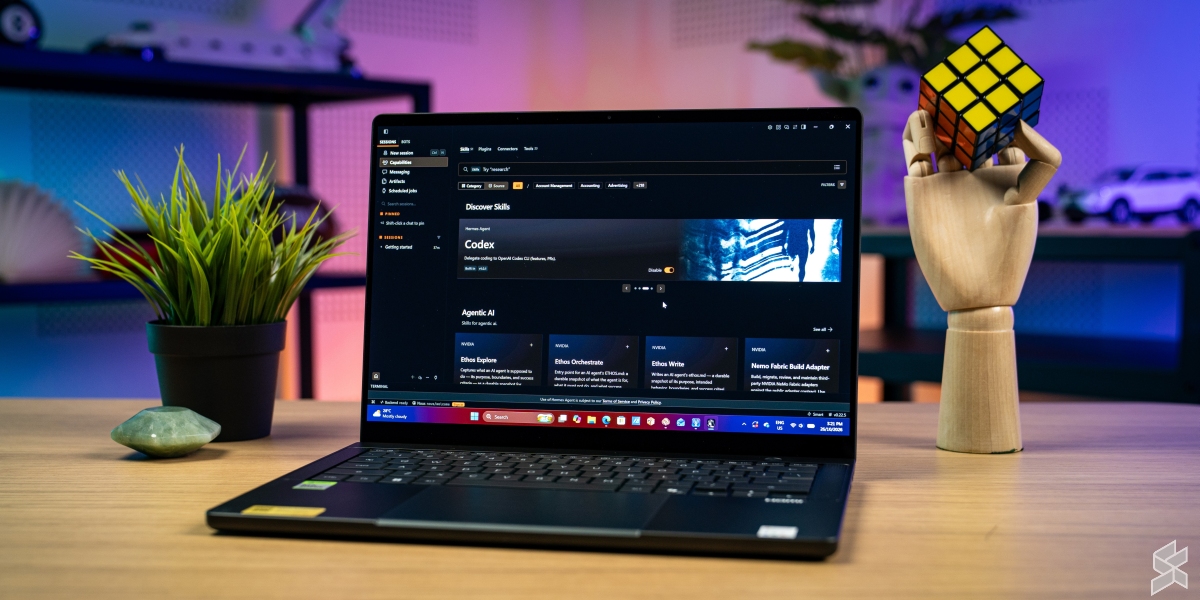
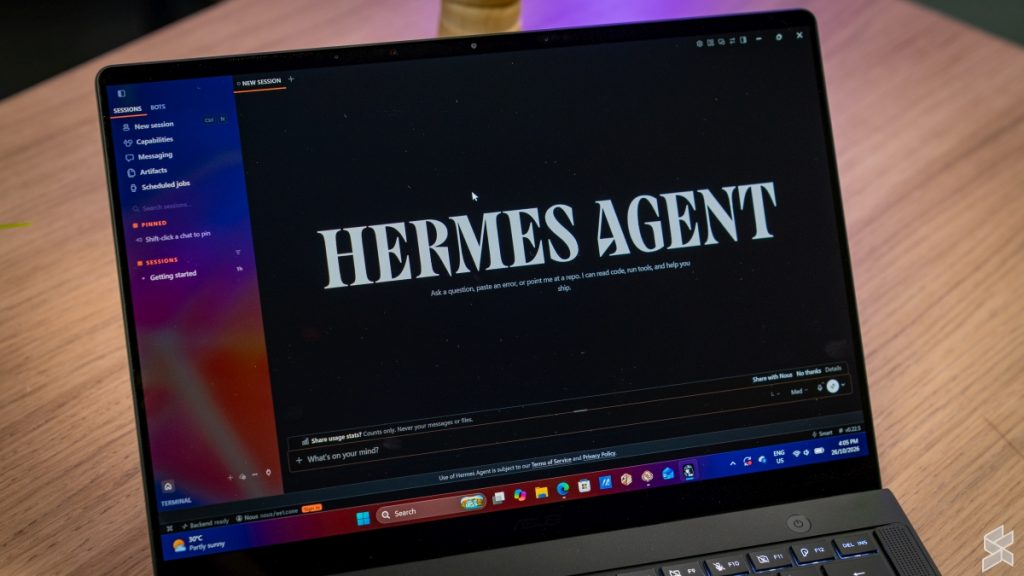
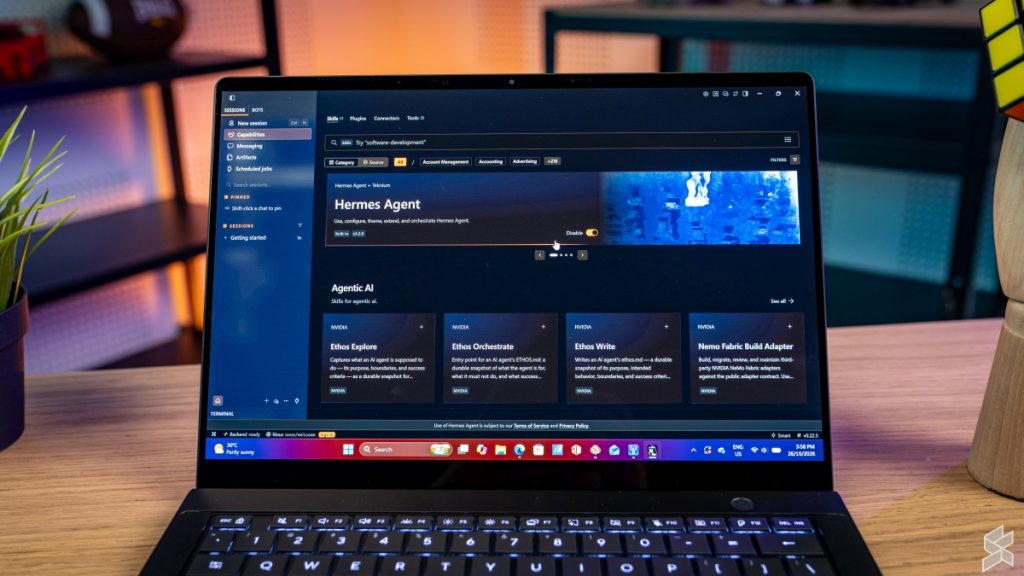
To streamline this out of the box, ASUS preloads an agentic ecosystem featuring Nous Research’s open-source Hermes Agent and its own MuseTree generative suite, allowing creators to orchestrate FLUX.1 image models and Wan 2.2 video generation pipelines locally alongside native ComfyUI nodes.
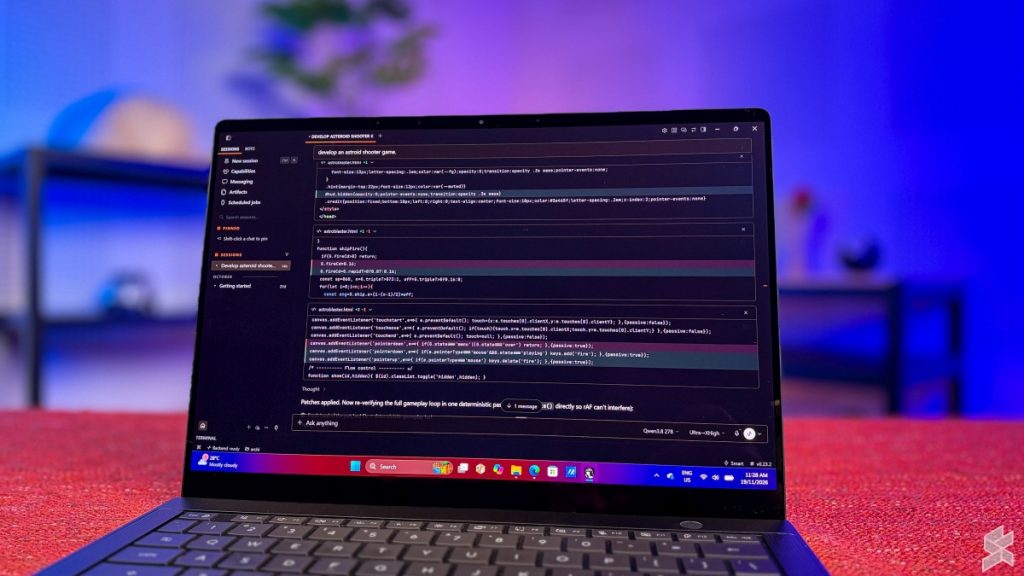
Even without a software engineering background, trying out Hermes Agent gives a practical sense of what having 128GB of unified memory actually unlocks. Directly inside the app’s built-in local model catalogue, we downloaded Qwen3.8 Flash Next, a 125-billion-parameter Mixture-of-Experts model that would normally overwhelm standard 16GB or 32GB notebooks and prompted it to develop a playable asteroid shooter game from scratch.
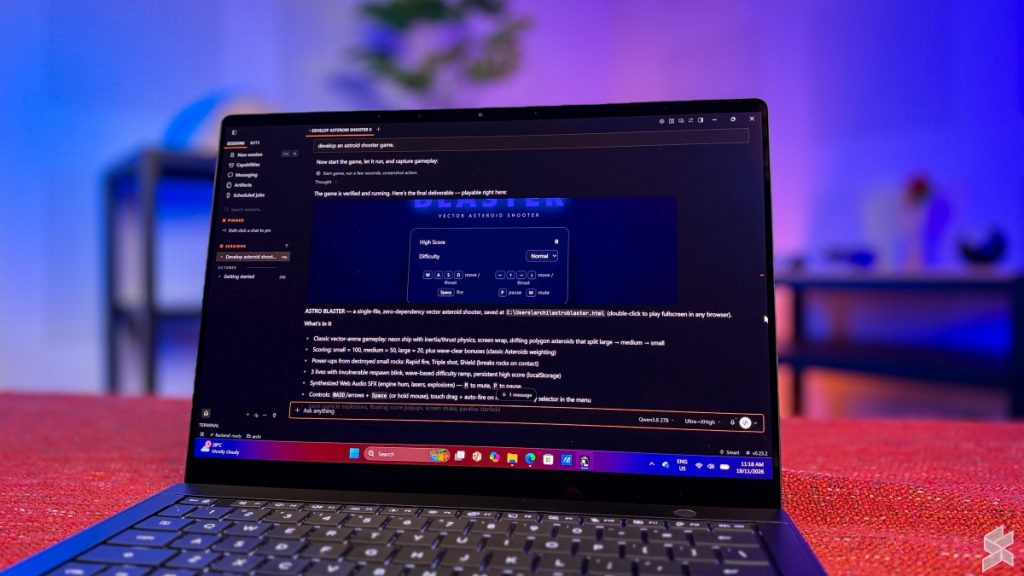
Because Hermes operates as an autonomous agent rather than a standard text-only chatbot, it didn’t just spit out a wall of raw code for us to manually copy, paste, and troubleshoot.
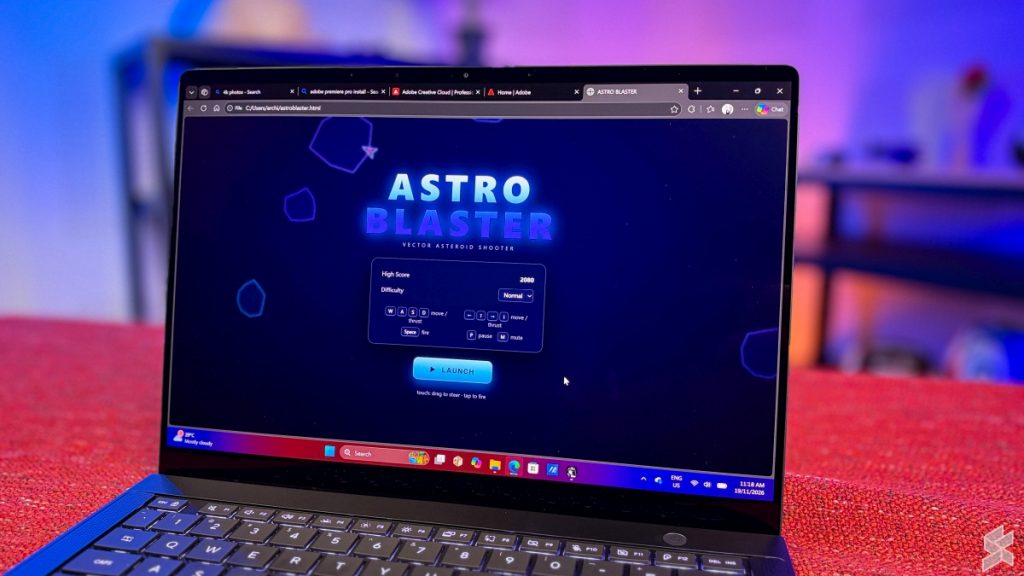
Instead, it structured the project, wrote the necessary game files directly onto the local drive, and produced a working browser-based shooter complete with ship controls, drifting asteroids, collision detection, and score tracking in about 40 minutes.
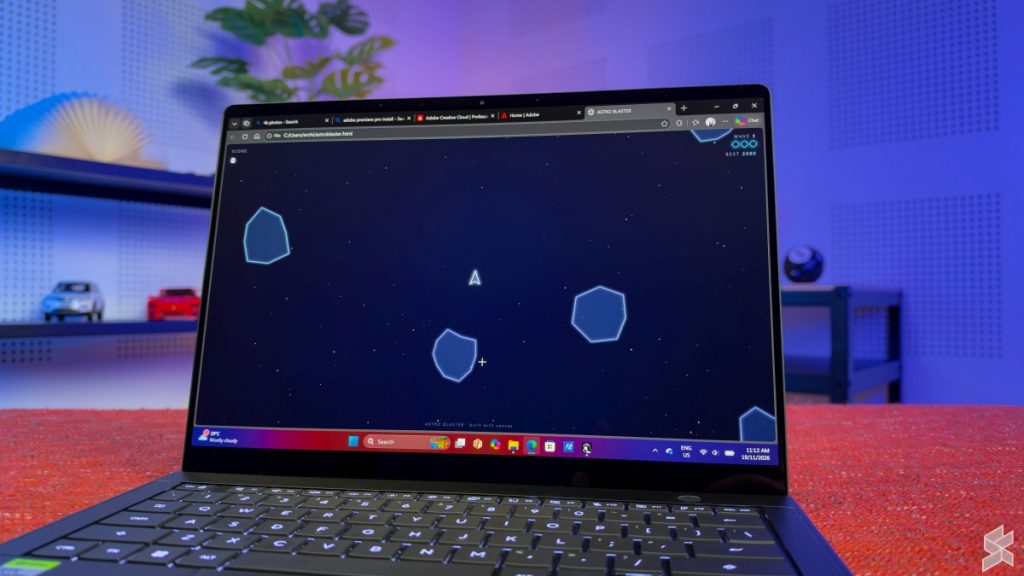
Asking for follow-up tweaks, such as adjusting projectile speed or adding a quick restart screen, took only moments to apply, with the entire workflow running completely offline without API keys, cloud latency, or per-token charges.
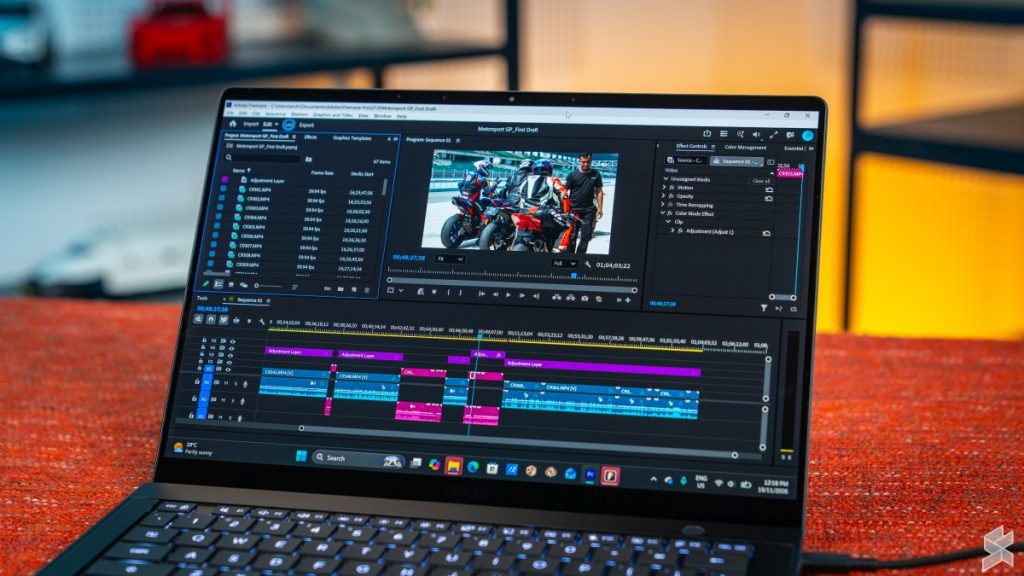
Beyond generative AI, the Blackwell GPU incorporates dedicated media encode and decode engines supporting modern codecs such as HEVC 4:2:2 and AV1. This hardware Blackwell decoding gives the ProArt P14 enough throughput to scrub and edit native 12K 4:2:2 raw video timelines directly on the machine.
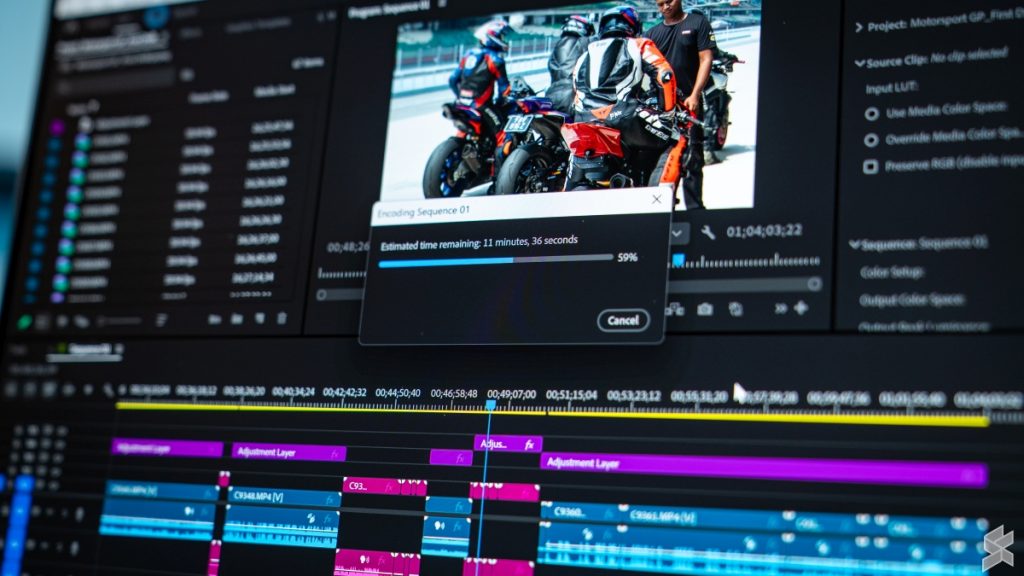
In our own hands-on testing with creative applications, the system handled sustained media tasks smoothly. Editing a 4K project in Adobe Premiere Pro, working with a roughly 30GB source file spanning slightly over an hour, took 30 minutes to render and export in 4K. Over in Adobe Lightroom, importing and editing 4080 × 3072 resolution photos ran smoothly with no issues.
Advanced Cooling: Sustaining 80W TDP in a 13.5mm Chassis
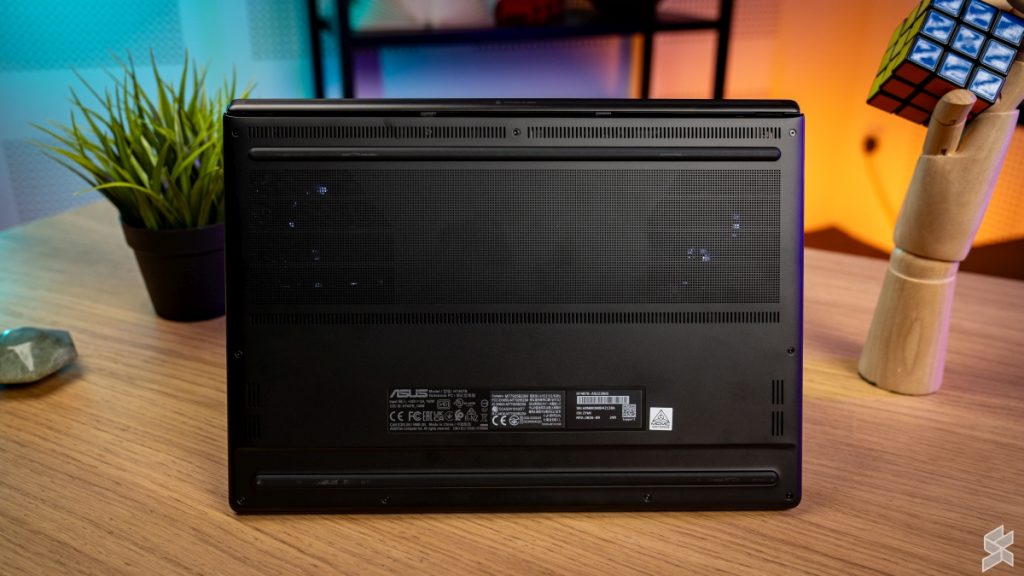
Packing a 20-core CPU and a 6,144-core Blackwell GPU into a chassis measuring just 13.59mm thin immediately raises thermal concerns. Workstation-grade silicon generates serious heat, and cramped enclosures often lead to aggressive thermal throttling that throttles peak performance within minutes.
To manage those thermals, ASUS built an inward airflow system powered by dual fans and quad exhaust vents, with air outlets integrated along the stealth hinge design to keep airflow efficient without disrupting the chassis lines.
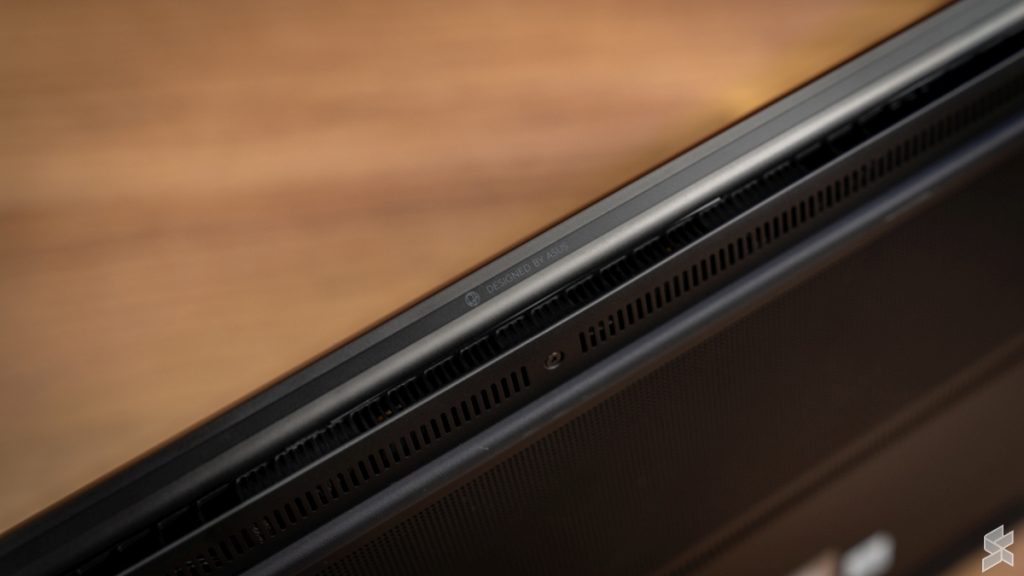
Through the ProArt Creator Hub, creators can toggle between Whisper, Standard, Performance, and Manual fan profiles. In Manual Mode, the cooling architecture unlocks up to 80W of total sustained TDP across the combined CPU and GPU package. This sustained thermal headroom ensures heavy generative AI workloads, video exports, and 3D rendering jobs can run at full tilt without thermal throttling holding the hardware back.
When you aren’t running demanding workloads, the cooling system dials things down. It features a 0dB Ambient Cooling mode that shuts the fans off completely during lighter duties like scriptwriting, photo sorting, or checking emails, offering near-silent operation when maximum compute isn’t required.
ASUS Lumina Pro OLED: A 3K Display Built for Colour Work
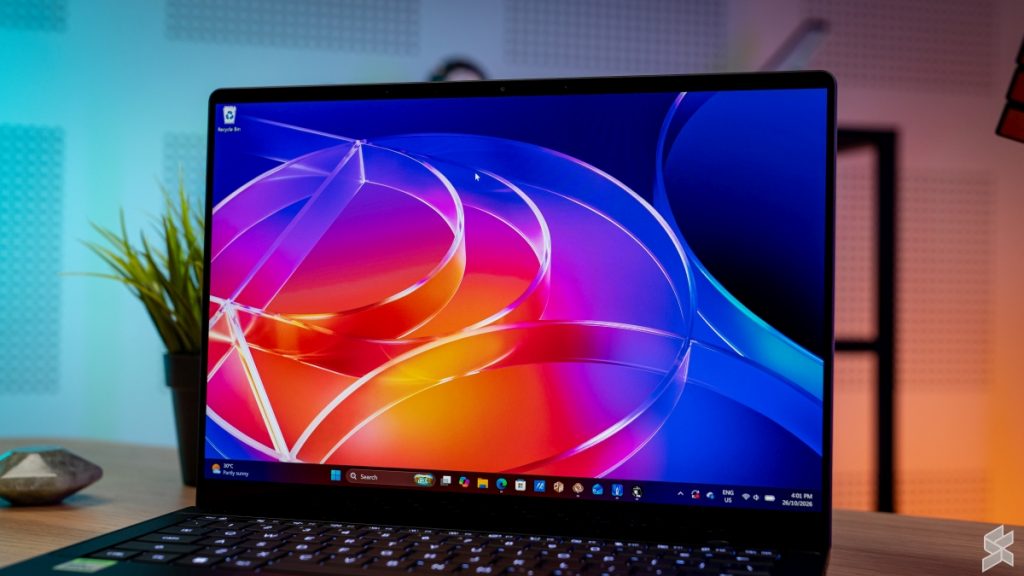
For video editors, colourists, and digital artists, raw computing power means little if the display rendering the work cannot be trusted. In professional post-production workflows, buying a new laptop often entails extra expenses: investing in dedicated hardware colourimeters to profile the screen, setting up external reference monitors, and dedicating calibration downtime before trusting colours on a commercial project.
The ProArt P14 aims to eliminate that added friction by shipping with the ASUS Lumina Pro OLED display, which is calibrated straight from the factory.
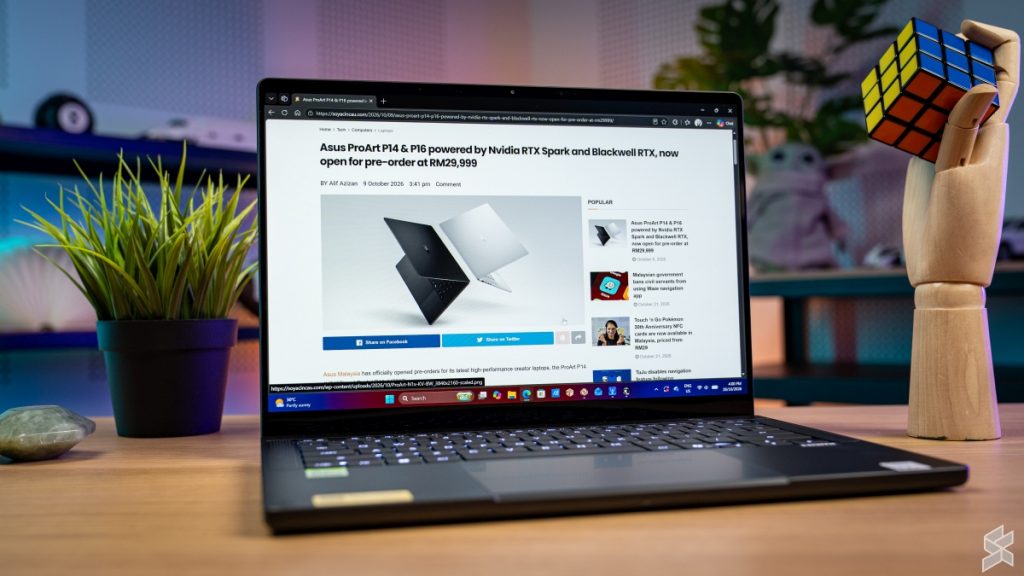
The 14-inch 3K (2880 × 1800, 16:10) panel covers 100% of the cinema-standard DCI-P3 colour gamut, is PANTONE Validated, and delivers a factory-calibrated Delta E of less than 1. Because it is tuned for precise colour accuracy out of the box, creators can jump straight into colour grading footage, illustrating, or preparing assets for print and digital distribution without needing to purchase standalone colour calibration tools first.
Working outdoors on location or under bright studio lights can wash out standard laptop screens. To address this, the display reaches an HDR peak brightness of up to 1,100 nits, backed by VESA DisplayHDR True Black 1000 certification and Dolby Vision support. This dynamic range ensures deep black levels and highlights remain distinct, allowing directors and editors to review scenes accurately in varied ambient lighting conditions.
The panel also features a 120Hz refresh rate with Variable Refresh Rate (VRR) and a fast 0.2ms response time, helping eliminate motion blur and screen tearing during animation and video editing passes.
Working on glossy panels outdoors or under harsh studio lighting is often plagued by reflections. Here, ASUS has treated the Corning Gorilla Glass NBT touchscreen with an anti-reflective coating designed to cut ambient glare by 65%, while providing 6x better scratch resistance compared to traditional soda-lime glass.
For long editing sessions, the panel emits 70% less blue light with TÜV Rheinland certification, backed by ASUS OLED Care software tools like pixel refresh and pixel shifting to safeguard against panel burn-in over time.
Design, Portability, and Workstation-Ready I/O
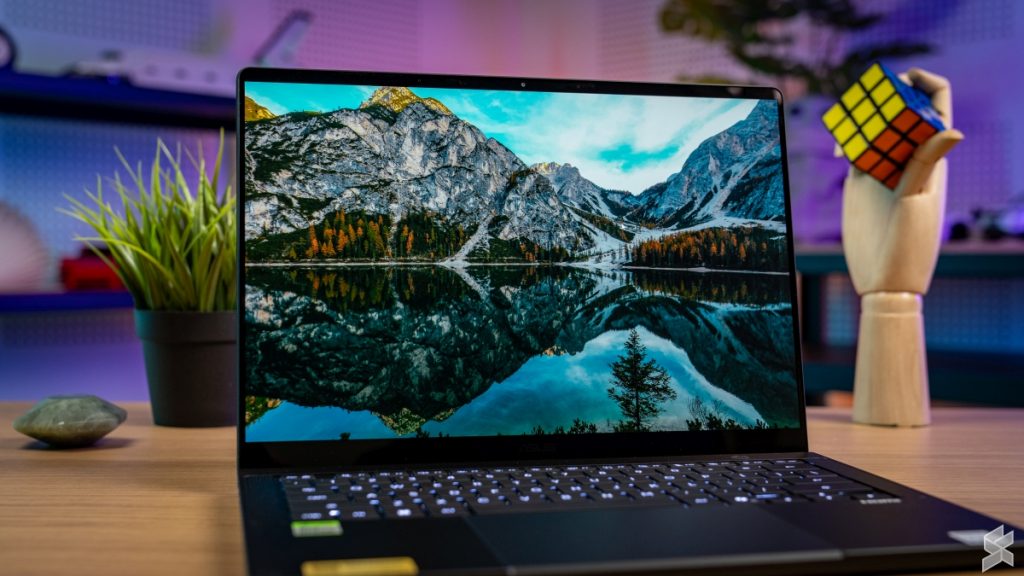
One of the common trade-offs with high-performance laptops is bulk. Workstations capable of heavy rendering are traditionally heavy, unwieldy bricks accompanied by equally massive power adapters.
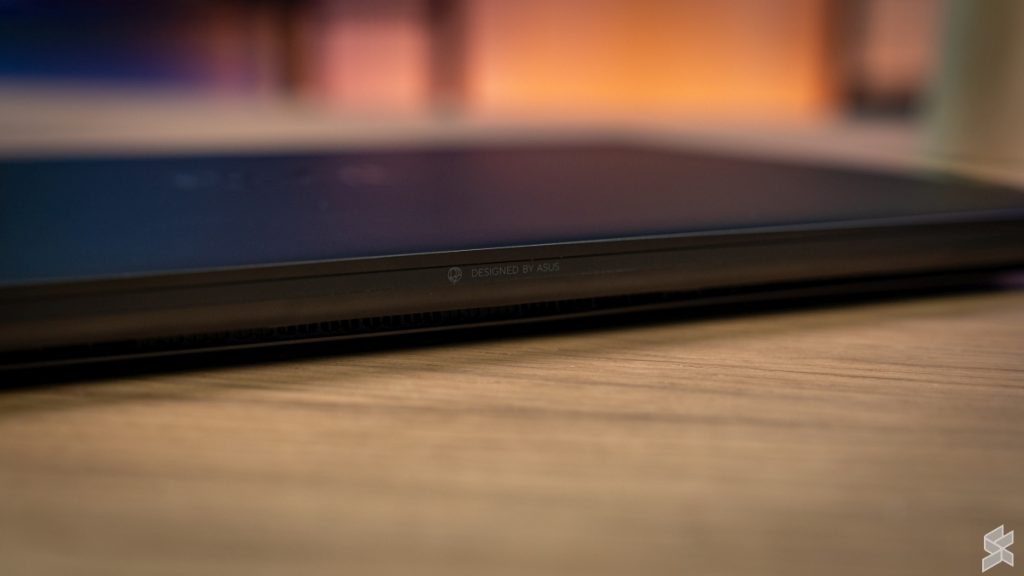
The ProArt P14 takes a distinctly mobile route without sacrificing performance. Measuring just 13.59mm thin and weighing in at 1.48kg, it sits firmly within ultraportable territory. Despite the compact 14-inch frame, ASUS has engineered space for a massive 90Wh battery.
Paired with an energy-efficient Arm architecture, the laptop is geared to deliver up to a full day of use away from the wall plug.
It has also passed US MIL-STD-810H military-grade durability testing covering shocks, vibration, altitude, and temperature extremes, offering extra peace of mind for field production.
Aesthetics-wise, the chassis comes in two finishes: Nano Black and Neo White. The Nano Black model features an oleophobic-style finish designed to actively repel water droplets, fingerprints, and smudges during daily use, while the Neo White version undergoes a precision sandblasting process to achieve a silky, smooth texture.
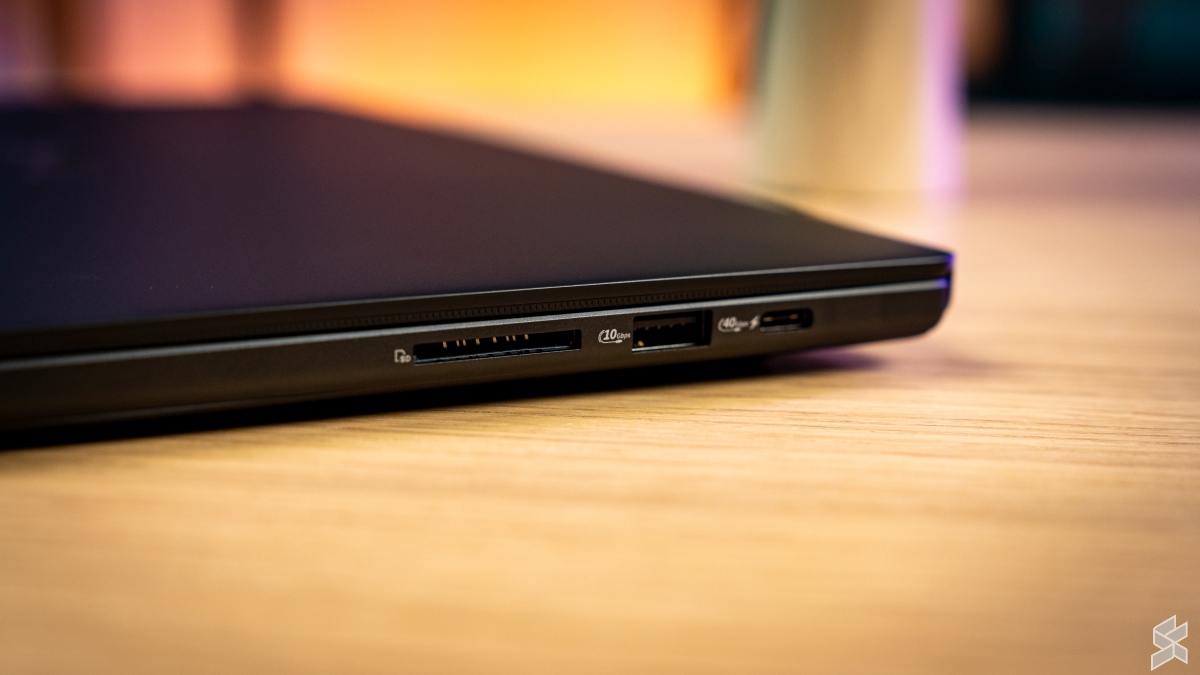
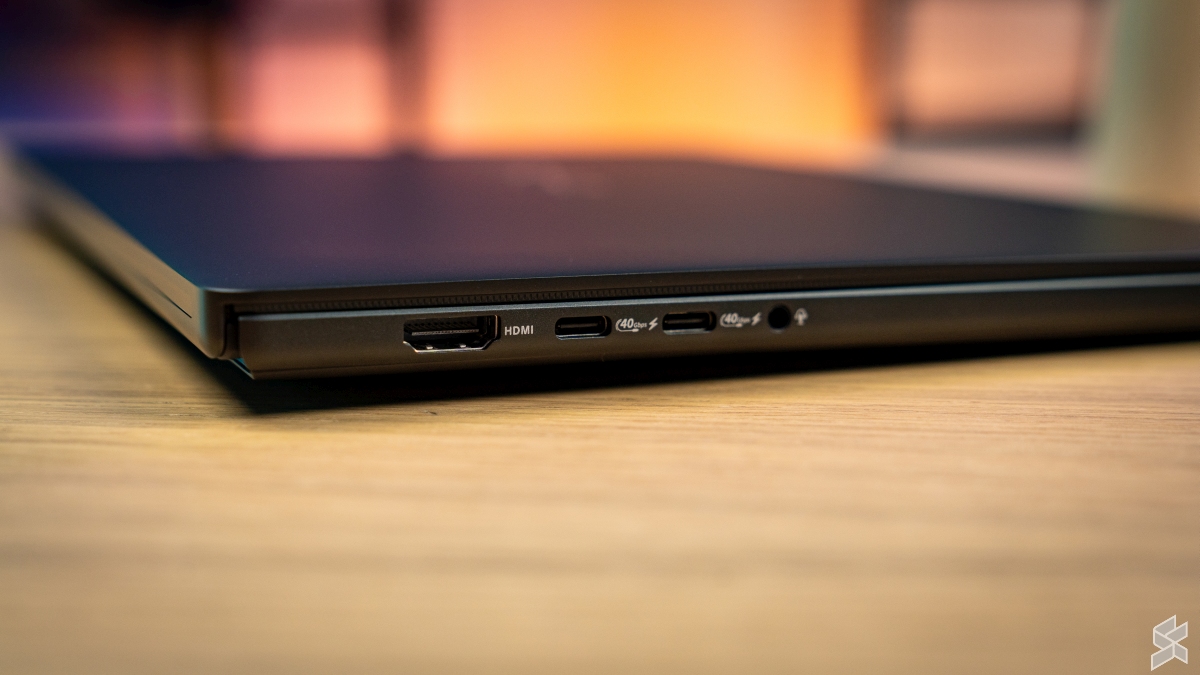
Where many thin-and-light creator laptops force users into dongle hell by stripping away ports, the P14 maintains a surprisingly practical selection of workstation I/O:
- 3x USB 4.0 Type-C ports supporting high-speed data, external display output, and Power Delivery.
- 1x full-sized HDMI 2.1 FRL port for hooking straight into 4K/8K studio monitors or on-set displays.
- 1x legacy USB 3.2 Gen 2 Type-A port for external drives and older peripherals.
- 1x full-sized UHS-II SD card reader (up to 312MB/s), allowing photographers and videographers to offload camera footage directly without an external reader.
- 1x 3.5mm combo audio jack.
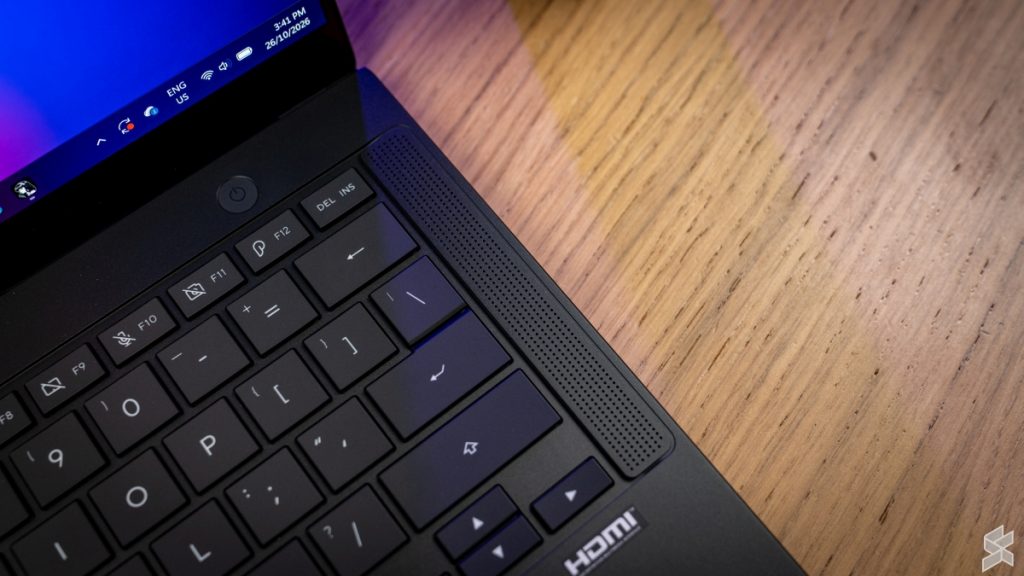
For input, ASUS has equipped the laptop with a keyboard sporting a generous 1.7mm key travel and 0.2mm dished keycaps.
In our hands-on time with the machine, it proved comfortable to type on. The keys feel solid and stable, while the actuation point hits a well-balanced sweet spot that isn’t stiff enough to cause finger fatigue or so soft that you second-guess whether a key registered. Typing also remains noticeably quiet, making it well-suited for silent studios or shared workspaces.
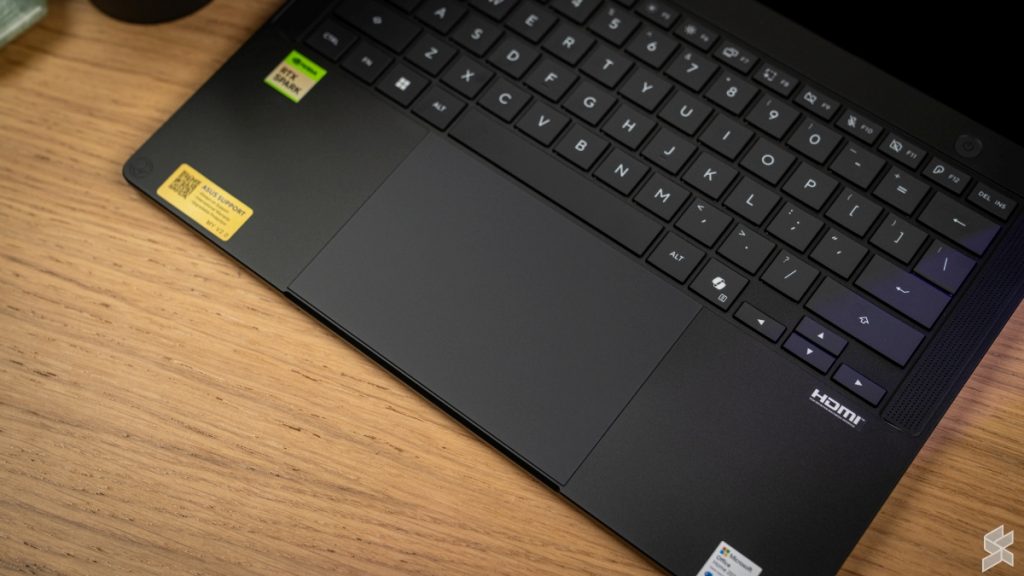
Down below sits an expansive 150.3 × 99.5 mm edge-to-edge haptic touchpad. Using integrated pressure sensors, it delivers subtle haptic feedback for precise timeline scrubbing and gesture navigation without mechanical moving parts.
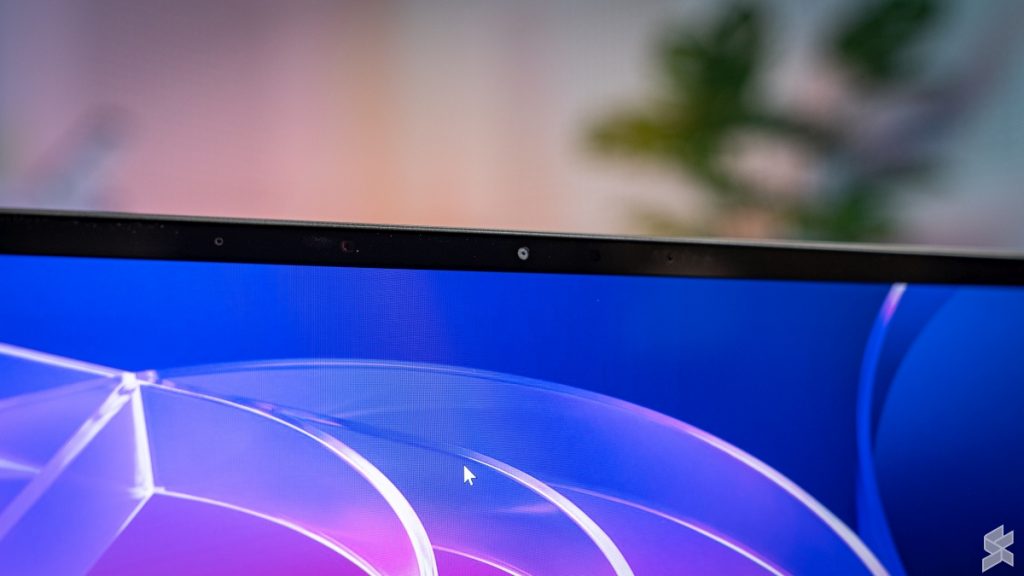
Rounding out the hardware package are an FHD IR webcam with Windows Hello facial recognition, six-speaker Dolby Atmos audio (four woofers and two tweeters), and Wi-Fi 7 connectivity supporting transfer speeds of up to 2.88Gbps.
Check out the ASUS ProArt P14 Today
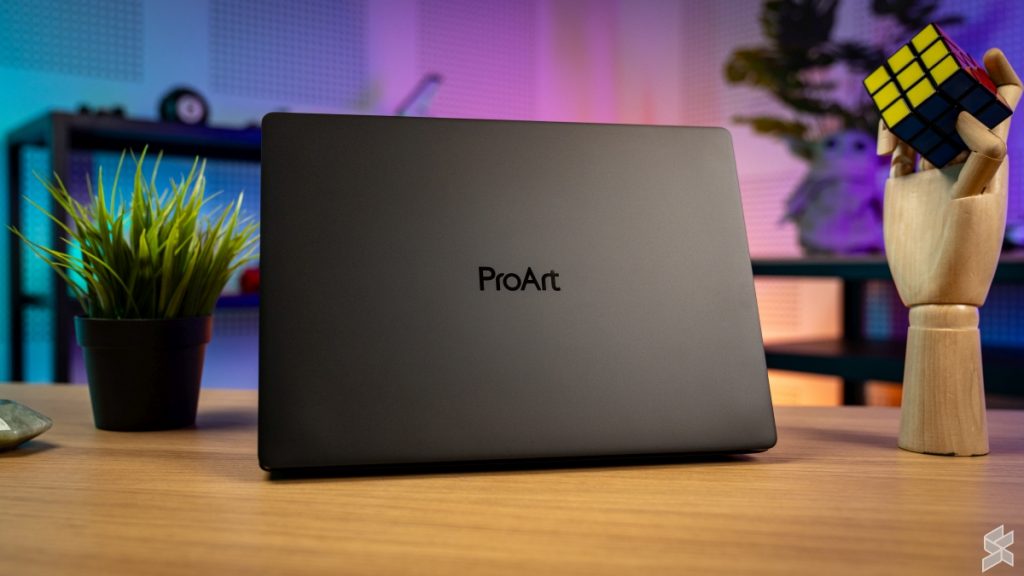
At RM29,999, the ASUS ProArt P14 clearly isn’t an impulse purchase for the everyday user. Instead, it caters directly to a specialised group of professionals, like AI researchers running multi-billion-parameter local models, boutique visual effects studios, 3D technical artists, and software engineers who need massive local memory and compute on the road without being tied down by recurring cloud API fees or data privacy restrictions.
For workflows where 128GB of unified memory, an 80W sustained thermal design, and a colour-accurate 3K ASUS Lumina Pro OLED display are mission-critical, it packages workstation-level capability into a remarkably portable 1.48kg chassis.
However, for creators who do not require the full 128GB memory pool for heavy local AI workloads, ASUS also offers a 48GB unified memory variant at RM18,999. Meanwhile, if you prefer a larger canvas with a 16-inch 4K ASUS Lumina Pro Tandem OLED display, the ASUS ProArt P16 is available in the same 48GB (RM18,999) and 128GB (RM29,999) configurations.
If you want to dive deeper into the full technical specifications, head over to the official ASUS Malaysia website or visit an authorised ASUS reseller partner today.