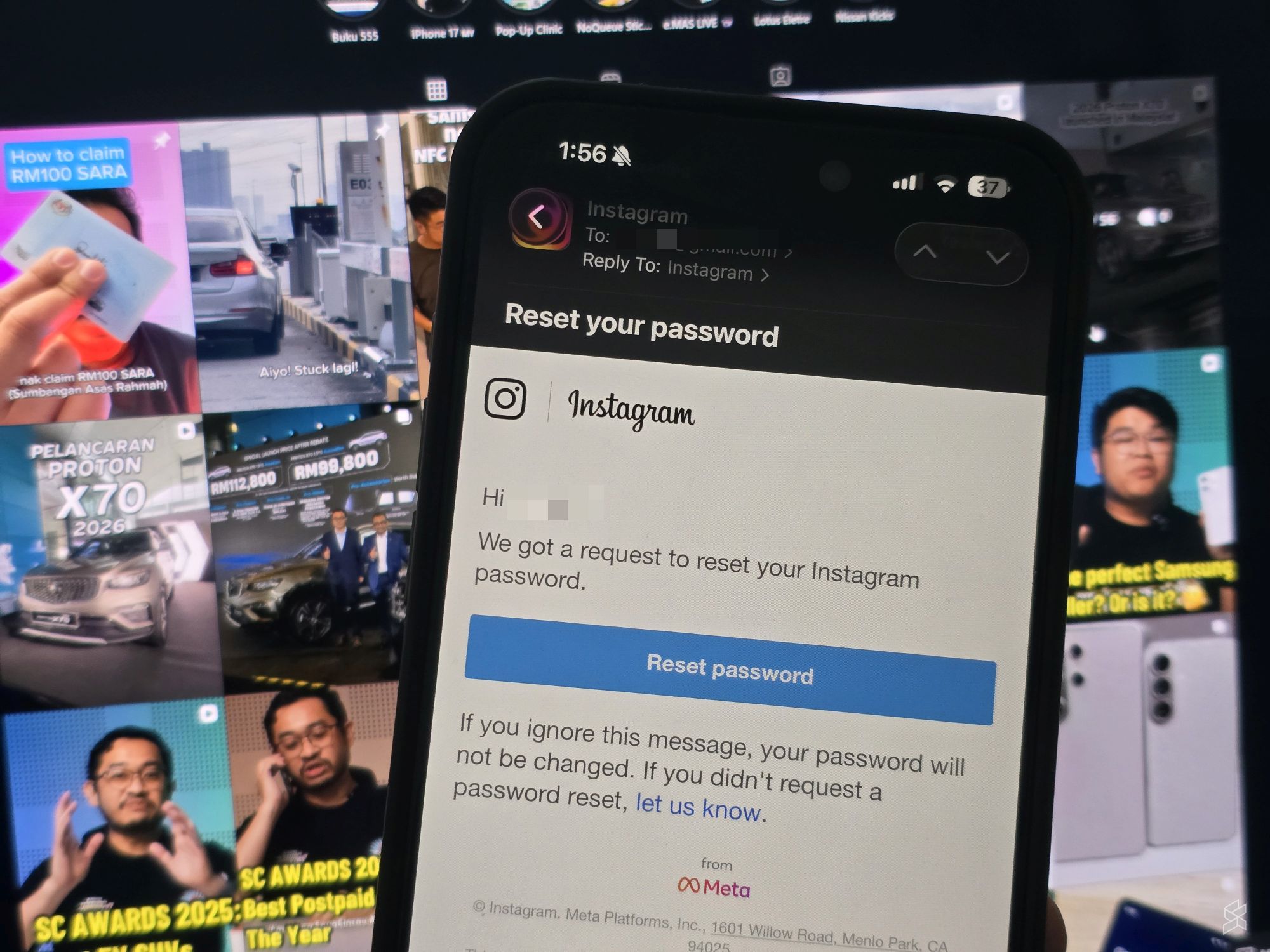
If you’ve received an email from Instagram about resetting your password, you’re not alone. It seems to be a worldwide issue and it affects a large number of users who didn’t request for a password recovery.
It was alleged that this could be an indication that there’s a data breach at Meta where personal data of Instagram users were exposed.
However, Instagram has just issued a statement to address the issue.
Cybercriminals allegedly obtain data of 17.5 million Instagram accounts
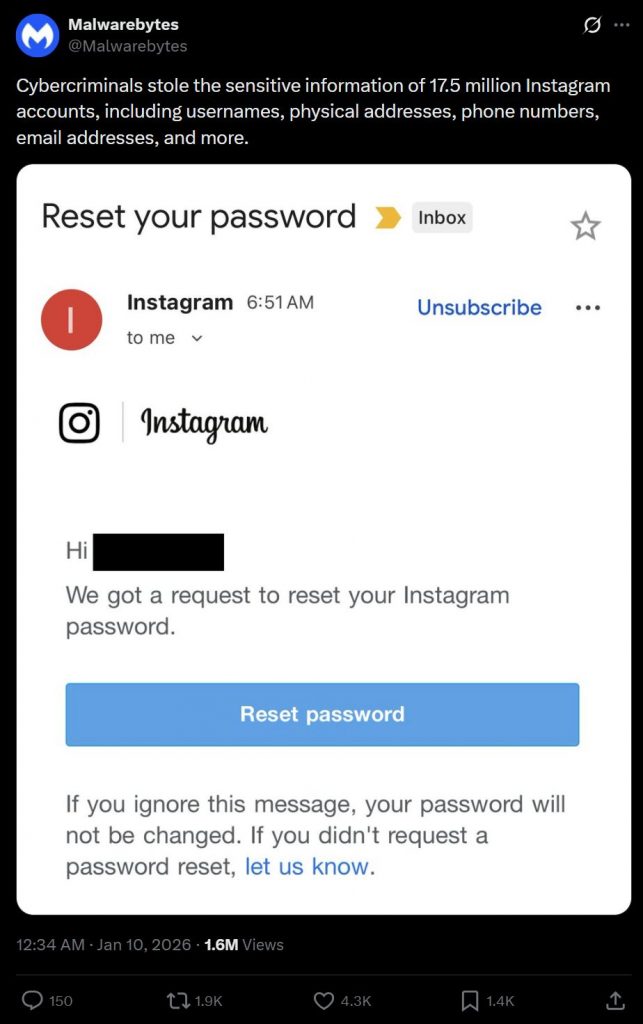
Malwarebytes has highlighted the the password reset email issue yesterday and claims that this was related to cybercriminals stealing sensitive information of 17.5 million Instagram users. The alleged breached data include usernames, phone numbers and email addresses.
While Malwarebytes didn’t specify the main source of the breach, it is possible that it is related to an Instagram API leak which occurred sometime in 2024.
The dataset containing more than 17 million records in JSON and TXT formats were offered on BreachForums. It was said that the sample data contained similar fields which include usernames, email addresses, international phone numbers and partial addresses.
Instagram responds to password reset email issue
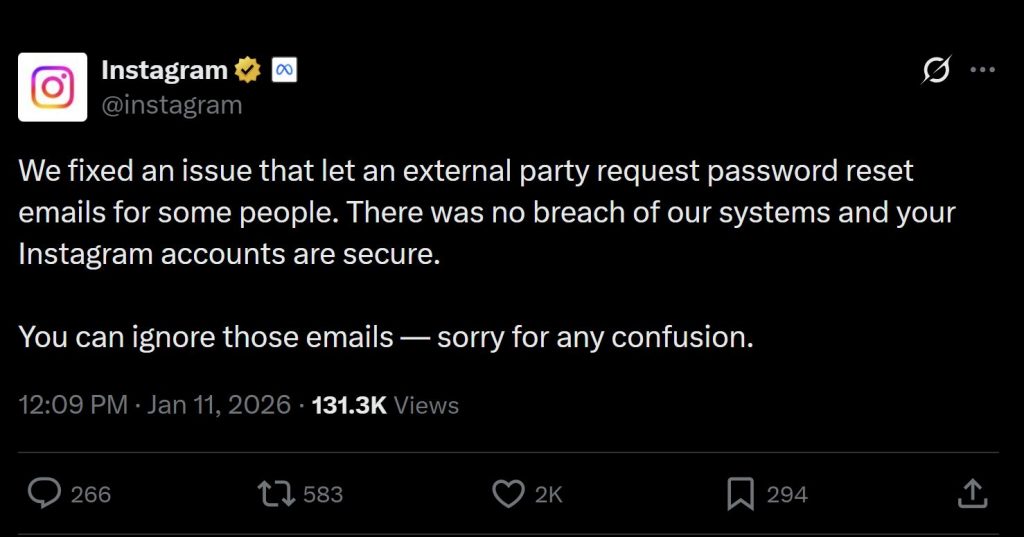
Instagram has just posted an update to clarify on the issue. According to the social media platform, they had fixed an issue which allowed external third party to request for password reset emails for some people.
It said that there was no breach of their systems and assured that your Instagram accounts are secure. Instagram reminds all users to ignore the password reset emails and they apologised for any confusion.
What should you do?
If you believe that your account is potentially compromised, it is best to reset your Instagram and Meta-related passwords. If you haven’t already, do enable two-factor authentication (2FA).
You can do so via the Instagram App, by going to settings, Account Centre > Password and Security. It is always better to reset passwords using the official app or website, and avoid clicking on links sent by emails which could be a phishing attempt.
It is always best practice to use different passwords for different platforms and we recommend using a password manager if you haven’t already.
[ SOURCE ]