• 中文版
  • BM
  • News
  • Deals
  • Reviews
    • First Impressions
    • Hands-on
    • Comparisons
  • Tech
    • Mobile
    • Computers
    • Cameras
    • Wearables
    • Audio
    • Drones
  • Telco
    • Celcom
    • Digi
    • Maxis
    • Time
    • Tune Talk
    • U Mobile
    • Unifi
    • Yes
  • Cars
  • Contribute
  • Jobs
Menu
  • 中文版
  • BM
  • News
  • Deals
  • Reviews
    • First Impressions
    • Hands-on
    • Comparisons
  • Tech
    • Mobile
    • Computers
    • Cameras
    • Wearables
    • Audio
    • Drones
  • Telco
    • Celcom
    • Digi
    • Maxis
    • Time
    • Tune Talk
    • U Mobile
    • Unifi
    • Yes
  • Cars
  • Contribute
  • Jobs
Search
  • Tech
    • News
    • Mobile
    • Computers
    • Cameras
    • Wearables
    • Audio
    • Drones
  • Telco
    • Celcom
    • Digi
    • Maxis
    • Time
    • U Mobile
    • Unifi
    • Yes
  • Reviews
    • First Impressions
    • Hands-on
    • Comparisons
  • Buyer’s Guide
  • Opinions
  • Digital Life
  • Video
  • Deals
  • How-To
  • Cars
  • Bahasa Melayu
  • EV
  • Contribute
  • Advertise
Menu
  • Tech
    • News
    • Mobile
    • Computers
    • Cameras
    • Wearables
    • Audio
    • Drones
  • Telco
    • Celcom
    • Digi
    • Maxis
    • Time
    • U Mobile
    • Unifi
    • Yes
  • Reviews
    • First Impressions
    • Hands-on
    • Comparisons
  • Buyer’s Guide
  • Opinions
  • Digital Life
  • Video
  • Deals
  • How-To
  • Cars
  • Bahasa Melayu
  • EV
  • Contribute
  • Advertise
Search
Close
Home News

ALERT! Certain WiFi networks will disable your iPhone’s WiFi permanently

  • BY Redza Dzafri
  • 5 July 2021
  • 10:36 pm
  • Comment
Share on FacebookShare on Twitter

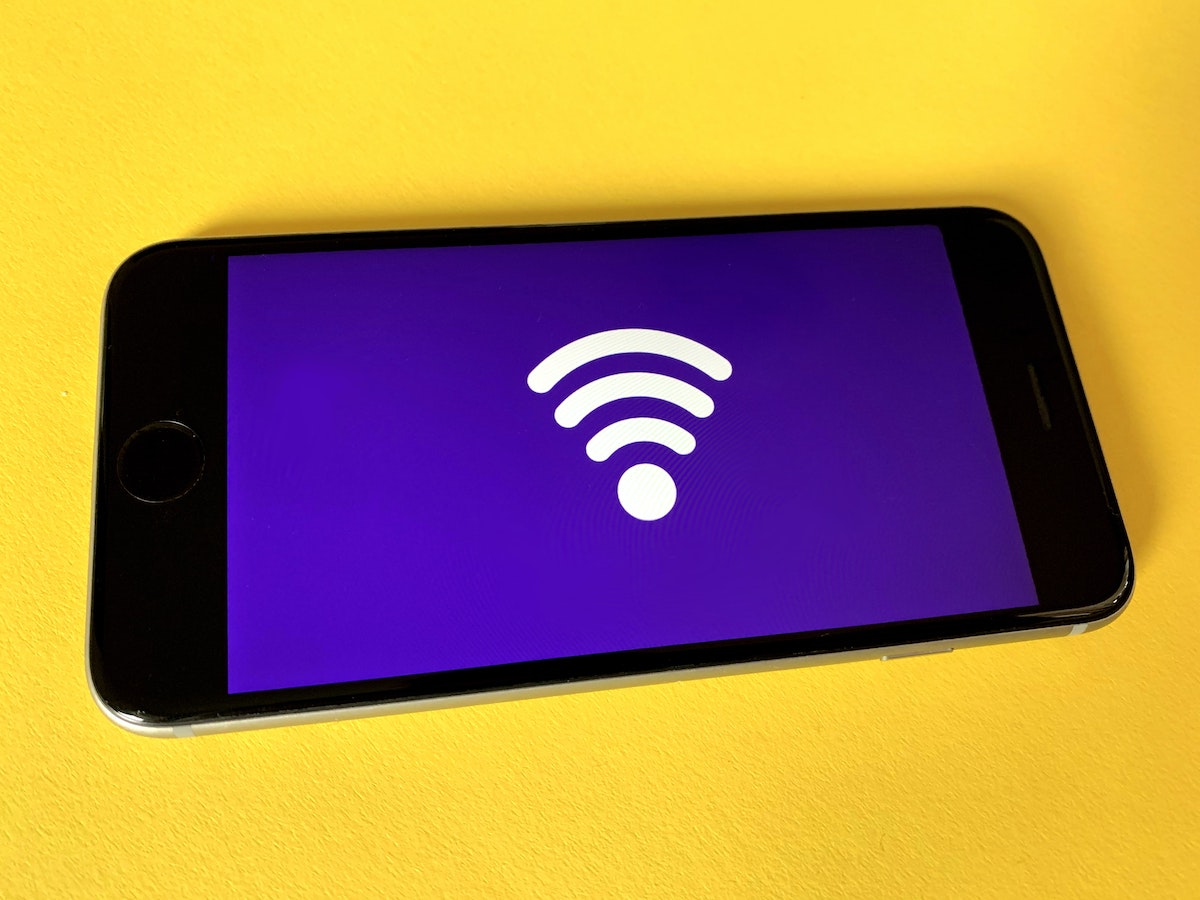
Security researcher Carl Schou has found that connecting to WiFi networks with certain names with your iOS device can almost permanently disable your WiFi functionality.

After joining my personal WiFi with the SSID “%p%s%s%s%s%n”, my iPhone permanently disabled it’s WiFi functionality. Neither rebooting nor changing SSID fixes it :~) pic.twitter.com/2eue90JFu3

— vmcall (@vm_call) June 18, 2021

According to user @wr3nchsr on Twitter, the “%s” is the culprit that triggers the vulnerability. If your device has only connected to one malicious network, simply resetting your network settings should fix it.

If your device has connected to more than one malicious network, resetting your network settings will not fix it. To enable WiFi in your device again, you would either need to erase all your data, or back up the device and manually edit the backup and remove malicious entries from the known networks .plist.

This is caused by something called a ‘format string bug’. “%s” is a string format specifier in the programming language C. Normally, the device does not read user inputs as code, but because of this bug, it causes the WiFi to be disabled.

“I don’t believe it is exploitable”, said security researcher Alex Skalozub. Normally, these types of attacks can ‘inject’ code into the device, enabling unwanted programs to be run. Because of the nature of Apple’s framework, injecting code is not possible, and the SSID has a character limit anyway.

This bug has been found to disable AirDrop as well.

Apple has not publicly responded to this matter yet, but in the meantime, try not to connect to any weird public networks.

[ SOURCE ]

Related reading

Hotspot connections from your iPhone will be safer thanks to WPA3 security in iOS 15
AirAsia now offers unlimited in-flight WiFi for RM48
Oppo and Vivo show off a new feature that can boost WiFi performance by up to 322%
Tags: iOSiPhonesecurityWiFi
Redza Dzafri

Redza Dzafri

POPULAR

ALERT! Certain WiFi networks will disable your iPhone’s WiFi permanently

July 5, 2021

SoyaCincau Awards 2025: The Best Tablets of the Year

January 5, 2026

HUAWEI MatePad 12 X 2026: The Best Productivity Tablet with PC-Level WPS and the All-New HUAWEI M-Pencil Pro

January 6, 2026

SARA: All Malaysian adults to receive RM100 credit from 9 February

January 5, 2026

SoyaCincau Awards 2025: Best Telcos of the Year

January 2, 2026
Maybank Google Pay - May 2024

Maybank on Google Pay: No PIN required for transactions above RM250, transactions limited to RM2,500

January 5, 2026

Copyright © 2025 · SoyaCincau.com
Mind Blow Sdn Bhd (1076827-P)

  • ADVERTISE
  • DISCLAIMER

Copyright © 2026 · SoyaCincau.com – Mind Blow Sdn Bhd (1076827-P)

  • ADVERTISE
  • DISCLAIMER