• 中文版
  • BM
  • News
  • Deals
  • Reviews
    • First Impressions
    • Hands-on
    • Comparisons
  • Tech
    • Mobile
    • Computers
    • Cameras
    • Wearables
    • Audio
    • Drones
  • Telco
    • Celcom
    • Digi
    • Maxis
    • Time
    • Tune Talk
    • U Mobile
    • Unifi
    • Yes
  • Cars
  • Contribute
  • Jobs
Menu
  • 中文版
  • BM
  • News
  • Deals
  • Reviews
    • First Impressions
    • Hands-on
    • Comparisons
  • Tech
    • Mobile
    • Computers
    • Cameras
    • Wearables
    • Audio
    • Drones
  • Telco
    • Celcom
    • Digi
    • Maxis
    • Time
    • Tune Talk
    • U Mobile
    • Unifi
    • Yes
  • Cars
  • Contribute
  • Jobs
Search
  • Tech
    • News
    • Mobile
    • Computers
    • Cameras
    • Wearables
    • Audio
    • Drones
  • Telco
    • Celcom
    • Digi
    • Maxis
    • Time
    • U Mobile
    • Unifi
    • Yes
  • Reviews
    • First Impressions
    • Hands-on
    • Comparisons
  • Buyer’s Guide
  • Opinions
  • Digital Life
  • Video
  • Deals
  • How-To
  • Cars
  • Bahasa Melayu
  • EV
  • Contribute
  • Advertise
Menu
  • Tech
    • News
    • Mobile
    • Computers
    • Cameras
    • Wearables
    • Audio
    • Drones
  • Telco
    • Celcom
    • Digi
    • Maxis
    • Time
    • U Mobile
    • Unifi
    • Yes
  • Reviews
    • First Impressions
    • Hands-on
    • Comparisons
  • Buyer’s Guide
  • Opinions
  • Digital Life
  • Video
  • Deals
  • How-To
  • Cars
  • Bahasa Melayu
  • EV
  • Contribute
  • Advertise
Search
Close
Home Tech

How to remove ads on MIUI 12 for Xiaomi phones

  • BY Nic Ker
  • 21 October 2020
  • 10:54 am
  • Comment
Share on FacebookShare on Twitter

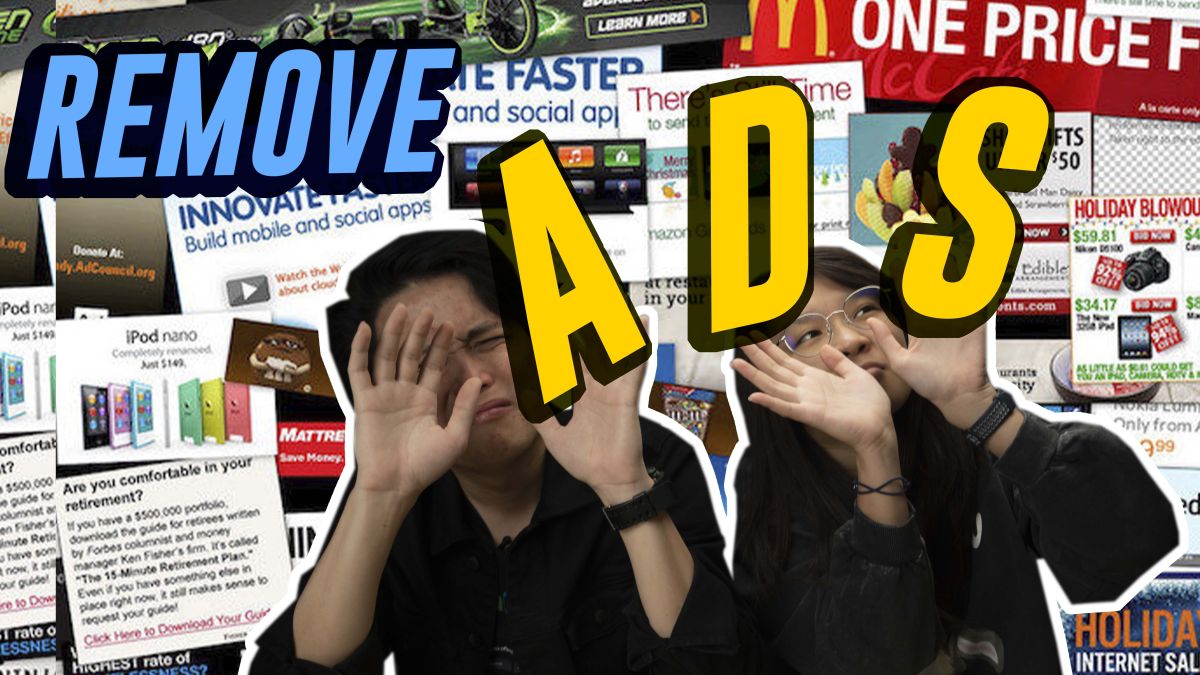
We all know that Xiaomi smartphones all come with one irritating “feature”—built in ads. These pop up at inconvenient times on most of Xiaomi’s native apps, and you even come across these “recommendations” on your home screen, or system pages. The new MIUI 12 OS update is now available for select Xiaomi/Redmi phones, so be sure to update if your device is supported.

Today’s episode of How-To-What-Is is a tutorial on how to remove ads on MIUI 12 on Xiaomi smartphones!

As we discussed in the video, the key word to look out for is “recommendations”. Contrary to popular belief, the ads can be turned off to some extent on Xiaomi phones, although these settings are usually buried within “advanced” sections of the app, or even within permissions on your phone.

There are a couple of reports online that claim that MIUI 12 ads can be turned off with a single switch, although we cannot verify this at this moment in time. Perhaps this is due to region differences, but this method did not work on our MIUI 12 devices (global sets, Malaysia).

To be safe, follow the steps in the tutorial above, and when you set up a new (or factory reset) Xiaomi smartphone running MIUI 12, be sure to turn off any form of recommendations or personalised offers.

We’d also love to hear from you! If the video helped you remove those annoying ads on your Xiaomi smartphone, do let us know in the comments section below. Or, you can join our Facebook group, RKMD, and share your experience (or more tips) there.


Tags: How-To-What-IshtwiMIUI 12MobileXiaomi
Nic Ker

Nic Ker

POPULAR

How to remove ads on MIUI 12 for Xiaomi phones

October 21, 2020

Malaysia to review EV policy amid concerns over strict rules affecting BYD CKD operations in Tanjung Malim

April 17, 2026
vivo V70 FE 200MP camera phone in Malaysia - Best value alternative for phones under RM2,000

High-Resolution Meets High-Endurance: A Closer Look at the vivo V70 FE

April 10, 2026

Zeekr 8X: Premium 900V PHEV SUV, up to triple-motor setup and 0–100km/h in 2.96s

April 20, 2026
Apple Tap To Pay on iPhone Malaysia

Apple’s Tap to Pay on iPhone is now in Malaysia

April 22, 2026

Malaysia’s EV policy and the BYD debate: Are affordable EVs at risk? | Let’s Talk About #140

April 19, 2026

Copyright © 2025 · SoyaCincau.com
Mind Blow Sdn Bhd (1076827-P)

  • ADVERTISE
  • DISCLAIMER

Copyright © 2026 · SoyaCincau.com – Mind Blow Sdn Bhd (1076827-P)

  • ADVERTISE
  • DISCLAIMER