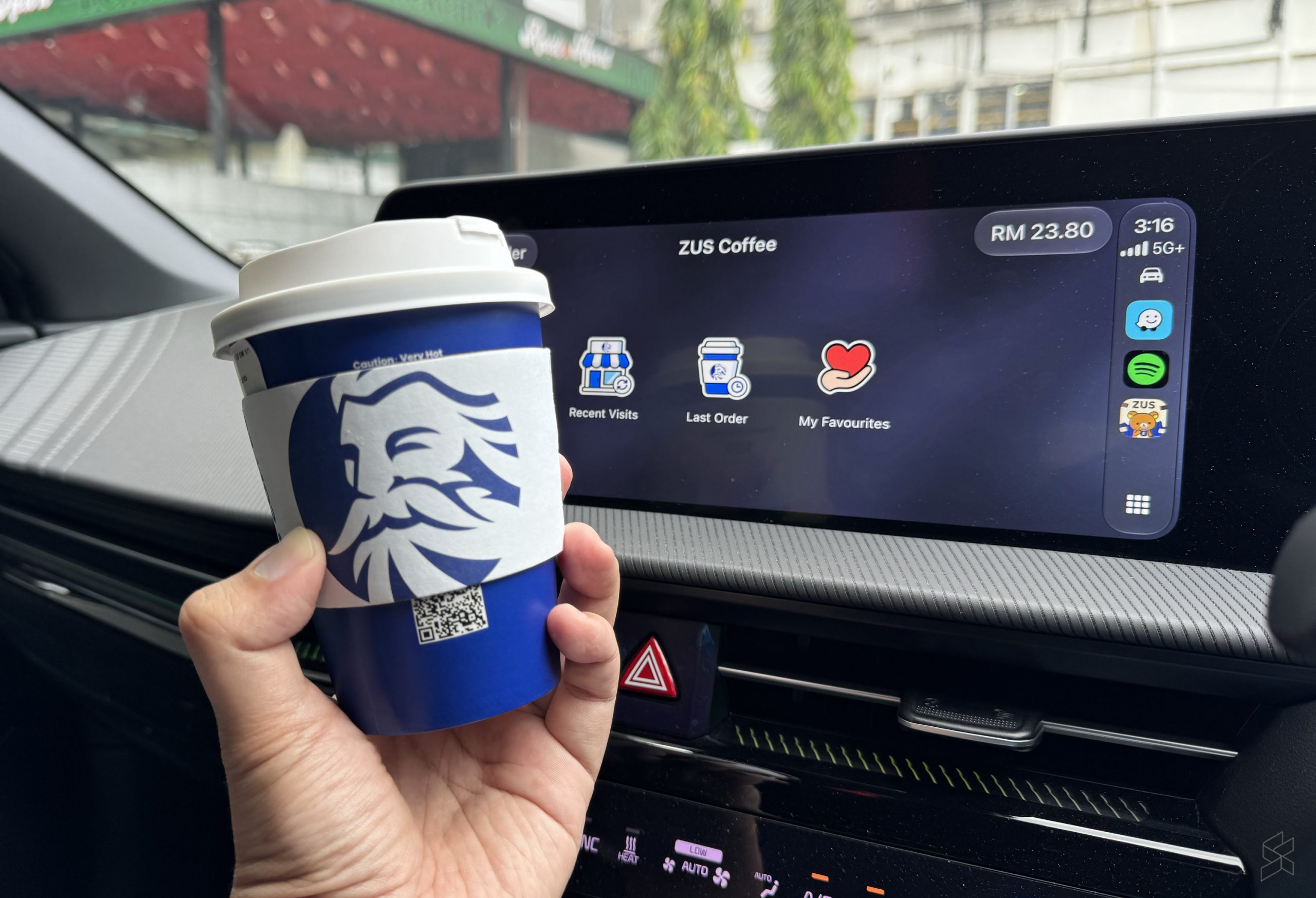
Need your coffee fix during the morning rush hour? ZUS Coffee now supports Apple CarPlay, allowing you to order your favourite drink directly from your car’s infotainment display with just a few taps.
Instead of reaching for your phone to place an order, you can now use the ZUS Coffee app through Apple CarPlay to order your coffee while you’re on the way to your preferred outlet.
This is particularly useful during your morning commute and want to grab your coffee without spending extra time placing an order when you arrive.
How to order ZUS Coffee using Apple CarPlay?
To get started, you’ll need an iPhone with the ZUS Coffee app installed and a vehicle that supports Apple CarPlay.
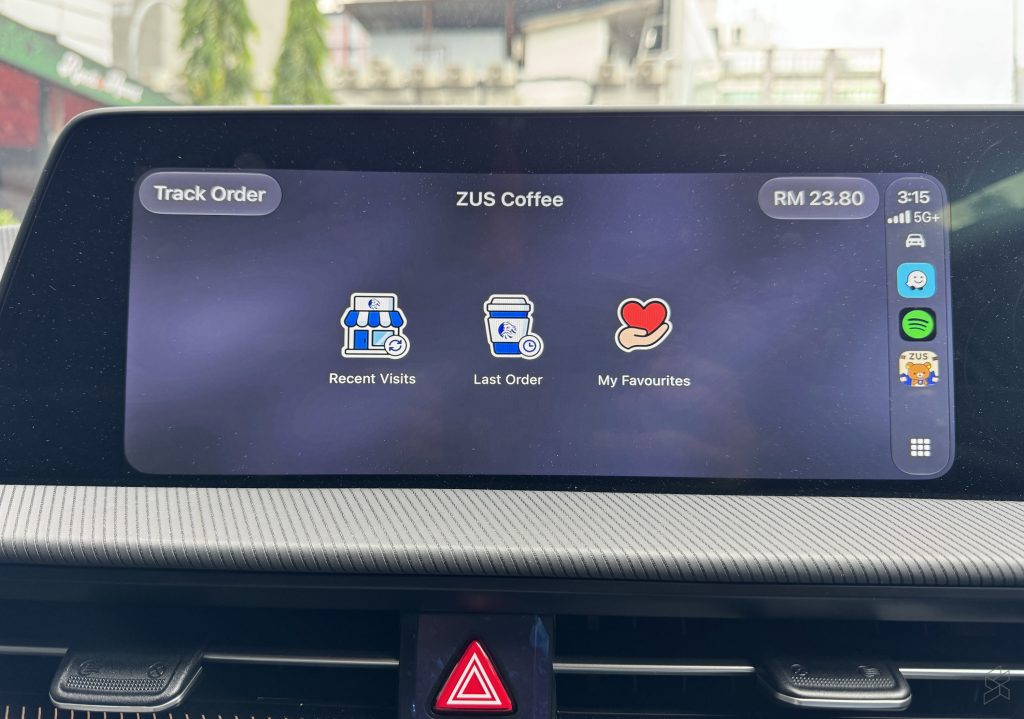
Once your iPhone is connected to Apple CarPlay, you can access the ZUS Coffee app from your car’s infotainment display.
Unlike the full smartphone app, the CarPlay version offers a simplified interface with just three options – Recent Visit, Last Order and My Favourites.
If you have a go-to coffee order, it’s best to save it as a favourite in advance.
To do so, open the ZUS Coffee app on your iPhone, go to the drinks menu and select your preferred beverage. You can customise your drink based on your preferences, such as the type of espresso shot and sweetness level.
Once you’re happy with your selection, tap the star icon at the top right corner to save the drink as a favourite.
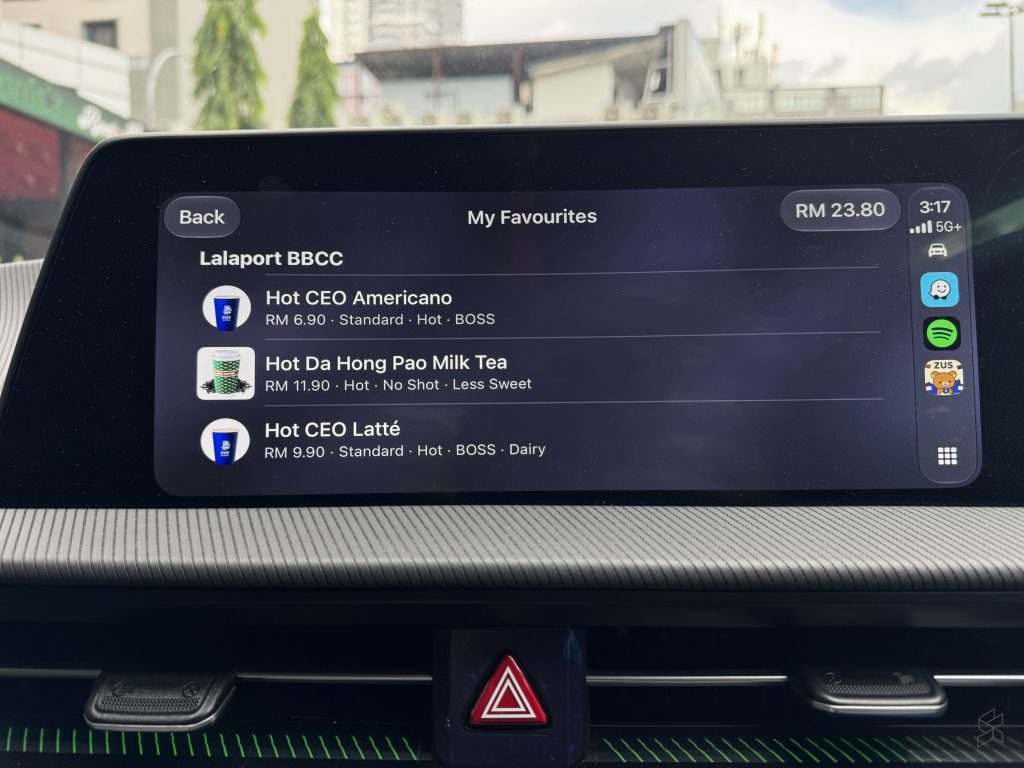
To place an order, just tap on My Favourites, choose the outlet and tap on your drink.
Once confirmed, your order will be sent to the outlet and it will let you know once the drink is ready for collection.
ZUS Coffee on Apple CarPlay only accepts ZUS Wallet payments
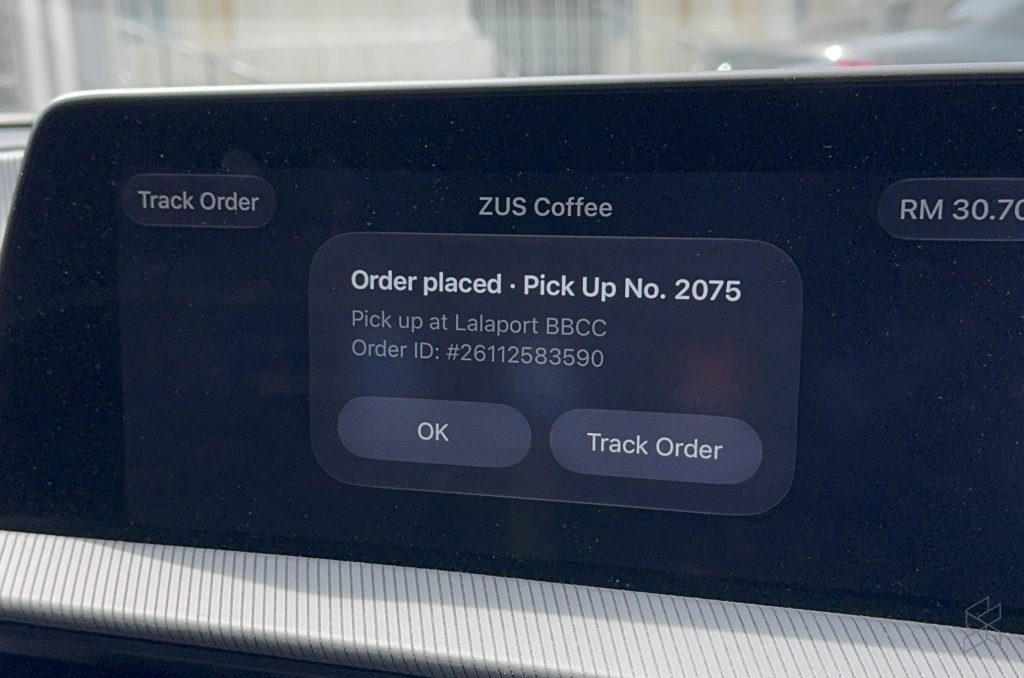
Before placing an order through Apple CarPlay, you must ensure that you have sufficient balance in your ZUS Wallet.
At the moment, the CarPlay version only supports payment using your ZUS Wallet balance as it can’t use your saved credit or debit card, Apple Pay or other eWallets through the CarPlay interface. You also can’t apply vouchers or promotional codes when ordering through Apple CarPlay.
If your balance is insufficient, you’ll need to top it up through the ZUS Coffee app on your phone.
Another limitation worth highlighting is that ZUS Coffee on Apple CarPlay currently supports just one drink per order.
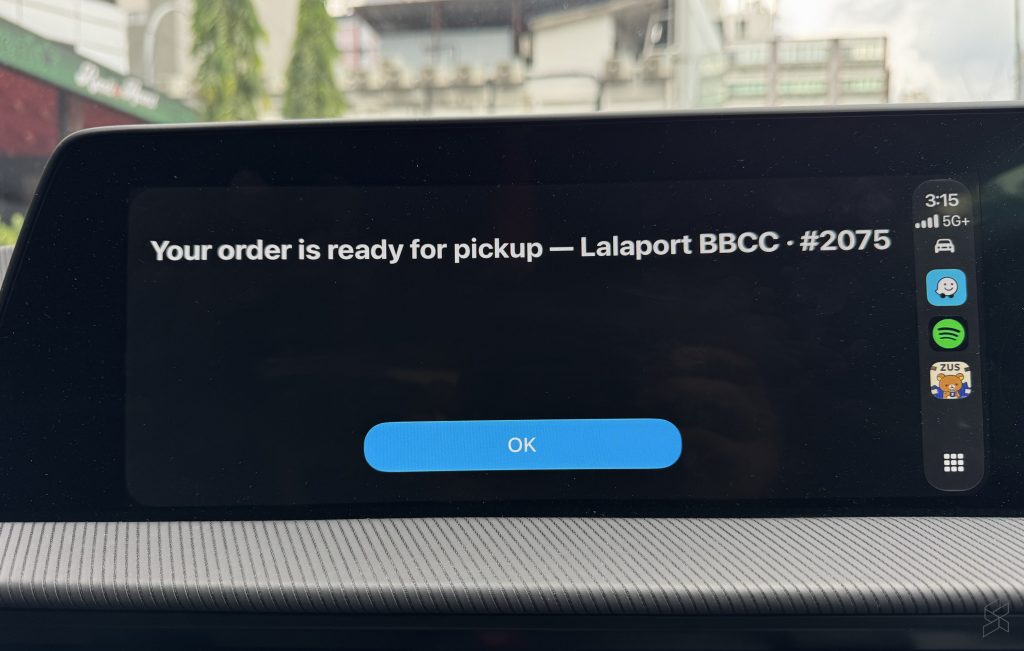
If you’re getting coffee for yourself, this shouldn’t be much of an issue. However, if you want to order drinks for your colleagues, friends or family members, you’ll still need to use the full ZUS Coffee app on your phone to place a multiple-item order.
Alternatively, you can get your passenger to place the order while you’re driving.