• 中文版
  • BM
  • News
  • Deals
  • Reviews
    • First Impressions
    • Hands-on
    • Comparisons
  • Tech
    • Mobile
    • Computers
    • Cameras
    • Wearables
    • Audio
    • Drones
  • Telco
    • Celcom
    • Digi
    • Maxis
    • Time
    • Tune Talk
    • U Mobile
    • Unifi
    • Yes
  • Cars
  • Contribute
  • Jobs
Menu
  • 中文版
  • BM
  • News
  • Deals
  • Reviews
    • First Impressions
    • Hands-on
    • Comparisons
  • Tech
    • Mobile
    • Computers
    • Cameras
    • Wearables
    • Audio
    • Drones
  • Telco
    • Celcom
    • Digi
    • Maxis
    • Time
    • Tune Talk
    • U Mobile
    • Unifi
    • Yes
  • Cars
  • Contribute
  • Jobs
Search
  • Tech
    • News
    • Mobile
    • Computers
    • Cameras
    • Wearables
    • Audio
    • Drones
  • Telco
    • Celcom
    • Digi
    • Maxis
    • Time
    • U Mobile
    • Unifi
    • Yes
  • Reviews
    • First Impressions
    • Hands-on
    • Comparisons
  • Buyer’s Guide
  • Opinions
  • Digital Life
  • Video
  • Deals
  • How-To
  • Cars
  • Bahasa Melayu
  • EV
  • Contribute
  • Advertise
Menu
  • Tech
    • News
    • Mobile
    • Computers
    • Cameras
    • Wearables
    • Audio
    • Drones
  • Telco
    • Celcom
    • Digi
    • Maxis
    • Time
    • U Mobile
    • Unifi
    • Yes
  • Reviews
    • First Impressions
    • Hands-on
    • Comparisons
  • Buyer’s Guide
  • Opinions
  • Digital Life
  • Video
  • Deals
  • How-To
  • Cars
  • Bahasa Melayu
  • EV
  • Contribute
  • Advertise
Search
Close
Home News

Got drop call issues on your iPhone 12 and 13? Apple releases a fix with iOS 15.1.1

  • BY Alexander Wong
  • 18 November 2021
  • 11:13 am
  • Comment
Share on FacebookShare on Twitter

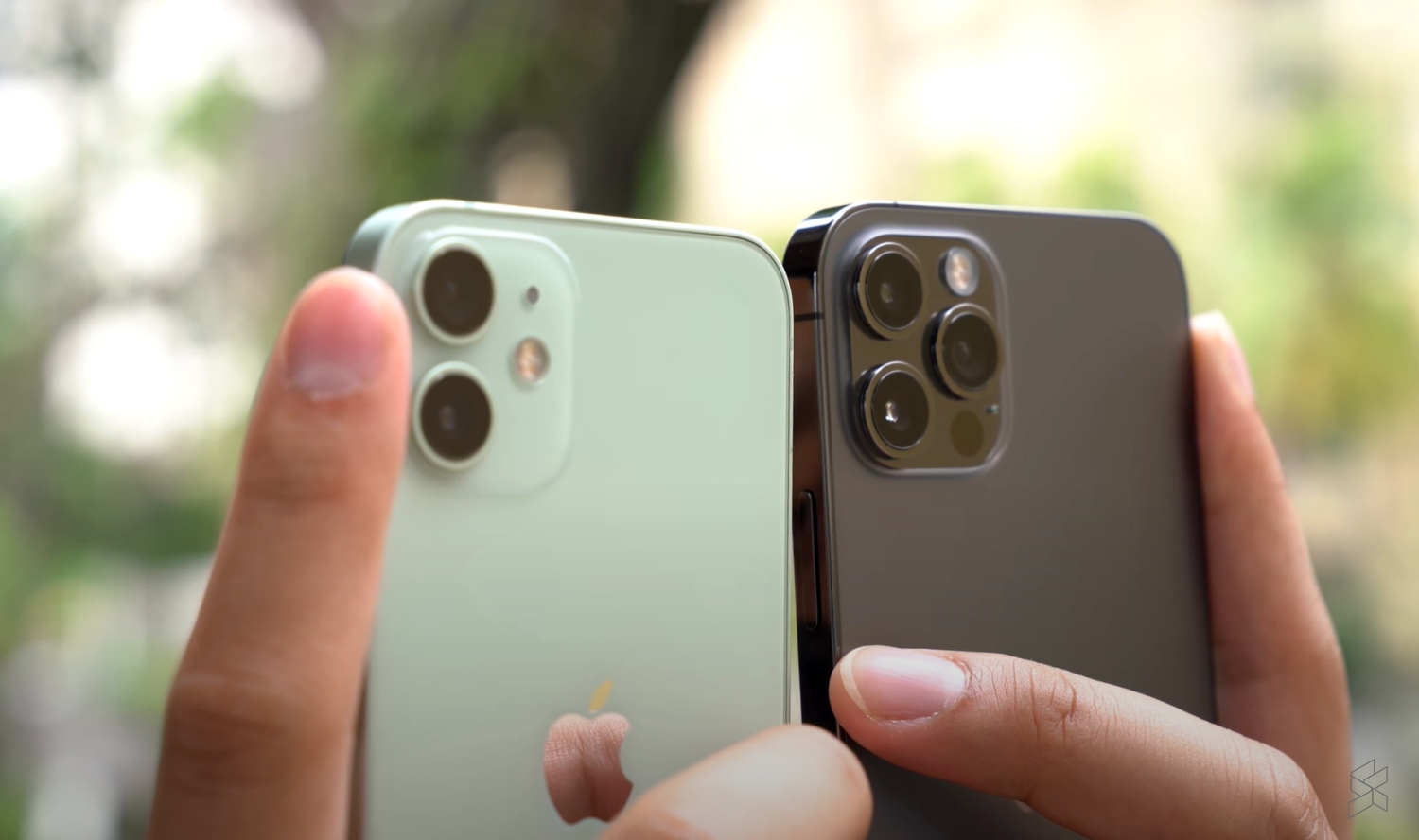
If you’re using an iPhone 12 or iPhone 13 series, Apple has pushed out a minor iOS 15.1.1 update which fixes an issue related to voice calls. According to the description, the update improves call-drop performance for both iPhone 12 and iPhone 13 models.
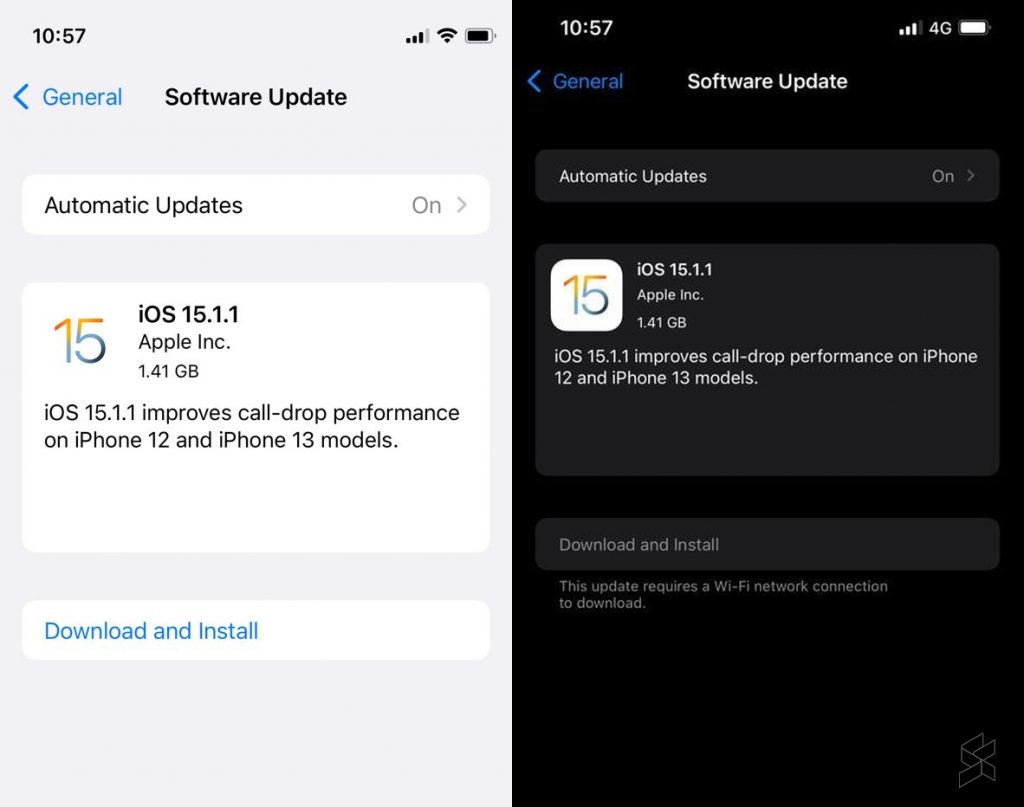
If you haven’t gotten a notification, you can upgrade manually by going into Settings > General > Software Update. It is advisable to have sufficient charge and to download the update via WiFi connection. If you’re already on iOS 15.1, the update should be less than 400MB in size but it can be more than 1.4GB if you haven’t updated to iOS 15.1. The new update isn’t showing for older devices such as the iPhone 11 since this is a minor update specifically for the iPhone 12 and 13 series.

iOS 15.1 was released last month and it brings a host of new features including ProRes video for the iPhone 13 Pro as well as SharePlay. If you’re using an iPhone 13 Pro, you can turn off auto macro permanently under settings but it appears that this isn’t good enough for most users. As reported recently, Apple will improve its macro interface by adding a macro button in the camera app for the upcoming iOS 15.2 update.

Have you experienced drop calls on your new iPhone 12 or 13? Let us know in the comments below.

[ VIA ]

Tags: Appledrop callsiOS 15ios 15.1.1iPhone 12iPhone 12 ProiPhone 13iPhone 13 Pro
Alexander Wong

Alexander Wong

POPULAR

Got drop call issues on your iPhone 12 and 13? Apple releases a fix with iOS 15.1.1

November 18, 2021

The OPPO Reno16 Pro 5G Lands in Malaysia: A Look at the New 200MP All-in-One Content Studio

July 13, 2026

Starlink to trial Direct-to-Cell in Malaysia: Works with normal 4G phones, no satellite phone required

August 1, 2026

Proposed EV levy misses the real problem with Malaysia’s EV charging network

August 4, 2026

KLIA Terminal 1 adds live e-hailing tracking: Along with RM3 driver entry fee

August 5, 2026

Sony Xperia 1 VIII arrives in Malaysia for RM6,499, comes with free WF-1000XM6 earbuds

August 5, 2026

Copyright © 2026 · SoyaCincau.com
Mind Blow Sdn Bhd (1076827-P)

  • ADVERTISE
  • DISCLAIMER

Copyright © 2026 · SoyaCincau.com – Mind Blow Sdn Bhd (1076827-P)

  • ADVERTISE
  • DISCLAIMER