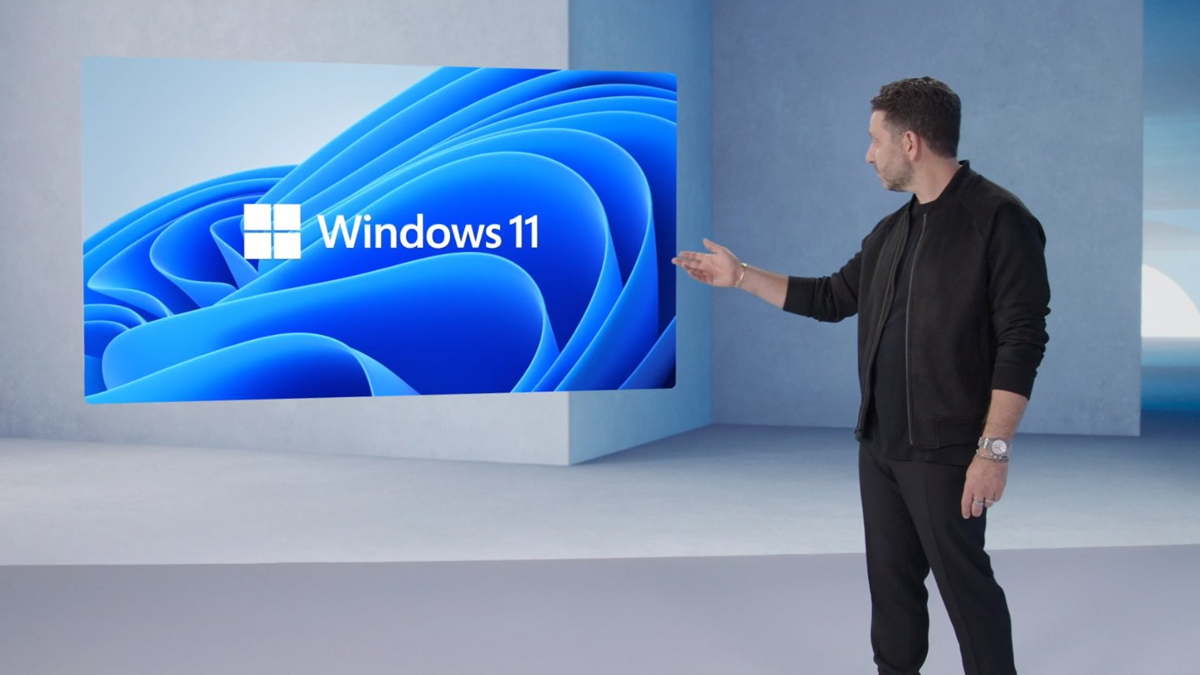
In today’s Microsoft Event, they have finally confirmed it after weeks of teasers, speculation and even a leaked build: Windows 11.
The Microsoft Event stream actually kicked off with a whimper; some major issues meant most of the people watching only saw the buffering icon for quite a bit. But eventually, we get introduced to Panos Panay, Microsoft’s Chief Product Officer, who introduces us to Windows 11.
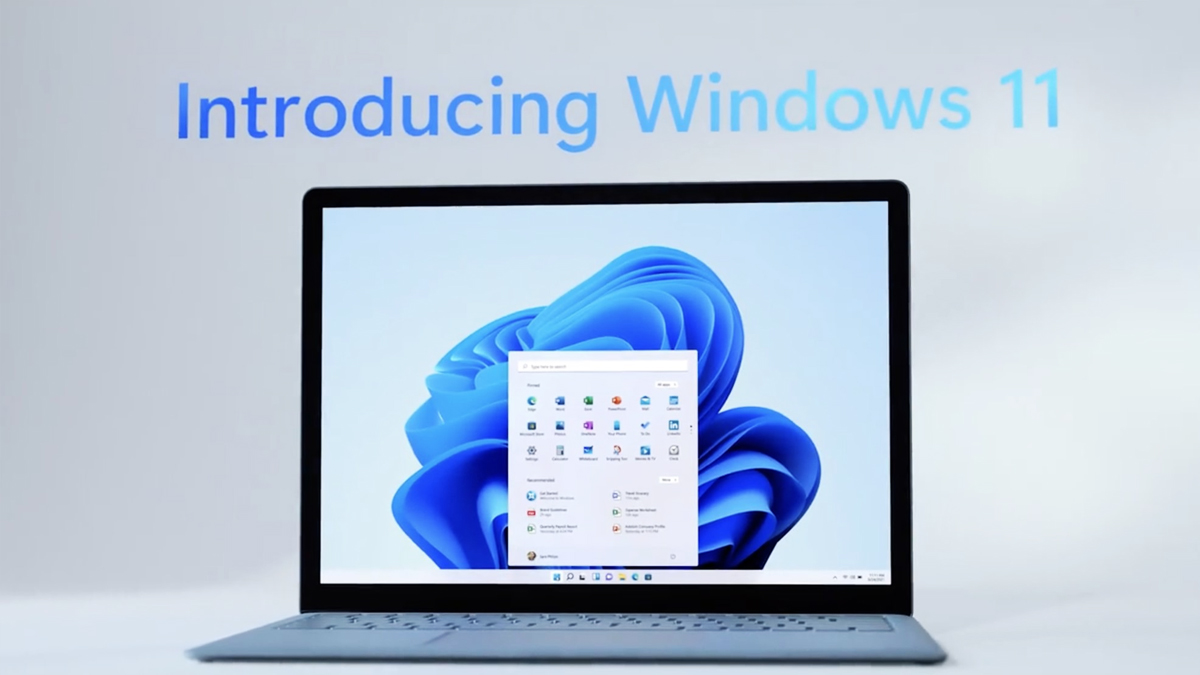
As you can see, perhaps the first major visual change people will notice is the centred Start Menu. Gone are the Windows 8 and Windows 10 Start Menu Live Tiles, and instead is a simplified and sleek menu, almost reminiscent of a custom Android launcher. The Start Menu is also ‘cloud-powered’, where it integrates your OneDrive into it. The other big visual improvement are translucent layers and rounded corners for your windows. Here’s a closer look at the new Start Menu:
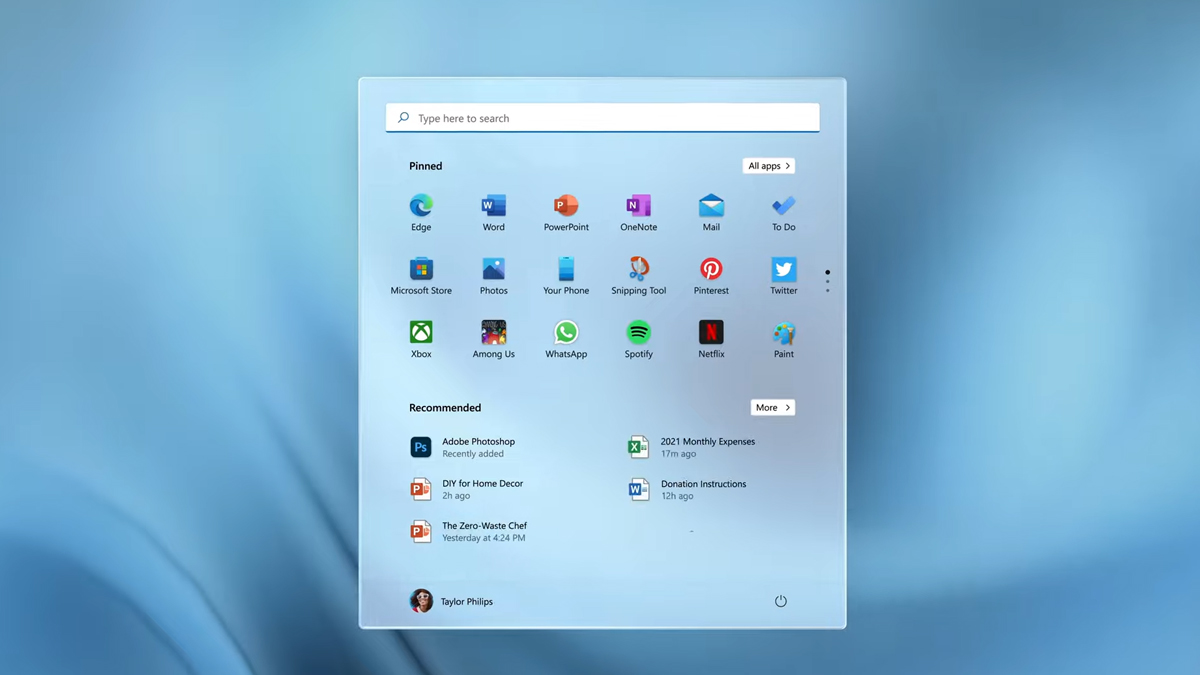
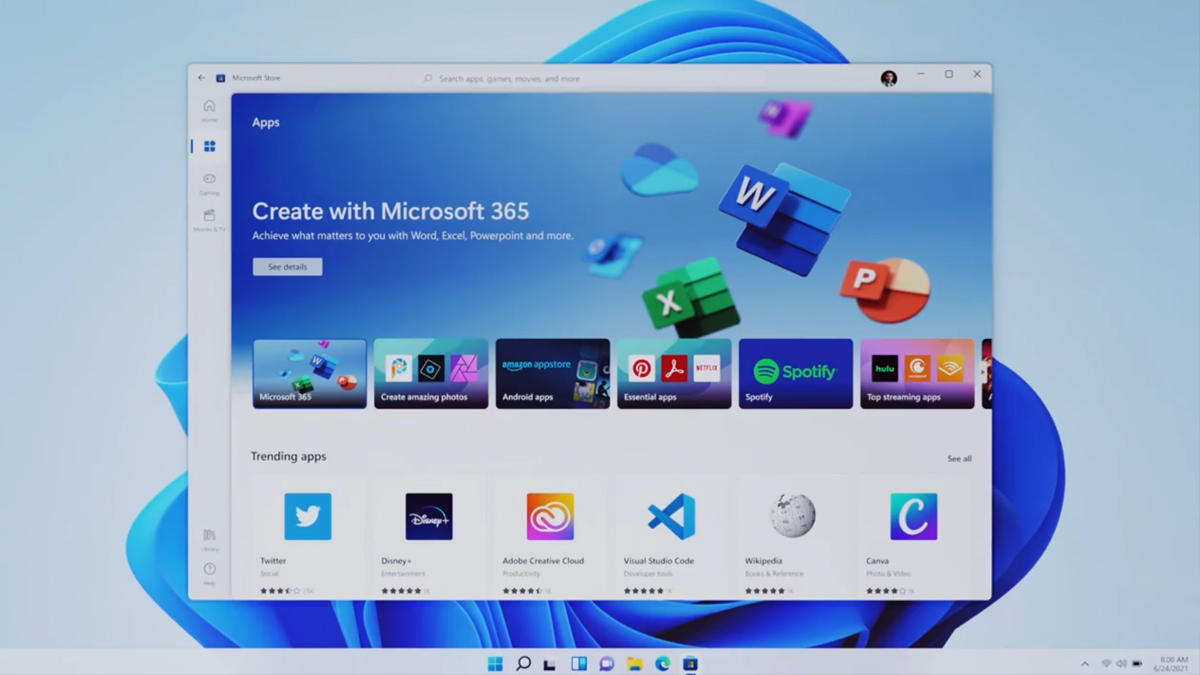
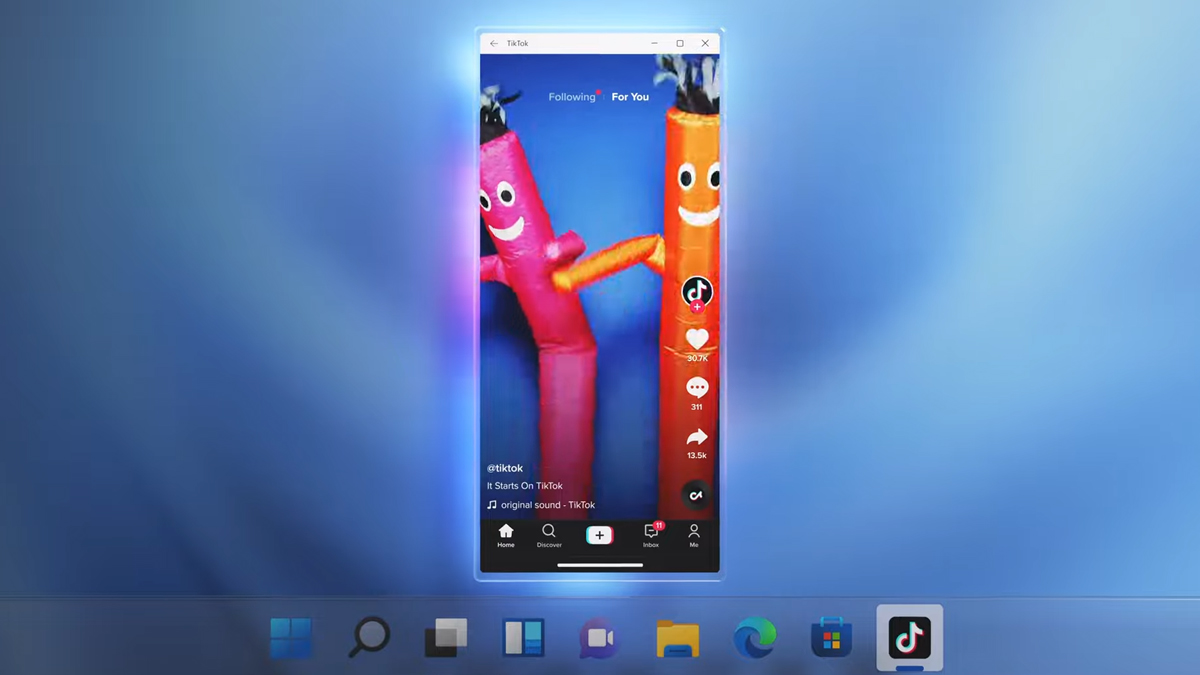
Digging deeper, the Microsoft store has been revamped too. Panay says that they’ve rebuilt the Microsoft from the ground up for improved speed and search. One huge change in Windows 11 is native support for Android apps, using Intel Bridge technology. If you want to download Android apps, it can be done through the Amazon Appstore, which in turn you can get through the new Microsoft Store.

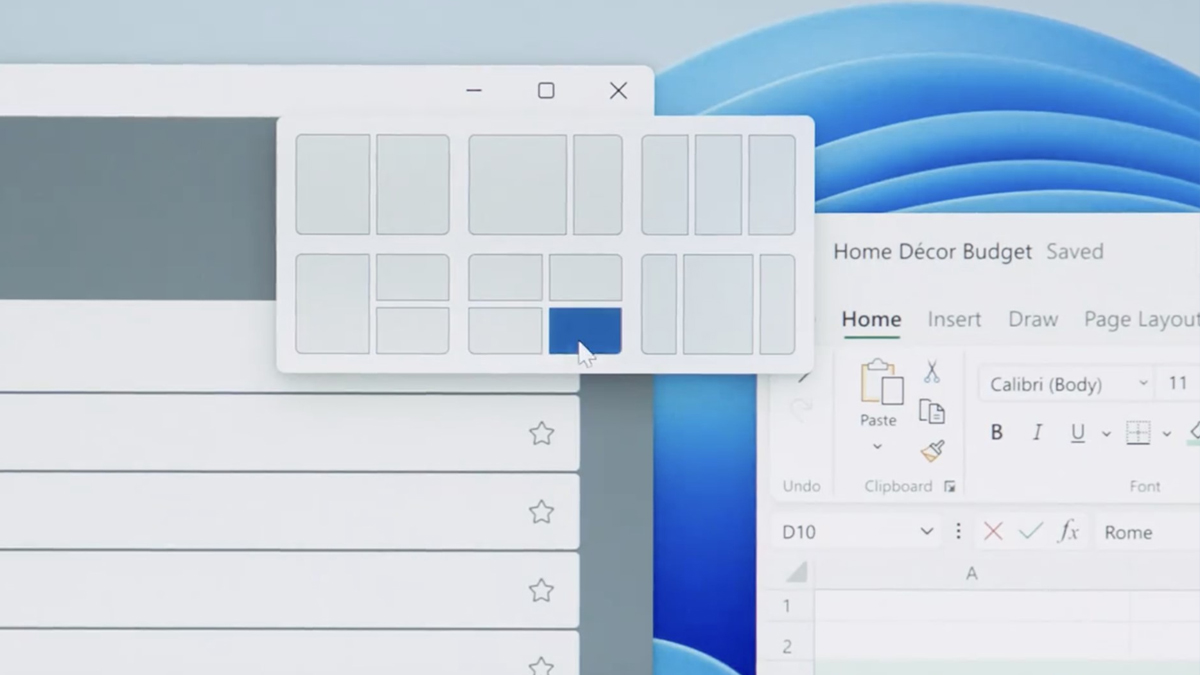
Another major improvement from Windows 10 is the Snap Layouts feature, which should greatly benefit multitaskers. This will let you tile multiple windows in a variety of layouts on your display. You can also save the layout into a Snap Group.
For example, if you have a layout of four different windows of Microsoft Word but need to check something on Chrome, you can switch between the single Chrome window and your Snap Group of four Word instances without needing to reconfigure your layout everytime. There’s also an improved version of the multiple desktops feature currently in Windows 10.
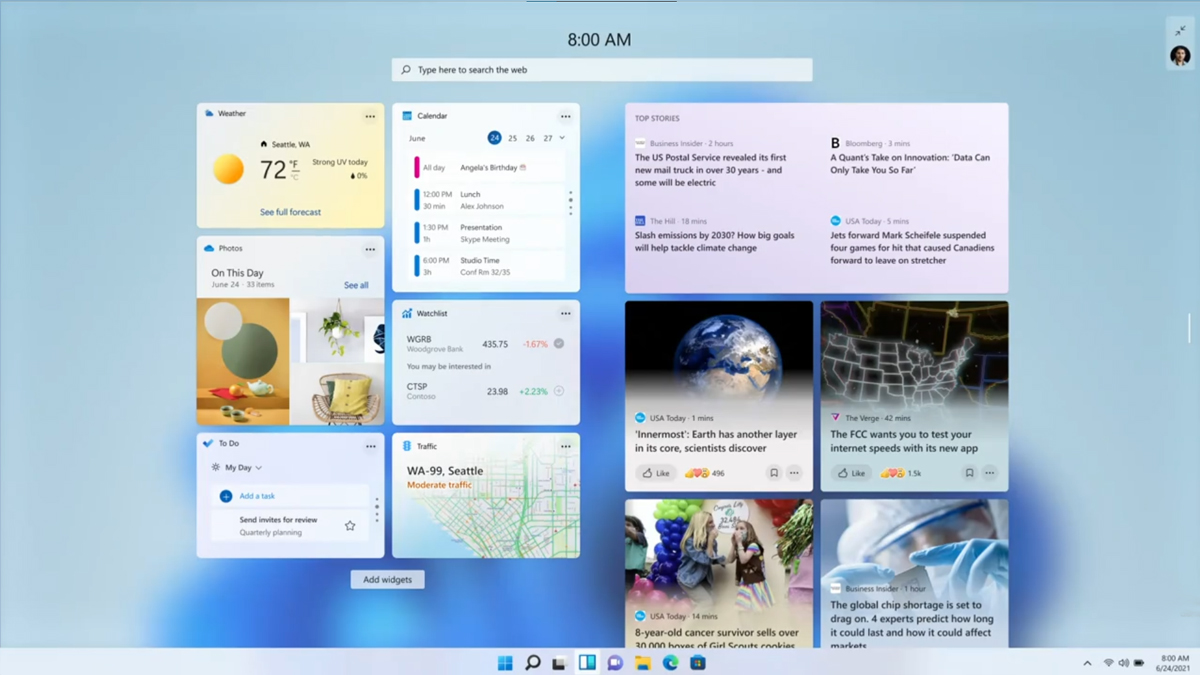
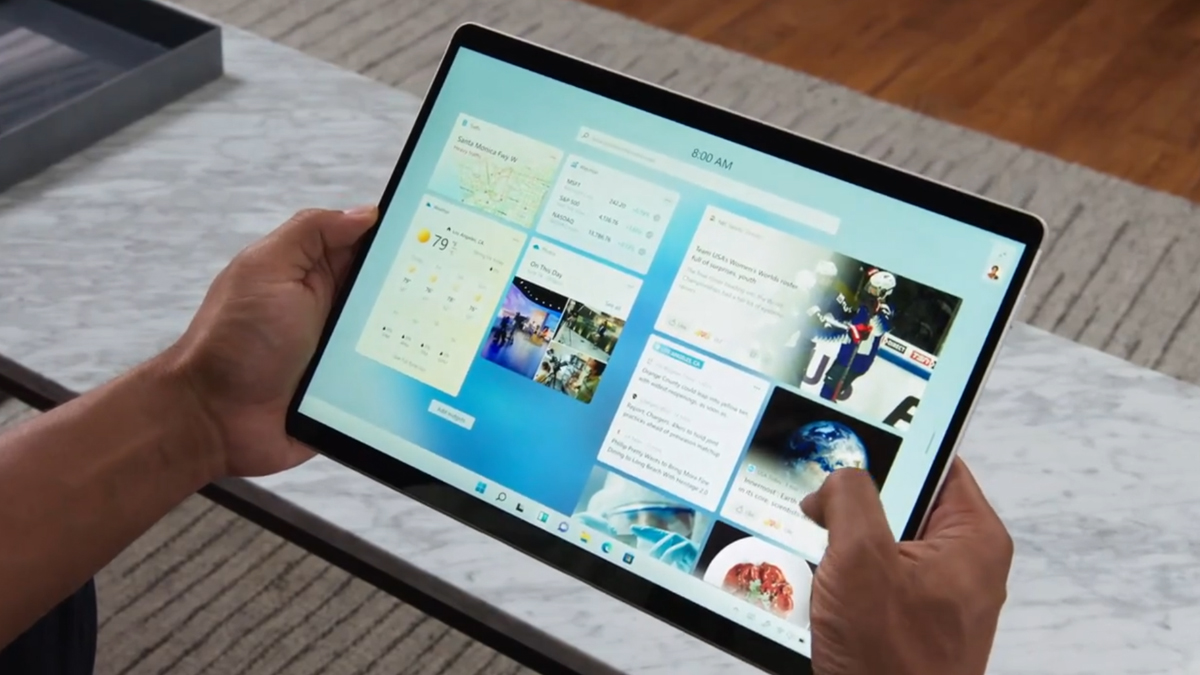
On top of that, Windows 11 will have Windows Widgets. If you used the Microsoft Launcher on Android, this would be familiar to you—it’s pretty much a custom feed of widgets like your calendar, weather and to do list. They point out that Windows 11 has better touch support too, where these widgets would come in handy.
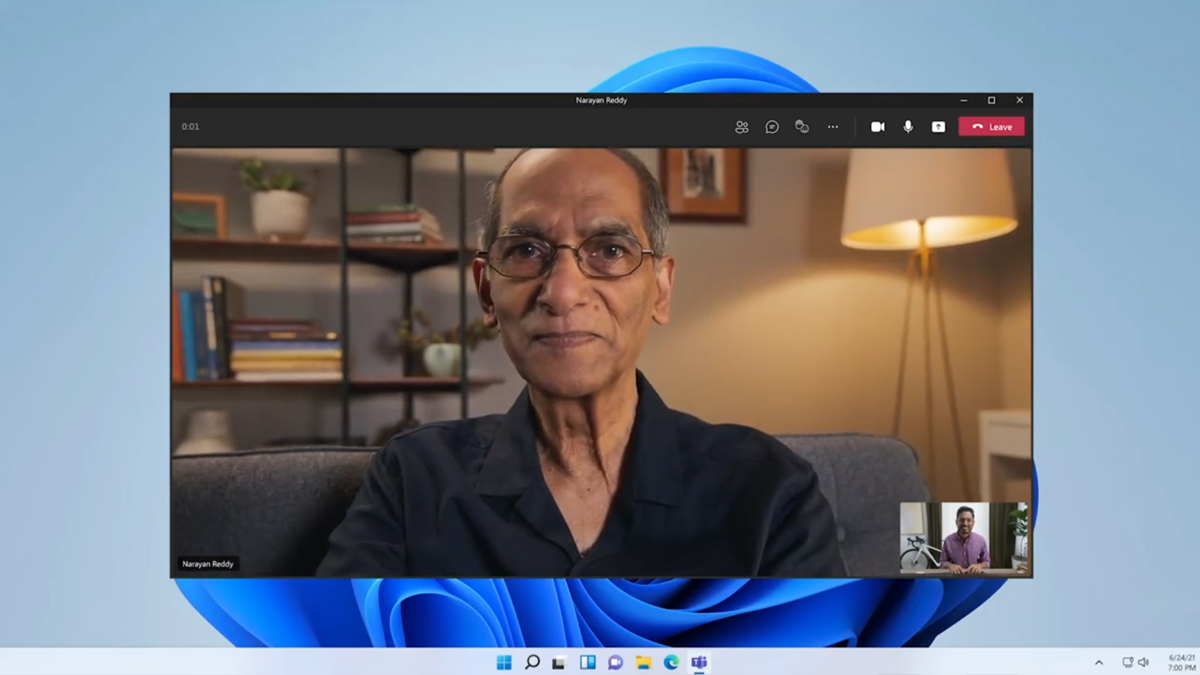
There will also be haptic feedback if you’re using a stylus like the Surface Pen, or you can use the new voice typing feature too. It’ll probably be a huge boost for Microsoft Surface users. Meanwhile, they’re also throwing in Microsoft Teams integration into Windows 11, perhaps a fitting feature with people still working from home.
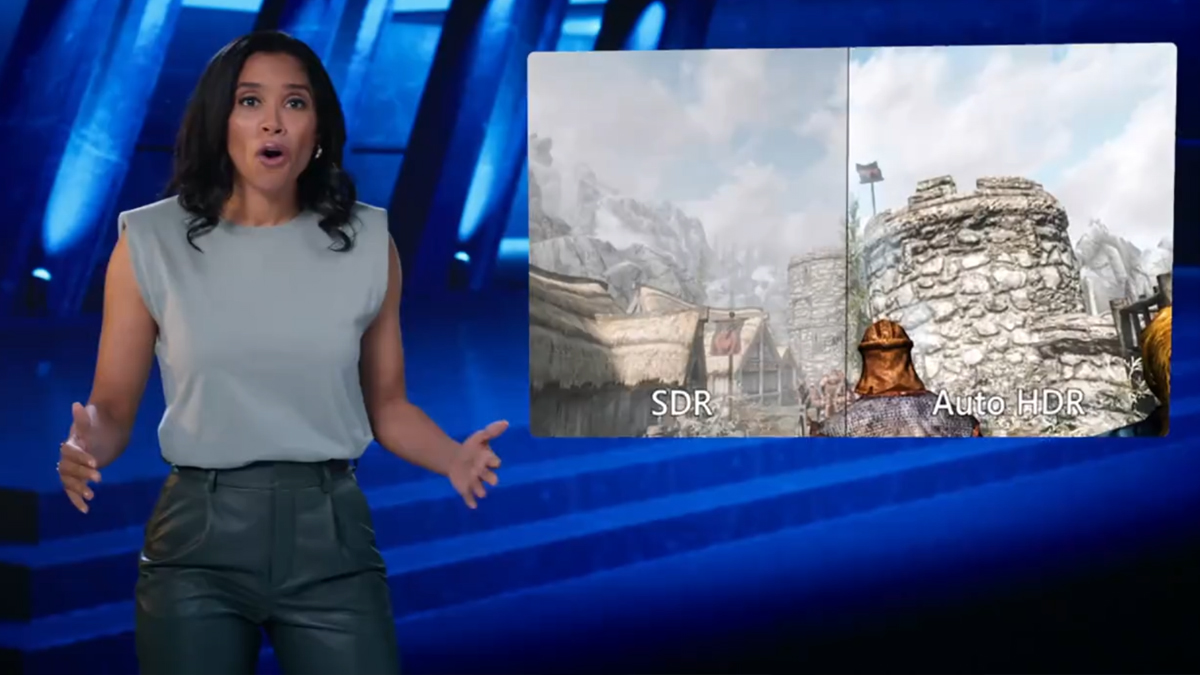
If you’re a gamer, Microsoft says that Windows 11 was made for you. The first big gaming-oriented feature in Windows 11 they announced is Auto HDR (High Dynamic Range). Auto HDR essentially updates your game’s lighting and colour into HDR. This should get gamers a much better gaming experience, especially in story-focused games where the environment plays a big part. They even showed it off with a side-by-side of Skyrim running Auto HDR.
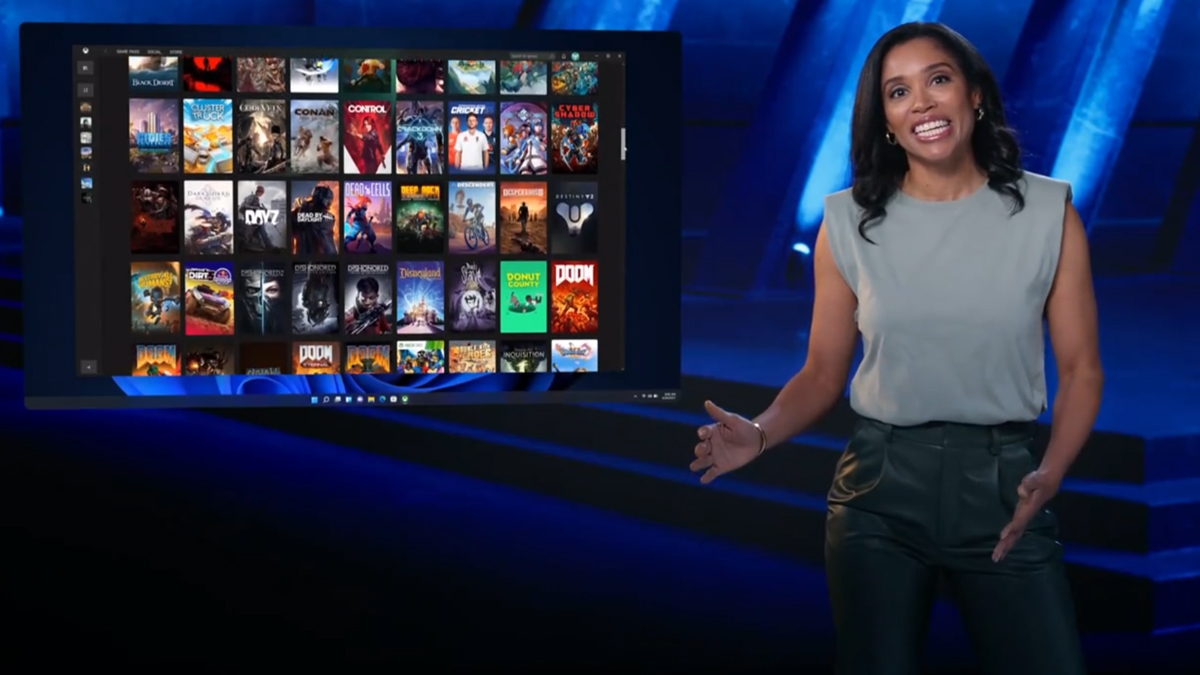
They also mention two other major new features in Windows 11 for gamers. The first is DirectStorage technology. First seen in the Microsoft Xbox Series X/S game consoles, it lets the system load up assets to the GPU without needing to bog down your CPU, which should lead to faster load times and less stress on your processor. Meanwhile, Xbox Game Pass is also coming to Windows 11. It’s essentially a subscription service where for a monthly fee you can access over 100 games in their library. This will be integrated into the Xbox app on Windows 11.
Panay added that Microsoft’s hardware partners are ready to bring their new operating system to your next laptop. The three major CPU companies for Windows—Intel, AMD and Qualcomm—have been working with Microsoft since day 1 to develop Windows 11. Indeed, he says that you can expect to buy a Windows 11-ready machine by this the holiday season.
Microsoft Windows 11 will be ready for users to download by the holiday season this year, and it will be free of charge for Windows 10 users. In the meantime though, if you’re itching to try out the ‘next generation’ of Windows, the Windows Insiders beta build will be made available next week.