• 中文版
  • BM
  • News
  • Deals
  • Reviews
    • First Impressions
    • Hands-on
    • Comparisons
  • Tech
    • Mobile
    • Computers
    • Cameras
    • Wearables
    • Audio
    • Drones
  • Telco
    • Celcom
    • Digi
    • Maxis
    • Time
    • Tune Talk
    • U Mobile
    • Unifi
    • Yes
  • Cars
  • Contribute
  • Jobs
Menu
  • 中文版
  • BM
  • News
  • Deals
  • Reviews
    • First Impressions
    • Hands-on
    • Comparisons
  • Tech
    • Mobile
    • Computers
    • Cameras
    • Wearables
    • Audio
    • Drones
  • Telco
    • Celcom
    • Digi
    • Maxis
    • Time
    • Tune Talk
    • U Mobile
    • Unifi
    • Yes
  • Cars
  • Contribute
  • Jobs
Search
  • Tech
    • News
    • Mobile
    • Computers
    • Cameras
    • Wearables
    • Audio
    • Drones
  • Telco
    • Celcom
    • Digi
    • Maxis
    • Time
    • U Mobile
    • Unifi
    • Yes
  • Reviews
    • First Impressions
    • Hands-on
    • Comparisons
  • Buyer’s Guide
  • Opinions
  • Digital Life
  • Video
  • Deals
  • How-To
  • Cars
  • Bahasa Melayu
  • EV
  • Contribute
  • Advertise
Menu
  • Tech
    • News
    • Mobile
    • Computers
    • Cameras
    • Wearables
    • Audio
    • Drones
  • Telco
    • Celcom
    • Digi
    • Maxis
    • Time
    • U Mobile
    • Unifi
    • Yes
  • Reviews
    • First Impressions
    • Hands-on
    • Comparisons
  • Buyer’s Guide
  • Opinions
  • Digital Life
  • Video
  • Deals
  • How-To
  • Cars
  • Bahasa Melayu
  • EV
  • Contribute
  • Advertise
Search
Close
Home Digital Life

iOS 14: YouTube blocks picture-in-picture mode, but here’s a hack to make it work

  • BY Dzamira Dzafri
  • 22 September 2020
  • 11:00 am
  • Comment
Share on FacebookShare on Twitter

iOS 14 has brought on a few new updates, including customisable home screens that brings me back to MySpace. Another new feature is picture-in-picture mode, which lets you watch a video in a small window while you’re doing other things on your iPhone.

However, you aren’t able to utilise the feature on YouTube—unless you pay for the Premium account. But we just found an easy little trick to make picture-in-picture still work on YouTube’s site.

What is picture-in-picture mode?

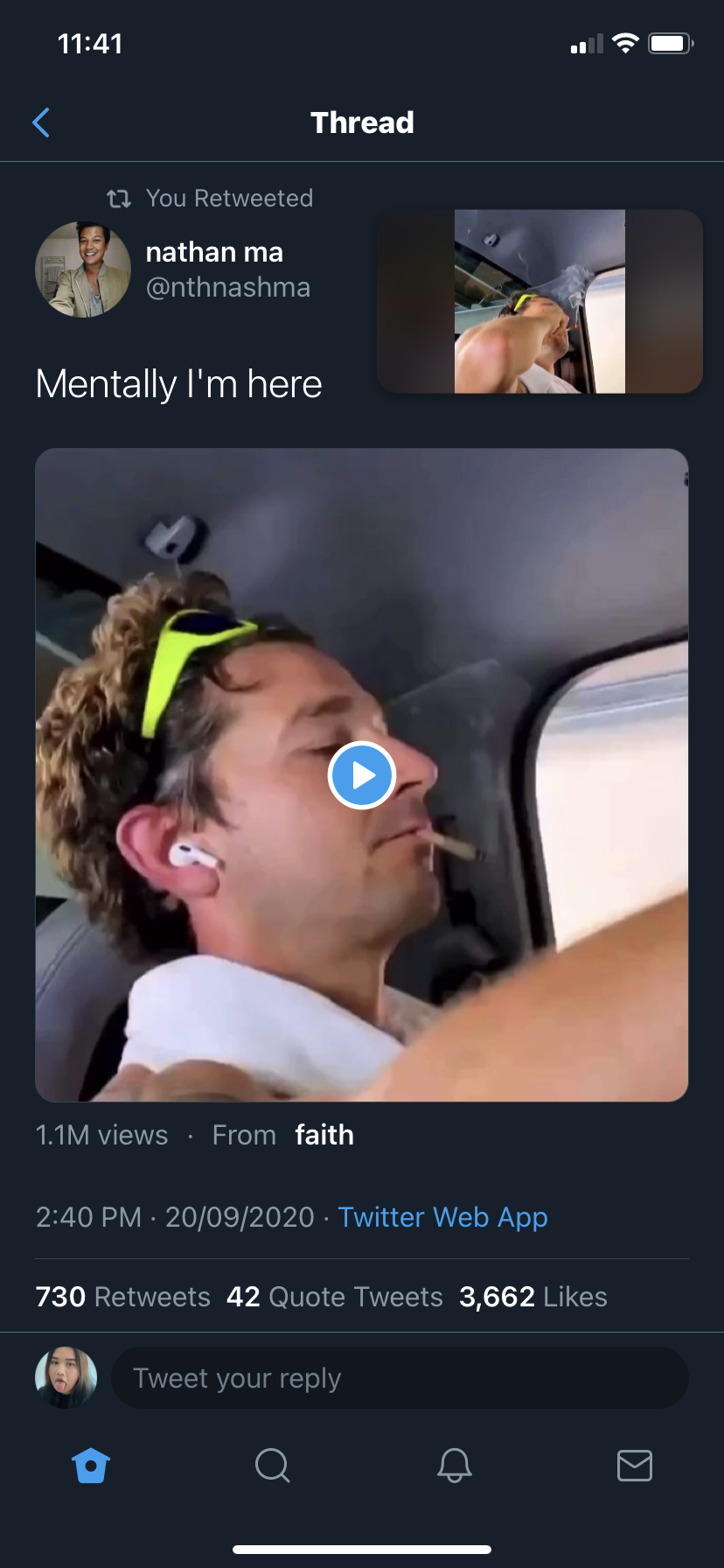
iOS 14’s picture-in-picture mode is handy for if you wanted to watch a video while chatting with your friends or checking email. You can now easily do so on apps like Twitter and WhatsApp.

Here’s how to access the feature:
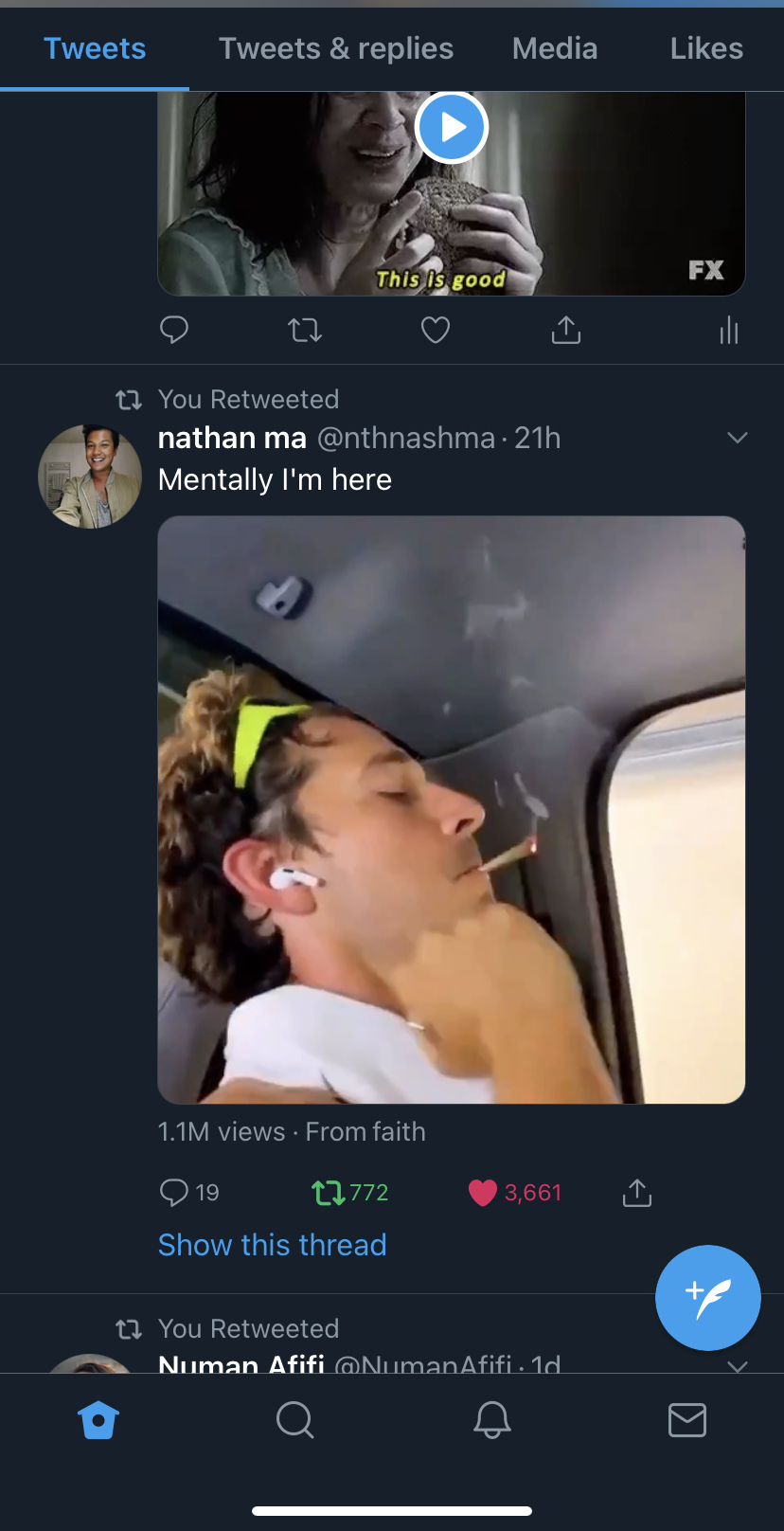
  • Visit an app where you can also watch videos like Twitter or WhatsApp
  • Play the video in full-screen mode
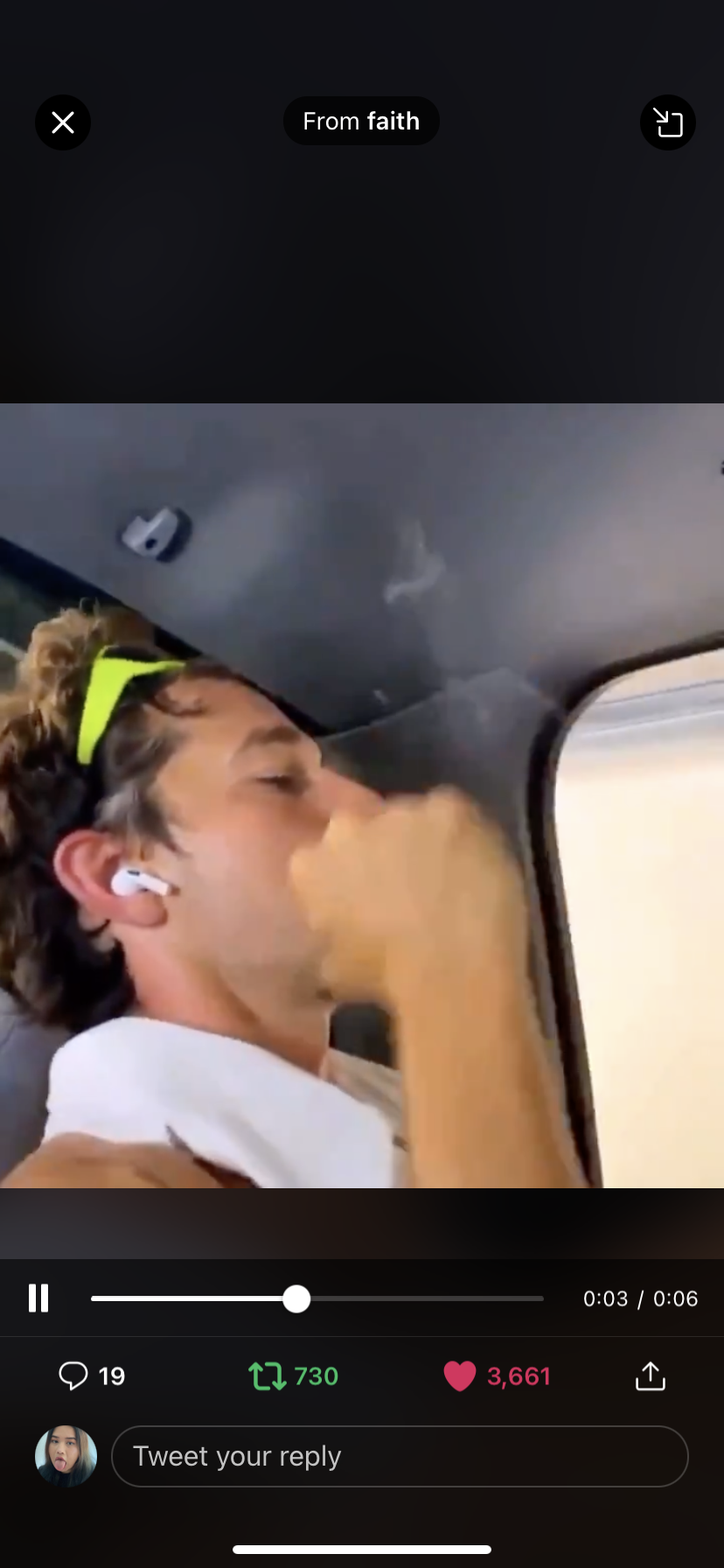
  • You’ll see a picture-in-picture mode button on the top right side
  • Once you click on the button, you’ll be able to watch the video while you access the rest of the app

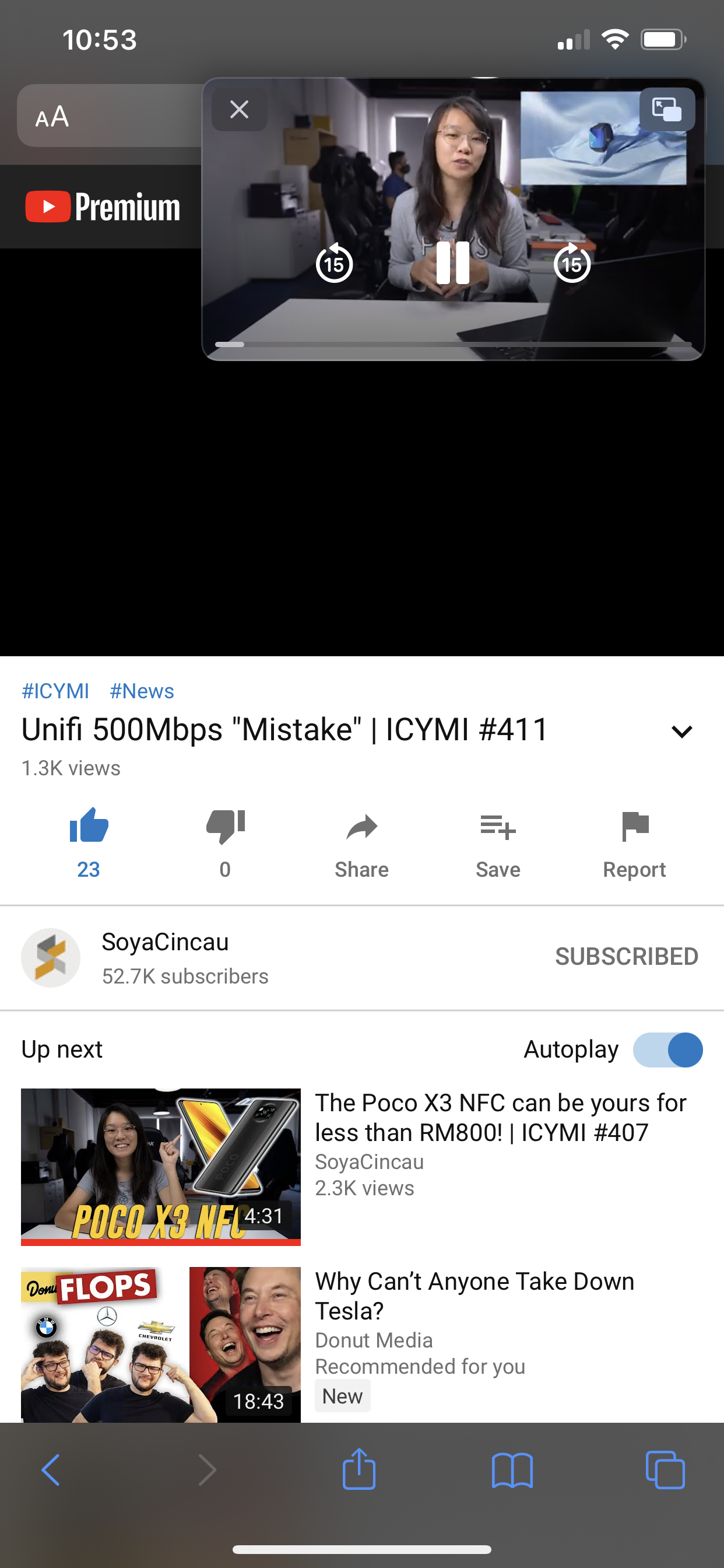
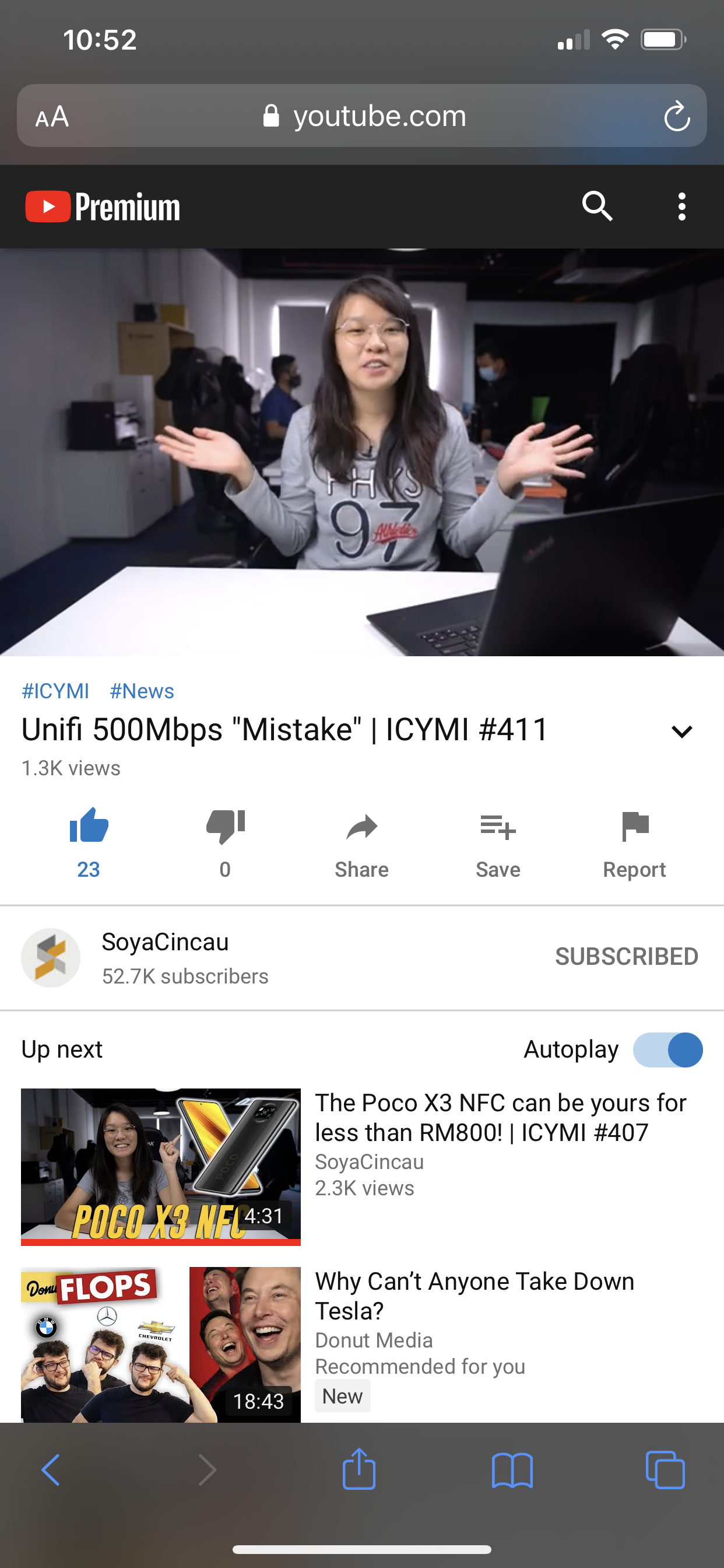
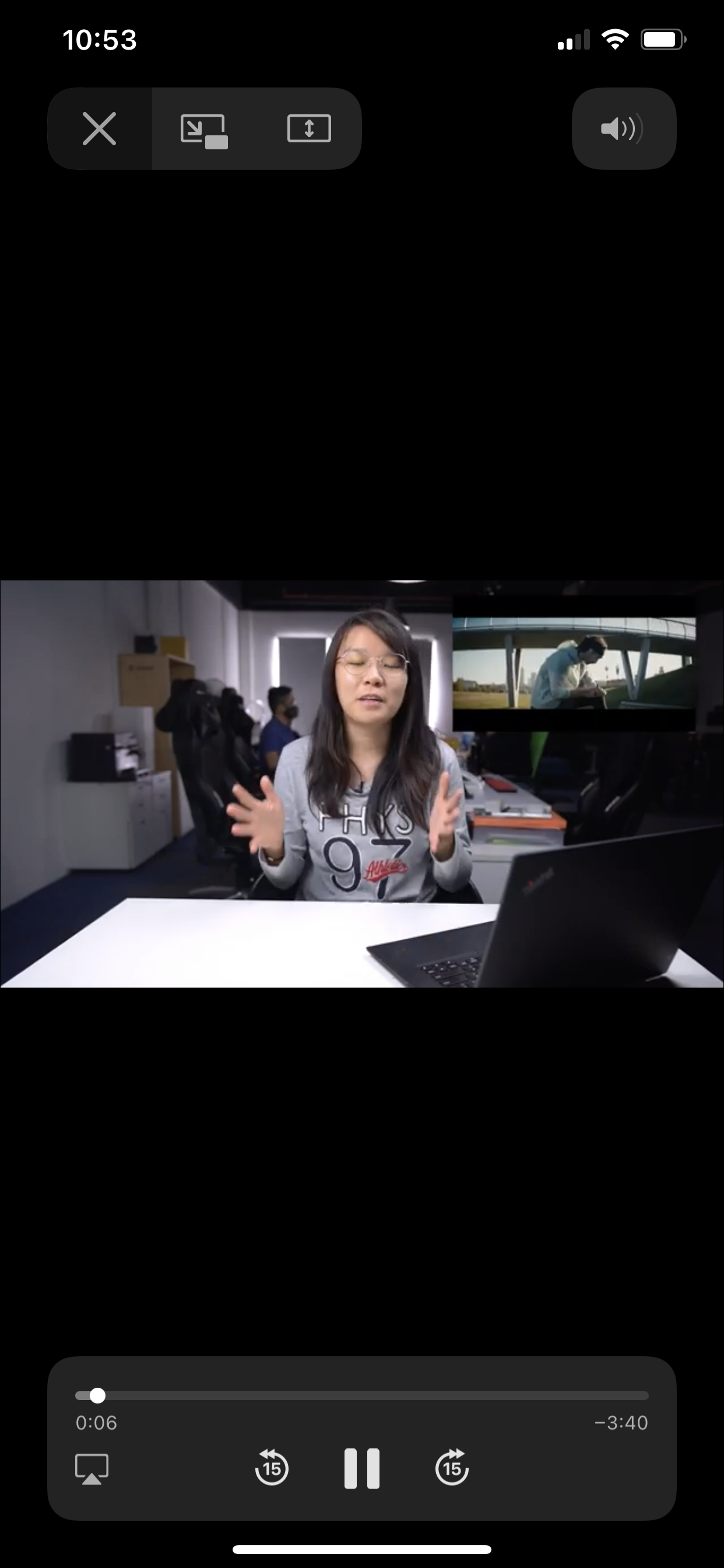
Unfortunately, YouTube’s iOS app still doesn’t support picture-in-picture—which is why people are turning to Safari to do it. But YouTube probably took note of this and quickly disabled it on YouTube.com, unless you’re a Premium user. You can view how the feature looks like with a Premium YouTube membership below.
How to access picture-in-picture mode for YouTube as a non-Premium user

  • Visit YouTube.com on Safari
  • Choose a video to watch
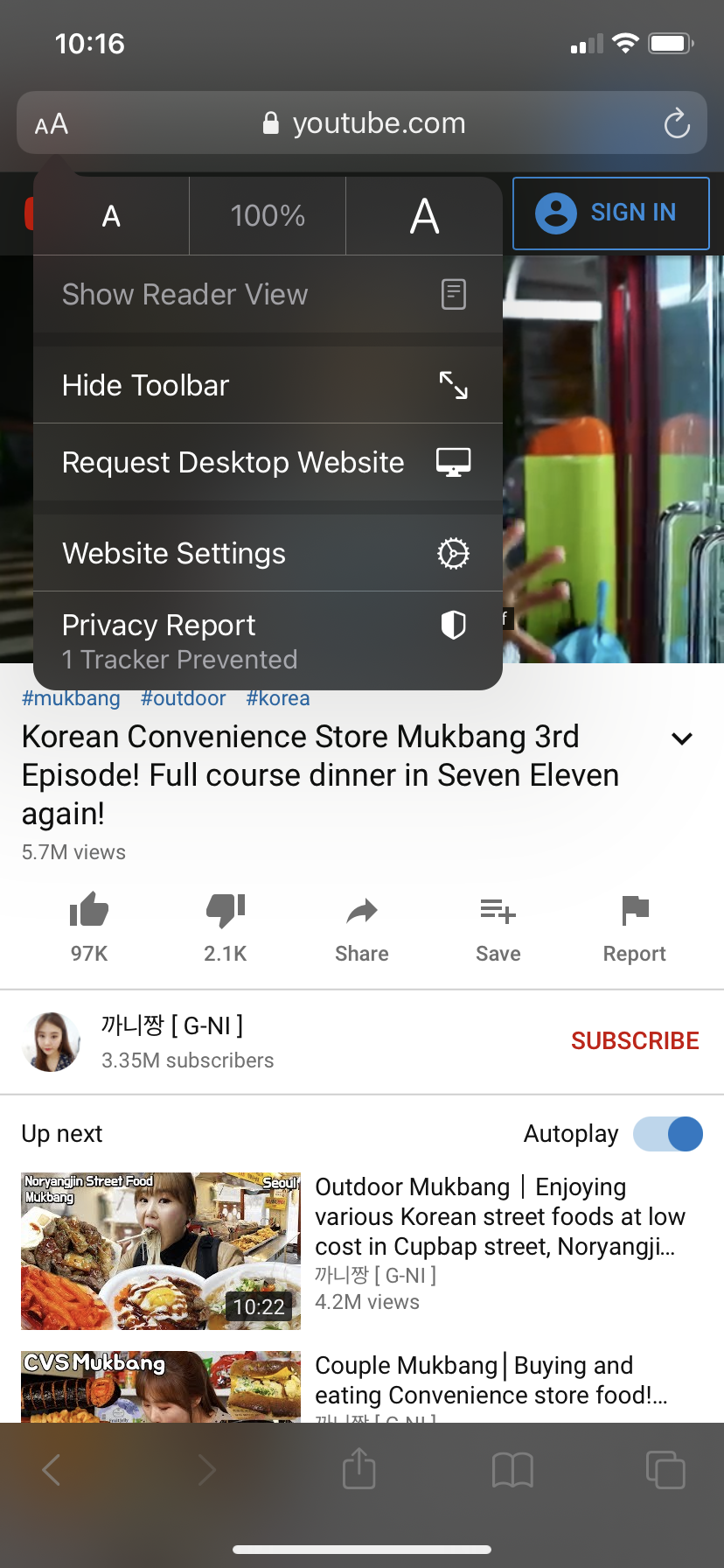
  • Select the “aA” icon available on the top left side
  • Select “Request Desktop Website”
  • You’ll now be able to access picture-in-picture mode

Besides the way above, picture-in-picture will also work if the YouTube video is embedded on external website. For example, you can access the feature if you view a video through our own site.
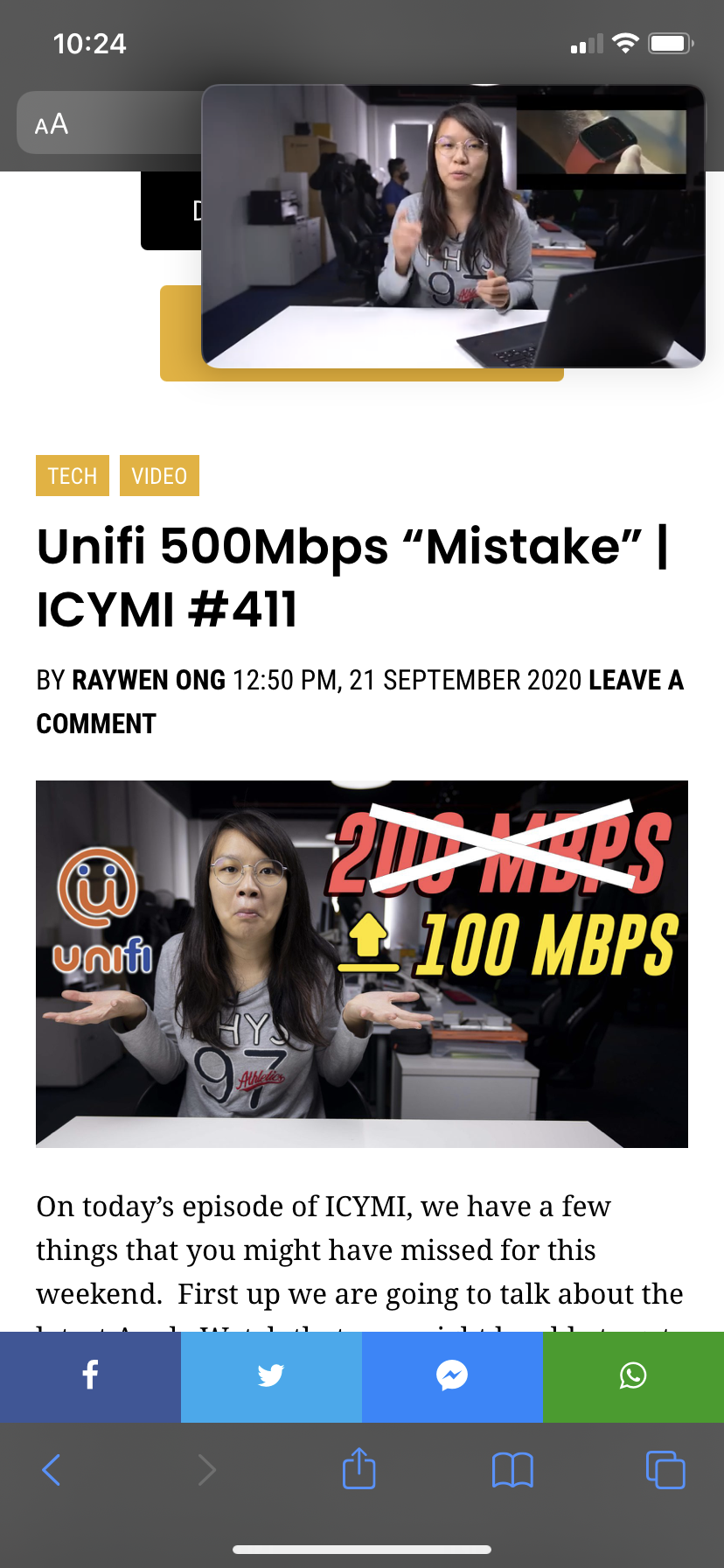
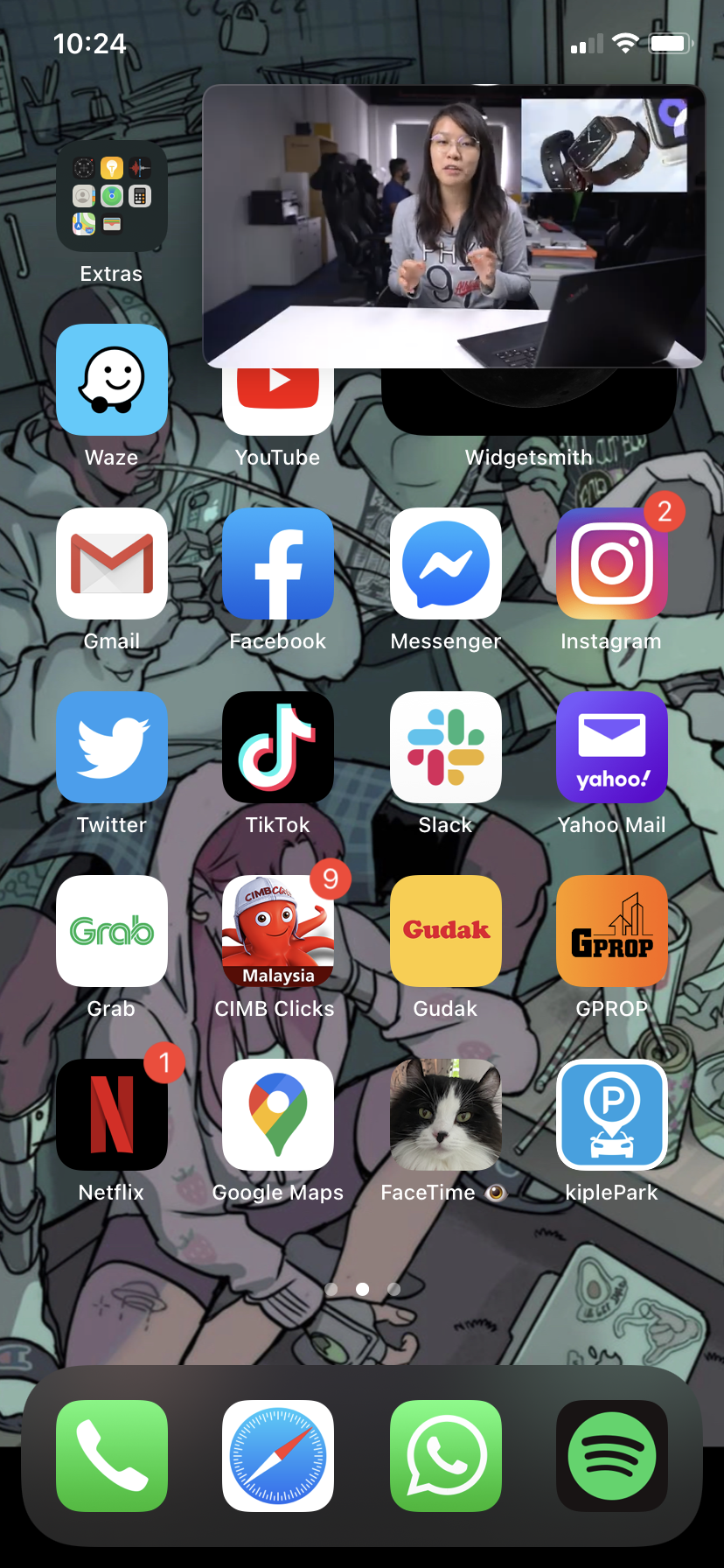
Picture-in-picture mode works with YouTube videos in Safari if you’re using an iPad, regardless of whether you’ve got a free or Premium account.

[ SOURCE ]

Related reading

[UPDATED] iOS 14 with new home screen widgets and App Library is available to download on 17 September
Tags: AppleiOS 14youtube
Dzamira Dzafri

Dzamira Dzafri

POPULAR

iOS 14: YouTube blocks picture-in-picture mode, but here’s a hack to make it work

September 22, 2020
Rear view of the OPPO Find X9 Ultra in Tundra Umber standing vertically on a stone surface with a lush green bokeh background. The device features an eco-friendly vegan leather back with a classic stitching design , vertically oriented Hasselblad and OPPO logos , and a large circular Master Lens camera module with a bronze-toned knurled ring.

Clearing Every Expectation: How the OPPO Find X9 Ultra Redefines the Modern Flagship Experience

April 16, 2026
Proton EV Plant, Tanjung Malim

MITI says EVs won’t become more expensive, but can Malaysia’s CKD industry fill the gap?

May 10, 2026

Maxis Home Solar now offers outright purchase option, with up to 80% electricity bill savings

May 11, 2026
BYD Tech Discovery KL

MITI’s CBU EV ruling will wipe out current EV lineup from BYD, iCaur, Mini, Smart, Toyota, and more

May 7, 2026

Vibe Mobile is U Mobile’s latest MVNO partner for 5G services

May 11, 2026

Copyright © 2025 · SoyaCincau.com
Mind Blow Sdn Bhd (1076827-P)

  • ADVERTISE
  • DISCLAIMER

Copyright © 2026 · SoyaCincau.com – Mind Blow Sdn Bhd (1076827-P)

  • ADVERTISE
  • DISCLAIMER