• 中文版
  • BM
  • News
  • Deals
  • Reviews
    • First Impressions
    • Hands-on
    • Comparisons
  • Tech
    • Mobile
    • Computers
    • Cameras
    • Wearables
    • Audio
    • Drones
  • Telco
    • Celcom
    • Digi
    • Maxis
    • Time
    • Tune Talk
    • U Mobile
    • Unifi
    • Yes
  • Cars
  • Contribute
  • Jobs
Menu
  • 中文版
  • BM
  • News
  • Deals
  • Reviews
    • First Impressions
    • Hands-on
    • Comparisons
  • Tech
    • Mobile
    • Computers
    • Cameras
    • Wearables
    • Audio
    • Drones
  • Telco
    • Celcom
    • Digi
    • Maxis
    • Time
    • Tune Talk
    • U Mobile
    • Unifi
    • Yes
  • Cars
  • Contribute
  • Jobs
Search
  • Tech
    • News
    • Mobile
    • Computers
    • Cameras
    • Wearables
    • Audio
    • Drones
  • Telco
    • Celcom
    • Digi
    • Maxis
    • Time
    • U Mobile
    • Unifi
    • Yes
  • Reviews
    • First Impressions
    • Hands-on
    • Comparisons
  • Buyer’s Guide
  • Opinions
  • Digital Life
  • Video
  • Deals
  • How-To
  • Cars
  • Bahasa Melayu
  • EV
  • Contribute
  • Advertise
Menu
  • Tech
    • News
    • Mobile
    • Computers
    • Cameras
    • Wearables
    • Audio
    • Drones
  • Telco
    • Celcom
    • Digi
    • Maxis
    • Time
    • U Mobile
    • Unifi
    • Yes
  • Reviews
    • First Impressions
    • Hands-on
    • Comparisons
  • Buyer’s Guide
  • Opinions
  • Digital Life
  • Video
  • Deals
  • How-To
  • Cars
  • Bahasa Melayu
  • EV
  • Contribute
  • Advertise
Search
Close
Home News

How-to: Connect 2 pairs of AirPods to a single iPhone

  • BY Nic Ker
  • 30 October 2019
  • 8:00 pm
  • Comment
Share on FacebookShare on Twitter

I remember watching the movie, Begin Again, and watching Mark Ruffalo and Keira Knightley strolling through the City at night, listening to a Frank Sinatra classic together with a headphone splitter on a single phone. And I thought: what a great way to share music.

Of course, things have changed a great deal over the last few years or so, when it comes to tech. Headphone jacks are slowly becoming a thing of the past on many flagship smartphones, and in fact, most people prefer to use wireless headphones to begin with.

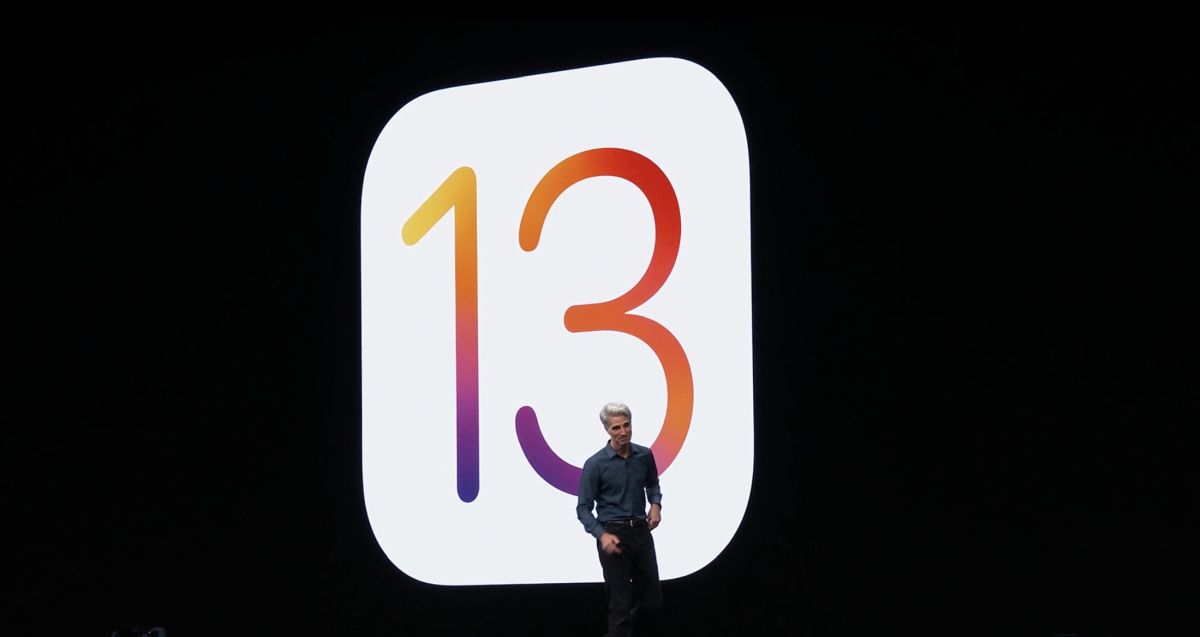
An understated new feature from iOS 13 brings this sense of nostalgia back, however. If you (and a friend) are using a supported iOS 13.1 or iPadOS device, as well as a supported pair of headphones, here’s how to set up audio sharing on your device.
Supported devices

Supported headphones (in addition to AirPods, AirPods Pro):

  • Powerbeats Pro
  • Beats Solo Wireless
  • Beats
  • Beats Studio Wireless
  • Powerbeats Wireless

Supported Apple devices:

  • iPhone 8 and later
  • iPad Pro (12.9-inch) (2nd generation and later)
  • iPad Pro (11-inch)
  • iPad Pro (10.5-inch)
  • iPad (5th generation and later)
  • iPad Air (3rd generation)
  • iPad mini (5th generation)
  • iPod touch (7th generation)

How to set up audio sharing

First, connect your headphones to your iPhone/iPad/iPod. Ensure that your friend’s pair of headphones are kept in the case. Move your iPhone to towards your friend’s open charging case. On your iPhone, tap “Temporarily Share Audio”, and follow the on-screen instructions. If you’re using a pair of Beats headphones, you’ll need to press the power button on the headphones briefly, before moving your iPhone closer.

You can also connect your iPhone to another supported iOS device. Click on the icon with a triangle and three circles in the Now Playing controls near the top right of your iPhone’s screen, and click Share Audio. Then, bring your iPhone closer to your friend’s iPhone/iPad, and ask your friend to tap “Join” on their device.

Do note that you’ll need to have AirPods (or supported headphones) for this to work, even if you’re connecting to another iOS device as opposed directly pairing with a friend’s AirPods.

[ SOURCE , VIA ]

Tags: AirPodsAppleheadphones
Nic Ker

Nic Ker

POPULAR

Nissan Finally Gives the Serena a Real Hybrid Powertrain in Malaysia. Estimated from RM160k to RM180k

January 16, 2026

Neta V now available for only RM40k, but with a limited 6-month warranty

January 31, 2026

How-to: Connect 2 pairs of AirPods to a single iPhone

October 30, 2019

Perodua QV-E only costs RM1.4k to maintain for 5 years, cheaper than Axia

January 30, 2026

Tired of cracked screens or short battery life? The REDMI Note 15 Series take a durability-first approach

January 15, 2026

Is your TNG eWallet suspended? Here’s what you should do

January 27, 2026

Copyright © 2025 · SoyaCincau.com
Mind Blow Sdn Bhd (1076827-P)

  • ADVERTISE
  • DISCLAIMER

Copyright © 2026 · SoyaCincau.com – Mind Blow Sdn Bhd (1076827-P)

  • ADVERTISE
  • DISCLAIMER