• 中文版
  • BM
  • News
  • Deals
  • Reviews
    • First Impressions
    • Hands-on
    • Comparisons
  • Tech
    • Mobile
    • Computers
    • Cameras
    • Wearables
    • Audio
    • Drones
  • Telco
    • Celcom
    • Digi
    • Maxis
    • Time
    • Tune Talk
    • U Mobile
    • Unifi
    • Yes
  • Cars
  • Contribute
  • Jobs
Menu
  • 中文版
  • BM
  • News
  • Deals
  • Reviews
    • First Impressions
    • Hands-on
    • Comparisons
  • Tech
    • Mobile
    • Computers
    • Cameras
    • Wearables
    • Audio
    • Drones
  • Telco
    • Celcom
    • Digi
    • Maxis
    • Time
    • Tune Talk
    • U Mobile
    • Unifi
    • Yes
  • Cars
  • Contribute
  • Jobs
Search
  • Tech
    • News
    • Mobile
    • Computers
    • Cameras
    • Wearables
    • Audio
    • Drones
  • Telco
    • Celcom
    • Digi
    • Maxis
    • Time
    • U Mobile
    • Unifi
    • Yes
  • Reviews
    • First Impressions
    • Hands-on
    • Comparisons
  • Buyer’s Guide
  • Opinions
  • Digital Life
  • Video
  • Deals
  • How-To
  • Cars
  • Bahasa Melayu
  • EV
  • Contribute
  • Advertise
Menu
  • Tech
    • News
    • Mobile
    • Computers
    • Cameras
    • Wearables
    • Audio
    • Drones
  • Telco
    • Celcom
    • Digi
    • Maxis
    • Time
    • U Mobile
    • Unifi
    • Yes
  • Reviews
    • First Impressions
    • Hands-on
    • Comparisons
  • Buyer’s Guide
  • Opinions
  • Digital Life
  • Video
  • Deals
  • How-To
  • Cars
  • Bahasa Melayu
  • EV
  • Contribute
  • Advertise
Search
Close
Home News

Apple shows what you can do with iOS 11 on the iPad

  • BY Alexander Wong
  • 18 August 2017
  • 2:50 pm
  • Comment
Share on FacebookShare on Twitter

iPad iOS 11 Features

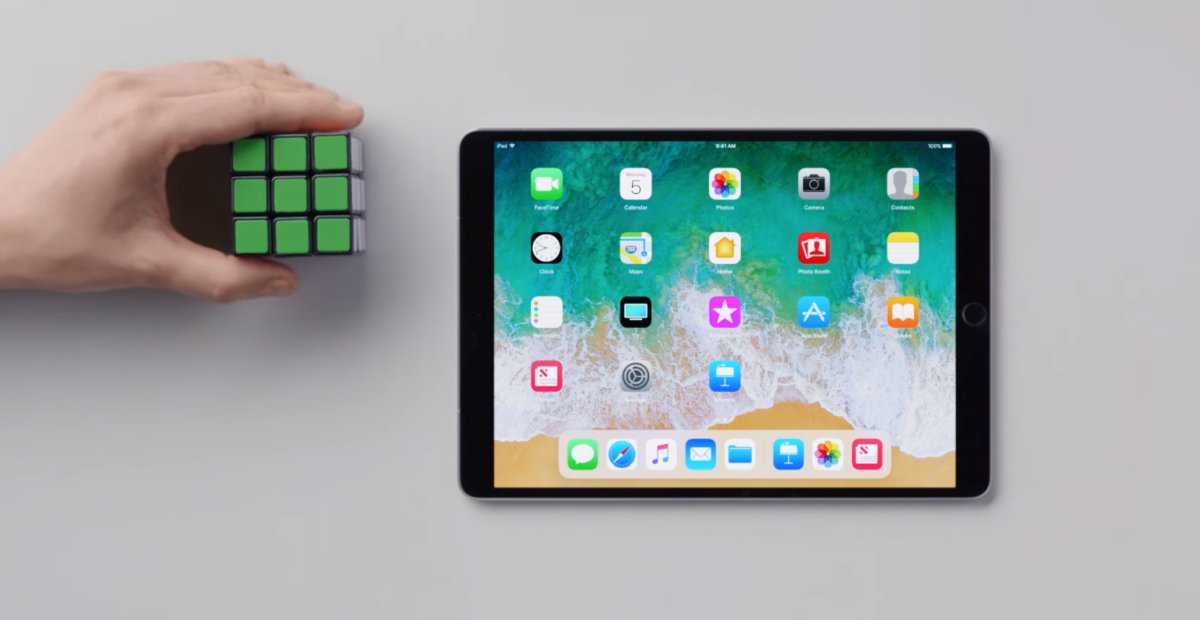
Apple’s popular iPad is gettings its biggest update yet with the release of iOS 11 later this year. The latest version will bring more productivity features which could turn the iPad closer to a laptop replacement device.

To demonstrate its new features, Apple has released a series of short videos to show you how it’s done. Watch them all after the break.

To find out what’s new with iOS 11, you can check out our iPad feature list here. Can’t wait to try it today? You can install iOS 11 Public Beta on your device by following the instructions here. Since it is beta, it can get really buggy so do proceed only if you know what you are getting yourself into.

Tags: AppleiOS 11iOS 11 ipadiOS 11 iPad FeaturesiOS 11 multi-taskingiPadiPad Promulti-tasking
Alexander Wong

Alexander Wong

POPULAR

Apple shows what you can do with iOS 11 on the iPad

August 18, 2017
BYD Tech Discovery KL

MITI’s CBU EV ruling will wipe out current EV lineup from BYD, iCaur, Mini, Smart, Toyota, and more

May 7, 2026
Proton Saga Cross AMA02 by Theottle

Proton Saga Cross AMA02 to begin production in October?

May 4, 2026

TNG eWallet to disable auto-reload for debit cards from 13 May 2026

April 30, 2026

YouTube Premium Lite now in Malaysia: Ad-free viewing from RM12.90/month

May 4, 2026

MITI increases minimum CBU EV price to RM300K? Imported EVs with 240hp and below not allowed?

May 6, 2026

Copyright © 2025 · SoyaCincau.com
Mind Blow Sdn Bhd (1076827-P)

  • ADVERTISE
  • DISCLAIMER

Copyright © 2026 · SoyaCincau.com – Mind Blow Sdn Bhd (1076827-P)

  • ADVERTISE
  • DISCLAIMER