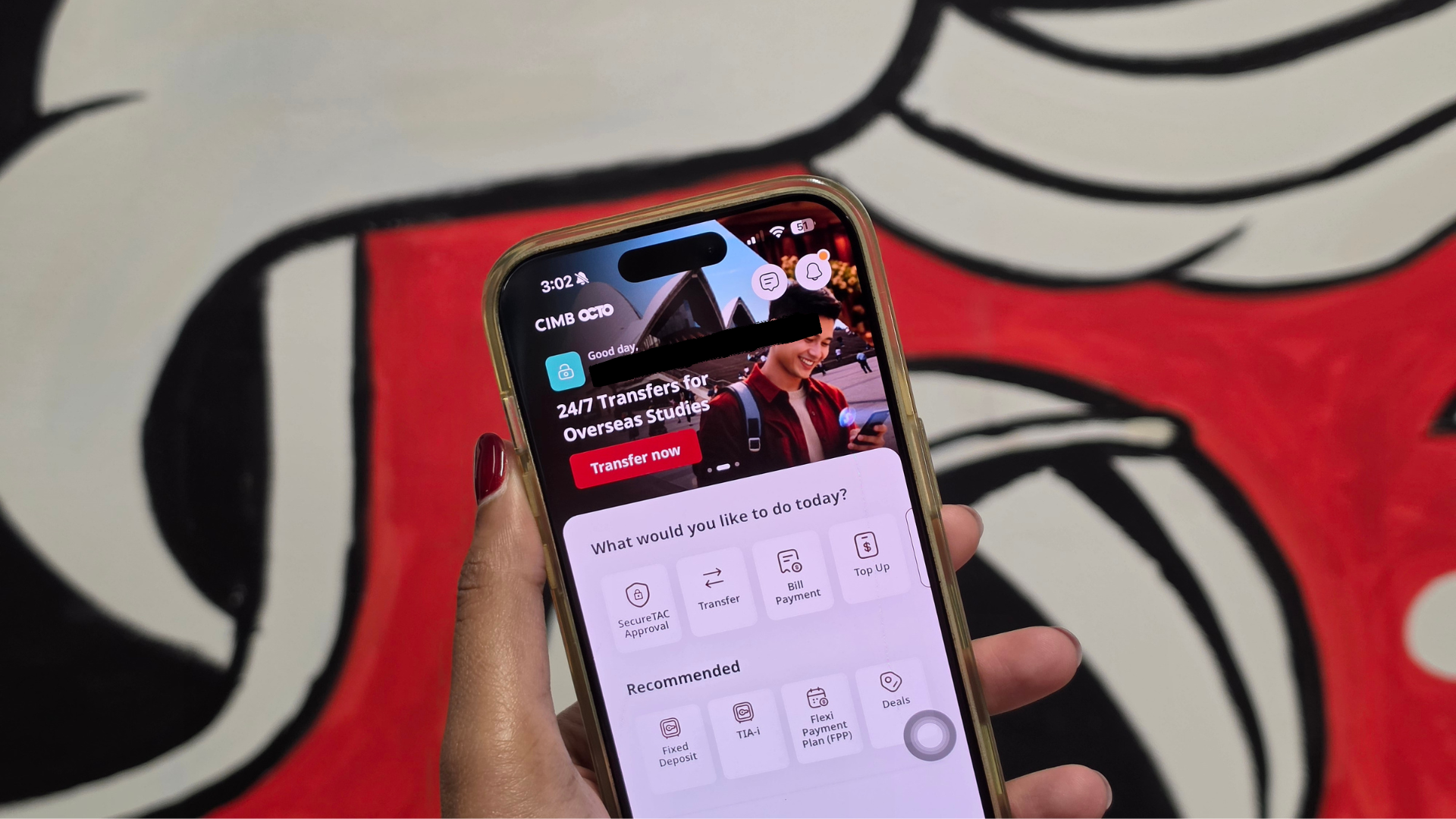
CIMB Bank will officially phase out password verification for SecureTAC approvals on CIMB Clicks Web and online merchant transactions starting 19 September 2026.
Under this new security mandate, all web transfers and online card payments must be authenticated exclusively through the CIMB OCTO mobile app.
Users will now be required to verify their identity using biometrics such as Face ID and fingerprint scanning, or their custom 6 digit OCTO App passcode.
Why is CIMB removing password verification?
CIMB states that removing password verification within the OCTO app aims to strengthen security and protect accounts against unauthorised access and fraud.
In line with industry security standards, web transactions will no longer accept traditional account passwords for SecureTAC approvals.
Once the policy takes effect, every web purchase or Clicks Web transaction will strictly require Face ID, fingerprint scanning, or your personal 6 digit OCTO App passcode.
How online transaction approvals will work

Initiating a payment on Clicks Web or a merchant site will trigger a SecureTAC push notification to your primary phone.
Tapping the notification or manually opening the SecureTAC menu in the OCTO app displays the transaction details.
Upon selecting “Approve”, the app prompts for your phone security credentials, where a quick facial scan, fingerprint check, or your set OCTO App passcode completes the verification.
What happens if security is turned off?
For users who do not have biometrics or an in-app passcode enabled on the OCTO app, web transfers will fail.
You can still initiate a transaction on the web portal and receive the push notification on your phone.
However, selecting Approve in the app will trigger an immediate error stating that security is not set up, rejecting the payment until you configure biometrics or a passcode inside the OCTO app settings.
OCTO App passcode acts as the primary backup for biometrics
If your fingerprint scanner glitches or your front camera fails, your custom 6-digit OCTO App passcode serves as the primary fallback option.
This is the personal PIN configured directly inside the OCTO app settings rather than your phone screen lock or main Clicks password.
If you cancel the prompt or enter an incorrect passcode multiple times, the app displays an error message before closing and rejecting the web payment.
Account safety and self service troubleshooting


CIMB reassures customers that failed SecureTAC attempts will not lock your CIMB Clicks ID, nor will any funds be deducted from your account.
If a transaction fails, the recommended troubleshooting step is to ensure your OCTO app security settings are properly configured and retry the payment on Clicks Web.
The bank advises customers to contact their support centre only if approval issues persist after making a second attempt.