• 中文版
  • BM
  • News
  • Deals
  • Reviews
    • First Impressions
    • Hands-on
    • Comparisons
  • Tech
    • Mobile
    • Computers
    • Cameras
    • Wearables
    • Audio
    • Drones
  • Telco
    • Celcom
    • Digi
    • Maxis
    • Time
    • Tune Talk
    • U Mobile
    • Unifi
    • Yes
  • Cars
  • Contribute
  • Jobs
Menu
  • 中文版
  • BM
  • News
  • Deals
  • Reviews
    • First Impressions
    • Hands-on
    • Comparisons
  • Tech
    • Mobile
    • Computers
    • Cameras
    • Wearables
    • Audio
    • Drones
  • Telco
    • Celcom
    • Digi
    • Maxis
    • Time
    • Tune Talk
    • U Mobile
    • Unifi
    • Yes
  • Cars
  • Contribute
  • Jobs
Search
  • Tech
    • News
    • Mobile
    • Computers
    • Cameras
    • Wearables
    • Audio
    • Drones
  • Telco
    • Celcom
    • Digi
    • Maxis
    • Time
    • U Mobile
    • Unifi
    • Yes
  • Reviews
    • First Impressions
    • Hands-on
    • Comparisons
  • Buyer’s Guide
  • Opinions
  • Digital Life
  • Video
  • Deals
  • How-To
  • Cars
  • Bahasa Melayu
  • EV
  • Contribute
  • Advertise
Menu
  • Tech
    • News
    • Mobile
    • Computers
    • Cameras
    • Wearables
    • Audio
    • Drones
  • Telco
    • Celcom
    • Digi
    • Maxis
    • Time
    • U Mobile
    • Unifi
    • Yes
  • Reviews
    • First Impressions
    • Hands-on
    • Comparisons
  • Buyer’s Guide
  • Opinions
  • Digital Life
  • Video
  • Deals
  • How-To
  • Cars
  • Bahasa Melayu
  • EV
  • Contribute
  • Advertise
Search
Close
Home Digital Life

Western Digital’s My Cloud service is down for over a week, here’s how you can access your files

  • BY Alexander Wong
  • 11 April 2023
  • 8:33 am
  • Comment
Share on FacebookShare on Twitter

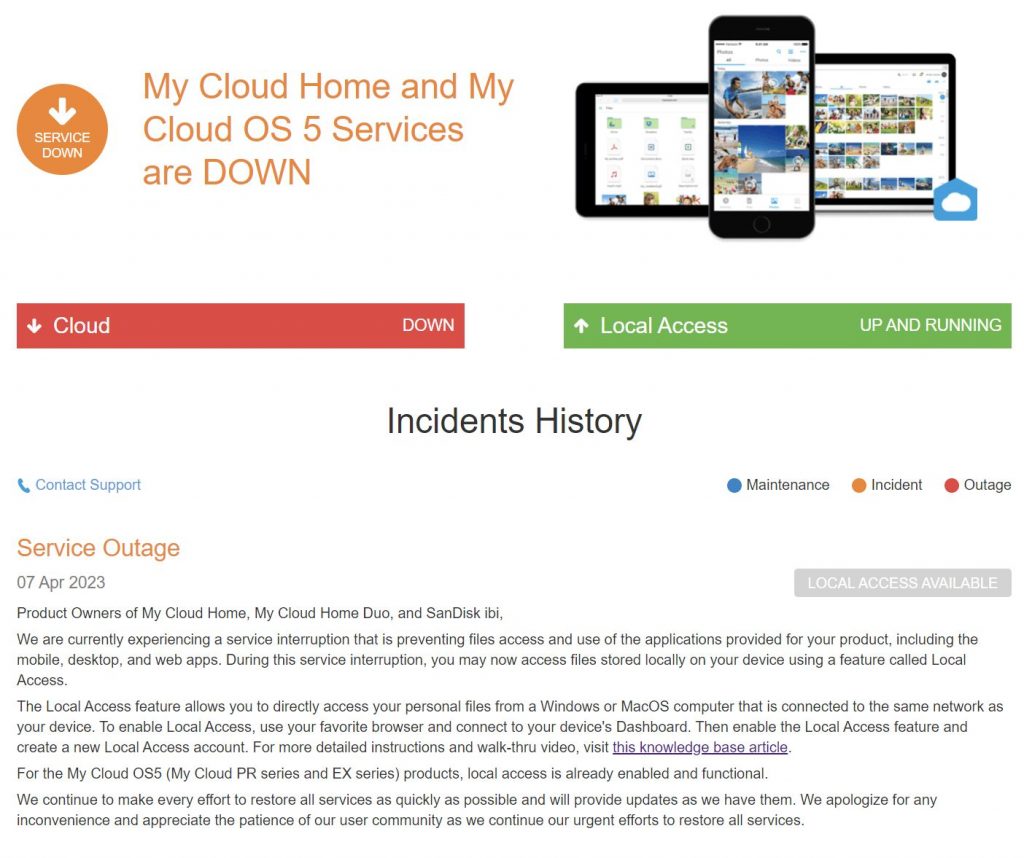
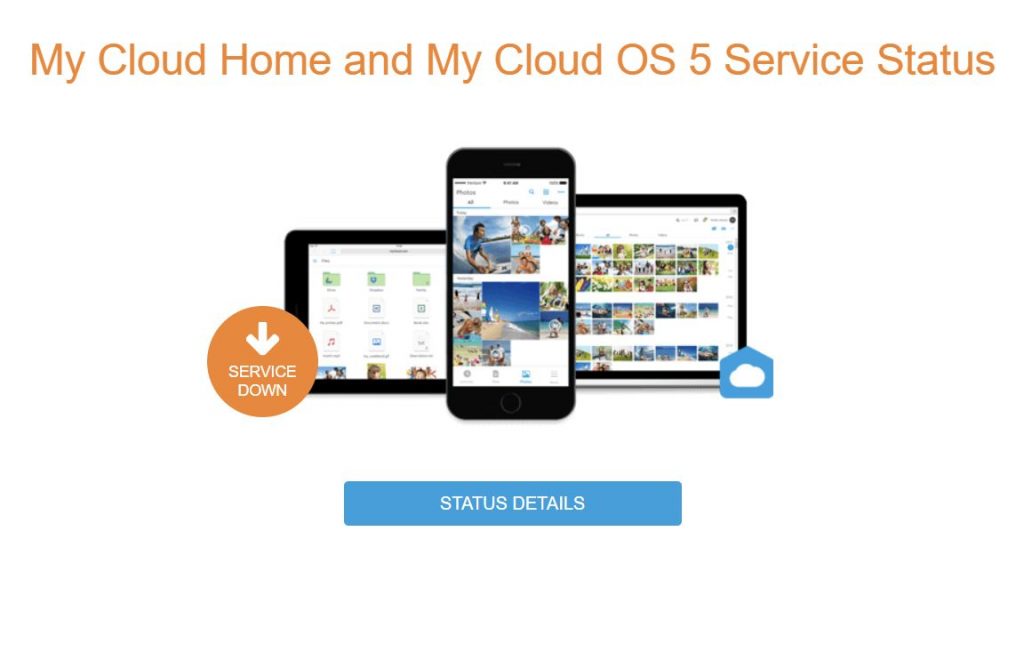
In case you missed it, Western Digital (WD) is currently having a major outage for its My Cloud service due to a network breach which happened sometime in late March. Since 2nd April, the My Cloud service, which allows users to access their files remotely, was unavailable and it affected various products and services including My Cloud Home, My Cloud Home Duo, My Cloud OS5, SanDisk ibi and SanDisk Ixpand Wireless Charger.

If need to use your stored photos or files, WD shared a temporary workaround last week which will allow you to access your files. The suggested solution is to enable Local Access which will allow you to access your files from your Windows or MacOS computer if you’re connected to the same local network as the WD product.
To do so might require some technical knowledge as you would need to know the hostname or IP address of your WD device on your network. To guide you through, they have released videos to show you how to find the device’s hostname (Windows, MacOS) or IP address (Windows, MacOS).

Once you have that you can access the WD device through a web browser and the URL should look something like http://mycloud-123456/ for Windows or http://MYCLOUD-123456.LOCAL or smb://IBI-123456.LOCAL on MacOS. If that doesn’t work, you can try accessing via an IP address which should look something like http://192.168.1.100.

You’ll need to sign in using your WD account and a 2FA verification is required via email. After that, make sure Local Network Access is enabled. You’ll be asked to create an SMB username and password which is a different login and password that’s required if someone on your local network needs to access the drive.

Once that’s done, you should be able to access your drive from File Explorer on Windows or Finder on Mac computers as the WD drive should appear as a network device. When you try to access it, you will be asked to enter the SMB username and password which you’ve just created.

For users on MyCloud OS5 (MyCloud PR and EX series), the Local Access feature is already enabled and you should be able to find your WD device as network-connected storage through Windows File Explorer or Finder on MacOS.

If you’re using a My Cloud Home, My Cloud Home Duo and SanDisk ibi, you can learn more about enabling local network access for your affected Western Digital product here.
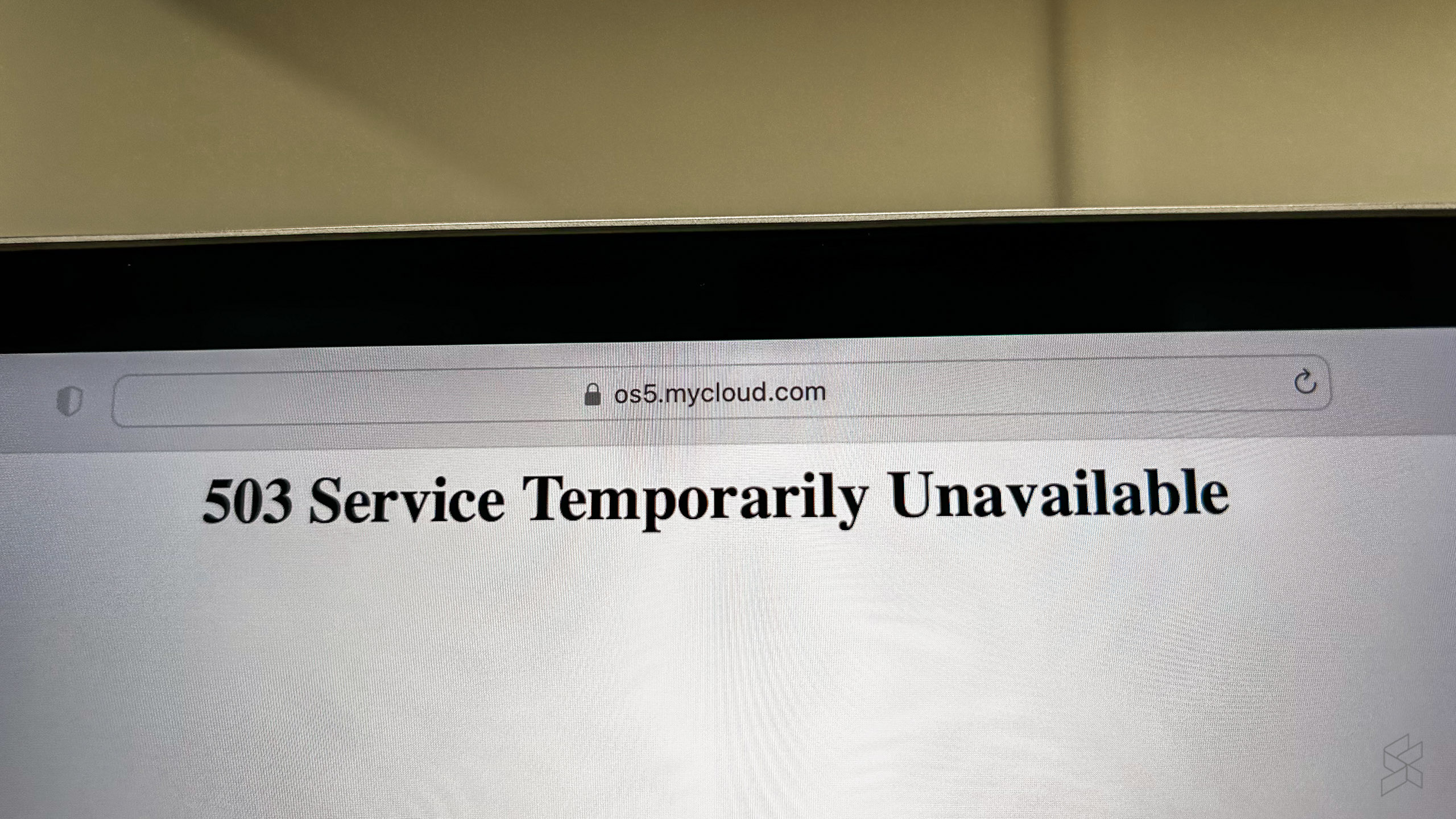
At the time of writing, WD has yet to provide an estimated timeline for full-service restoration. Users trying to access the MyCloud portal are greeted with a 503 Service Temporarily Unavailable message while its product pages are currently unavailable.


Tags: breachCloud Storagedata breachMy Cloud HomeMy Cloud OS 5NASWDWestern DigitalWestern Digital My Cloud OS 5Western Digital My Cloud Pro
Alexander Wong

Alexander Wong

POPULAR

Western Digital’s My Cloud service is down for over a week, here’s how you can access your files

April 11, 2023

HUAWEI MatePad 12 X 2026: The Best Productivity Tablet with PC-Level WPS and the All-New HUAWEI M-Pencil Pro

January 6, 2026

SoyaCincau Awards 2025: The Best Tablets of the Year

January 5, 2026

Max Out Your Samsung Galaxy S25’s Camera Potential with These Must-Try Features

December 23, 2025

Samsung Galaxy A26 5G for Just RM1,099: The Most A-mazing Deal in Town?

December 22, 2025

Instagram “Reset your Password” Email: Is there a Data Breach at Meta?

January 11, 2026

Copyright © 2025 · SoyaCincau.com
Mind Blow Sdn Bhd (1076827-P)

  • ADVERTISE
  • DISCLAIMER

Copyright © 2026 · SoyaCincau.com – Mind Blow Sdn Bhd (1076827-P)

  • ADVERTISE
  • DISCLAIMER