• 中文版
  • BM
  • News
  • Deals
  • Reviews
    • First Impressions
    • Hands-on
    • Comparisons
  • Tech
    • Mobile
    • Computers
    • Cameras
    • Wearables
    • Audio
    • Drones
  • Telco
    • Celcom
    • Digi
    • Maxis
    • Time
    • Tune Talk
    • U Mobile
    • Unifi
    • Yes
  • Cars
  • Contribute
  • Jobs
Menu
  • 中文版
  • BM
  • News
  • Deals
  • Reviews
    • First Impressions
    • Hands-on
    • Comparisons
  • Tech
    • Mobile
    • Computers
    • Cameras
    • Wearables
    • Audio
    • Drones
  • Telco
    • Celcom
    • Digi
    • Maxis
    • Time
    • Tune Talk
    • U Mobile
    • Unifi
    • Yes
  • Cars
  • Contribute
  • Jobs
Search
  • Tech
    • News
    • Mobile
    • Computers
    • Cameras
    • Wearables
    • Audio
    • Drones
  • Telco
    • Celcom
    • Digi
    • Maxis
    • Time
    • U Mobile
    • Unifi
    • Yes
  • Reviews
    • First Impressions
    • Hands-on
    • Comparisons
  • Buyer’s Guide
  • Opinions
  • Digital Life
  • Video
  • Deals
  • How-To
  • Cars
  • Bahasa Melayu
  • EV
  • Contribute
  • Advertise
Menu
  • Tech
    • News
    • Mobile
    • Computers
    • Cameras
    • Wearables
    • Audio
    • Drones
  • Telco
    • Celcom
    • Digi
    • Maxis
    • Time
    • U Mobile
    • Unifi
    • Yes
  • Reviews
    • First Impressions
    • Hands-on
    • Comparisons
  • Buyer’s Guide
  • Opinions
  • Digital Life
  • Video
  • Deals
  • How-To
  • Cars
  • Bahasa Melayu
  • EV
  • Contribute
  • Advertise
Search
Close
Home Tech

Now you can run apps on the Galaxy Z Flip 3’s 1.9″ cover screen. Here’s how.

  • BY Redza Dzafri
  • 20 January 2022
  • 2:08 pm
  • Comment
Share on FacebookShare on Twitter

The Samsung Galaxy Z Flip 3 is undoubtedly one of the best flipping phones currently out, not only because the market is bare, but because of how polished the Z Flip has become throughout the years. Even though the Flip 3 has a lot of features, it still can’t fully utilise the outer cover display right out of the box.

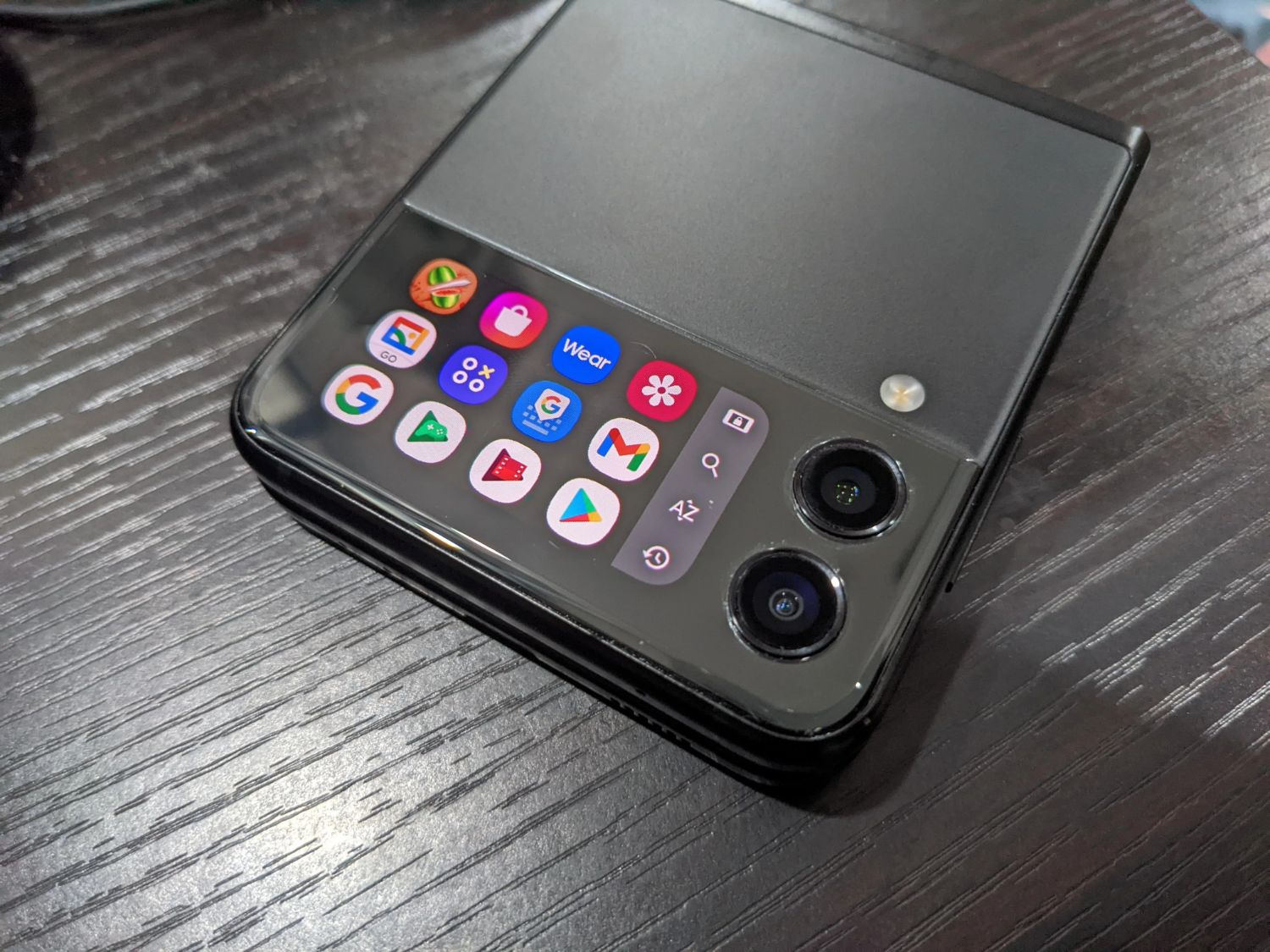
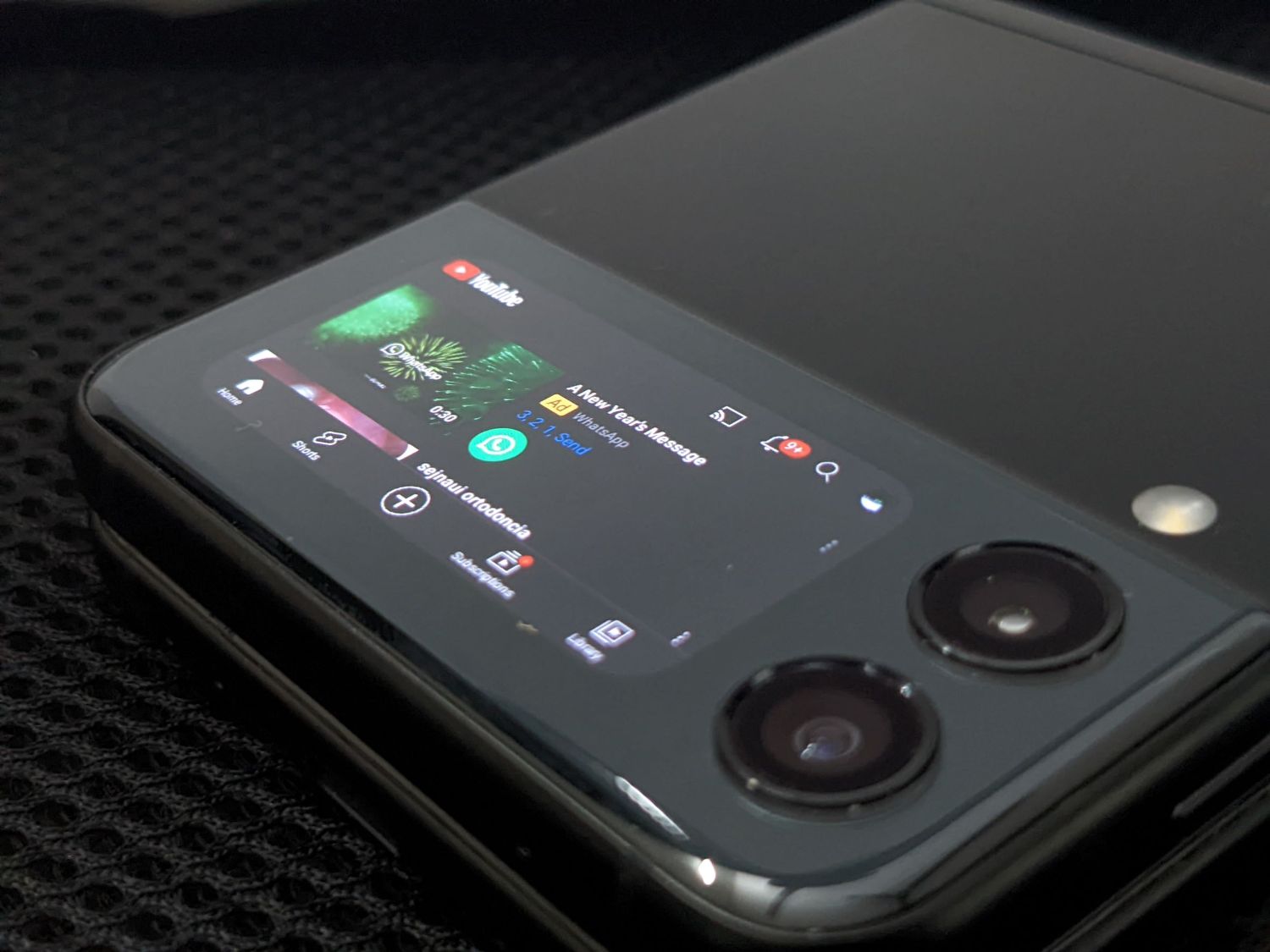
The Z Flip 3 has a 1.9-inch display on the front of the device when it’s closed. You can answer calls and use it as a camera viewfinder, but apart from that, the function seems pretty limited… Until now! Developer jagan2 posted the CoverScreen OS mod on the XDA forums and it adds lots of functionality to the cover screen.
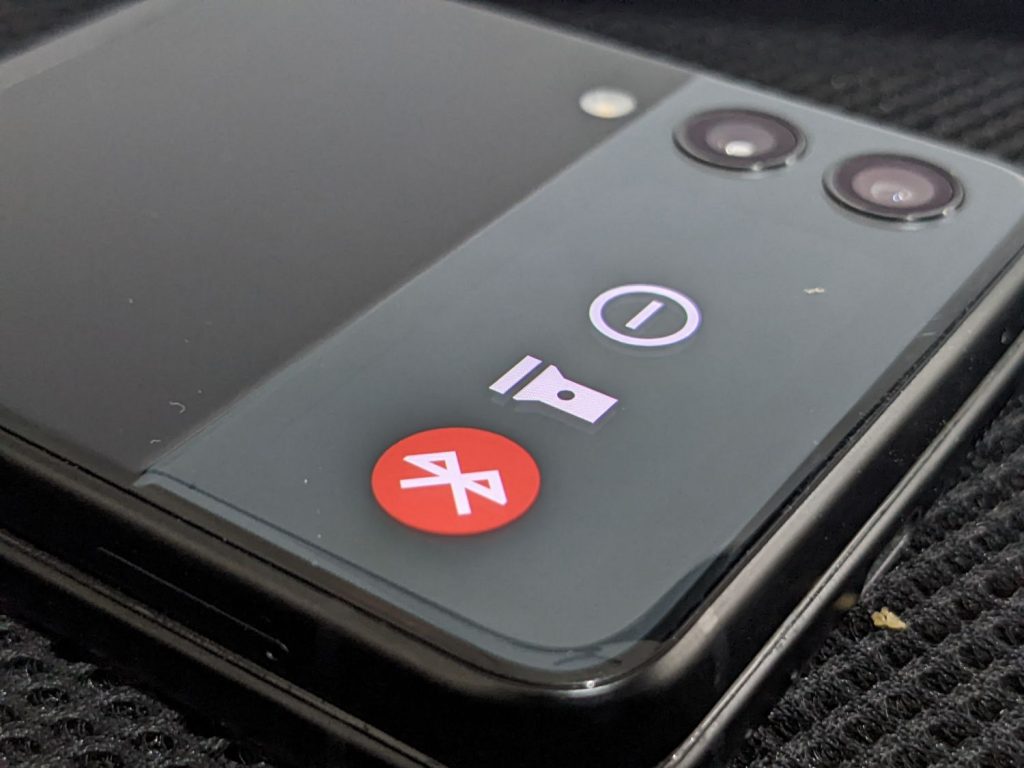
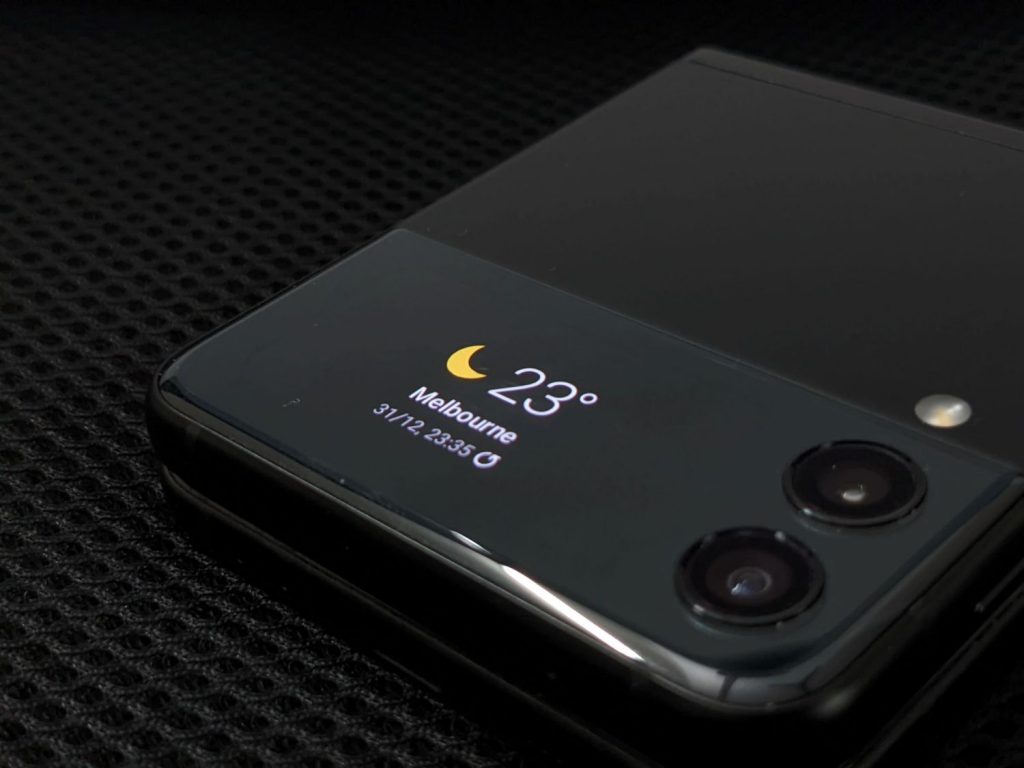
The mod works by simulating a secondary OS on the cover screen. The features include an app launcher/drawer, support for all third-party apps, home screen widgets, quick toggles, navigation gestures, notifications, an active media player card, voice keyboard support, and an on-screen LED notification indicator. This might not be useful for every situation, but you can do things like setting up a Samsung Pay shortcut and paying without even opening up your phone.
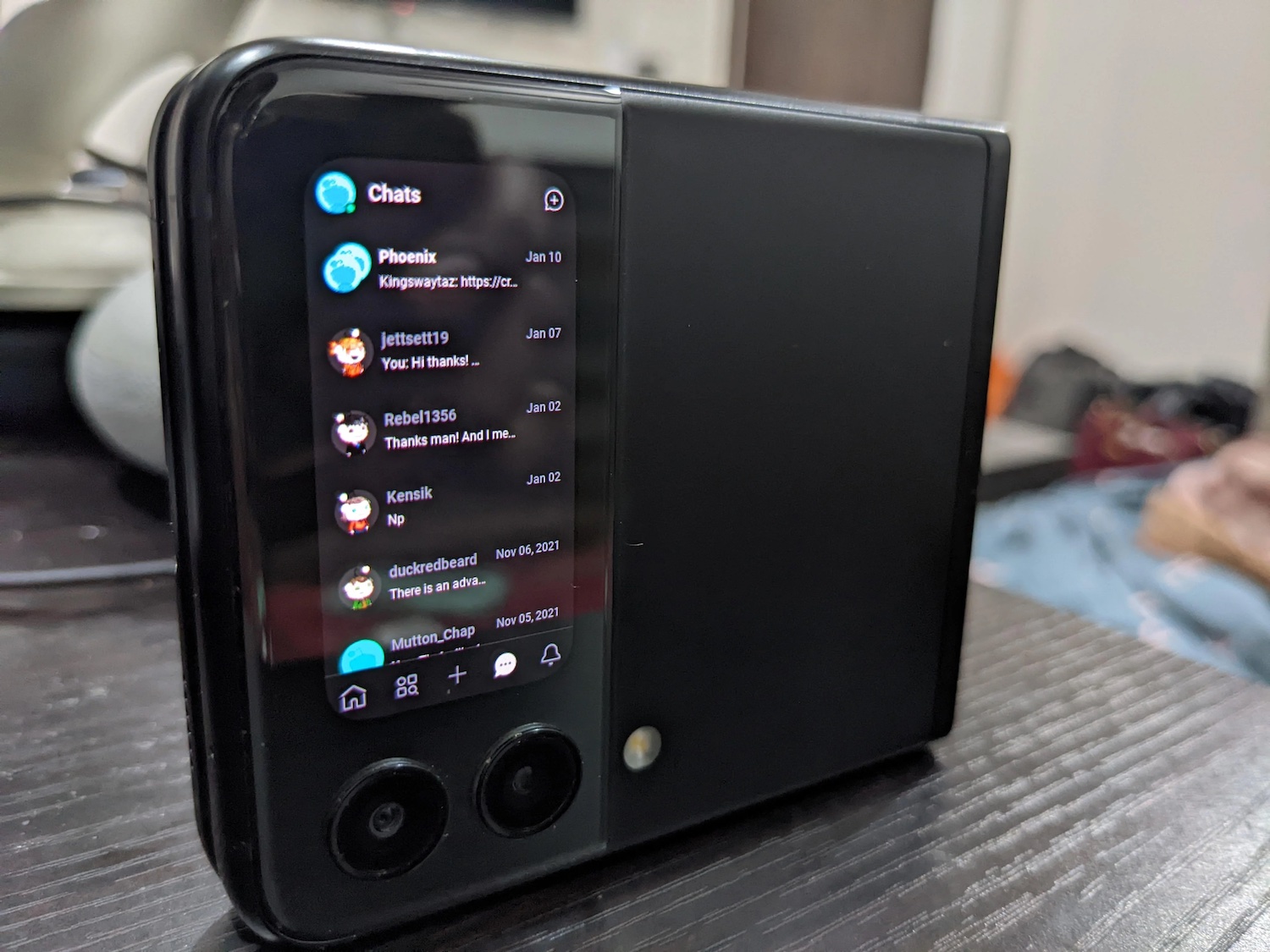
You can also use the cover screen in portrait mode so it feels even more like a tiny 1.9-inch phone. The developer is actively adding more features, such as taking actions on notifications and orientation lock.
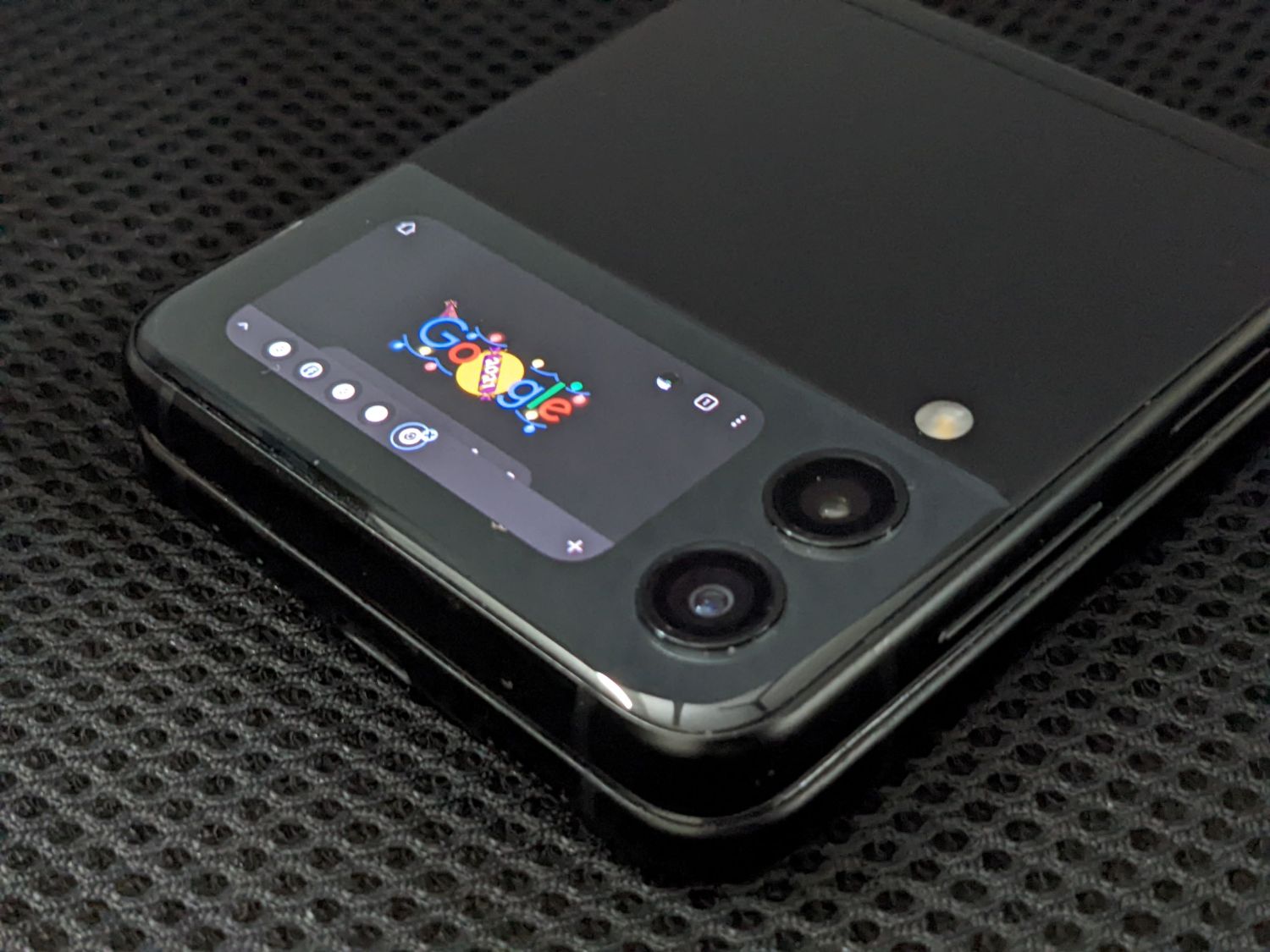
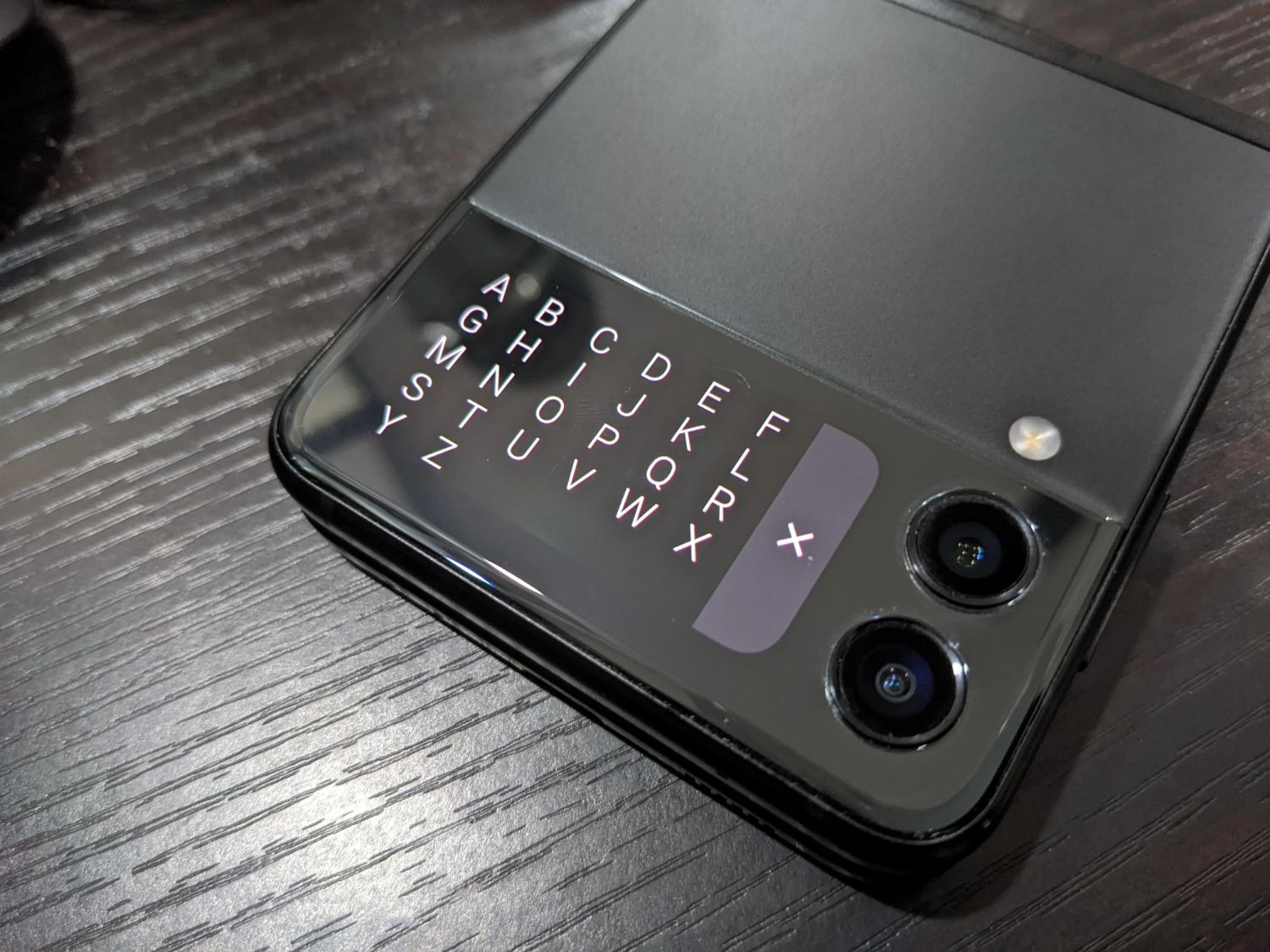
You can get this mod on the XDA Developers forum and download the .apk file for free, or you can look for Cover Screen OS on the Google Play store. Do note that the latest version might take a while to reach the Google Play store, so I recommend downloading the .apk file if you’re aware of the risks with downloading apps outside the Play store.

[ SOURCE ]

Tags: modSamsungSamsung Galaxy Z Flip 3
Redza Dzafri

Redza Dzafri

POPULAR

Upgraded To a New Phone? Cool. But When Was the Last Time you Upgraded your Shaver?

November 10, 2025

5 Reasons Every Home Should Have a Smart Security System

November 11, 2025

Solar ATAP: The new solar programme for consumers will only start in 2026

December 2, 2025

Now you can run apps on the Galaxy Z Flip 3’s 1.9″ cover screen. Here’s how.

January 20, 2022
Perodua QV-E EV

Perodua QV-E is now official: Electric sportback with 201hp, 445km NEDC range, priced at RM80k not inclusive of battery subscription

December 1, 2025

GrabRewards is now GrabCoins: Now with even more ways to earn and save

November 17, 2025

Copyright © 2025 · SoyaCincau.com
Mind Blow Sdn Bhd (1076827-P)

  • ADVERTISE
  • DISCLAIMER

Copyright © 2025 · SoyaCincau.com – Mind Blow Sdn Bhd (1076827-P)

  • ADVERTISE
  • DISCLAIMER