• 中文版
  • BM
  • News
  • Deals
  • Reviews
    • First Impressions
    • Hands-on
    • Comparisons
  • Tech
    • Mobile
    • Computers
    • Cameras
    • Wearables
    • Audio
    • Drones
  • Telco
    • Celcom
    • Digi
    • Maxis
    • Time
    • Tune Talk
    • U Mobile
    • Unifi
    • Yes
  • Cars
  • Contribute
  • Jobs
Menu
  • 中文版
  • BM
  • News
  • Deals
  • Reviews
    • First Impressions
    • Hands-on
    • Comparisons
  • Tech
    • Mobile
    • Computers
    • Cameras
    • Wearables
    • Audio
    • Drones
  • Telco
    • Celcom
    • Digi
    • Maxis
    • Time
    • Tune Talk
    • U Mobile
    • Unifi
    • Yes
  • Cars
  • Contribute
  • Jobs
Search
  • Tech
    • News
    • Mobile
    • Computers
    • Cameras
    • Wearables
    • Audio
    • Drones
  • Telco
    • Celcom
    • Digi
    • Maxis
    • Time
    • U Mobile
    • Unifi
    • Yes
  • Reviews
    • First Impressions
    • Hands-on
    • Comparisons
  • Buyer’s Guide
  • Opinions
  • Digital Life
  • Video
  • Deals
  • How-To
  • Cars
  • Bahasa Melayu
  • EV
  • Contribute
  • Advertise
Menu
  • Tech
    • News
    • Mobile
    • Computers
    • Cameras
    • Wearables
    • Audio
    • Drones
  • Telco
    • Celcom
    • Digi
    • Maxis
    • Time
    • U Mobile
    • Unifi
    • Yes
  • Reviews
    • First Impressions
    • Hands-on
    • Comparisons
  • Buyer’s Guide
  • Opinions
  • Digital Life
  • Video
  • Deals
  • How-To
  • Cars
  • Bahasa Melayu
  • EV
  • Contribute
  • Advertise
Search
Close
Home Digital Life

iOS 14.5: This is how to change your Siri’s go-to music app to Spotify

  • BY Dzamira Dzafri
  • 27 April 2021
  • 1:20 pm
  • Comment
Share on FacebookShare on Twitter

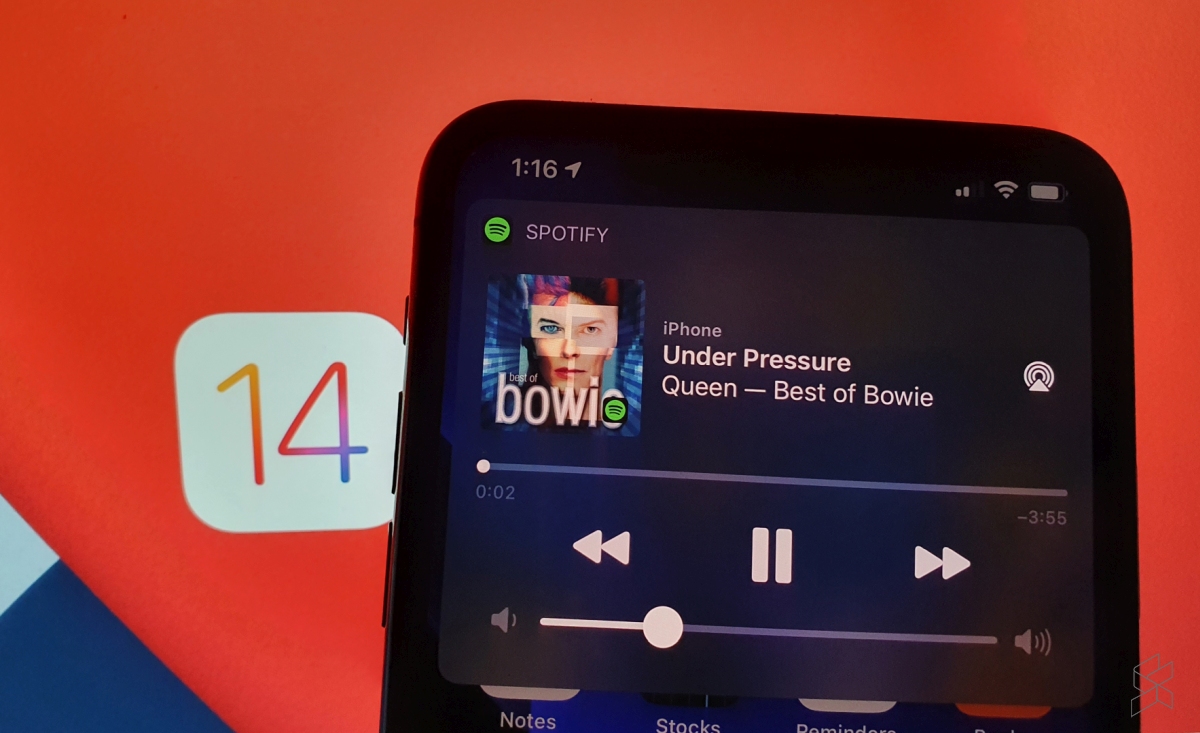
The new iOS 14.5 update comes with a lot of new cool additions, but this specific addition has been long-awaited. Apple finally introduces a feature that lets users select a specific music service to use with Siri—including Spotify…and Apple Music, if you’re into that.

Previously, Siri would either automatically try and find the song you ask for in Apple Music, or ask you for which platform you’d like the music played. You can also go like “Hey Siri, play ____ on Spotify” to skip the foreplay entirely.

However, once I’ve updated my iPhone to iOS 14.5, Siri no longer needed to ask me for the preferred music app—it automatically played me the song I wanted on Spotify. Apparently, ‌Siri‌ learns from your listening habits to improve the music selection process over time.

Here’s how to set your preferred music platform with Siri:

  • Make sure your iPhone is updated to iOS 14.5
  • Ask ‌Siri‌ to play an artist, a song or an album that you want played
  • If Siri hasn’t automatically played the song on your preferred platform, Siri‌ will display a list of all music apps you have installed and will ask “Which app would you like to use?”
  • Choose your preferred music app from the list
  • If asked, confirm that ‌Siri‌ can access data from your music app

This update has already been something we’ve been excited about for some time. But the iOS 14.5 update also comes with the option to unlock your iPhone with your Apple Watch while wearing a face mask, and adds more diverse voice options for Siri—amongst other new things.

[ SOURCE ]

Related reading

You can set Spotify to be the default music player in iOS 14.5 beta
Tags: ios 14.5Spotify
Dzamira Dzafri

Dzamira Dzafri

POPULAR

Upgraded To a New Phone? Cool. But When Was the Last Time you Upgraded your Shaver?

November 10, 2025

5 Reasons Every Home Should Have a Smart Security System

November 11, 2025

Solar ATAP: The new solar programme for consumers will only start in 2026

December 2, 2025

iOS 14.5: This is how to change your Siri’s go-to music app to Spotify

April 27, 2021
Perodua QV-E EV

Perodua QV-E is now official: Electric sportback with 201hp, 445km NEDC range, priced at RM80k not inclusive of battery subscription

December 1, 2025

GrabRewards is now GrabCoins: Now with even more ways to earn and save

November 17, 2025

Copyright © 2025 · SoyaCincau.com
Mind Blow Sdn Bhd (1076827-P)

  • ADVERTISE
  • DISCLAIMER

Copyright © 2025 · SoyaCincau.com – Mind Blow Sdn Bhd (1076827-P)

  • ADVERTISE
  • DISCLAIMER