• 中文版
  • BM
  • News
  • Deals
  • Reviews
    • First Impressions
    • Hands-on
    • Comparisons
  • Tech
    • Mobile
    • Computers
    • Cameras
    • Wearables
    • Audio
    • Drones
  • Telco
    • Celcom
    • Digi
    • Maxis
    • Time
    • Tune Talk
    • U Mobile
    • Unifi
    • Yes
  • Cars
  • Contribute
  • Jobs
Menu
  • 中文版
  • BM
  • News
  • Deals
  • Reviews
    • First Impressions
    • Hands-on
    • Comparisons
  • Tech
    • Mobile
    • Computers
    • Cameras
    • Wearables
    • Audio
    • Drones
  • Telco
    • Celcom
    • Digi
    • Maxis
    • Time
    • Tune Talk
    • U Mobile
    • Unifi
    • Yes
  • Cars
  • Contribute
  • Jobs
Search
  • Tech
    • News
    • Mobile
    • Computers
    • Cameras
    • Wearables
    • Audio
    • Drones
  • Telco
    • Celcom
    • Digi
    • Maxis
    • Time
    • U Mobile
    • Unifi
    • Yes
  • Reviews
    • First Impressions
    • Hands-on
    • Comparisons
  • Buyer’s Guide
  • Opinions
  • Digital Life
  • Video
  • Deals
  • How-To
  • Cars
  • Bahasa Melayu
  • EV
  • Contribute
  • Advertise
Menu
  • Tech
    • News
    • Mobile
    • Computers
    • Cameras
    • Wearables
    • Audio
    • Drones
  • Telco
    • Celcom
    • Digi
    • Maxis
    • Time
    • U Mobile
    • Unifi
    • Yes
  • Reviews
    • First Impressions
    • Hands-on
    • Comparisons
  • Buyer’s Guide
  • Opinions
  • Digital Life
  • Video
  • Deals
  • How-To
  • Cars
  • Bahasa Melayu
  • EV
  • Contribute
  • Advertise
Search
Close
Home News

Apple: Adding a webcam cover to the MacBook might cause some serious damage

  • BY Alexander Wong
  • 12 July 2020
  • 11:37 pm
  • Comment
Share on FacebookShare on Twitter

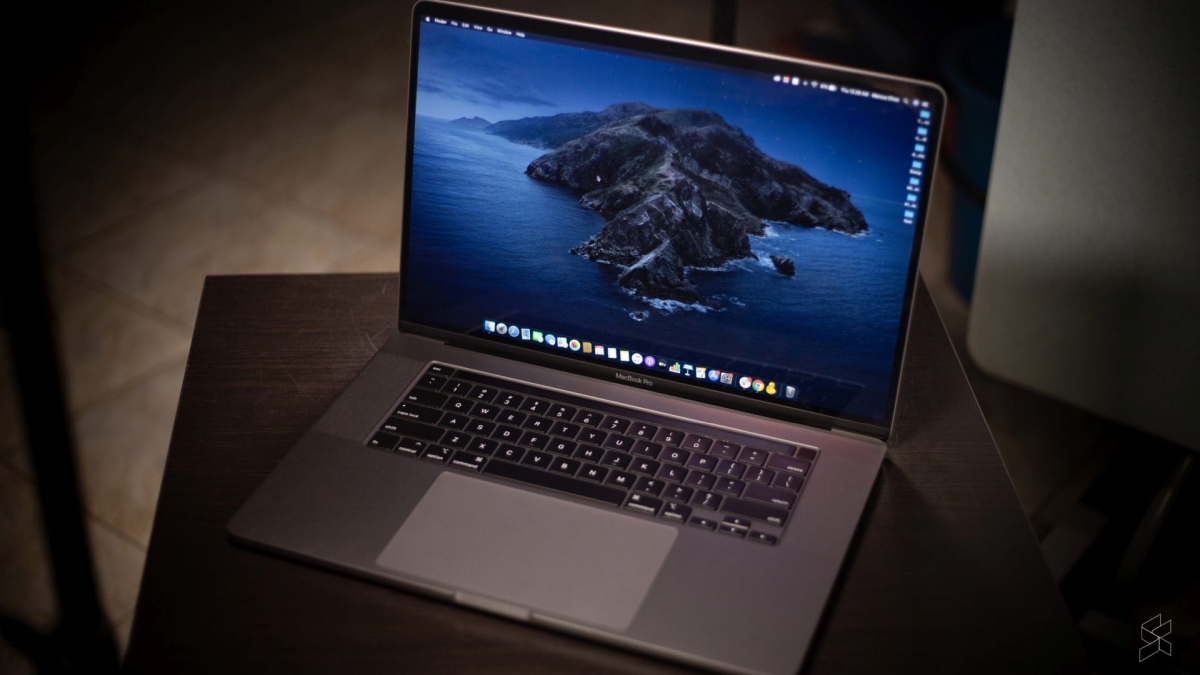
If you’re using a laptop, there’s always a concern that your webcam could turn on without your knowledge. Some would probably to get one of those cheap camera covers as a quick fix. However, if you own a MacBook, Apple warns that installing a cover over the camera might damage the display when you close your device.

Built-in safety measures

According to Apple, there’s no need to cover the camera as MacBooks have a green camera indicator to let you know that the camera is turned on. On top of that, its macOS has built-in security measures that control which apps have access to the built-in camera.
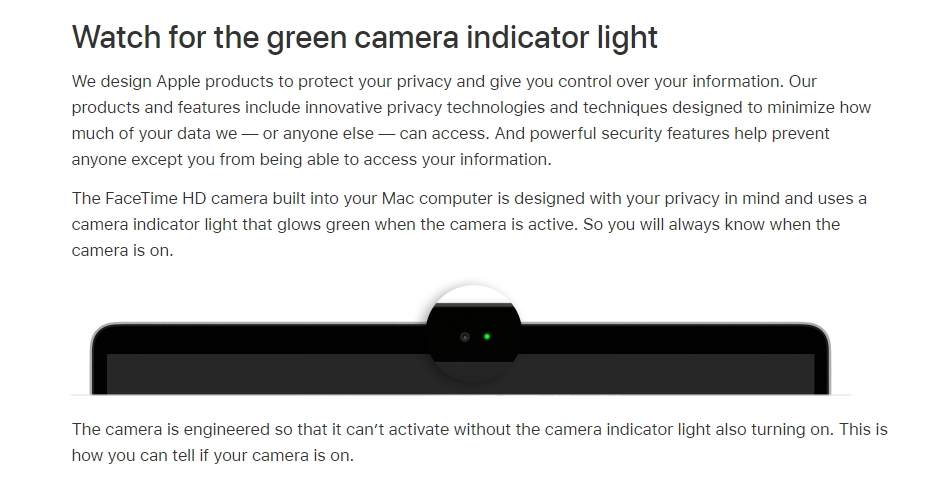
It added that the camera is engineered so that it can’t work without turning the camera indicator light on. On macOS Mojave or later, all apps must be granted permission before it can use the webcam. To find out which apps have access to your camera, you can check with the following steps:

  1. Click on the Apple menu (on the top left corner) > select System Preference, click on Security and Privacy > Privacy.
  2. Select Camera
  3. You can view the list of apps that have access to the camera. From here, you can select or unselect apps that can use your camera.

What if you really need to use a webcam cover?

However, if you work in a sensitive environment and a camera cover is necessary, they would advise getting a cover that’s no thicker than an average piece of printer paper at 0.1mm. When we did a quick search, most covers are actually quite thick exceeding the 0.1mm thickness. If the camera cover is thicker than 0.1mm, Apple recommends that you take it off before closing your MacBook and to avoid using camera covers that leave adhesive residue.
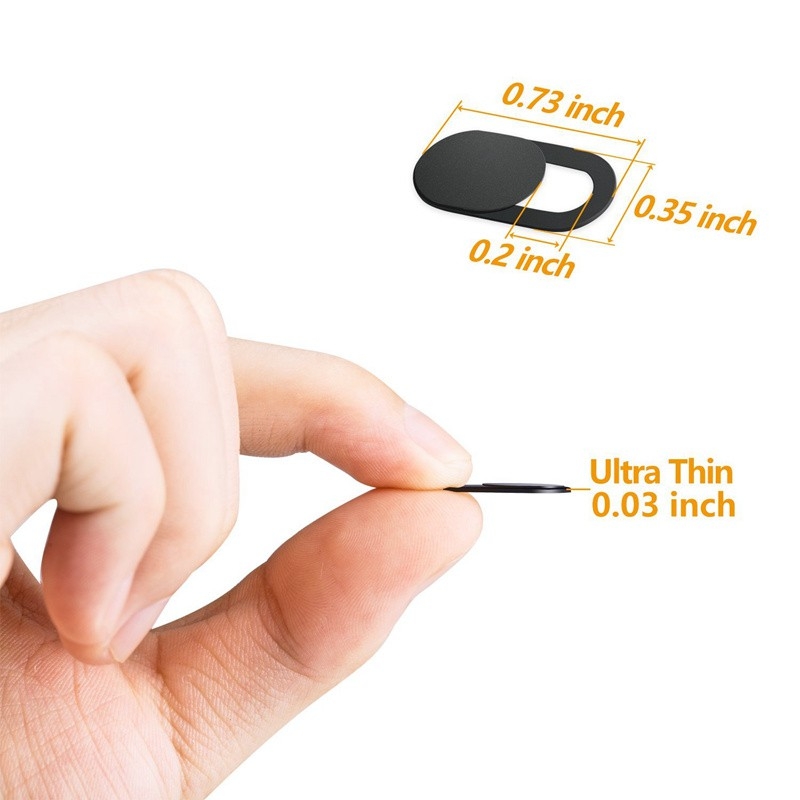
Example of a webcam cover that’s thicker than 0.1mm. 0.03″ = 0.762mm. (Source: Shopee)

The area where the webcam is located also houses the ambient light sensor. With a camera cover installed, Apple warns that it might also interfere with other display-related features such as automatic brightness and True Tone.

As pointed out by The Verge, someone has cracked their MacBook Pro 16 display due to the webcam cover. Without the AppleCare+ plan, the replacement would cost a whopping CAD 1,970 in Canada which is about RM6,182.

[ SOURCE ]

Related reading

Apple MacBook Pro 16 review: Is the grass greener on the other side?
A fully-specced MacBook Pro 13 costs over RM15,000 in Malaysia
Apple releases MacBook Pro 13 with Magic Keyboard, priced from RM5,599
Tags: AppleMacBookMacBook AirMacBook Pro 13MacBook Pro 16
Alexander Wong

Alexander Wong

POPULAR

Apple: Adding a webcam cover to the MacBook might cause some serious damage

July 12, 2020
Rear view of the OPPO Find X9 Ultra in Tundra Umber standing vertically on a stone surface with a lush green bokeh background. The device features an eco-friendly vegan leather back with a classic stitching design , vertically oriented Hasselblad and OPPO logos , and a large circular Master Lens camera module with a bronze-toned knurled ring.

Clearing Every Expectation: How the OPPO Find X9 Ultra Redefines the Modern Flagship Experience

April 16, 2026
Proton EV Plant, Tanjung Malim

MITI says EVs won’t become more expensive, but can Malaysia’s CKD industry fill the gap?

May 10, 2026

Maxis Home Solar now offers outright purchase option, with up to 80% electricity bill savings

May 11, 2026
BYD Tech Discovery KL

MITI’s CBU EV ruling will wipe out current EV lineup from BYD, iCaur, Mini, Smart, Toyota, and more

May 7, 2026

Vibe Mobile is U Mobile’s latest MVNO partner for 5G services

May 11, 2026

Copyright © 2025 · SoyaCincau.com
Mind Blow Sdn Bhd (1076827-P)

  • ADVERTISE
  • DISCLAIMER

Copyright © 2026 · SoyaCincau.com – Mind Blow Sdn Bhd (1076827-P)

  • ADVERTISE
  • DISCLAIMER