• 中文版
  • BM
  • News
  • Deals
  • Reviews
    • First Impressions
    • Hands-on
    • Comparisons
  • Tech
    • Mobile
    • Computers
    • Cameras
    • Wearables
    • Audio
    • Drones
  • Telco
    • Celcom
    • Digi
    • Maxis
    • Time
    • Tune Talk
    • U Mobile
    • Unifi
    • Yes
  • Cars
  • Contribute
  • Jobs
Menu
  • 中文版
  • BM
  • News
  • Deals
  • Reviews
    • First Impressions
    • Hands-on
    • Comparisons
  • Tech
    • Mobile
    • Computers
    • Cameras
    • Wearables
    • Audio
    • Drones
  • Telco
    • Celcom
    • Digi
    • Maxis
    • Time
    • Tune Talk
    • U Mobile
    • Unifi
    • Yes
  • Cars
  • Contribute
  • Jobs
Search
  • Tech
    • News
    • Mobile
    • Computers
    • Cameras
    • Wearables
    • Audio
    • Drones
  • Telco
    • Celcom
    • Digi
    • Maxis
    • Time
    • U Mobile
    • Unifi
    • Yes
  • Reviews
    • First Impressions
    • Hands-on
    • Comparisons
  • Buyer’s Guide
  • Opinions
  • Digital Life
  • Video
  • Deals
  • How-To
  • Cars
  • Bahasa Melayu
  • EV
  • Contribute
  • Advertise
Menu
  • Tech
    • News
    • Mobile
    • Computers
    • Cameras
    • Wearables
    • Audio
    • Drones
  • Telco
    • Celcom
    • Digi
    • Maxis
    • Time
    • U Mobile
    • Unifi
    • Yes
  • Reviews
    • First Impressions
    • Hands-on
    • Comparisons
  • Buyer’s Guide
  • Opinions
  • Digital Life
  • Video
  • Deals
  • How-To
  • Cars
  • Bahasa Melayu
  • EV
  • Contribute
  • Advertise
Search
Close
Home Digital Life

A new update for WhatsApp will soon add QR code support

  • BY Dzamira Dzafri
  • 22 May 2020
  • 2:49 pm
  • Comment
Share on FacebookShare on Twitter

There is a new beta update for WhatsApp that features a QR code support option. The beta version is only currently available in iOS, but it’s reportedly also going to come to Android users soon.

WhatsApp current version is version 2.20.52, where the latest big update was that you’re now able to talk to 7 other people in one group call. Beta’s 2.20.60.27 version offers the possibility to encrypt your chat history that is backed up on iCloud. But most importantly, it provides support for QR codes.
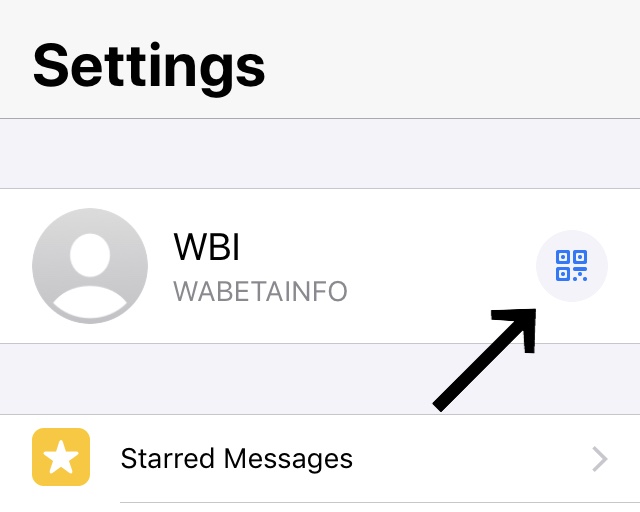
If you’re one of the official iOS beta tester, you can now check out WhatsApp’s ‘Settings’ to see if you find a QR code next to your name. If the answer is yes, then the feature is already available to you.

How to add contacts with your QR code

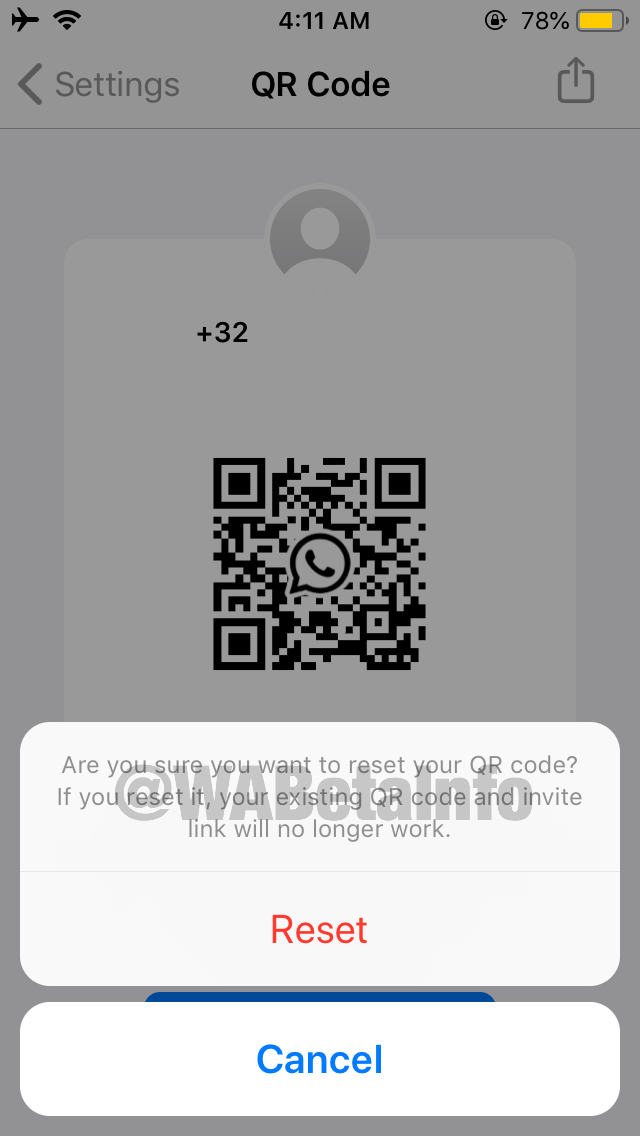
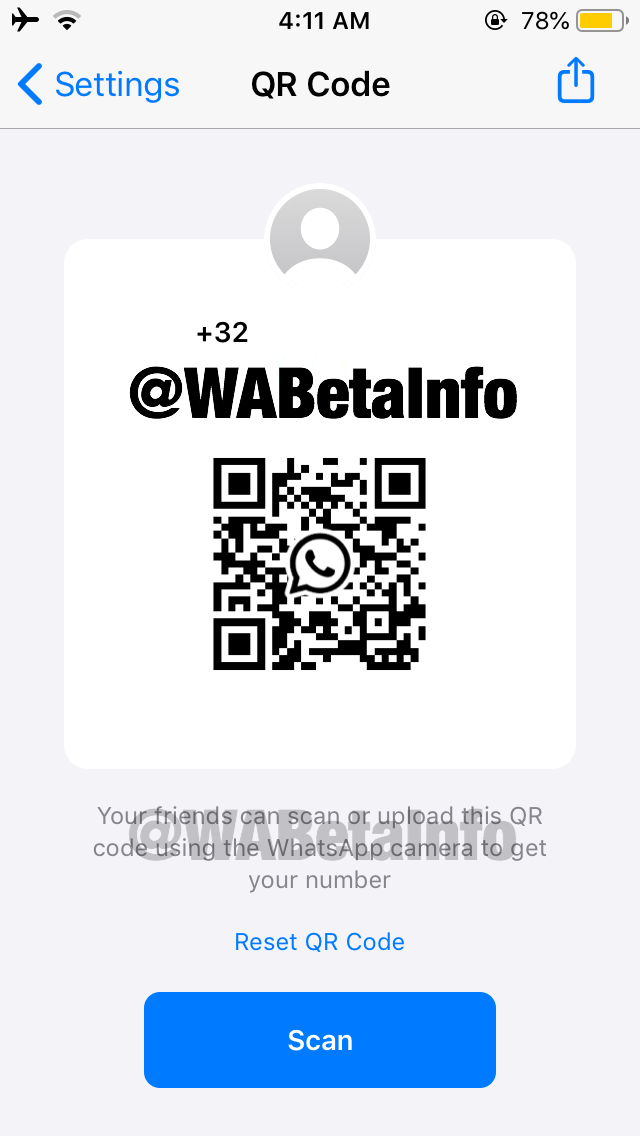
You can then tap the ‘QR Code’ button and WhatsApp will present your personal code. You can share the code with your new friends so they can easily add you on WhatsApp without having to type in their number on your phone.

When you share a QR Code with someone, you are sharing your phone number, too. However, if you think that you’ve shared your code with a wrong person or you’ve posted it in a wrong place, you can easily revoke the code by pressing ‘Reset QR Code’. A new code will be immediately generated.

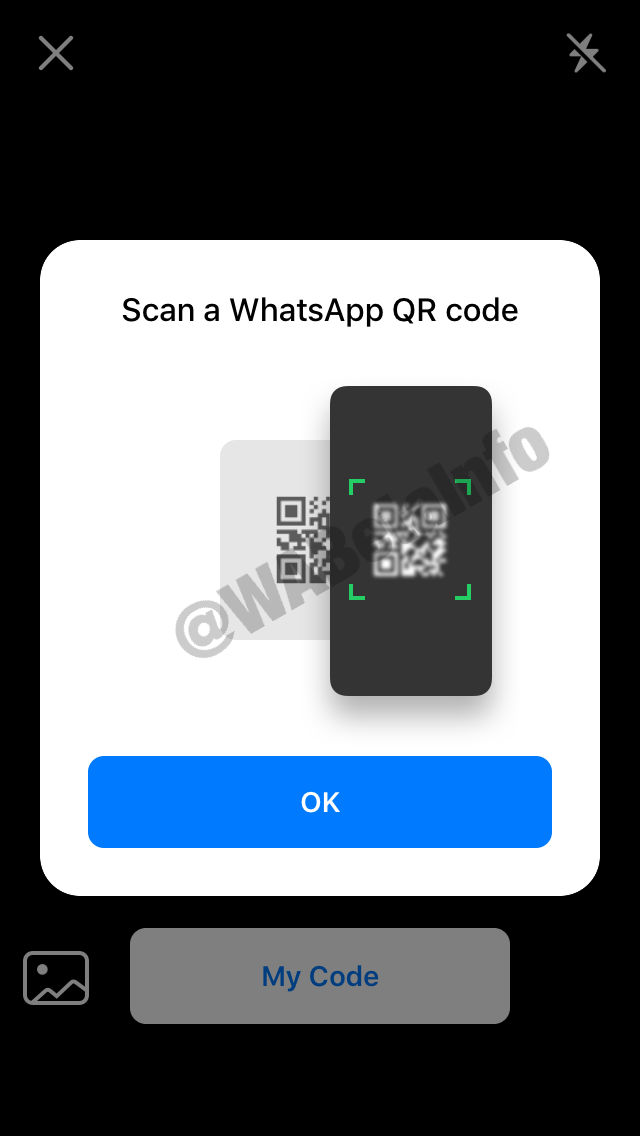
If the roles are reversed, and you’d like to get their codes instead, you can use your ‘Scan’ button on the app. It will open your camera feature in order to scan their QR Code.

You can also have quick access to your QR Code using the shortcut added in the widget actions. However, this shortcut won’t appear if the feature isn’t available for you. Widget actions appear only on the iPhone 6S and newer devices.
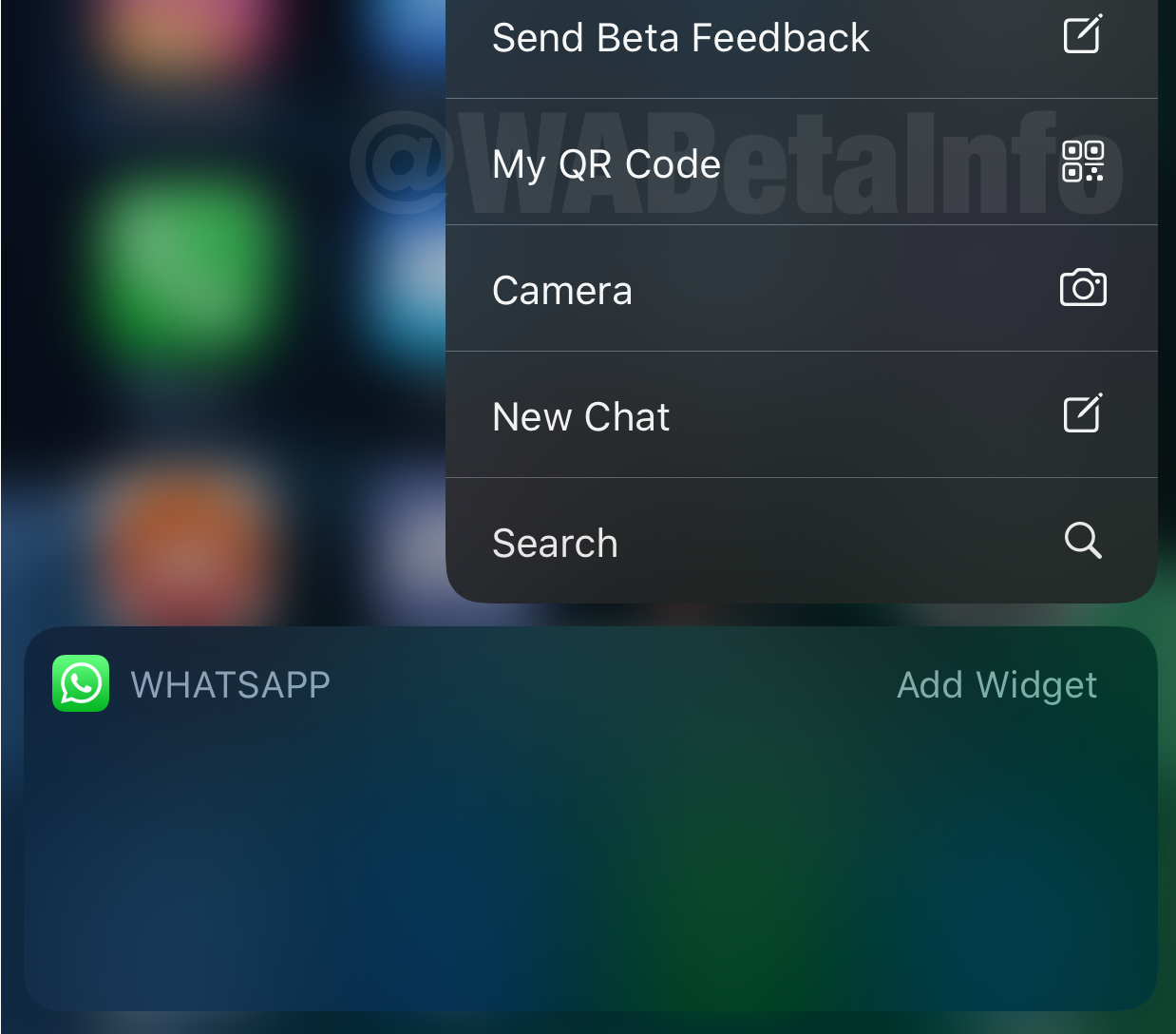
This, however, is a server-side update. Not everyone will get it at the same time, but should get it over the next few days if you’re a beta user on iOS. Luckily, it’s not restricted by region, so you can get it wherever you live if you’re registered on their beta testing program.

[ SOURCE, 2, IMAGE SOURCE ]

Related reading

You can now talk to 8 people at once on WhatsApp group calls
Tags: WhatsappWhatsApp Beta
Dzamira Dzafri

Dzamira Dzafri

POPULAR

Nissan Finally Gives the Serena a Real Hybrid Powertrain in Malaysia. Estimated from RM160k to RM180k

January 16, 2026

A new update for WhatsApp will soon add QR code support

May 22, 2020

Tired of cracked screens or short battery life? The REDMI Note 15 Series take a durability-first approach

January 15, 2026

Is your TNG eWallet suspended? Here’s what you should do

January 27, 2026
BYD Atto 3 Ultra

BYD Atto 3 Ultra now available for as low as RM106k

January 27, 2026

CelcomDigi updates 5G prepaid plan for 2026, no more 28 day validity for “unlimited” options

January 28, 2026

Copyright © 2025 · SoyaCincau.com
Mind Blow Sdn Bhd (1076827-P)

  • ADVERTISE
  • DISCLAIMER

Copyright © 2026 · SoyaCincau.com – Mind Blow Sdn Bhd (1076827-P)

  • ADVERTISE
  • DISCLAIMER