• 中文版
  • BM
  • News
  • Deals
  • Reviews
    • First Impressions
    • Hands-on
    • Comparisons
  • Tech
    • Mobile
    • Computers
    • Cameras
    • Wearables
    • Audio
    • Drones
  • Telco
    • Celcom
    • Digi
    • Maxis
    • Time
    • Tune Talk
    • U Mobile
    • Unifi
    • Yes
  • Cars
  • Contribute
  • Jobs
Menu
  • 中文版
  • BM
  • News
  • Deals
  • Reviews
    • First Impressions
    • Hands-on
    • Comparisons
  • Tech
    • Mobile
    • Computers
    • Cameras
    • Wearables
    • Audio
    • Drones
  • Telco
    • Celcom
    • Digi
    • Maxis
    • Time
    • Tune Talk
    • U Mobile
    • Unifi
    • Yes
  • Cars
  • Contribute
  • Jobs
Search
  • Tech
    • News
    • Mobile
    • Computers
    • Cameras
    • Wearables
    • Audio
    • Drones
  • Telco
    • Celcom
    • Digi
    • Maxis
    • Time
    • U Mobile
    • Unifi
    • Yes
  • Reviews
    • First Impressions
    • Hands-on
    • Comparisons
  • Buyer’s Guide
  • Opinions
  • Digital Life
  • Video
  • Deals
  • How-To
  • Cars
  • Bahasa Melayu
  • EV
  • Contribute
  • Advertise
Menu
  • Tech
    • News
    • Mobile
    • Computers
    • Cameras
    • Wearables
    • Audio
    • Drones
  • Telco
    • Celcom
    • Digi
    • Maxis
    • Time
    • U Mobile
    • Unifi
    • Yes
  • Reviews
    • First Impressions
    • Hands-on
    • Comparisons
  • Buyer’s Guide
  • Opinions
  • Digital Life
  • Video
  • Deals
  • How-To
  • Cars
  • Bahasa Melayu
  • EV
  • Contribute
  • Advertise
Search
Close
Home Transport Cars

Setel now lets you confirm petrol payment with your face or fingerprint

  • BY Alexander Wong
  • 14 April 2019
  • 10:23 pm
  • Comment
Share on FacebookShare on Twitter

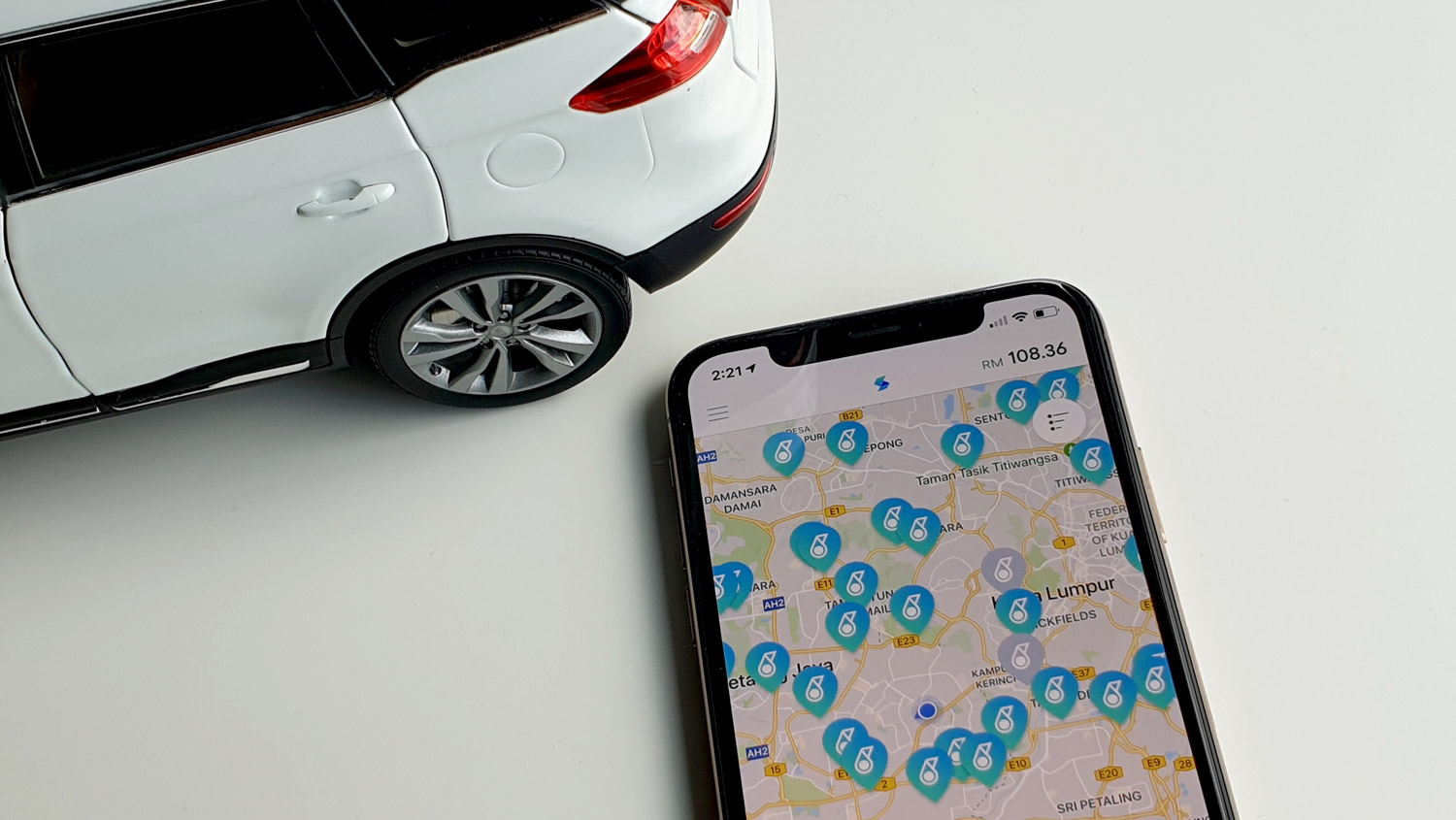
Setel, the mobile app which lets you pay for petrol, is now slightly more convenient than before. With the latest software update, you can finally use your face or fingerprint to authenticate your payment.
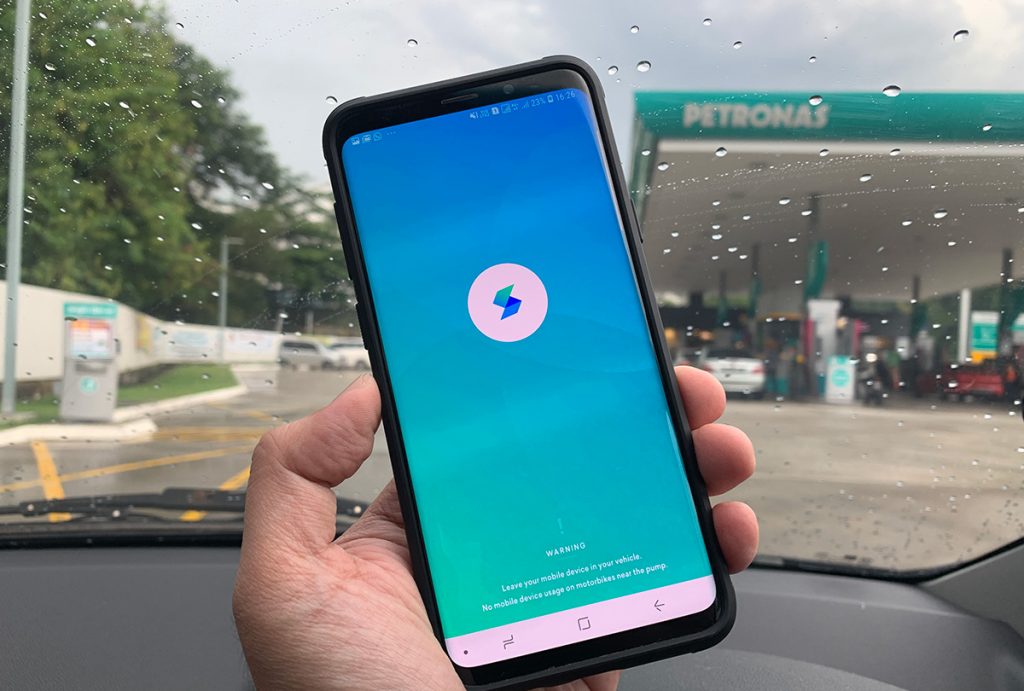
The feature eliminates the need to key in your 6 digit PIN in order to start refuelling. If you’re using an iPhone X, XR, XS or XS Max, you can enable Face ID. For older iPhone and other Android devices, it also supports fingerprint authentication. To enable this feature, just go to Settings and then tap on Security.

To recap, Setel, is an eWallet which allows you to pay for petrol on your smartphone without the need to queue or fiddle around with the card terminal. The app also has seamless integration with Mesra card, allowing you to earn points with every refuel. For those who are using debit cards, you won’t need to worry about the usual RM200 lock-in credit as Setel deducts the exact amount from the eWallet balance. At the moment, Setel is supported at over 150 Petronas stations in the Klang Valley.

You can learn more about the app in our hands-on post. For first time users, they are still running a 10% cashback promo. The Setel app is available for both Android and iOS.

Tags: Digital PaymentPetronasSetel
Alexander Wong

Alexander Wong

POPULAR

Setel now lets you confirm petrol payment with your face or fingerprint

April 14, 2019

HUAWEI MatePad 12 X 2026: The Best Productivity Tablet with PC-Level WPS and the All-New HUAWEI M-Pencil Pro

January 6, 2026

SoyaCincau Awards 2025: The Best Tablets of the Year

January 5, 2026

Max Out Your Samsung Galaxy S25’s Camera Potential with These Must-Try Features

December 23, 2025

Samsung Galaxy A26 5G for Just RM1,099: The Most A-mazing Deal in Town?

December 22, 2025

Instagram “Reset your Password” Email: Is there a Data Breach at Meta?

January 11, 2026

Copyright © 2025 · SoyaCincau.com
Mind Blow Sdn Bhd (1076827-P)

  • ADVERTISE
  • DISCLAIMER

Copyright © 2026 · SoyaCincau.com – Mind Blow Sdn Bhd (1076827-P)

  • ADVERTISE
  • DISCLAIMER