• 中文版
  • BM
  • News
  • Deals
  • Reviews
    • First Impressions
    • Hands-on
    • Comparisons
  • Tech
    • Mobile
    • Computers
    • Cameras
    • Wearables
    • Audio
    • Drones
  • Telco
    • Celcom
    • Digi
    • Maxis
    • Time
    • Tune Talk
    • U Mobile
    • Unifi
    • Yes
  • Cars
  • Contribute
  • Jobs
Menu
  • 中文版
  • BM
  • News
  • Deals
  • Reviews
    • First Impressions
    • Hands-on
    • Comparisons
  • Tech
    • Mobile
    • Computers
    • Cameras
    • Wearables
    • Audio
    • Drones
  • Telco
    • Celcom
    • Digi
    • Maxis
    • Time
    • Tune Talk
    • U Mobile
    • Unifi
    • Yes
  • Cars
  • Contribute
  • Jobs
Search
  • Tech
    • News
    • Mobile
    • Computers
    • Cameras
    • Wearables
    • Audio
    • Drones
  • Telco
    • Celcom
    • Digi
    • Maxis
    • Time
    • U Mobile
    • Unifi
    • Yes
  • Reviews
    • First Impressions
    • Hands-on
    • Comparisons
  • Buyer’s Guide
  • Opinions
  • Digital Life
  • Video
  • Deals
  • How-To
  • Cars
  • Bahasa Melayu
  • EV
  • Contribute
  • Advertise
Menu
  • Tech
    • News
    • Mobile
    • Computers
    • Cameras
    • Wearables
    • Audio
    • Drones
  • Telco
    • Celcom
    • Digi
    • Maxis
    • Time
    • U Mobile
    • Unifi
    • Yes
  • Reviews
    • First Impressions
    • Hands-on
    • Comparisons
  • Buyer’s Guide
  • Opinions
  • Digital Life
  • Video
  • Deals
  • How-To
  • Cars
  • Bahasa Melayu
  • EV
  • Contribute
  • Advertise
Search
Close
Home Transport Cars

Touch ‘n Go E-Wallet now comes with auto-reload feature

  • BY Alexander Wong
  • 9 December 2018
  • 6:27 pm
  • Comment
Share on FacebookShare on Twitter
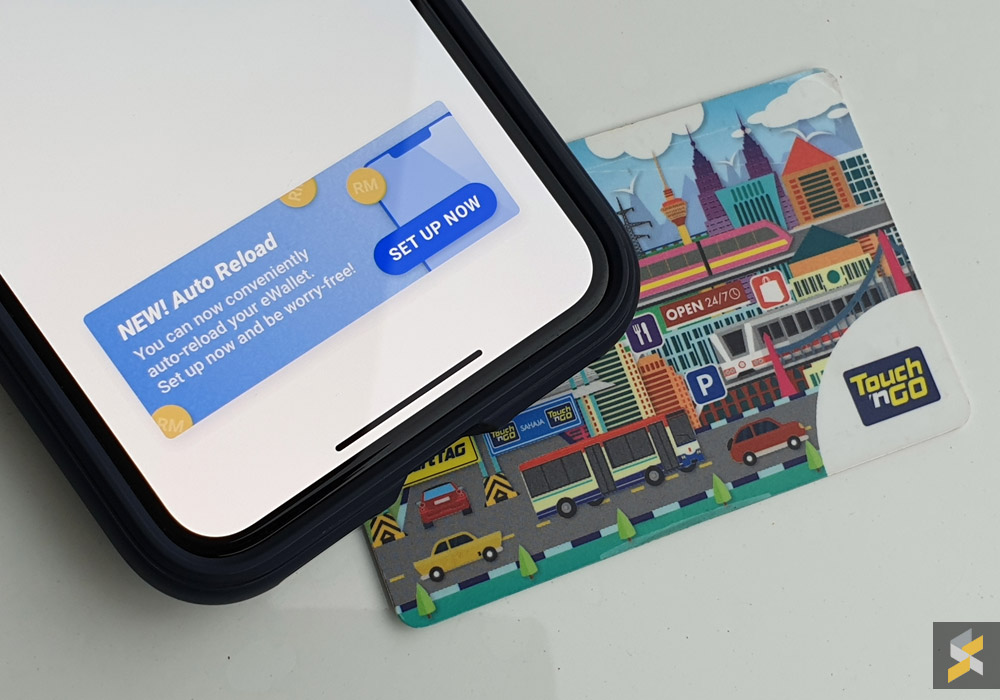
Touch 'n go e-wallet auto reload

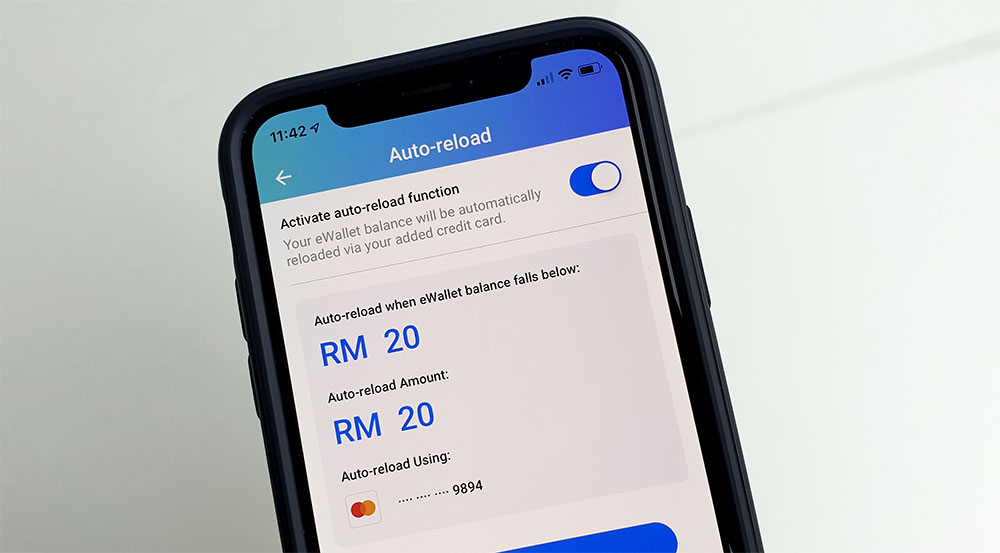
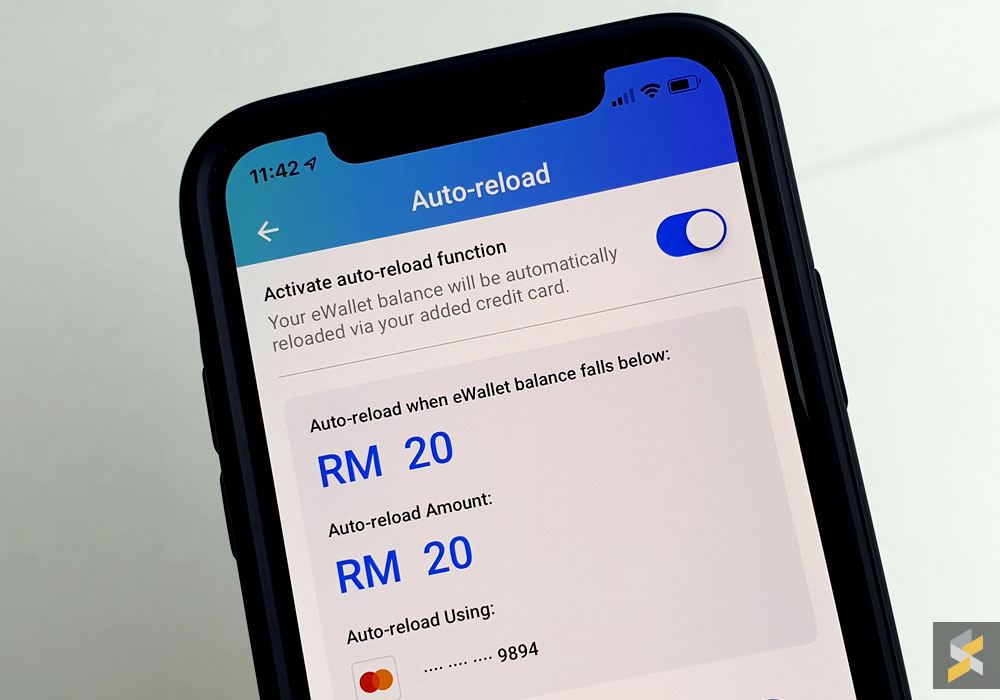
Touch ‘n Go has finally enabled auto-reload on its E-Wallet app. If you use Touch ‘n Go RFID on a daily basis, this will ensure that you’ll have sufficient balance at all times. Unlike the physical Touch ‘n Go auto-reload Zing card, there’s no additional surcharge when you auto-reload with the E-Wallet. 

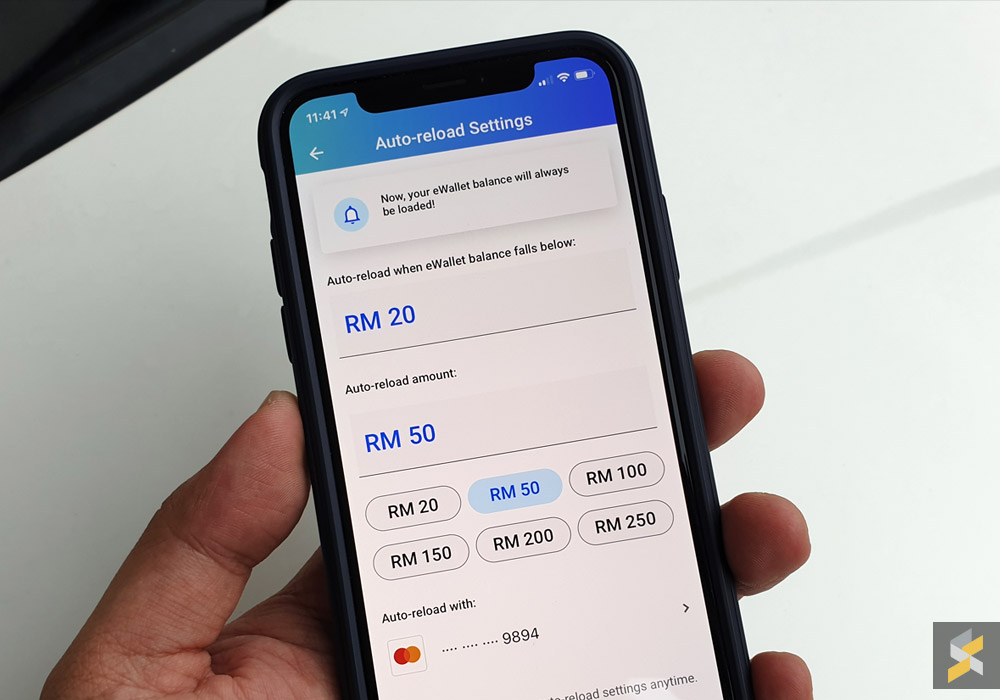
To enable auto-reload, just go to the reload E-Wallet section and tap on auto-reload. You can choose to reload when your E-Wallet balance goes below RM20 or you can set the threshold higher up to RM100. In terms of amount, you can choose from RM20 to RM250.

Unfortunately, this only works with credit cards. So you can’t enable auto-reload with your debit or prepaid card.  
In case you missed it, Touch ‘n Go now allows you to link your physical TNG Card to the E-Wallet for toll payments. This means when you tap your TNG card, it will deduct directly from your E-Wallet and not with your card’s balance. With auto-reload, this feature just got a whole lot better and you can also use your linked TNG card with your existing SmartTAG.
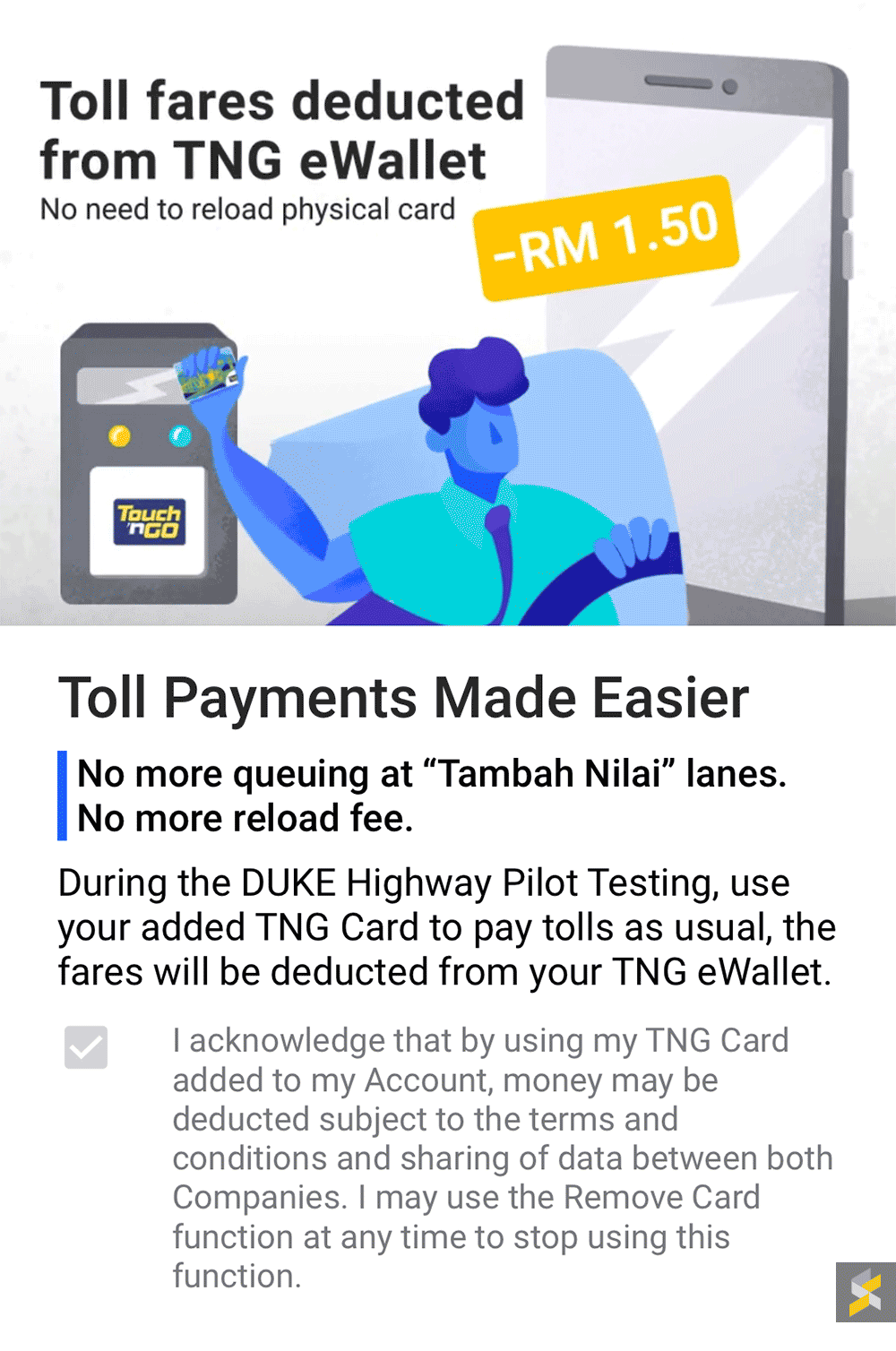
At the moment, this feature is only enabled for Duke Highway. So if you use other highways, you’ll still need to top up the physical card for now. According to TNG Digital, they will extend this feature to all highways in the Klang Valley sometime next year. It will be great if they could also extend this to car parks and public transportation as well.

The Touch ‘n Go E-Wallet is available for both Android and iOS. 

Tags: Digital PaymentMobile PaymentRFIDTNG RFIDTouch n GoTouch n Go E-wallet
Alexander Wong

Alexander Wong

POPULAR

Image by Gerd Altmann from Pixabay.

AEON Bank’s Personal Financing-i (PF-i): Flexible Funds to Help Ease Budget Constraints

December 24, 2025

SoyaCincau Awards 2025: Best Telcos of the Year

January 2, 2026

SoyaCincau Awards 2025: The Best Phones of the Year

December 31, 2025

Touch ‘n Go E-Wallet now comes with auto-reload feature

December 9, 2018

SoyaCincau Awards 2025: The Best Tablets of the Year

January 5, 2026
Tesla Malaysia Delivery - March 2025

Is RM250,000 the new entry price for CBU EVs in Malaysia?

December 31, 2025

Copyright © 2025 · SoyaCincau.com
Mind Blow Sdn Bhd (1076827-P)

  • ADVERTISE
  • DISCLAIMER

Copyright © 2026 · SoyaCincau.com – Mind Blow Sdn Bhd (1076827-P)

  • ADVERTISE
  • DISCLAIMER