• 中文版
  • BM
  • News
  • Deals
  • Reviews
    • First Impressions
    • Hands-on
    • Comparisons
  • Tech
    • Mobile
    • Computers
    • Cameras
    • Wearables
    • Audio
    • Drones
  • Telco
    • Celcom
    • Digi
    • Maxis
    • Time
    • Tune Talk
    • U Mobile
    • Unifi
    • Yes
  • Cars
  • Contribute
  • Jobs
Menu
  • 中文版
  • BM
  • News
  • Deals
  • Reviews
    • First Impressions
    • Hands-on
    • Comparisons
  • Tech
    • Mobile
    • Computers
    • Cameras
    • Wearables
    • Audio
    • Drones
  • Telco
    • Celcom
    • Digi
    • Maxis
    • Time
    • Tune Talk
    • U Mobile
    • Unifi
    • Yes
  • Cars
  • Contribute
  • Jobs
Search
  • Tech
    • News
    • Mobile
    • Computers
    • Cameras
    • Wearables
    • Audio
    • Drones
  • Telco
    • Celcom
    • Digi
    • Maxis
    • Time
    • U Mobile
    • Unifi
    • Yes
  • Reviews
    • First Impressions
    • Hands-on
    • Comparisons
  • Buyer’s Guide
  • Opinions
  • Digital Life
  • Video
  • Deals
  • How-To
  • Cars
  • Bahasa Melayu
  • EV
  • Contribute
  • Advertise
Menu
  • Tech
    • News
    • Mobile
    • Computers
    • Cameras
    • Wearables
    • Audio
    • Drones
  • Telco
    • Celcom
    • Digi
    • Maxis
    • Time
    • U Mobile
    • Unifi
    • Yes
  • Reviews
    • First Impressions
    • Hands-on
    • Comparisons
  • Buyer’s Guide
  • Opinions
  • Digital Life
  • Video
  • Deals
  • How-To
  • Cars
  • Bahasa Melayu
  • EV
  • Contribute
  • Advertise
Search
Close
Home News

iPhone XR gets haptic touch notification preview with iOS 12.1.1 update

  • BY Alexander Wong
  • 6 December 2018
  • 12:10 pm
  • Comment
Share on FacebookShare on Twitter
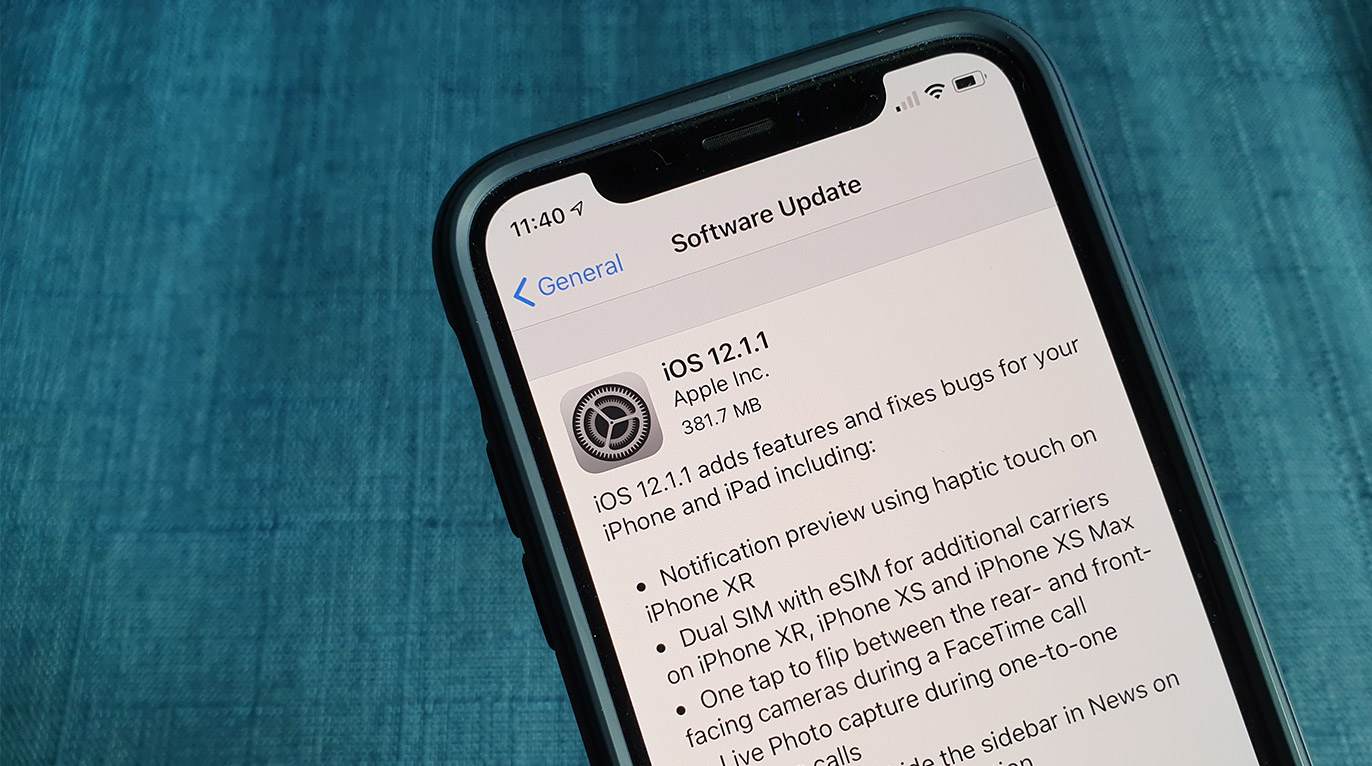
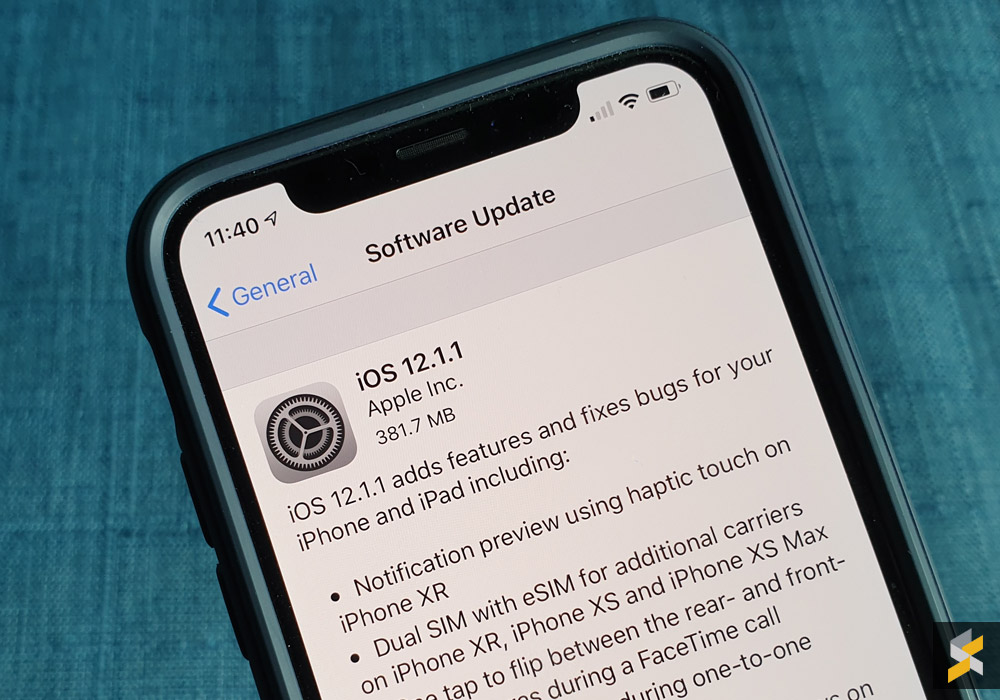
iOS 12.1.1

The iPhone XR is currently the best selling iPhone at the moment but it’s also the only new iPhone that lacks 3D touch. Instead, it comes with Haptic Touch which isn’t pressure-sensitive but it gives a haptic feedback when you perform long-presses. 

To bridge the gap between haptic touch and 3D touch, Apple is enabling notification preview on the iPhone XR with the latest iOS 12.1.1 update which is rolling out now to all supported iOS devices.

With the new update, you can preview your notifications by simply long pressing on the notification alerts on your home screen. This gives you a peek without having to go into the app. 

Apart from that, iOS 12.1.1 also adds a couple of new functionalities for FaceTime. There’s now a single toggle button which allows you to flip between the rear and front-facing camera during a FaceTime call. On top of that, you can also capture a Live Photo while a FaceTime call is in progress.
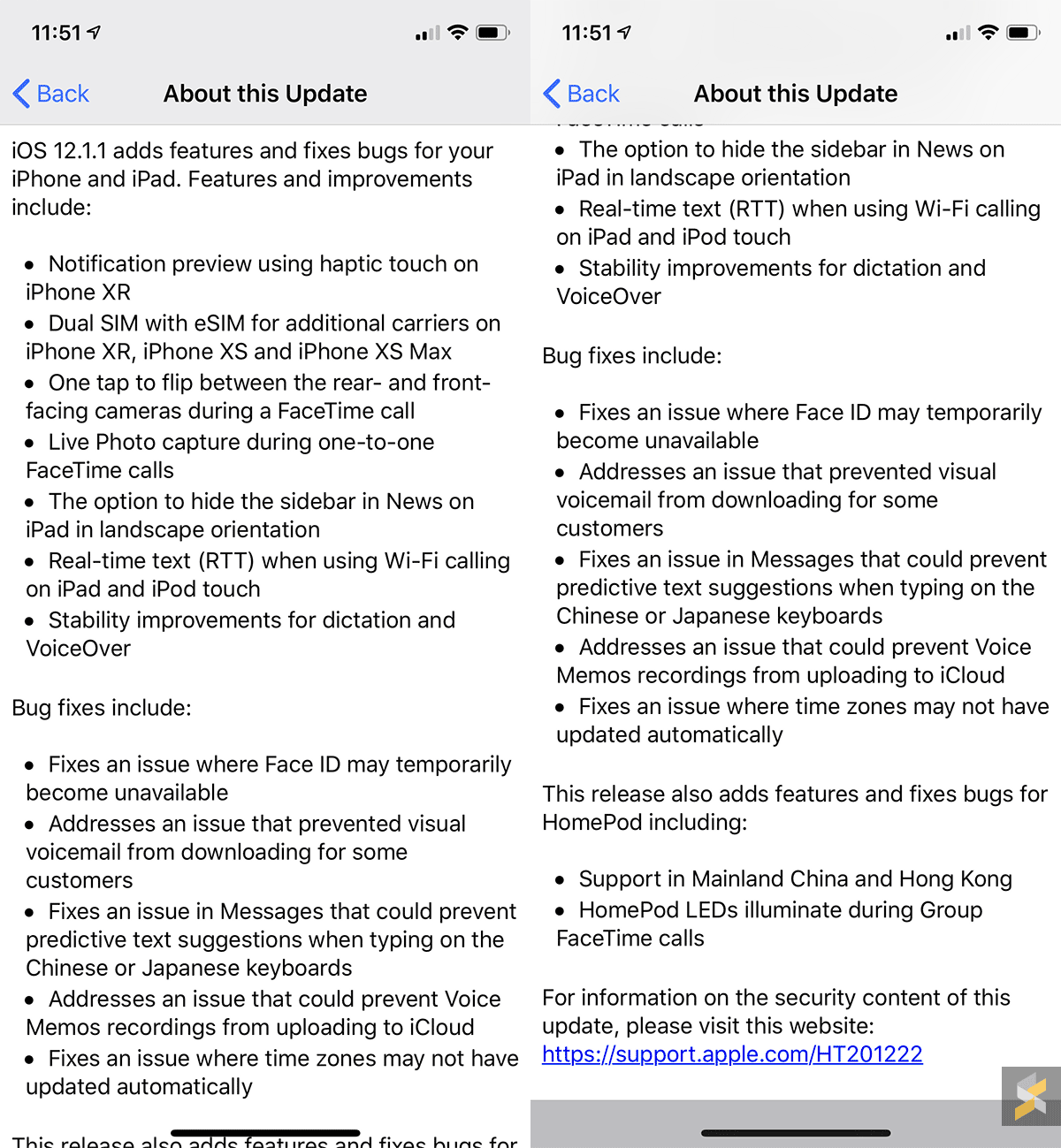
Other iOS 12.1.1 updates include additional telco support for eSIM on the new iPhone XR, iPhone XS and iPhone XS Max. Unfortunately, you can’t enable this locally but we are told that several local telcos will be offering eSIM support for the new iPhone models very soon. 

To update to iOS 12.1.1, just go to Settings > General > Software Update on your device. 

Tags: AppleiOSiPadiPhoneiPhone XRiPhone XSiPhone XS Max
Alexander Wong

Alexander Wong

POPULAR

Upgraded To a New Phone? Cool. But When Was the Last Time you Upgraded your Shaver?

November 10, 2025

5 Reasons Every Home Should Have a Smart Security System

November 11, 2025

Solar ATAP: The new solar programme for consumers will only start in 2026

December 2, 2025

iPhone XR gets haptic touch notification preview with iOS 12.1.1 update

December 6, 2018
Perodua QV-E EV

Perodua QV-E is now official: Electric sportback with 201hp, 445km NEDC range, priced at RM80k not inclusive of battery subscription

December 1, 2025

GrabRewards is now GrabCoins: Now with even more ways to earn and save

November 17, 2025

Copyright © 2025 · SoyaCincau.com
Mind Blow Sdn Bhd (1076827-P)

  • ADVERTISE
  • DISCLAIMER

Copyright © 2025 · SoyaCincau.com – Mind Blow Sdn Bhd (1076827-P)

  • ADVERTISE
  • DISCLAIMER