
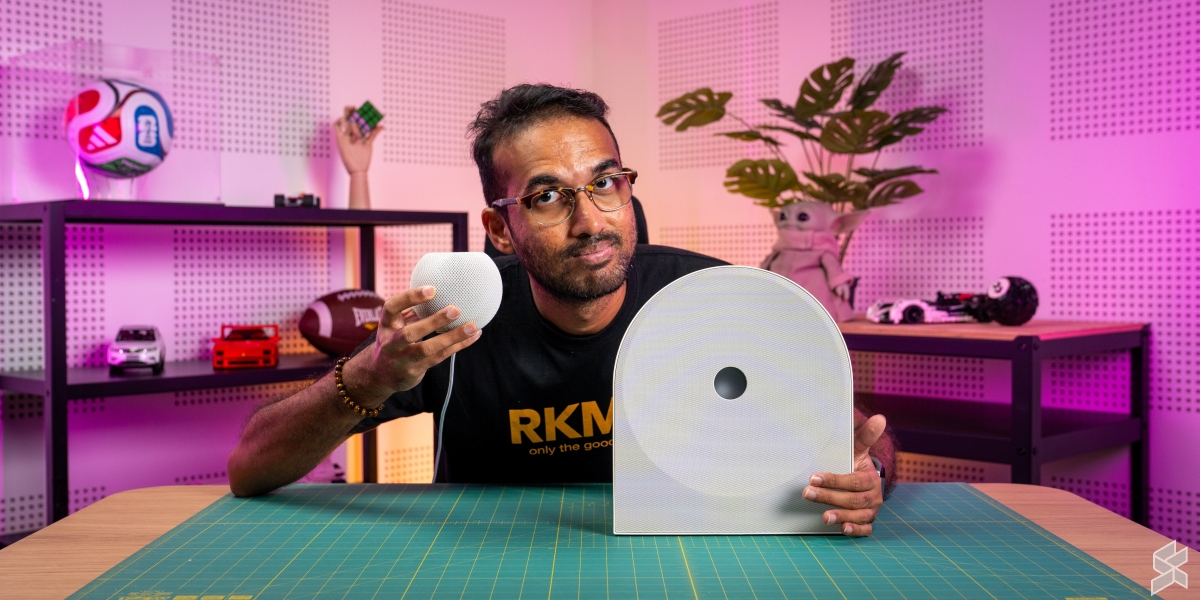

I gave the Apple HomePod Mini (first generation) a glowing review for its audio performance and recommended it for anyone with an Apple mobile device or willing to get an Apple device just to use it.
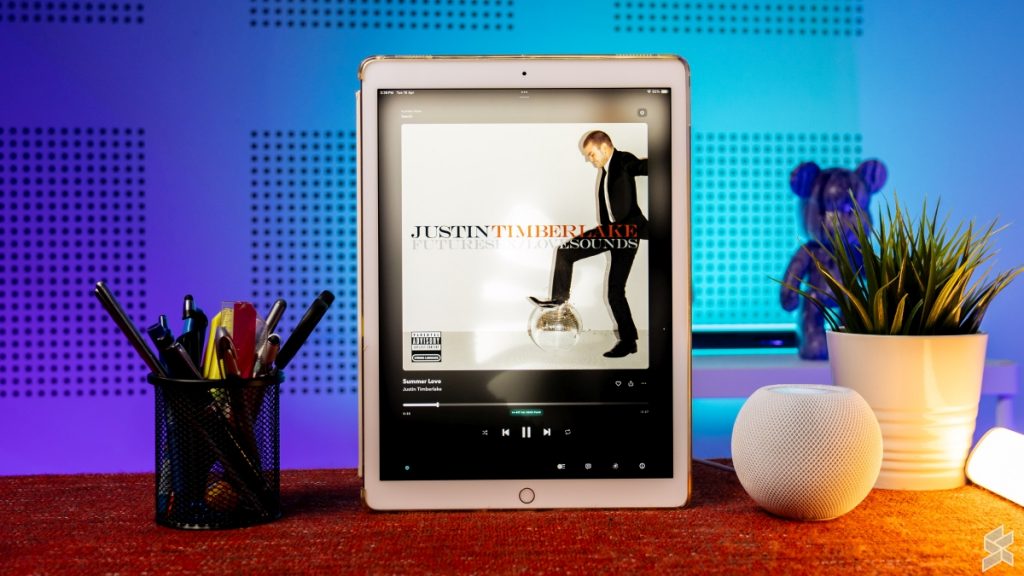
But not everyone is keen on getting a device with the sole purpose of streaming music to a HomePod Mini. Some of you don’t even want to approach anything with an Apple logo on it. If possible, I want to ditch the HomePod Mini as I’m not in the Apple ecosystem. It’s frustrating having to reach for my iPad Pro every time Alex’s hand-me-down iPhone 11 Pro dies.
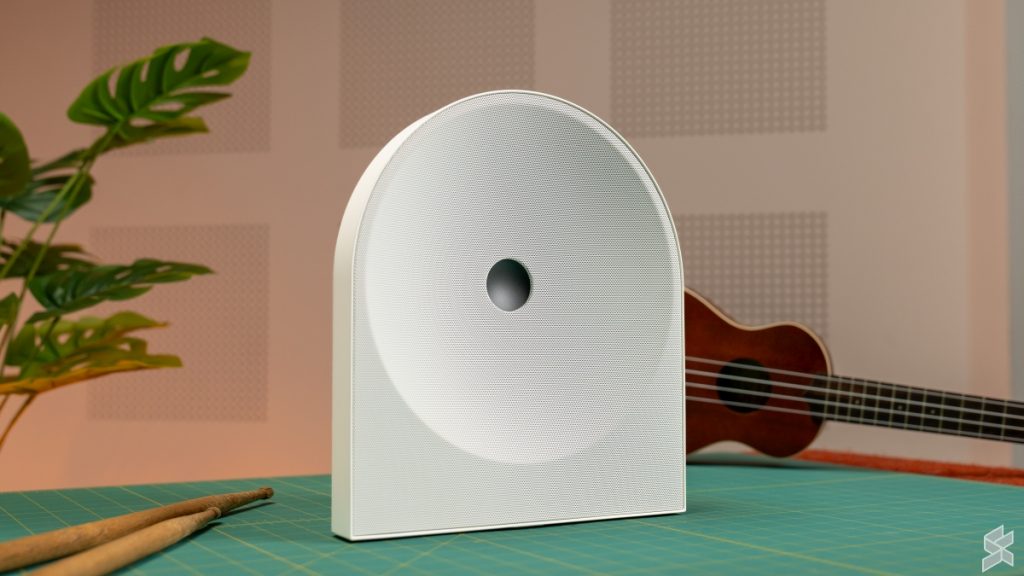
So, who can rise to challenge the HomePod Mini? Well, I guess it’s Samsung with the Music Studio 5.
What on earth is a Samsung Music Studio 5?
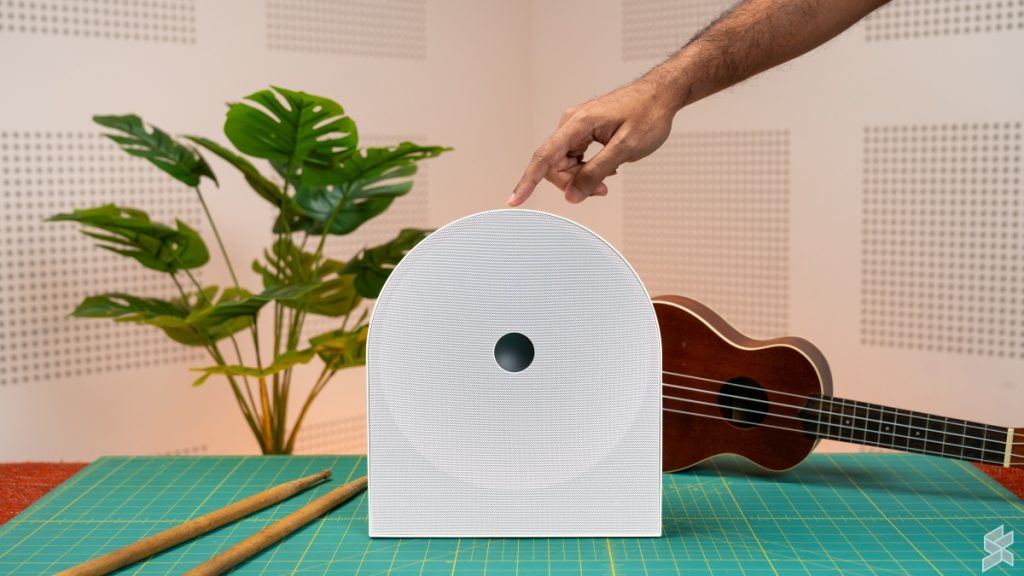
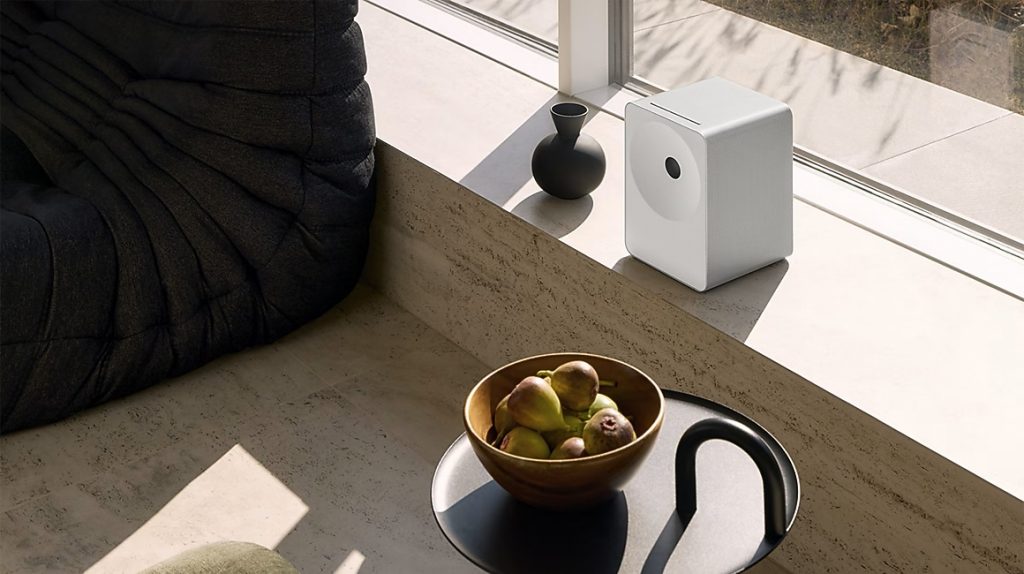
The Samsung Music Studio 5 is a RM999 (RRP: RM1,199) powered speaker designed strictly as a plug-in tabletop unit, meaning there is no built-in battery here. Beneath its fabric exterior, it houses a 2.0-channel setup driven by a 4-inch woofer and dual front-firing tweeters.
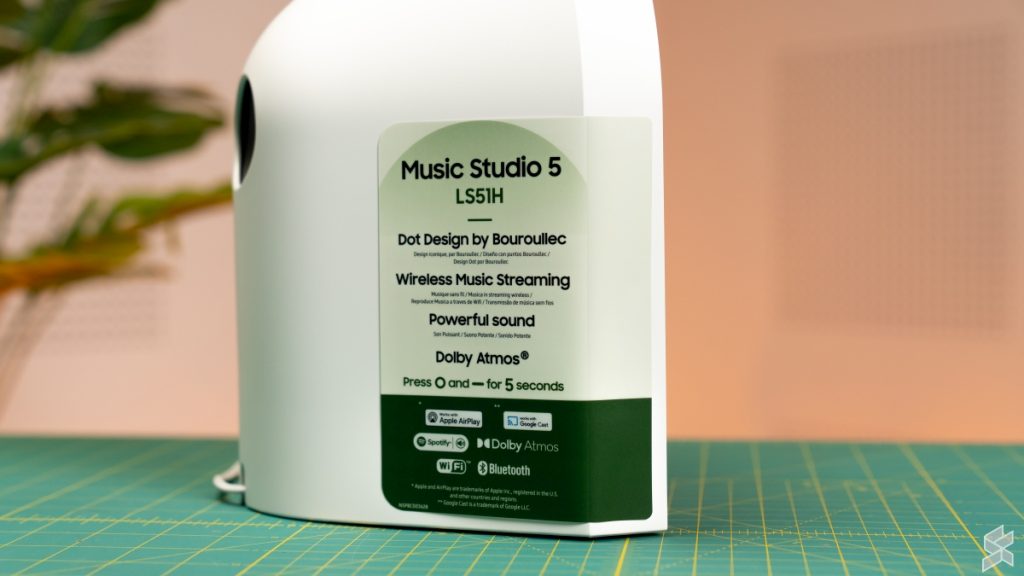
It ticks most of the modern audio boxes, offering Dolby Atmos processing, 24-bit/96kHz Hi-Res decoding, and Samsung’s SpaceFit Sound Pro for automatic room calibration.
FYI: On compact lifestyle speakers, Dolby Atmos is essentially a format compatibility and software licensing certification, not a guarantee of superior audio quality. Dolby isn’t holding hardware to strict audiophile benchmarks as THX does, which is why the exact same logo appears on budget laptops and smartphones.
Instead, the badge simply verifies that the Music Studio 5 can decode an Atmos data stream and apply Dolby’s spatial DSP algorithms to widen the soundstage and simulate height. It does a solid job of keeping a small tabletop box from sounding narrow, but it’s fundamentally a software trick, not the uncompressed, multi-channel immersion you’d get from a 4K Blu-ray feeding into a dedicated AV receiver.
Moving on, connectivity leans heavily into wireless, with Bluetooth 6.0, Wi-Fi, Apple AirPlay 2, Google Cast, and direct streaming from Spotify, Tidal, and Roon. If you want to wire it to a TV or turntable, you’re limited to a single Optical input; there is no HDMI eARC or 3.5mm jack here.
If that missing HDMI eARC port is a dealbreaker, that’s where its bigger brother comes in. The Music Studio 7 at RM1,599 (RRP: RM1,999) steps up from simple stereo to a 3.1.1-channel spatial audio setup. Where the Music Studio 5 relies on virtualised Atmos, the much heavier Music Studio 7 packs five dedicated drivers, including side- and up-firing channels, to physically bounce sound off your ceiling.
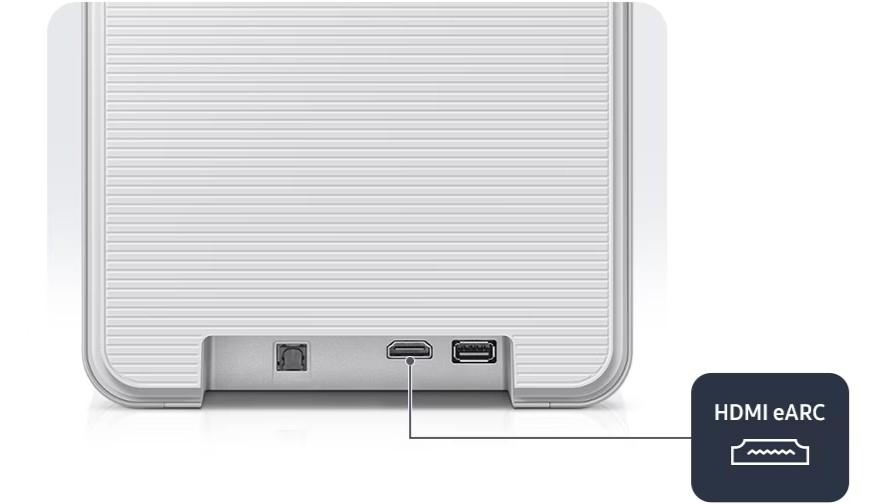
Most importantly for living room setups, the Music Studio 7 adds an HDMI eARC connection, transforming it from a standalone music speaker into a soundbar alternative.
A treat for casual listening
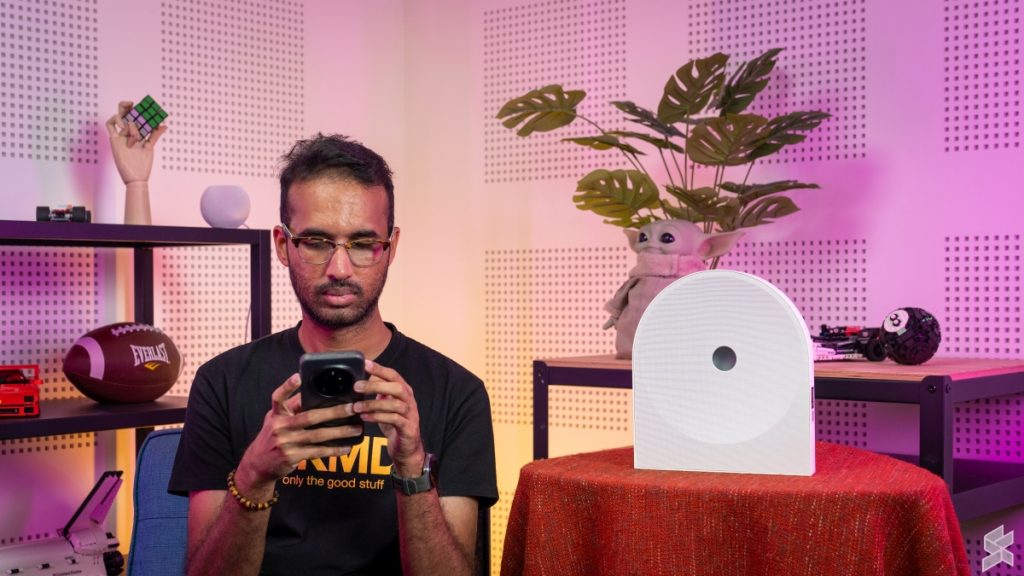
Without dissecting the Samsung Music Studio 5’s acoustic performance, the speaker is enjoyable to listen to. Vocals are clear, bass is pronounced, and the highs are vibrant. When the speaker is just playing songs in the background while I’m working on a task, I do find myself tapping my feet and fingers to the beat of the music.
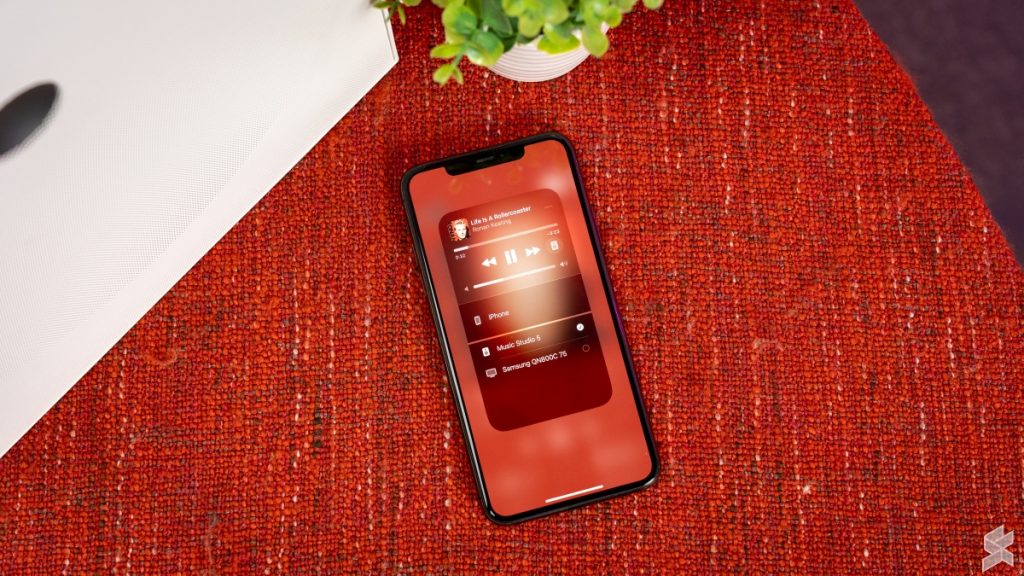
It’s also easy to stream songs from any service or device to the Music Studio 5. For this review, I streamed my music from Tidal using Tidal Connect with my Galaxy Z Fold 8 and using AirPlay 2 with my iPad Pro 12.9” (2nd Gen).
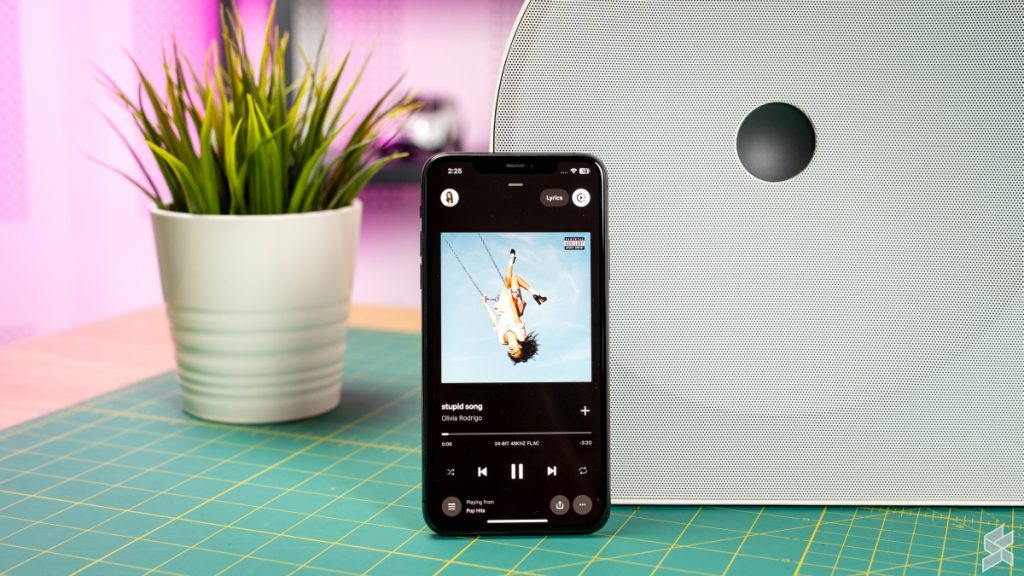
If you’re using Tidal Connect to stream music, you’ll find that after a couple of mins, the app loses connection to Tidal Connect. Your playlist continues to play on the speaker, but you just can’t control it with the Tidal app anymore. The app will show the last song it played before losing connection.
You can reconnect by choosing Music Studio 5 as the output device again in the app, and if you’re lucky, the app will sync with Tidal Connect and skip to the current song. Now, this is an issue with Tidal and has nothing to do with Samsung’s speaker. However, this is a non-issue on Apple devices, as they use AirPlay 2 as well.
Let’s dissect the Samsung Music Studio 5
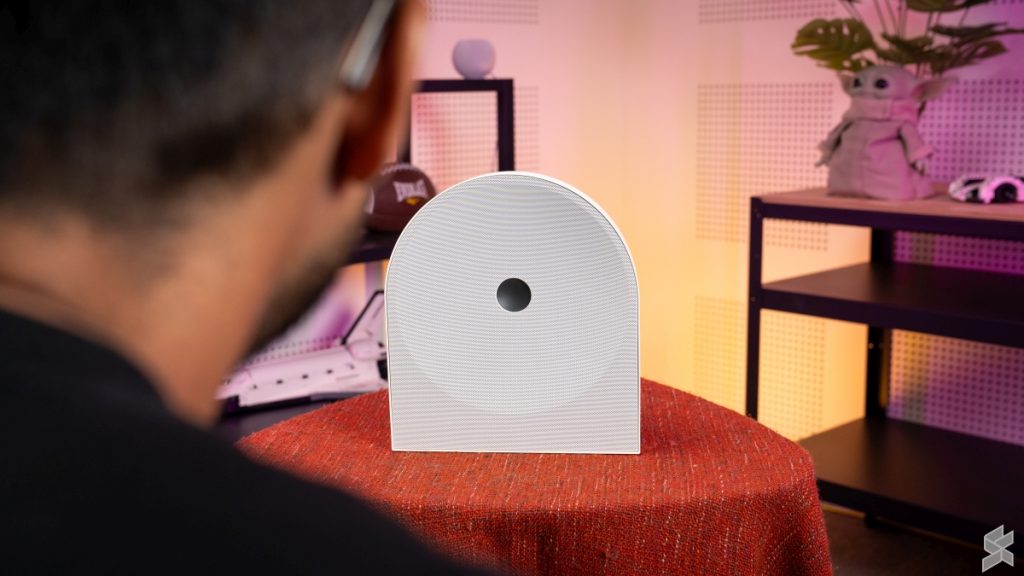
Sit in front of the Samsung Music Studio 5, focus on the song playing, and you’ll realise its weaknesses.
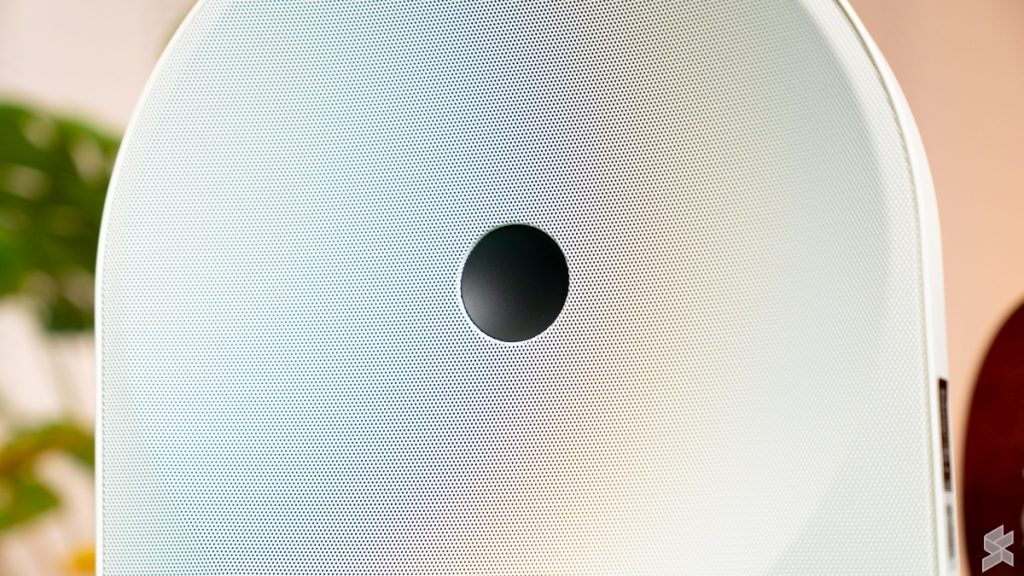
For starters, the soundstage is narrow and confined within the breadth of the unit. Now, it’s unrealistic to expect a soundstage spanning the length of the room given its size and the fact that it’s a single unit. But I was expecting to hear a soundstage wide enough to provide separation for the musical elements.
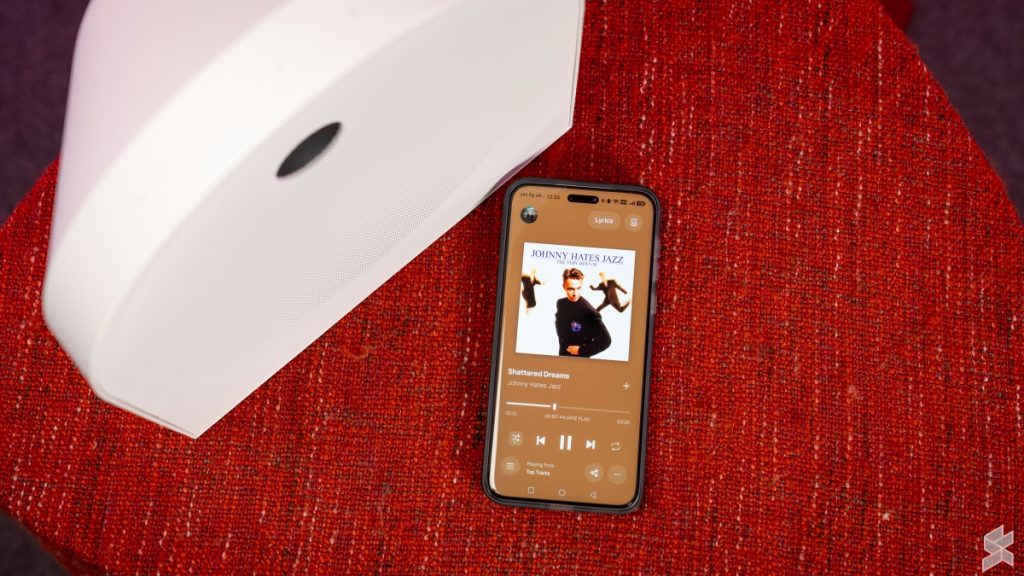
Instead, the musical elements feel stacked, with the vocals being at the front and the rest of the instruments and audio effects layered behind it.
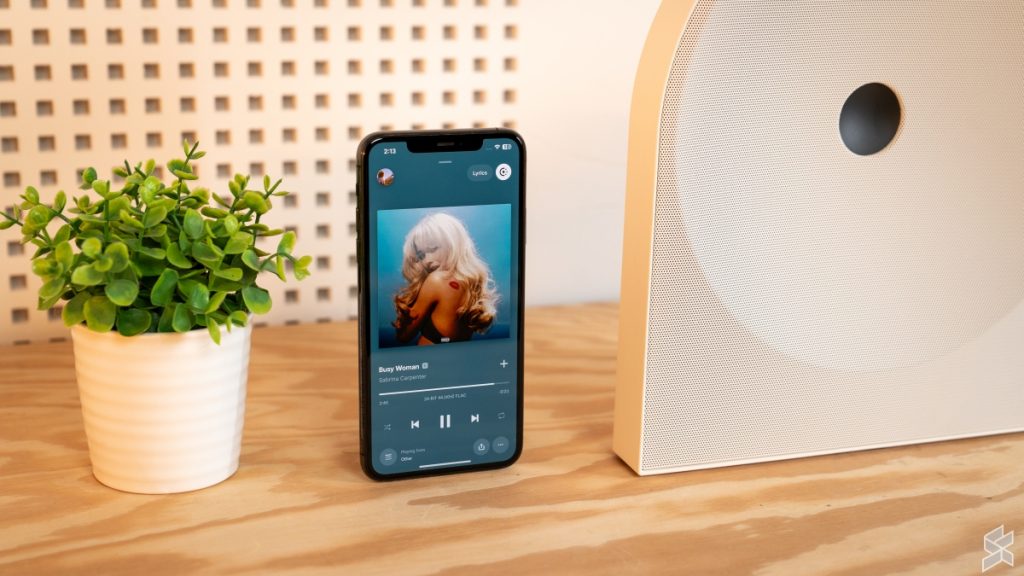
Things fall apart even further when more instruments and sound effects are thrown into the mix. In a busy track like Sabrina Carpenter’s Espresso, that stacking effect causes everything to collide into a congested, noisy mess. Even the vocals struggle to cut through the clutter, making it genuinely unenjoyable to listen to on this speaker.
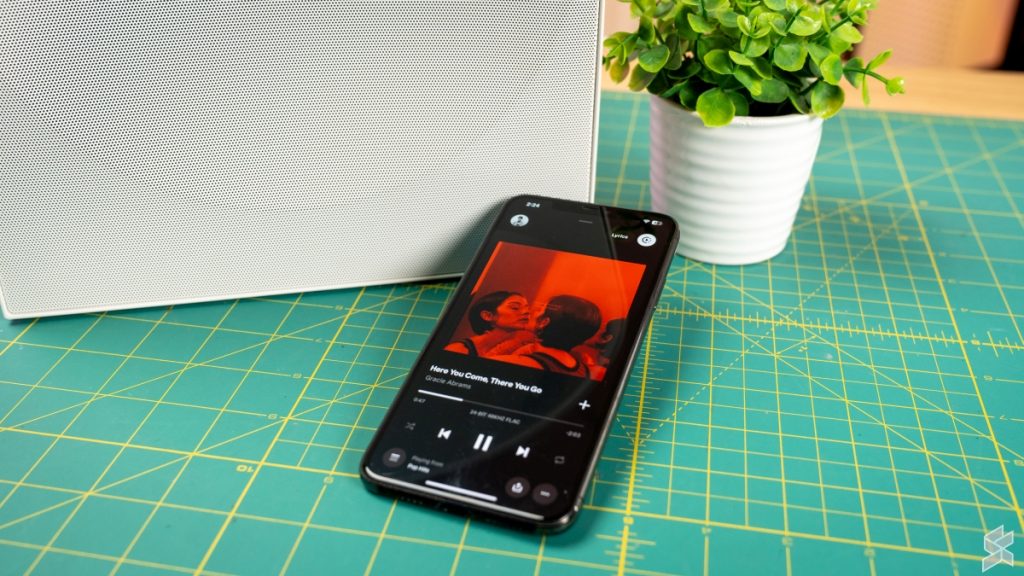
When not being interfered with by the bass or a dense mix, the mids are clear and well reproduced. The highs are not too bright and roll off well; hence, listening to the Music Studio 5 for long periods doesn’t get fatiguing.
Putting it head-to-head with the Apple HomePod Mini
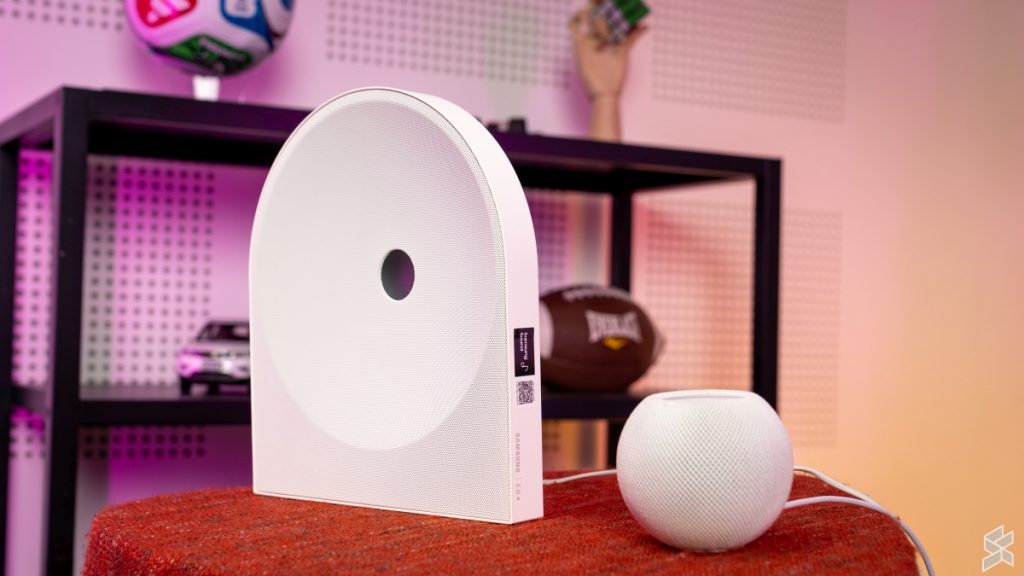
While the Apple HomePod Mini is smaller in size and down on driver count, it’s much closer in pricing to the Samsung Music Studio 5 than the Apple HomePod. But don’t let the small size and single powered speaker fool you into thinking it’s not a worthy competitor.
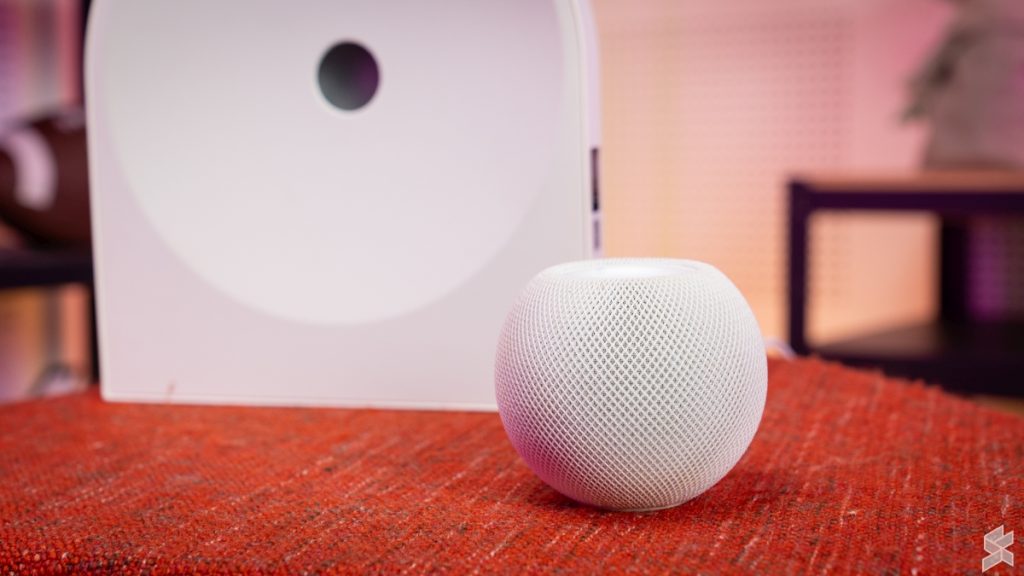
Yes, at 20W, the HomePod Mini isn’t going to drown out the Music Studio 5 and its 70W output. This was clear during my testing, where the HomePod Mini’s volume at 90% was similar to the Music Studio 5’s volume at just 40%.
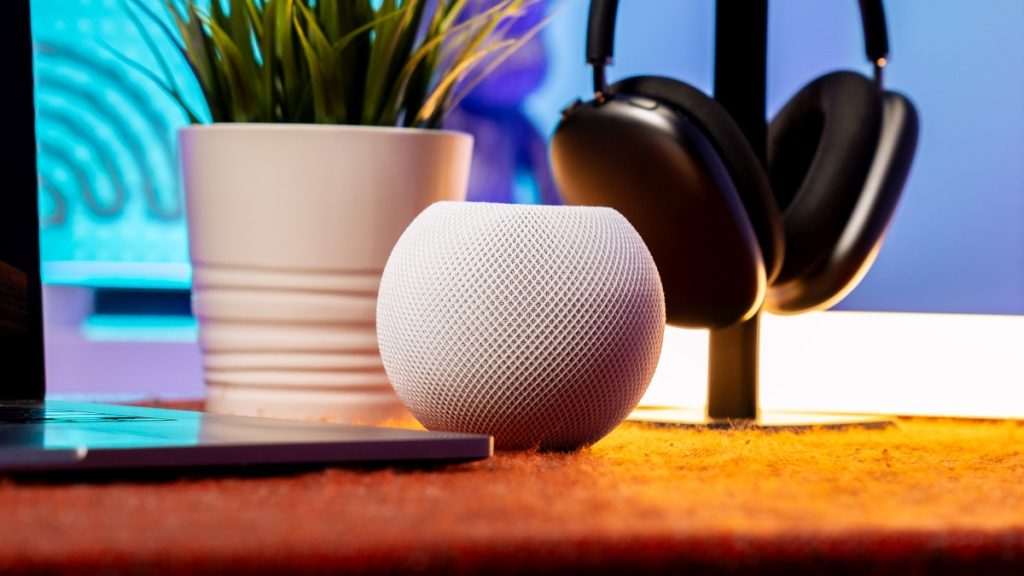
But when it comes to audio performance, more often than not, it’s the HomePod Mini that comes out on top. To keep this review concise, the HomePod Mini has better audio separation, well-defined bass, and clearer mids and highs.
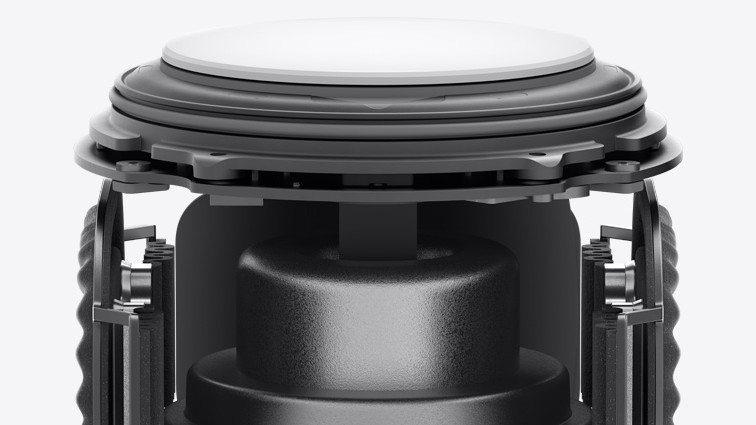
What makes this even more impressive is how Apple achieved it with so little hardware. On paper, the HomePod Mini seems completely outgunned by relying on just a single full-range driver. But Apple was clever with its acoustic design: by pairing that woofer with dual passive radiators, they effectively offloaded most of the bass duties.
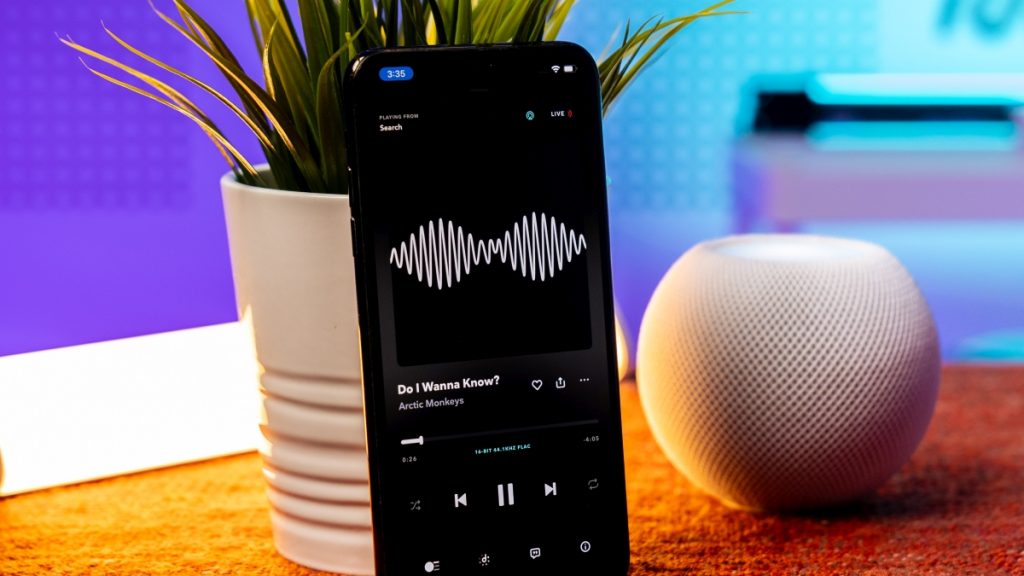
To be clear, the strength of the HomePod Mini’s bass isn’t as loud or heavy-hitting as what you get from the Music Studio 5’s larger 4-inch woofer. However, the low-end output is still more than adequate for its size, and more importantly, the bass is well-defined with a fast response time.
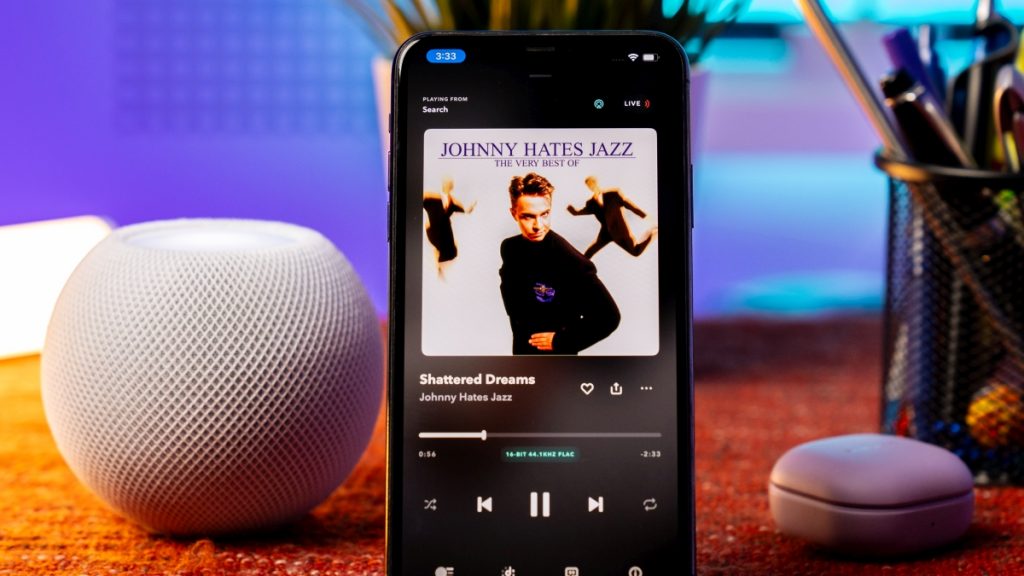
Because those dual passive radiators keep the bass tight, snappy, and controlled without lingering, the main driver is left free to cleanly focus on the mids and highs without choking or getting drowned out.
Then there’s the separation, which honestly defies common sense. Normally, asking a single active driver to handle an entire track is a guaranteed recipe for a congested, muddy mess where all the instruments trip over each other.

Yet, through Apple’s computational audio and that 360-degree acoustic waveguide, the HomePod Mini somehow untangles the layers. Instead of everything fighting for the exact same acoustic space, instruments feel neatly placed around the spherical body, giving tracks genuine depth.
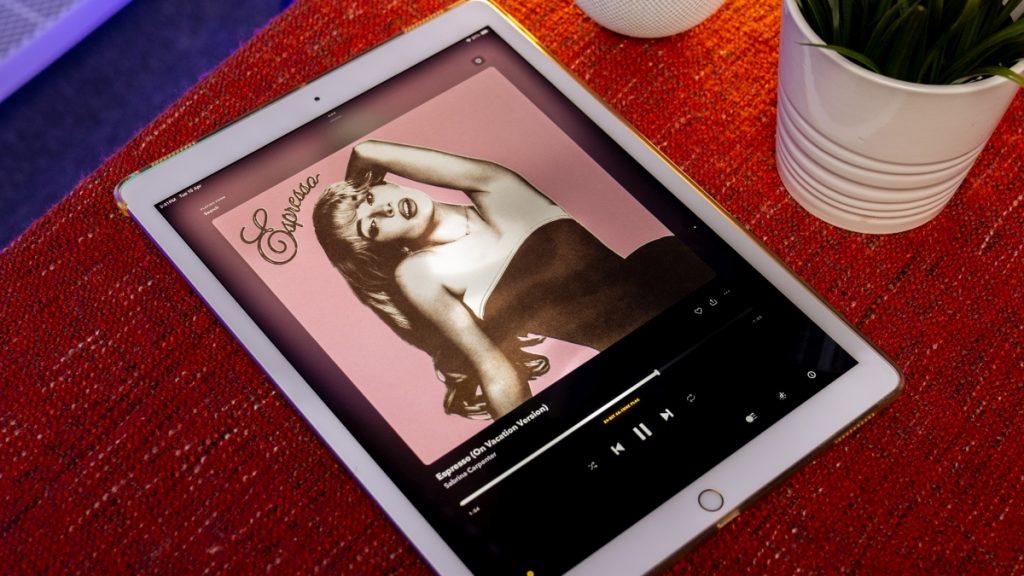
Play Sabrina Carpenter’s Espresso on the HomePod Mini, and it sounds great. Instead of collapsing into a noisy mess as it did on the Studio 5, the groovy bassline, crisp percussion, funky guitar riffs, and Sabrina’s vocals each get their own breathing room around the spherical body.
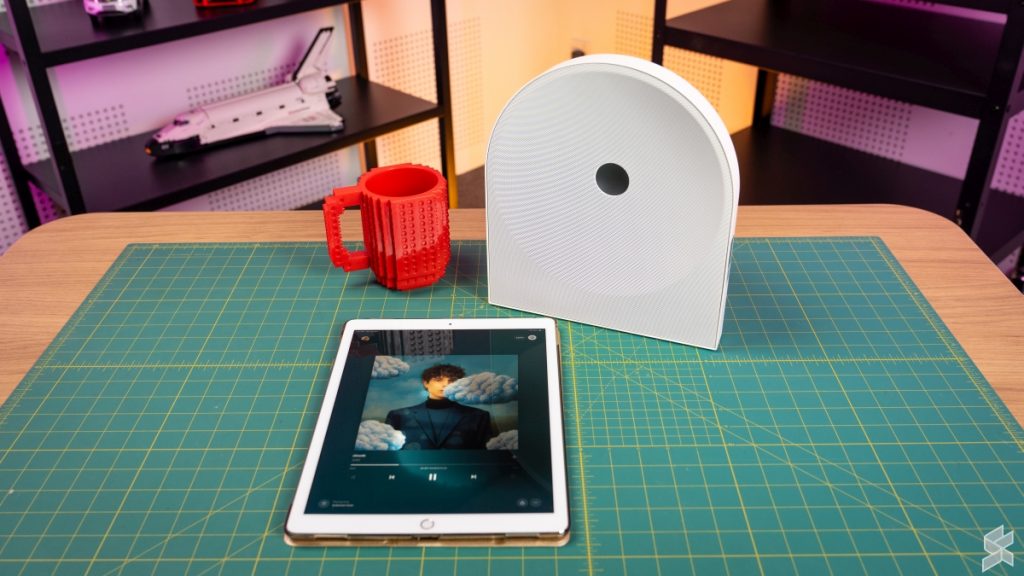
The Studio 5, with all the physical advantages of having three separate drivers and a much larger cabinet, paradoxically ends up sounding flatter and far more cluttered the moment a track gets dense.
Fumbling with the controls
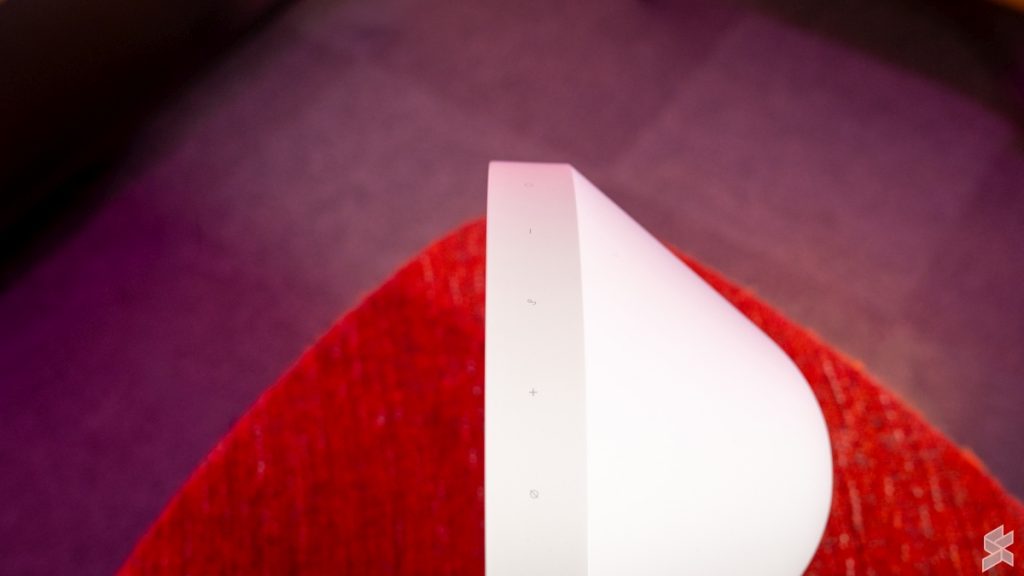
Up top, Samsung fitted the Studio 5 with a flush capacitive touch panel that covers the essentials. You get volume controls, an input toggle to cycle between Wi-Fi, Bluetooth, and Optical, and a physical microphone mute button to cut power to the far-field mics, which are used for SpaceFit room calibration and the Active Voice Amplifier.
Playback is handled by a single “Instant Music Play” sensor dead in the middle. A single tap plays or pauses, while a double-tap skips forward or triggers Spotify Tap. But if you accidentally skipped a track you wanted to hear? Tough luck! There’s no backward skip gesture here, so you’ll have to fish out your phone regardless.
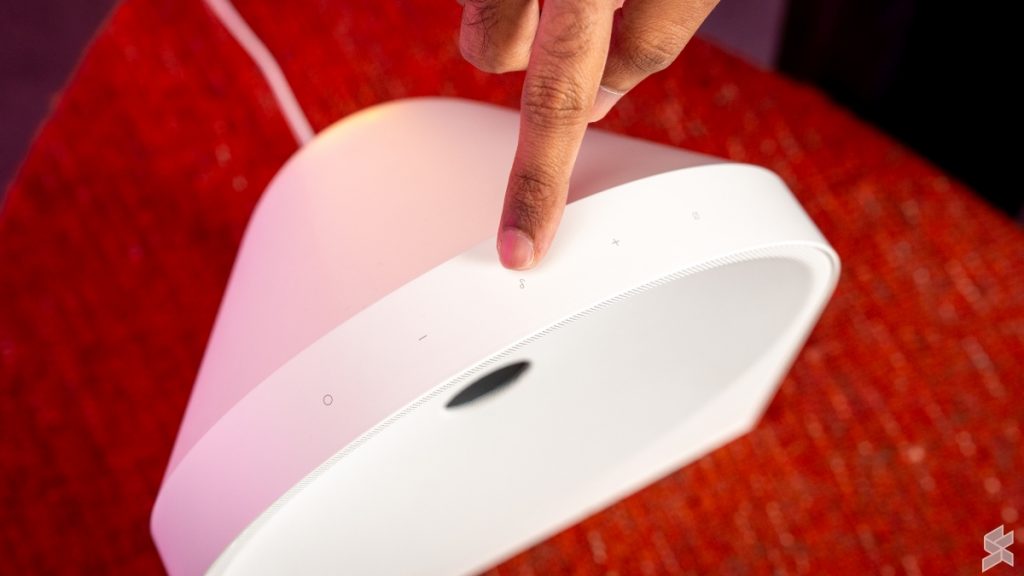
That wouldn’t be a dealbreaker if the controls were actually intuitive, but this is a classic case of form over function. The panel sits completely flat against the top deck with no raised tactile guides, no haptic feedback, and zero backlighting. While the play/pause sensor is easy enough to guess simply because it’s centred, finding the volume or input buttons without staring directly over the unit is pure guesswork.
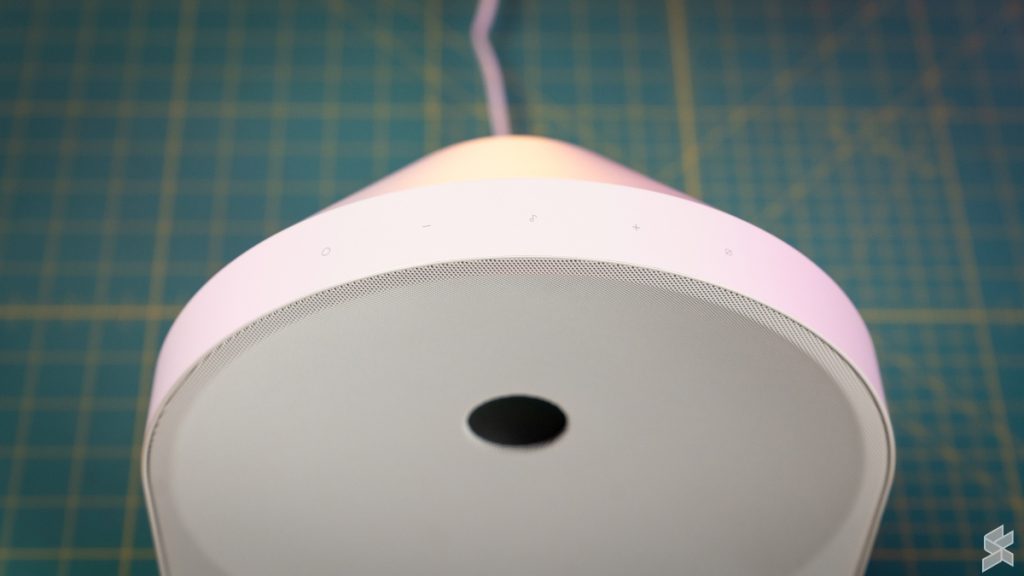
Compounding the frustration is the status LED indicator hidden behind the fabric along the top arch. The issue isn’t strictly that the light is weak, but it’s the viewing angle. You practically have to look at the speaker dead-on at eye level to see it.
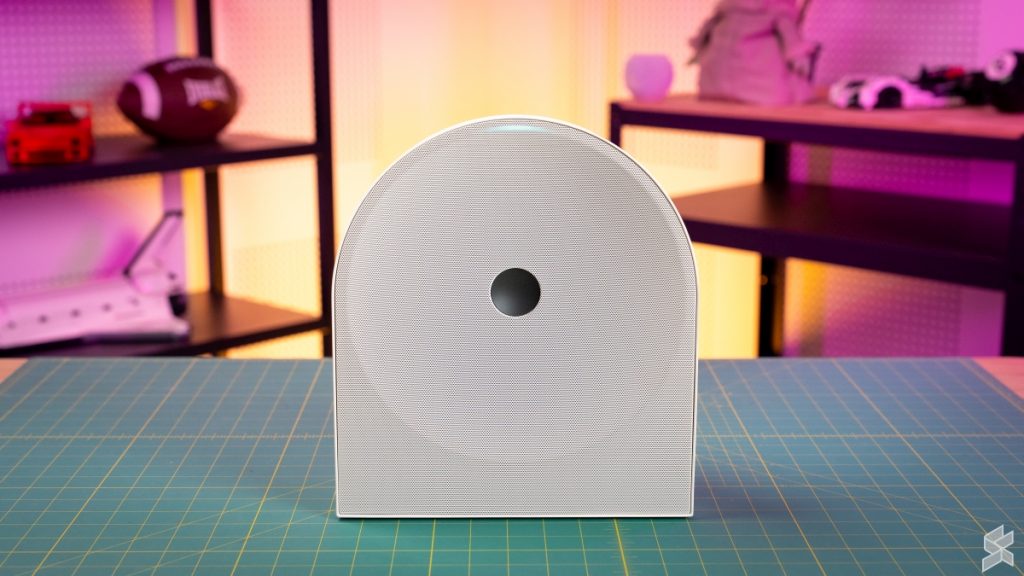
If you’re tall like me, standing right in front of the unit on a desk or sideboard, the indicator vanishes completely unless you literally bend down to its level.
In a dark room, the ambient glow reflecting off the fabric makes it easier to catch, but during the day or in a well-lit room, good luck figuring out which input mode you’ve just toggled to.
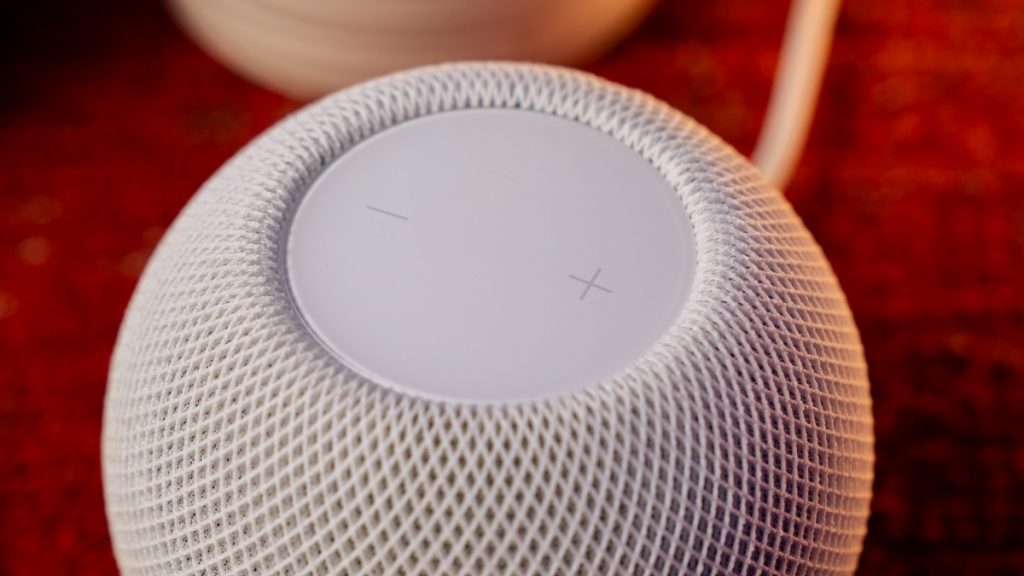
Now, to be fair, the Apple HomePod Mini doesn’t have tactile buttons either. But Apple’s execution is far more intuitive. The plus and minus volume targets are spaced out towards the left and right edges along the centre line of the touch panel, making it much easier to reach out and tap. Alternatively, you can ask Siri on the HomePod Mini to turn the volume down or skip back a track from across the room.
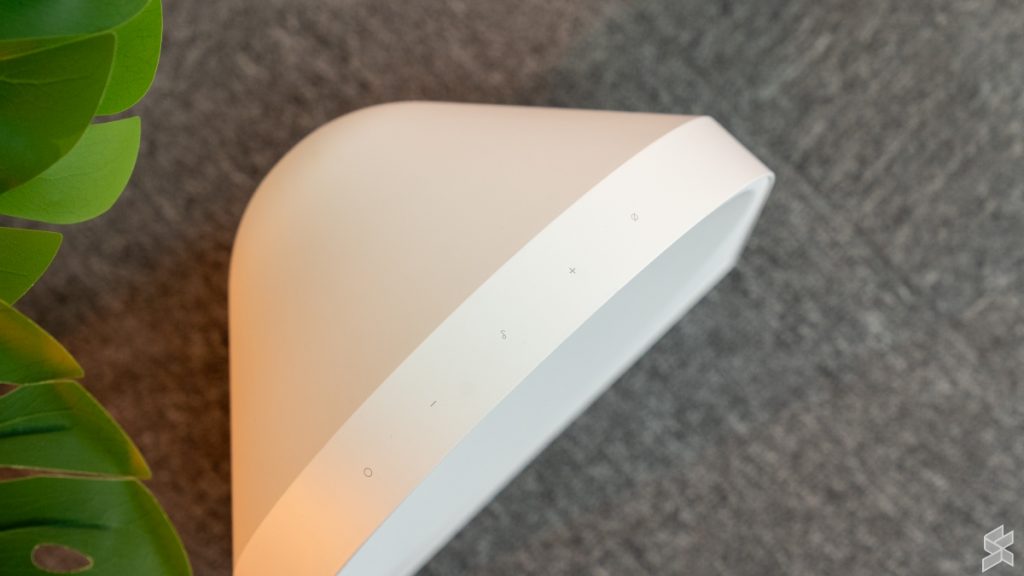
The Studio 5 gives you no such luxury. It doesn’t have a smart assistant built in because it simply isn’t a smart speaker. So when the flat physical controls leave you fumbling, you can’t just shout a voice command to rescue the situation. Instead, you’re forced to pick up your phone, which brings us straight to the software experience.
Saved by the App
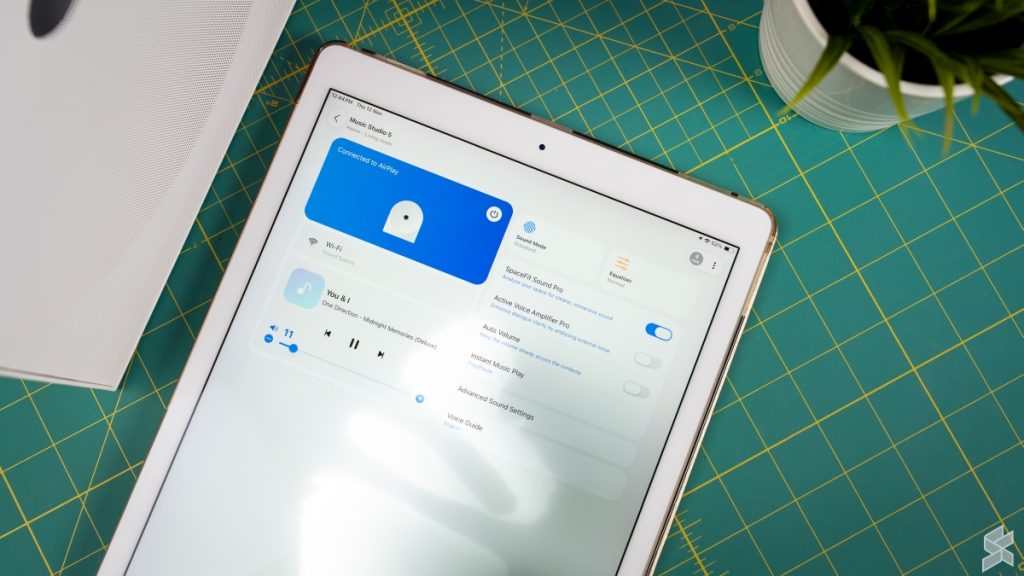
Thankfully, where the physical controls stumble, the software actually picks up the slack. To manage the Samsung Music Studio 5, you can either route it through Samsung’s ubiquitous SmartThings app or use the dedicated Samsung Sound app if you just want a clean hub for audio products.
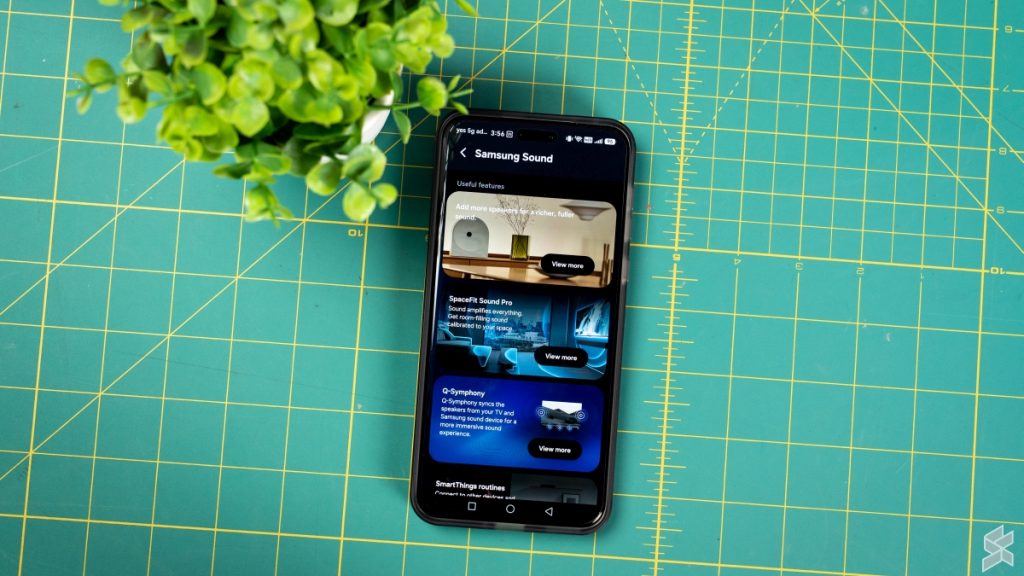
Whichever route you take, the options and interface are identical, and credit where it’s due, it’s all remarkably clean, responsive, and sensibly laid out.
The app unlocks all the settings you simply cannot touch from the speaker itself. You get features like Auto Volume, a customisable equaliser, Night Mode, and a Voice Enhancement toggle, which comes in handy if you’ve got it wired to your TV via the Optical port for late-night movie dialogue. This is also where you toggle Samsung’s headlining intelligent features: SpaceFit Sound Pro (its automatic room calibration) and Active Voice Amplifier Pro.
Now, about those smart features. I kept SpaceFit Sound Pro turned on for the vast majority of my review. But when I toggled it off to hear the before-and-after? There was practically zero audible difference in my setup. It might make a subtle difference in an awkwardly shaped, highly reflective echo chamber, but in a standard room, don’t expect a dramatic acoustic transformation.
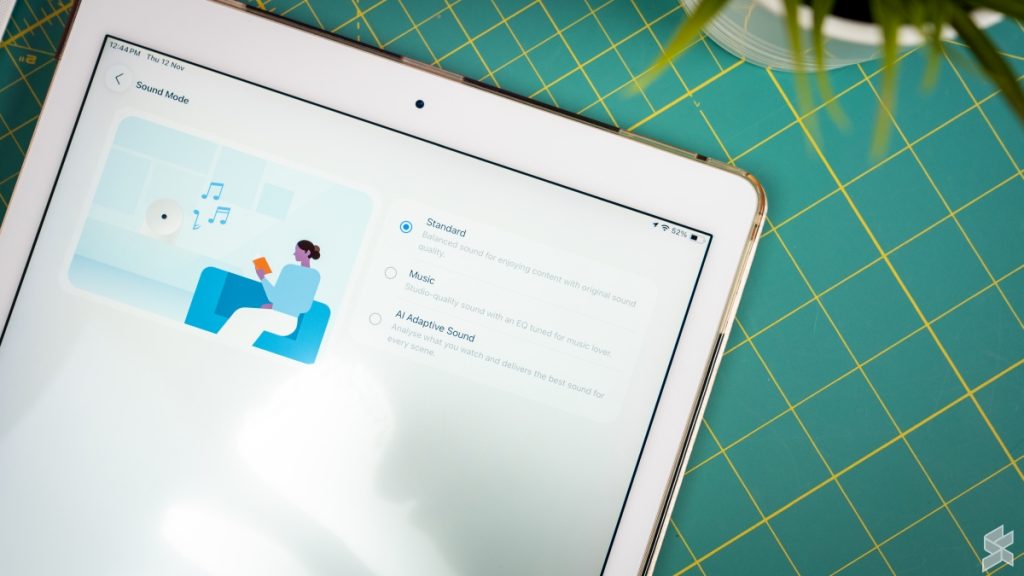
Where you will hear an immediate difference is between the sound modes: Standard and Music.
Switching into Music mode makes it obvious that Samsung’s DSP is trying to artificially rescue the Studio 5’s narrow soundstage. It pushes the boundaries outward and notably juices the treble to simulate detail and air. The problem is that it overcompensates. On several tracks, the highs became noticeably bright and edged toward harshness, quickly bringing back that ear fatigue the default hardware avoids.
Ultimately, Standard mode is easily the best way to listen to this speaker. It keeps the processing honest, avoids turning the treble into an aggressive assault on your eardrums, and delivers the most balanced, natural presentation the 4-inch woofer and dual tweeters can muster.
Smart Home Capabilities? Don’t Hold Your Breath
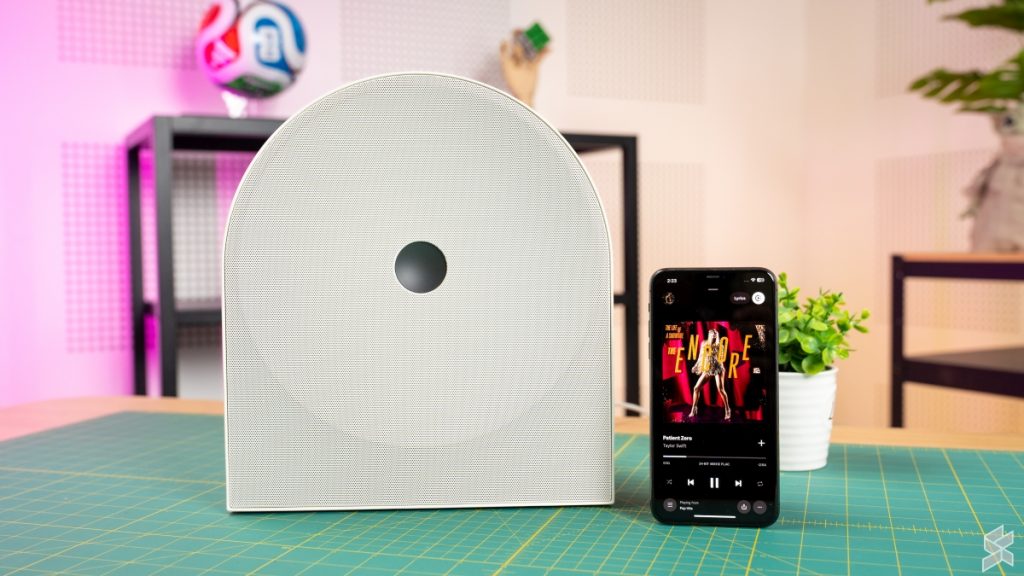
With far-field microphones staring back at you from the top deck, you’d be forgiven for assuming you could bark commands across the room to check the weather, set a quick cooking timer, or switch albums on a whim.
Don’t bother wasting your breath. The Samsung Music Studio 5 doesn’t house an always-listening virtual assistant. No Bixby is waiting for a wake word, and Google Assistant won’t perk up here either. Those built-in mics exist solely as acoustic measuring tools for Samsung’s SpaceFit room tuning and ambient noise sensing.
Then there is the smart home side of the equation. Samsung has made a habit of turning its appliances, from smart TVs to select soundbars and refrigerators, into full-blown SmartThings hubs. Curiously, the Music Studio 5 was left off the guest list. There is no Thread, Zigbee, or Matter controller hardware tucked under the fabric, meaning this speaker cannot bridge your smart plugs, light bulbs, or contact sensors into your household network.
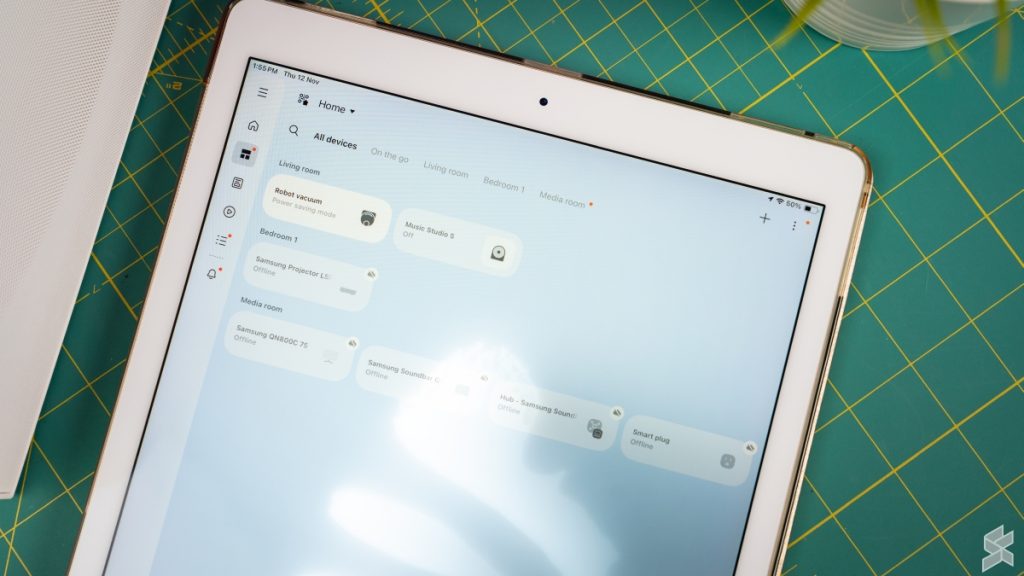
Instead, it functions strictly as a receiver inside the SmartThings ecosystem. It can’t give orders to your other gadgets, but it’s more than happy to take them. Once you link it to your Wi-Fi, it behaves purely as an automation endpoint: you can tie it to a motion sensor so it triggers your morning chill playlist when you step into the kitchen or tell it to mute itself the moment a smart doorbell detects a visitor.
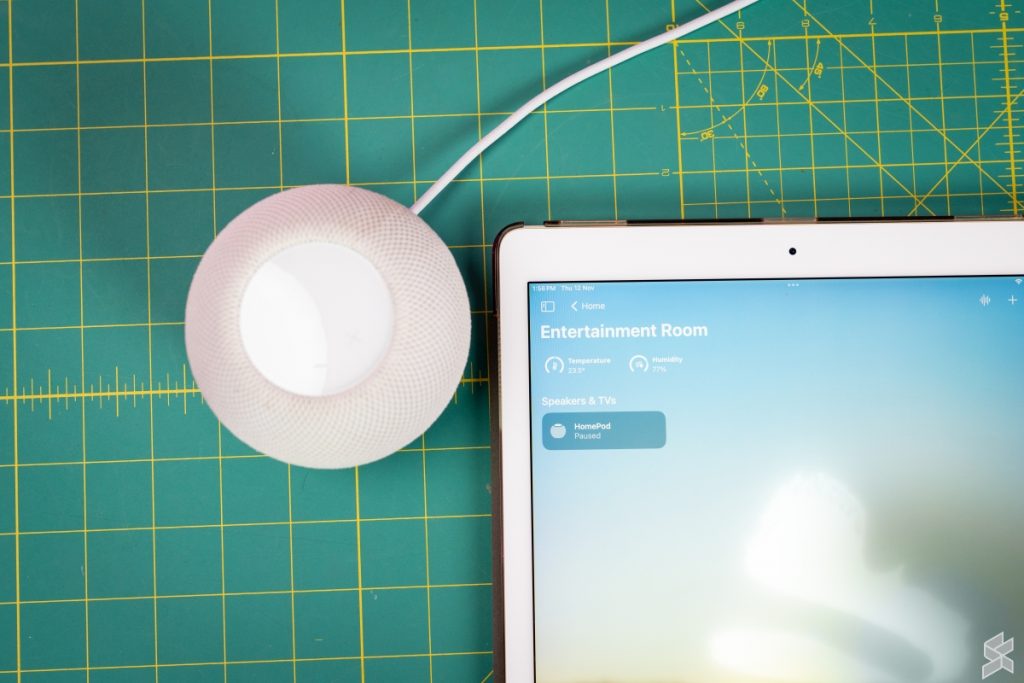
This is where the Apple HomePod Mini delivers a reality check to the Samsung. Despite costing less, Apple’s tiny orb doubles as a smart assistant and a smart home hub. You can actually use voice commands to control your room, and because Apple now embraces open protocols like Matter and Thread, you aren’t even penalised by being locked into expensive HomeKit-only hardware anymore.
Using It as a TV Speaker? Honestly….
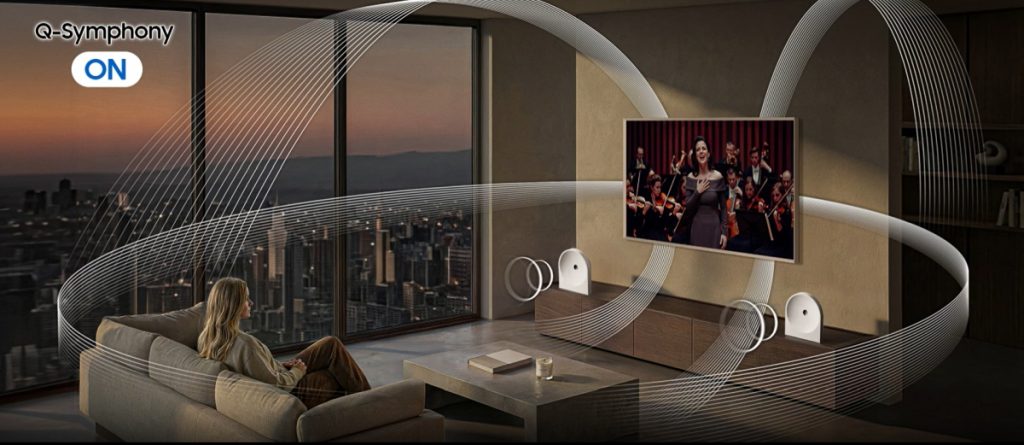
Full disclosure: I didn’t even bother testing the Music Studio 5 with a television. Frankly, I struggle to picture anyone buying a single unit like this for TV duty when for around the same price, you can easily get a proper soundbar, often with a dedicated subwoofer included, on promo or clearance.
And if you were thinking of buying two of these to create a proper stereo TV setup, Samsung throws up an ecosystem wall. To connect multiple speakers to your television, you need a compatible Samsung TV with Q-Symphony.
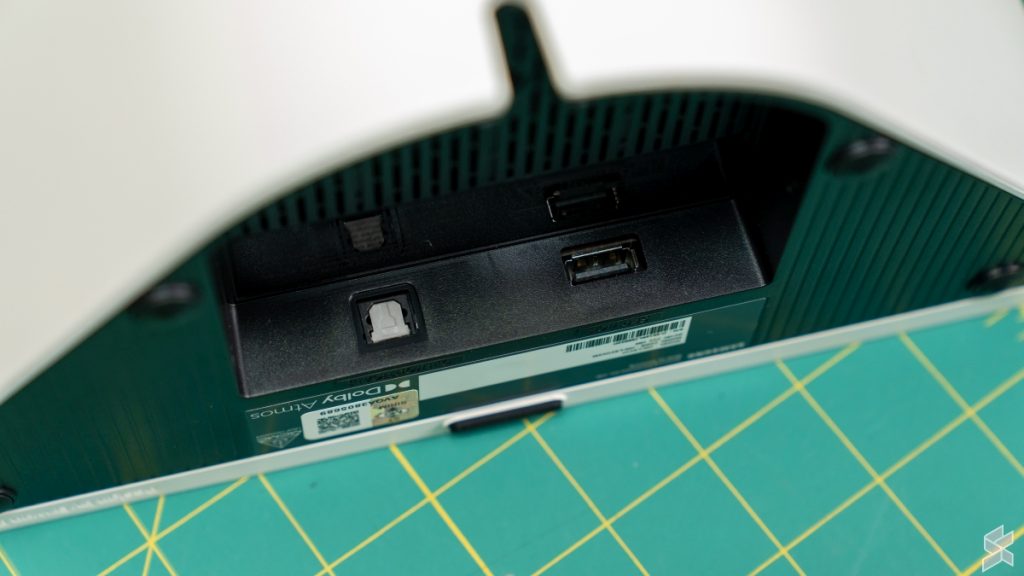
That means if you’re rocking a Sony or Panasonic TV in your living room, you’re out of luck. You are stuck hooking up just a single Studio 5 via the Optical cable, and without HDMI eARC, you don’t even get seamless volume control from your TV remote.

Now, in my HomePod Mini review, I actually recommended pairing two of those orbs with an Apple TV for a neat entertainment setup. That made sense because the HomePod Mini is, well, mini. It’s compact enough to tuck beneath a monitor or smaller TV without eating up valuable surface space. Better yet, because the speakers sync directly to the Apple TV, you can use that stereo setup with any brand of TV or monitor you already own.
Samsung Music Studio 5 – Buy or Bin?
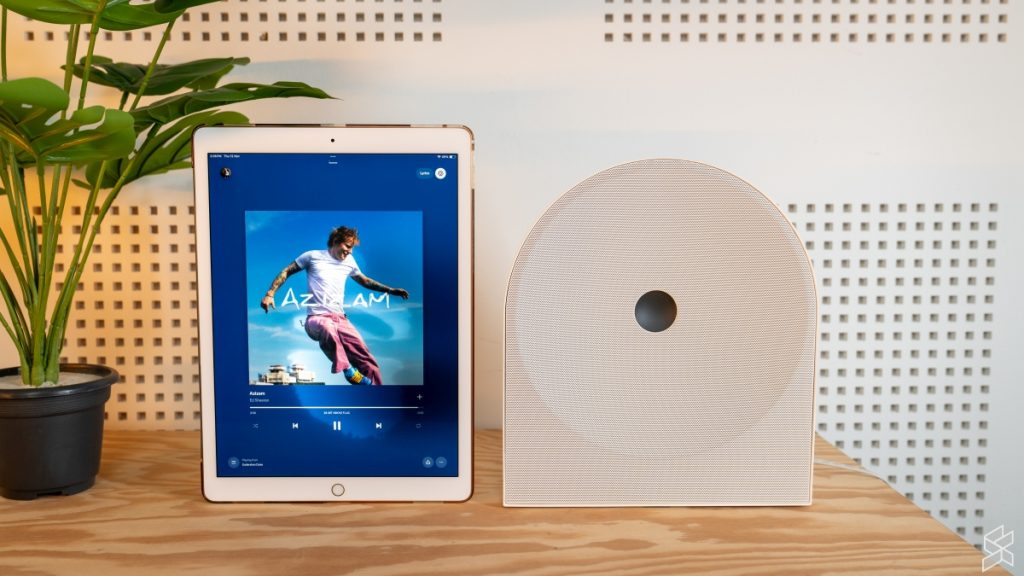
At the end of the day, the Samsung Music Studio 5 is actually a decent speaker, so long as you buy it for the right reasons. If you’re a casual listener who just wants pleasant, room-filling background music while you go about your daily tasks, and you care about having a stylish piece of hardware that blends seamlessly with your furniture, it has a lot going for it.
Better yet, thanks to its wide support for wireless protocols, it plays nicely with virtually any device and any music streaming service without forcing you through ecosystem hoops. If you check all those boxes, the Music Studio 5 is a Buy at RM999.
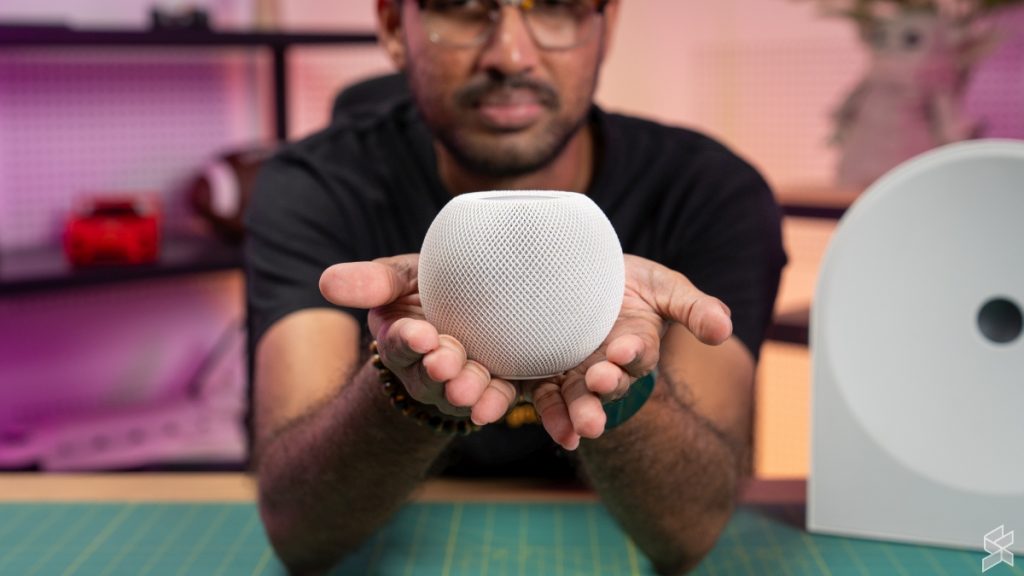
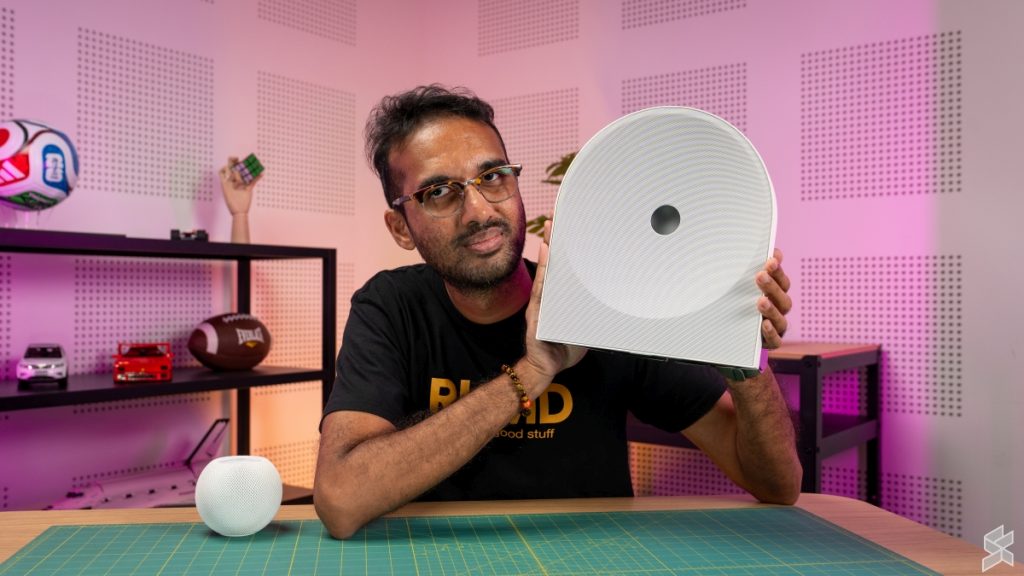
But if you’re like me and you actually sit down to savour your music, the Apple HomePod Mini is still undefeated. Despite its compact footprint, it is simply the musically superior speaker, delivering tighter bass, far better instrument separation, and clearer mids and highs that don’t turn dense tracks into a congested mess. On top of that, you get a built-in smart assistant and a proper Apple Home smart hub thrown into the bargain.
Yes, the HomePod Mini’s biggest flaw remains its tight lock-in to the Apple ecosystem. Yet, even with Apple bumping the official price from RM599 to RM649 for the new HomePod Mini 2, it still undercuts the RM999 Samsung by a comfortable margin. If you already own an iPhone or iPad and want the best sound and smart home utility for your ringgit, Apple’s little orb easily takes the crown.