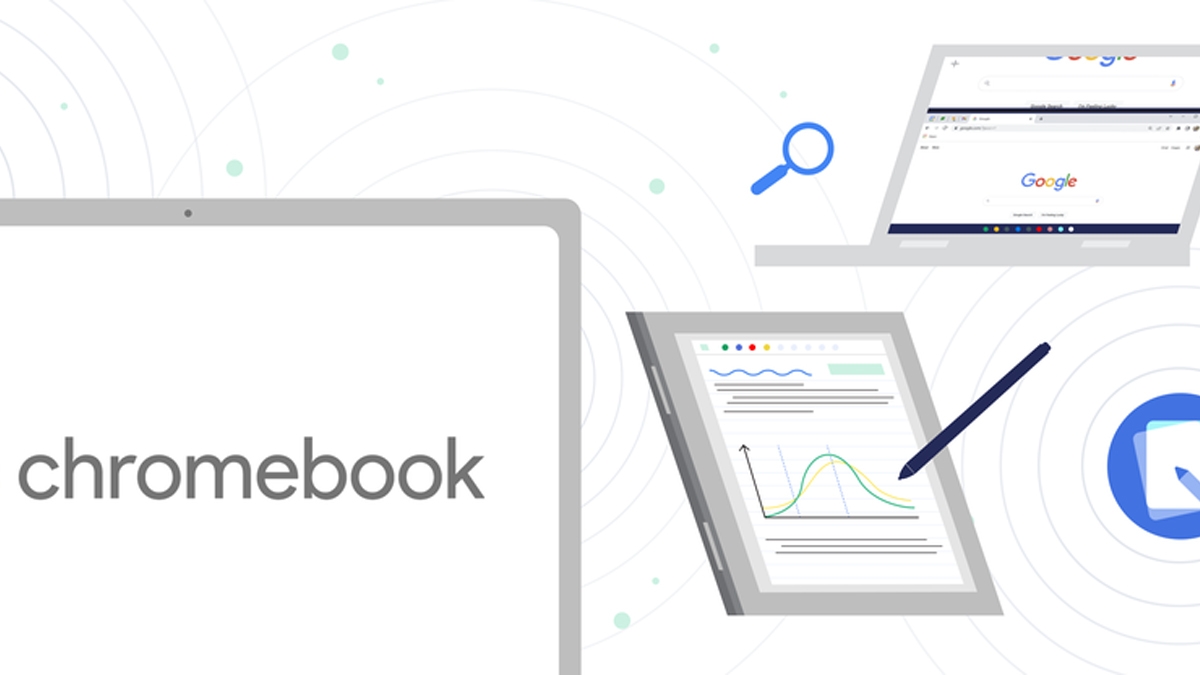
Chromebooks have had a couple years of renaissance now, with it becoming the almost default option for schools and students especially during the COVID-19 pandemic. Google themselves perhaps know that best, and so in their upcoming Chrome OS M102 update for Chromebooks, they’re adding a new note taking app, along with other quality of life improvements too.
The first big change with this update is the Cursive app. It’s actually not completely new to Chromebooks, having been soft launched last year onto select Chromebook devices, but Google are now making it available to all Chromebooks that have stylus support. The Cursive app will make it easier for users to capture, edit and organise their handwritten notes, while also allowing you to sketch, draw and doodle as well as paste images directly into your notes. You’ll be able to organise them all too by sorting them into individual ‘notebooks’ for different projects and classes. Cursive lets you share your notes with others too by sending it as a PDF.
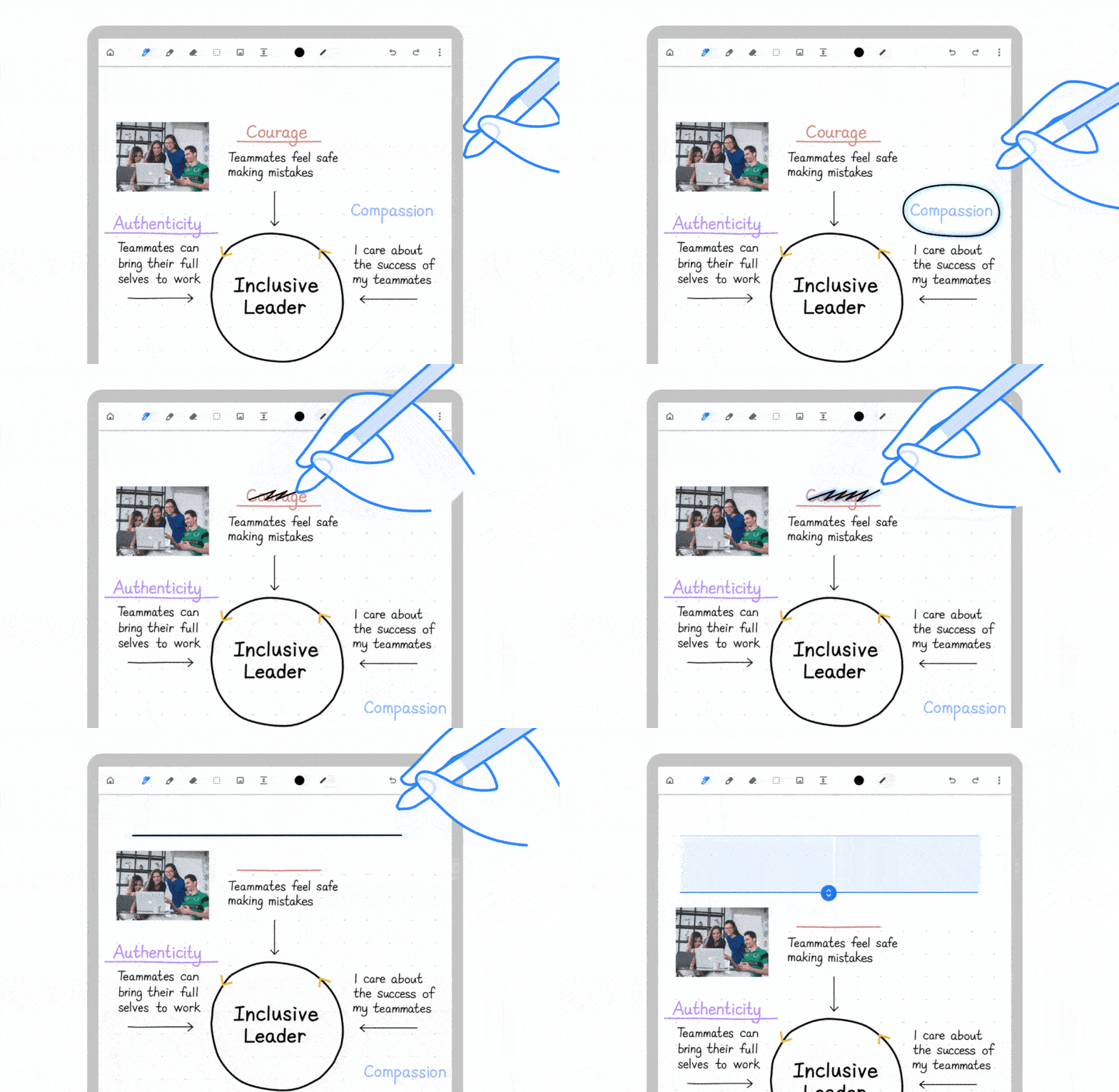
Furthermore, Cursive lets you quickly move whole sentences and drawings around simply by circling it and dragging it to wherever you want. Of course, you can still erase the sections you don’t want by scribbling over it with the stylus. Plus, you can add even more notes to the top of your page by drawing a line across and dragging it down to free up more space. Google plans to introduce even more personalisation features in the coming months too, such as changing the thickness, style and colour of the stylus stroke.
Cursive will come preinstalled on all compatible Chromebooks, but for those of you already using a Chromebook with stylus support, you can click here to download and install it manually. If you’re not sure if your Chromebook supports Cursive, you can head to this page to see all supported devices.
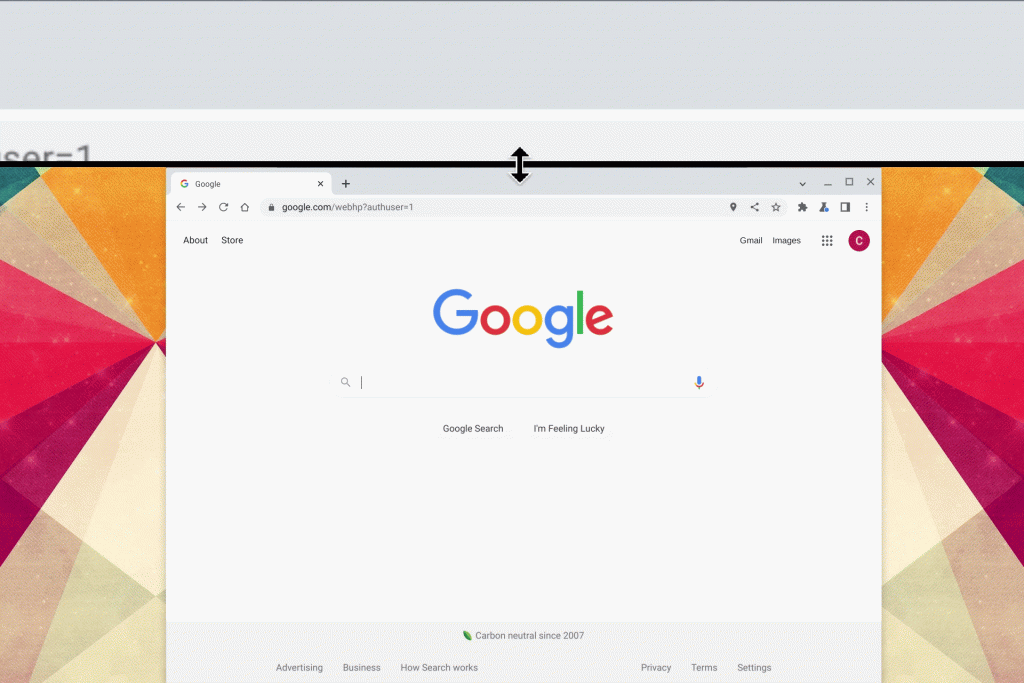
Other than Cursive, the new update will also tweak the on-screen magnification on Chromebooks. Right now, the magnifier feature creates a split screen with the bottom half being your normal screen while the top half shows you your screen zoomed in. The new update now lets you control the size of the magnified half, making it larger if you want more zoomed in content or smaller if you want more of your normal display.
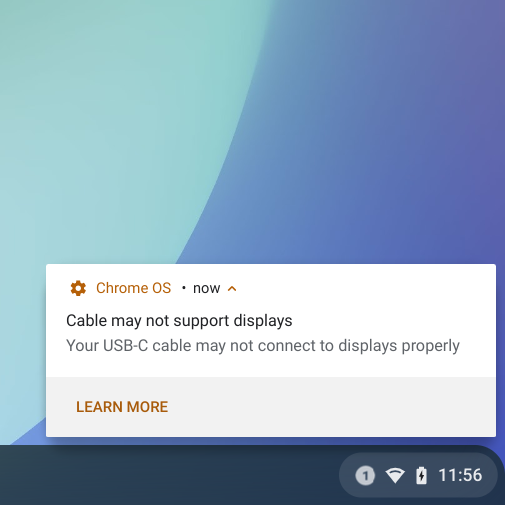
Lastly, Chromebooks will also not notify you if the USB-C cable you’re using isn’t able to output a display signal or is not optimal for your Chromebook. It will also tell you if your cable doesn’t support USB4 and Thunderbolt 3 standards. This USB-C notification will only be available on Chromebooks running 11th and 12th Gen Intel Core processors with USB4 and Thunderbolt support for now, but Google is planning to roll it out to other devices soon.