• 中文版
  • BM
  • News
  • Deals
  • Reviews
    • First Impressions
    • Hands-on
    • Comparisons
  • Tech
    • Mobile
    • Computers
    • Cameras
    • Wearables
    • Audio
    • Drones
  • Telco
    • Celcom
    • Digi
    • Maxis
    • Time
    • Tune Talk
    • U Mobile
    • Unifi
    • Yes
  • Cars
  • Contribute
  • Jobs
Menu
  • 中文版
  • BM
  • News
  • Deals
  • Reviews
    • First Impressions
    • Hands-on
    • Comparisons
  • Tech
    • Mobile
    • Computers
    • Cameras
    • Wearables
    • Audio
    • Drones
  • Telco
    • Celcom
    • Digi
    • Maxis
    • Time
    • Tune Talk
    • U Mobile
    • Unifi
    • Yes
  • Cars
  • Contribute
  • Jobs
Search
  • Tech
    • News
    • Mobile
    • Computers
    • Cameras
    • Wearables
    • Audio
    • Drones
  • Telco
    • Celcom
    • Digi
    • Maxis
    • Time
    • U Mobile
    • Unifi
    • Yes
  • Reviews
    • First Impressions
    • Hands-on
    • Comparisons
  • Buyer’s Guide
  • Opinions
  • Digital Life
  • Video
  • Deals
  • How-To
  • Cars
  • Bahasa Melayu
  • EV
  • Contribute
  • Advertise
Menu
  • Tech
    • News
    • Mobile
    • Computers
    • Cameras
    • Wearables
    • Audio
    • Drones
  • Telco
    • Celcom
    • Digi
    • Maxis
    • Time
    • U Mobile
    • Unifi
    • Yes
  • Reviews
    • First Impressions
    • Hands-on
    • Comparisons
  • Buyer’s Guide
  • Opinions
  • Digital Life
  • Video
  • Deals
  • How-To
  • Cars
  • Bahasa Melayu
  • EV
  • Contribute
  • Advertise
Search
Close
Home Tech

7 ways to get the most out of your Samsung Galaxy Z Fold 2 | How-To-What-Is

  • BY Nic Ker
  • 23 September 2020
  • 5:53 pm
  • Comment
Share on FacebookShare on Twitter

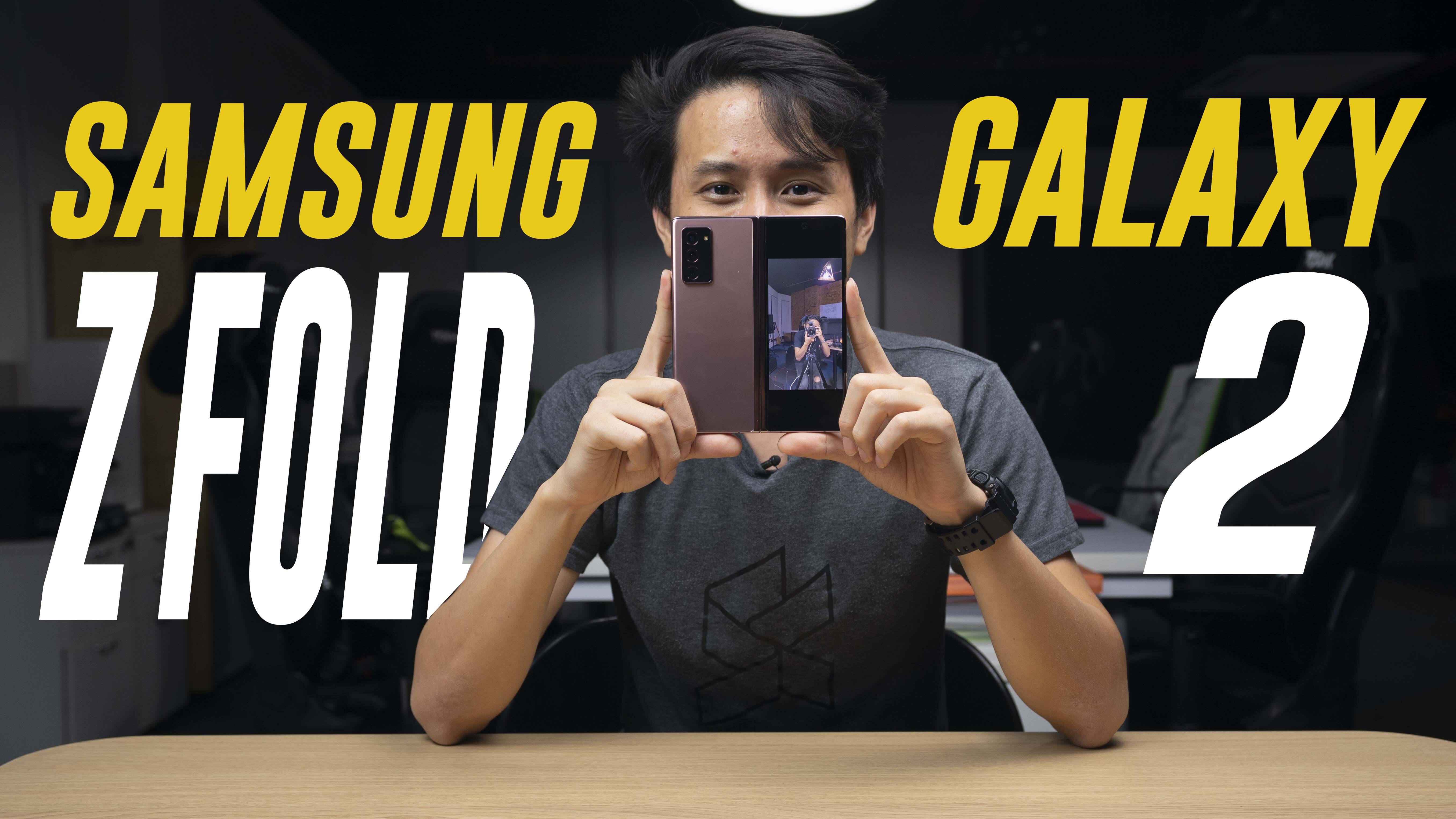
The Samsung Galaxy Z Fold 2 is one of the most interesting phones to come out in 2020, and Samsung has also made some significant improvements to its latest foldable smartphone from the very first Galaxy Fold. Now, you get a larger cover display (thankfully), a redesigned hideaway hinge, and some interesting UI updates that take advantage of the foldable form-factor.

So, where do you even start? No worries, we’ve got you covered. Here are 7 ways to get the most out of your Samsung Galaxy Z Fold 2:

In essence, Samsung has clearly put a lot of effort into the UI element of the foldable phone. The clearest example of this is Flex Mode, which works with some of Samsung’s native apps, YouTube, and others—and we do expect the list of compatible apps to increase as time goes by. For example, when you use Flex Mode on the YouTube app, the bottom half of the screen displays related videos, comments, and other UI elements, while the upper half of the screen displays the video.

Flex Mode also offers more versatility when used in the camera app, and there are also a couple of different ways to take selfies—thanks to the multi-camera, multi-screen form-factor.

That said, we’re still discovering new things with the Galaxy Z Fold 2. If you know a trick or tip that we’ve missed out, leave your suggestions in the comments section below! Or, you can join our RKMD group on Facebook here.

Tags: How-To-What-IshtwiMobileSamsungSamsung Galaxy Z Fold 2
Nic Ker

Nic Ker

POPULAR

7 ways to get the most out of your Samsung Galaxy Z Fold 2 | How-To-What-Is

September 23, 2020

Grab the Samsung Galaxy Z Flip7 with up to RM2,550 savings this holiday season

December 27, 2025

Malaysia’s first 5g advanced Broadband: What You Get for RM68/month

January 14, 2026

We Took the Samsung Galaxy S25 Ultra for a Festive Night Shoot: Here’s What We Learnt

December 23, 2025

Samsung Galaxy A26 5G for Just RM1,099: The Most A-mazing Deal in Town?

December 22, 2025

Tesla Model Y 2026 for Malaysia gets a larger 16-inch screen and black headliner

January 16, 2026

Copyright © 2025 · SoyaCincau.com
Mind Blow Sdn Bhd (1076827-P)

  • ADVERTISE
  • DISCLAIMER

Copyright © 2026 · SoyaCincau.com – Mind Blow Sdn Bhd (1076827-P)

  • ADVERTISE
  • DISCLAIMER