
• 中文版
  • BM
  • News
  • Deals
  • Reviews
    • First Impressions
    • Hands-on
    • Comparisons
  • Tech
    • Mobile
    • Computers
    • Cameras
    • Wearables
    • Audio
    • Drones
  • Telco
    • Celcom
    • Digi
    • Maxis
    • Time
    • Tune Talk
    • U Mobile
    • Unifi
    • Yes
  • Cars
  • Contribute
  • Jobs
Menu
  • 中文版
  • BM
  • News
  • Deals
  • Reviews
    • First Impressions
    • Hands-on
    • Comparisons
  • Tech
    • Mobile
    • Computers
    • Cameras
    • Wearables
    • Audio
    • Drones
  • Telco
    • Celcom
    • Digi
    • Maxis
    • Time
    • Tune Talk
    • U Mobile
    • Unifi
    • Yes
  • Cars
  • Contribute
  • Jobs
Search
  • Tech
    • News
    • Mobile
    • Computers
    • Cameras
    • Wearables
    • Audio
    • Drones
  • Telco
    • Celcom
    • Digi
    • Maxis
    • Time
    • U Mobile
    • Unifi
    • Yes
  • Reviews
    • First Impressions
    • Hands-on
    • Comparisons
  • Buyer’s Guide
  • Opinions
  • Digital Life
  • Video
  • Deals
  • How-To
  • Cars
  • Bahasa Melayu
  • EV
  • Contribute
  • Advertise
Menu
  • Tech
    • News
    • Mobile
    • Computers
    • Cameras
    • Wearables
    • Audio
    • Drones
  • Telco
    • Celcom
    • Digi
    • Maxis
    • Time
    • U Mobile
    • Unifi
    • Yes
  • Reviews
    • First Impressions
    • Hands-on
    • Comparisons
  • Buyer’s Guide
  • Opinions
  • Digital Life
  • Video
  • Deals
  • How-To
  • Cars
  • Bahasa Melayu
  • EV
  • Contribute
  • Advertise
Search
Close
Home Digital Life Apps

WhatsApp Chat Filters: Keep your chats organised and find messages quicker

  • BY Raymond Saw
  • 17 April 2024
  • 12:04 pm
  • Comment
Share on FacebookShare on Twitter

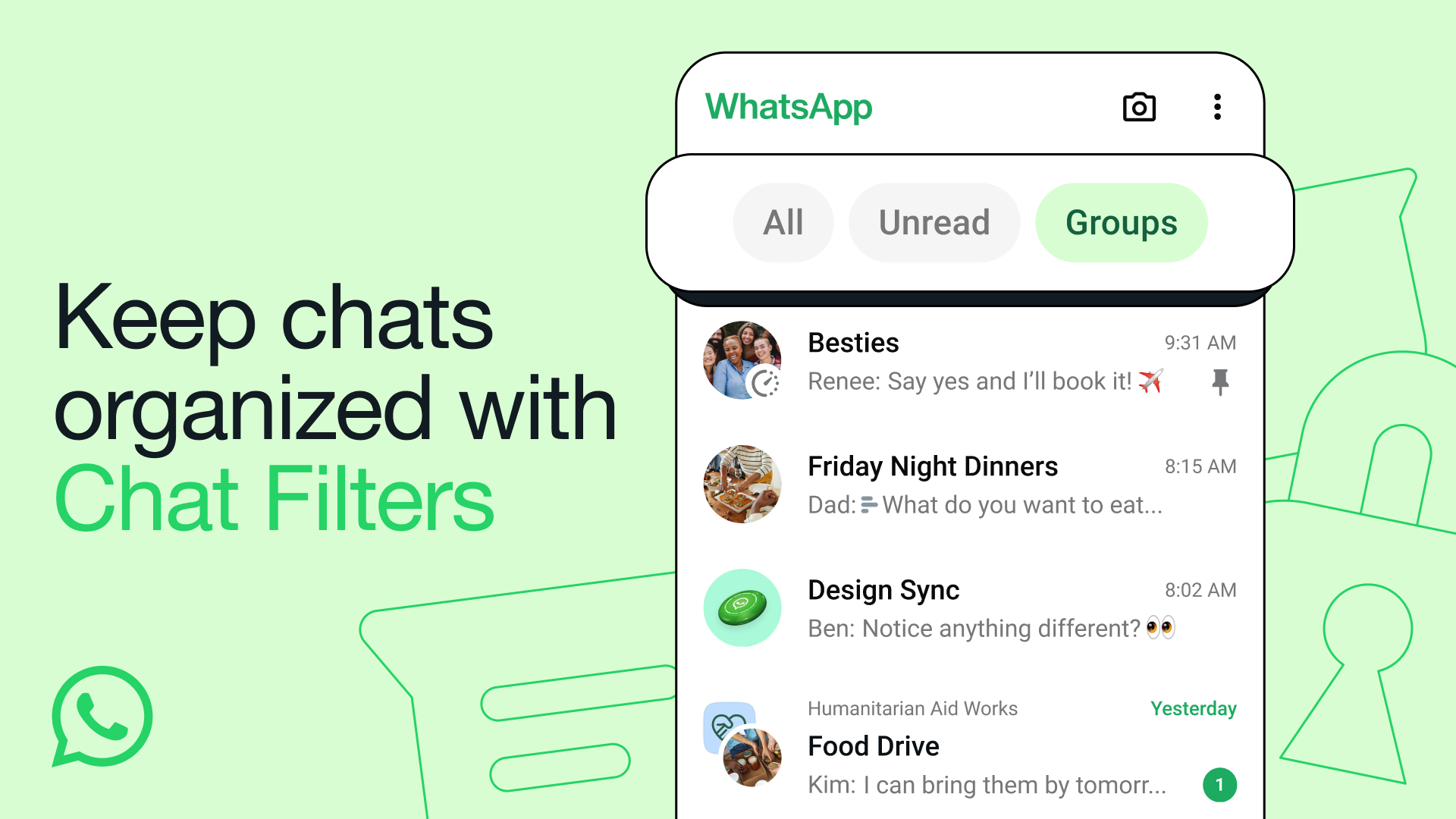
Do you have too many chats and unread messages on WhatsApp? Often need to scroll just to reply to a message in a group chat from a while ago? If that sounds like you then you might just be able to appreciate WhatsApp’s new Chat Filters feature.

Chat Filters is a new tool that will sit above your list of group chats and people you’re texting, with three options: All, Unread and Groups. They’re pretty self explanatory, with All giving you a view of all your chats while Unread only shows you your unread messages so that you can quickly see who you haven’t replied to or have marked as unread. Groups meanwhile is perhaps one of their more highly requested features, which lets you group all your group chats into one place along with Communities subgroups so that you can check your family or friends’ group chats easier.
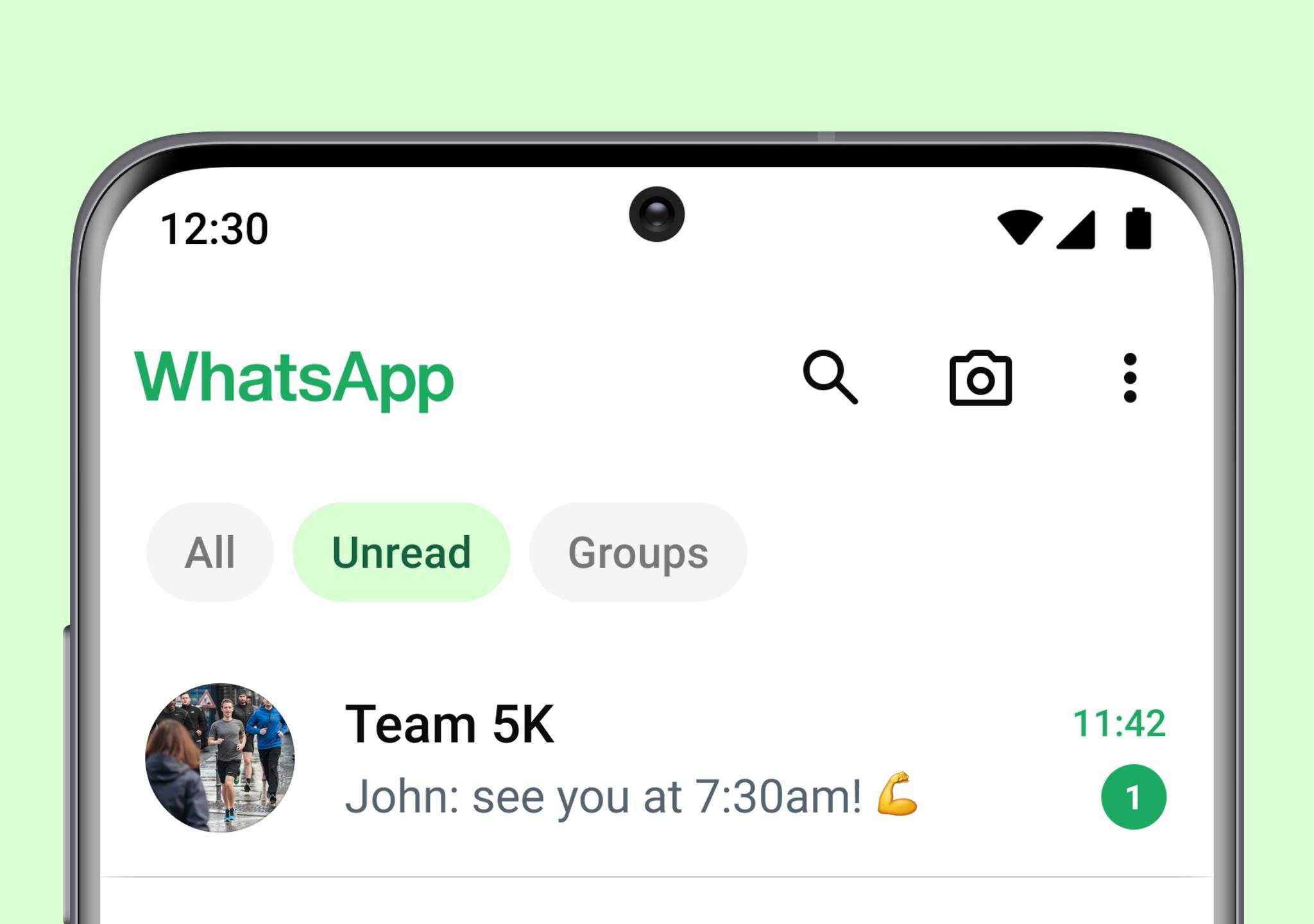
The text messaging platform says that the feature came about as they wanted users to be able to just open WhatsApp and immediately find the right conversation. As such, these new Chat Filters ought to be able to make it easier for people to remain organised on WhatsApp and to find their most important chats efficiently.

WhatsApp says that the feature has just started to roll out, and should be available to everyone in the coming weeks so if you don’t see it on your WhatsApp don’t worry just yet. Once you have updated your app and received the Chat Filters update, you’ll be able to apply them simply by tapping on them, or you can also swipe left or right to switch between filter views. You won’t however be able to recategorise your chats within these filters.


Tags: MetaWhatsappWhatsApp Chat Filters
Raymond Saw

Raymond Saw

POPULAR

WhatsApp Chat Filters: Keep your chats organised and find messages quicker

April 17, 2024

Grab the Samsung Galaxy Z Flip7 with up to RM2,550 savings this holiday season

December 27, 2025

We Took the Samsung Galaxy S25 Ultra for a Festive Night Shoot: Here’s What We Learnt

December 23, 2025

Malaysia’s first 5g advanced Broadband: What You Get for RM68/month

January 14, 2026

Samsung Galaxy A26 5G for Just RM1,099: The Most A-mazing Deal in Town?

December 22, 2025

Astro to Pause New Fibre Sign-Ups From 1 February 2026, Existing Customers Unaffected

January 13, 2026

Copyright © 2025 · SoyaCincau.com
Mind Blow Sdn Bhd (1076827-P)

  • ADVERTISE
  • DISCLAIMER

Copyright © 2026 · SoyaCincau.com – Mind Blow Sdn Bhd (1076827-P)

  • ADVERTISE
  • DISCLAIMER





